
Summary
You can check if you already have an account by trying to create a new one here: Click Here to Create a Football Account
1. Visit playfootball.com.au and click on 'My Account' in the top right-hand side

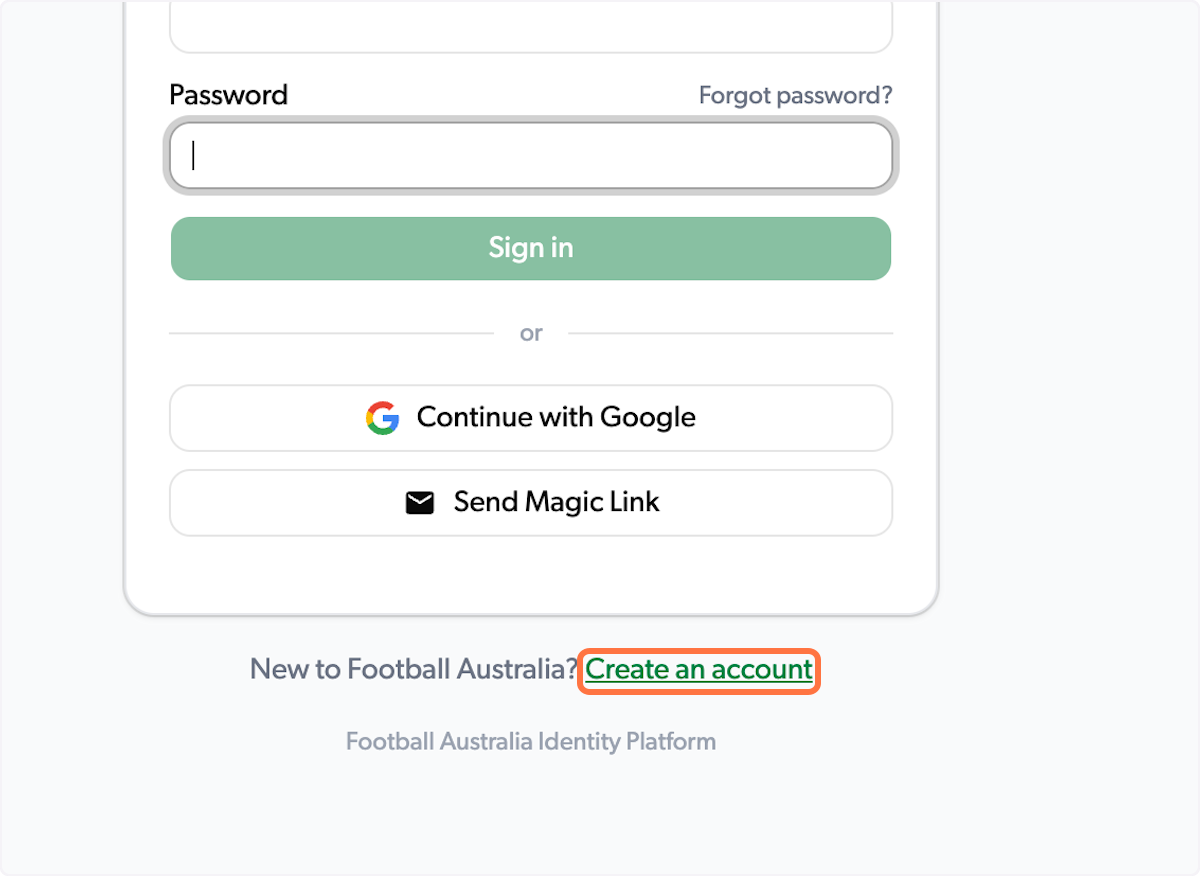
2. Click on 'Create an account'
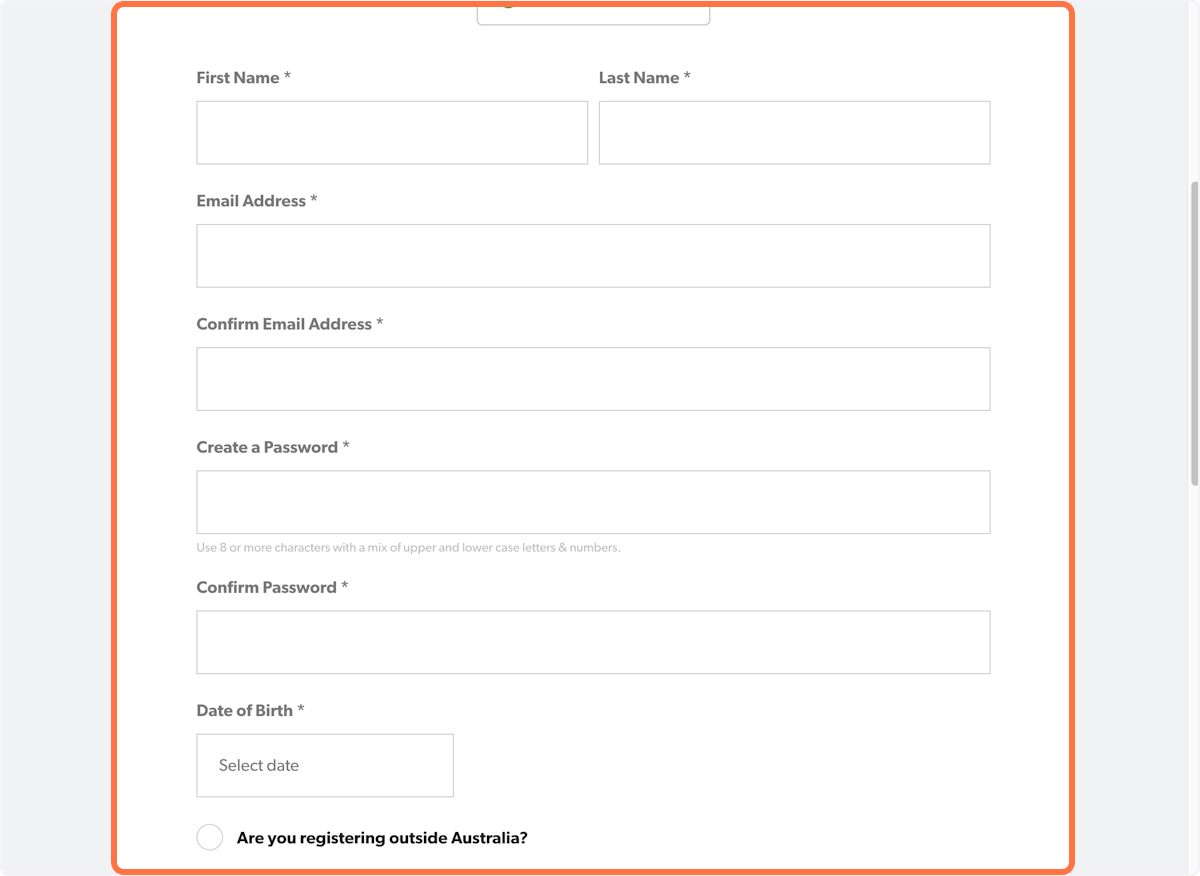
3. Enter your details.
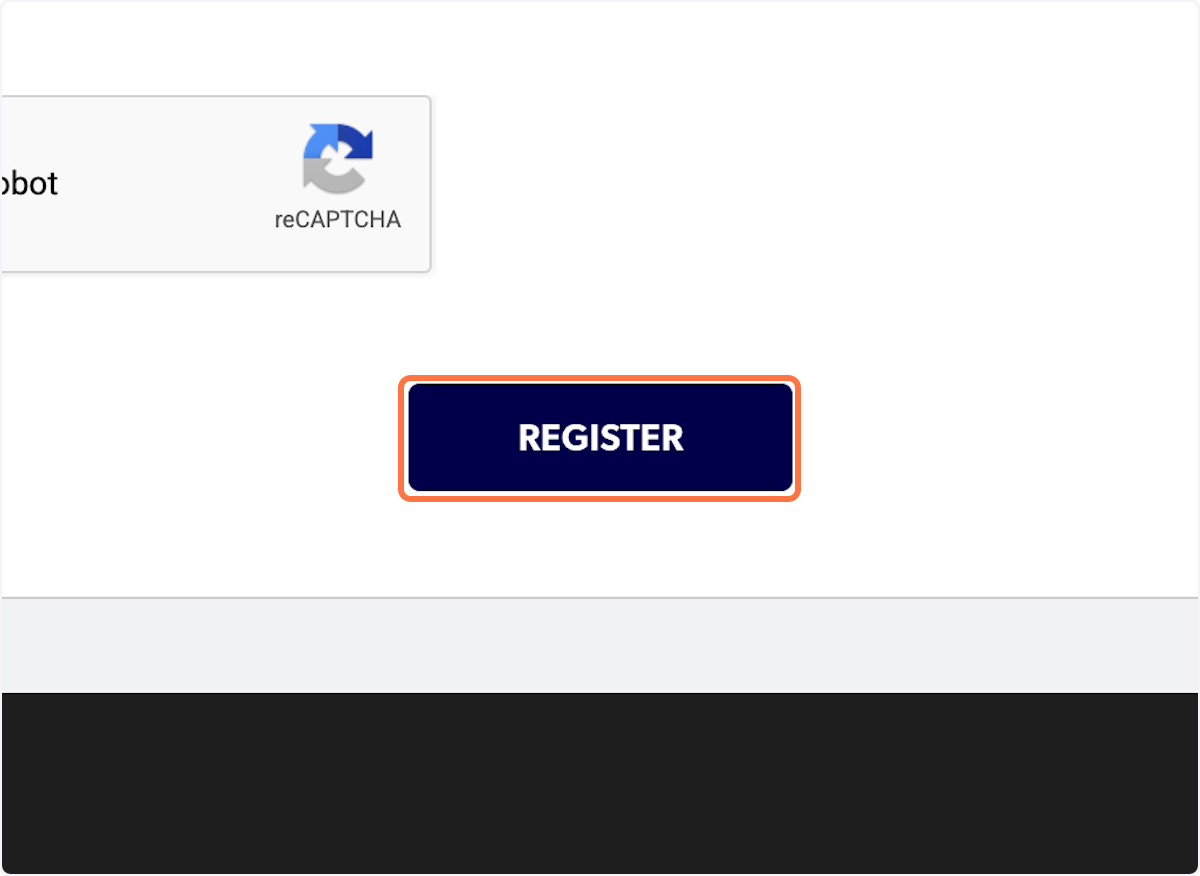
4. Click on 'Register'
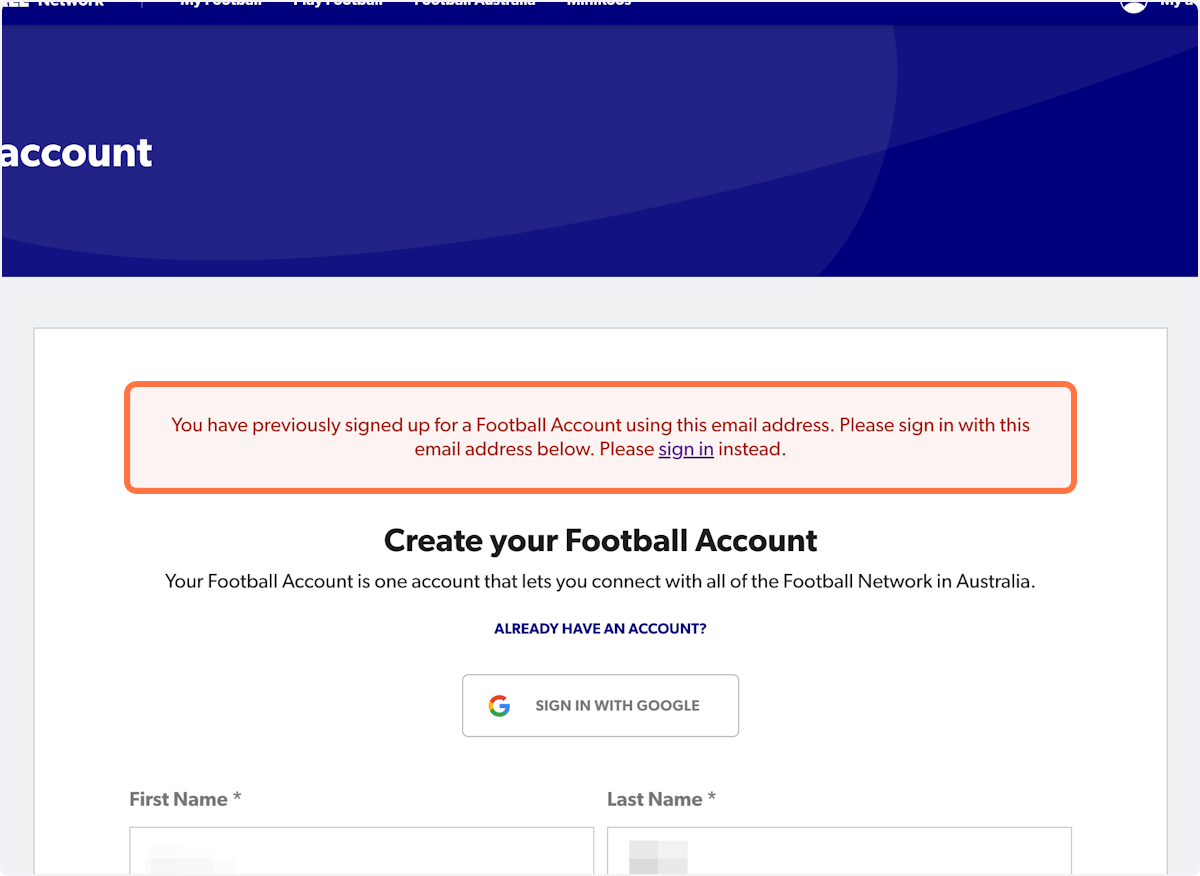
5. If you already have a Football Account you will receive a message informing you to sign in instead.
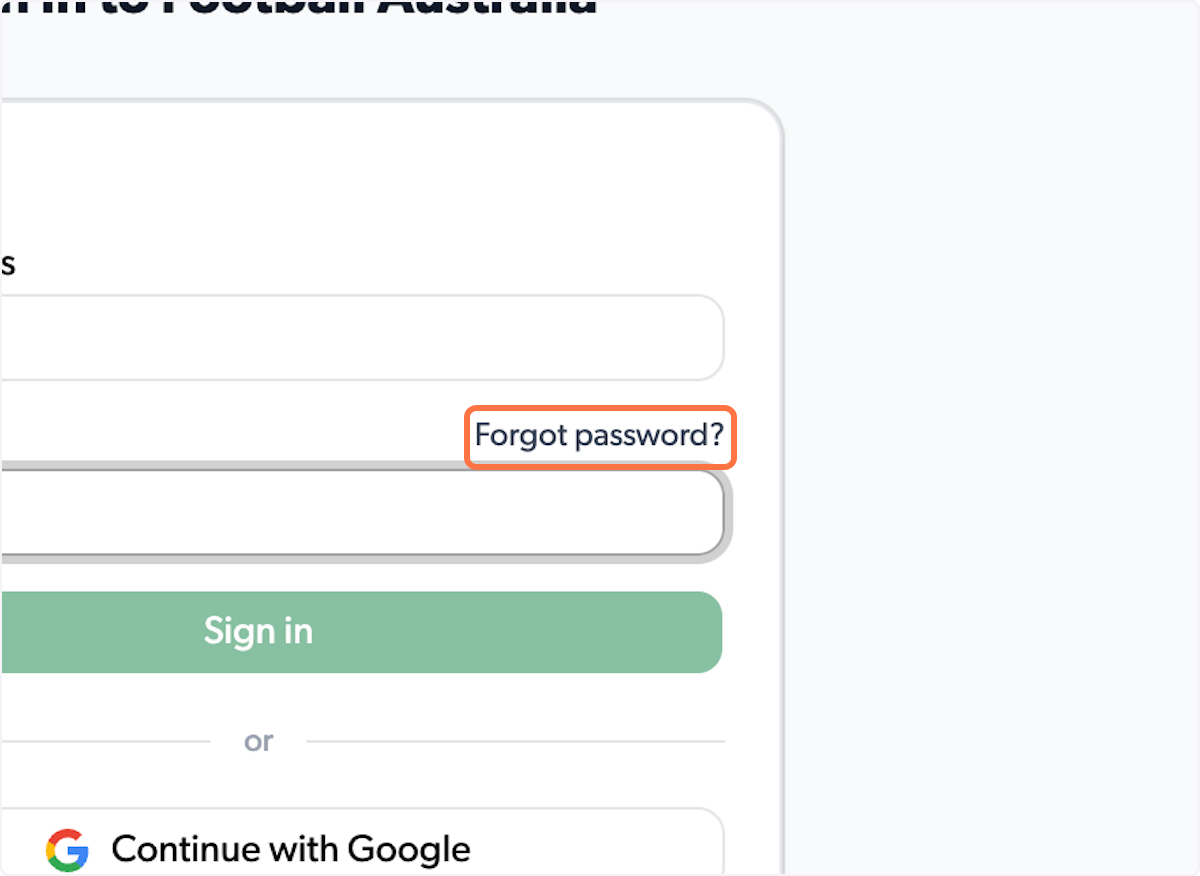
6. If you have forgotten your password, please click on 'Forgot password?' to reset.
If you continue to have issues logging into your account:
Submit a support ticket by clicking here or using our contact details below.
- Email: support@playfootball.com.au
- Telephone: 02 8880 7983
You will need to provide the email address you are trying to sign in with in order for us to assist.