
To search for a club you will need to follow these steps.
1. Visit the PlayFootball wesbite

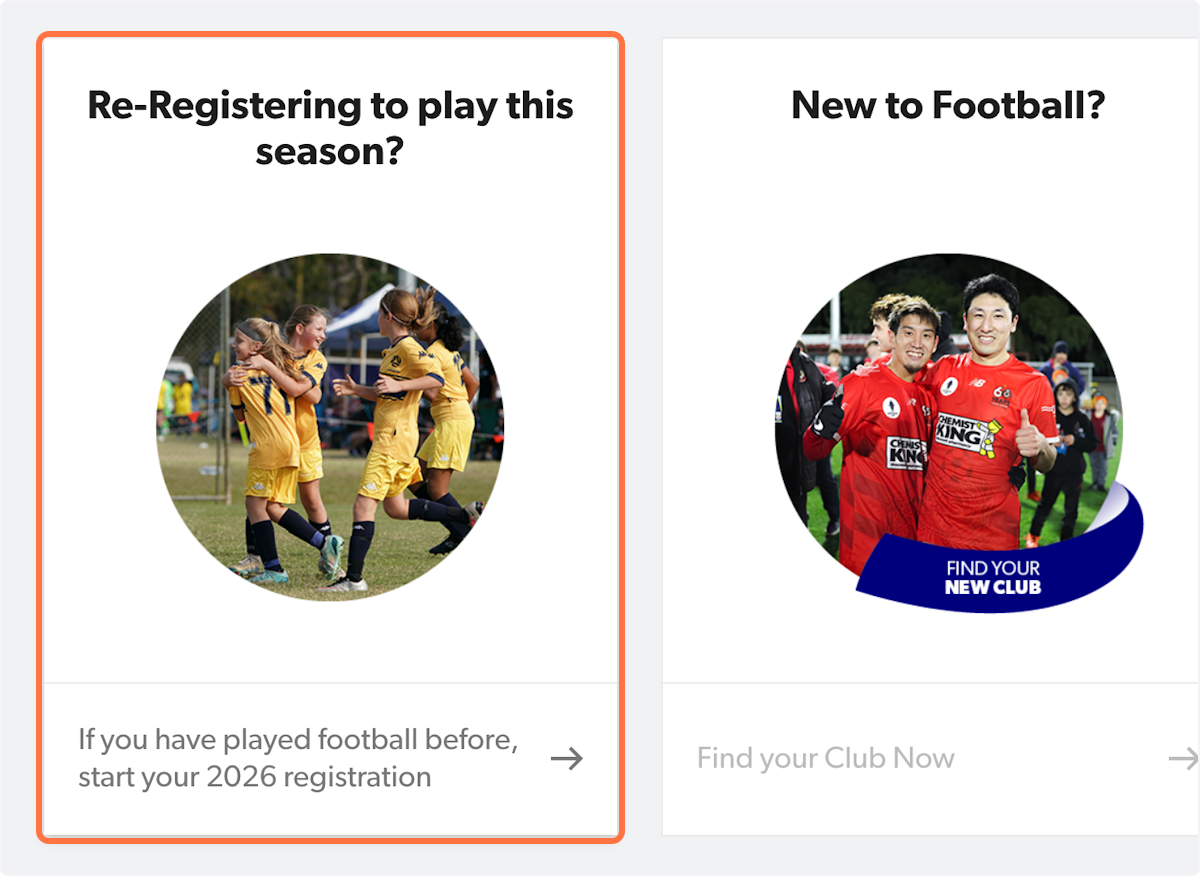
2. Click on 'Re-Registering to play this season?' if you are a returning player
⚠️ If you are a new player, please skip to step 5.
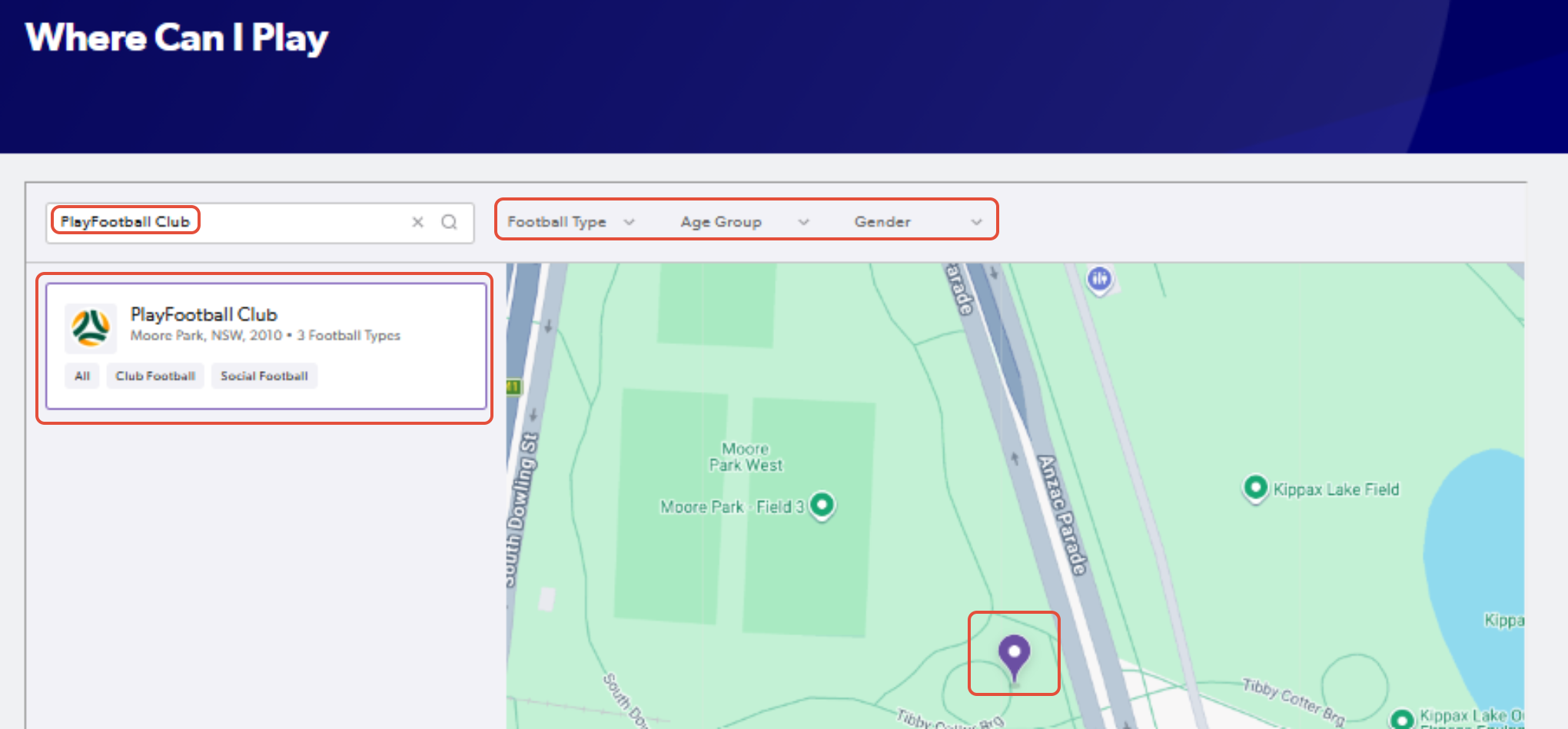
3. Type in the name of your club in the search function
You can also use the appropriate filters on top of the map, allowing you to select Football Type, Age & Gender
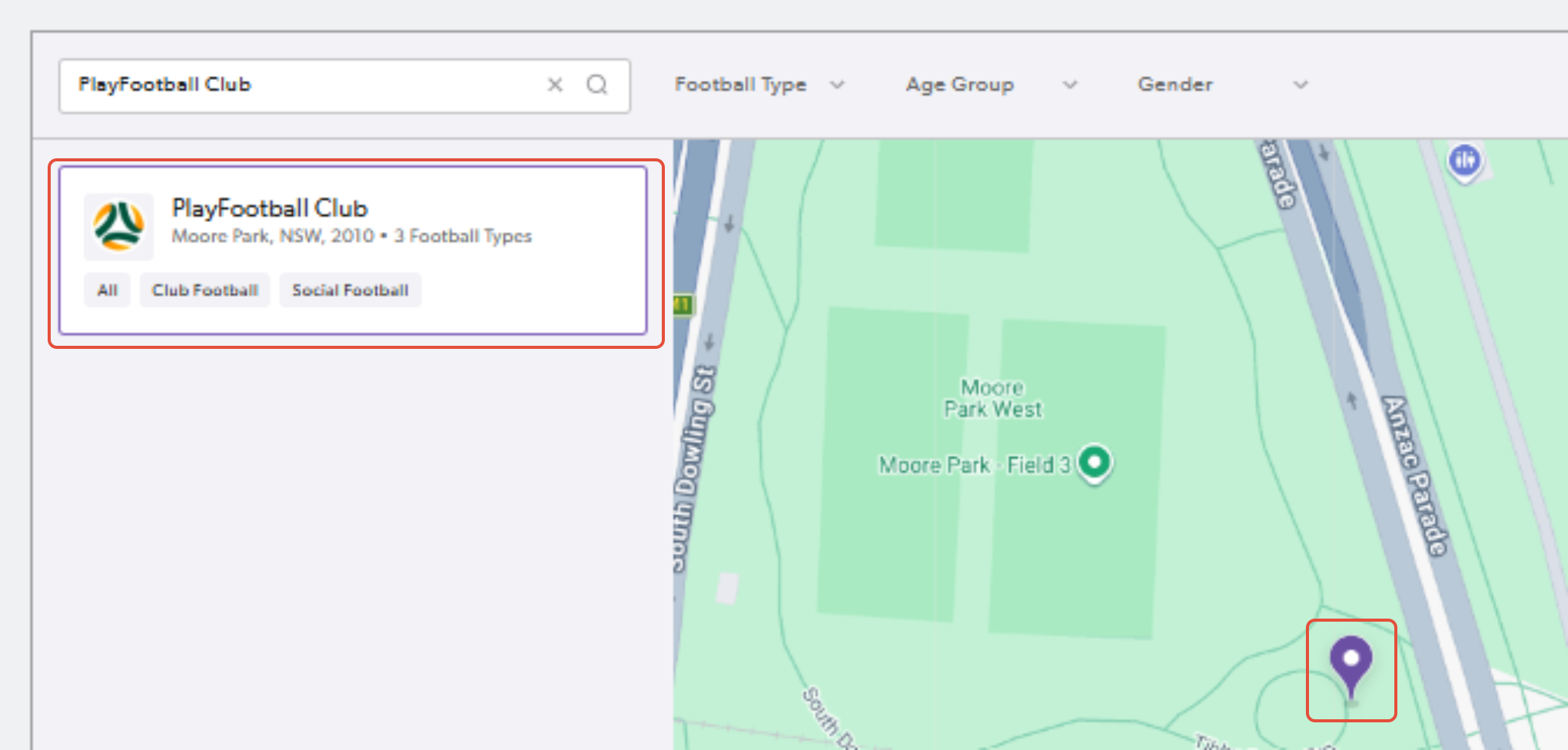
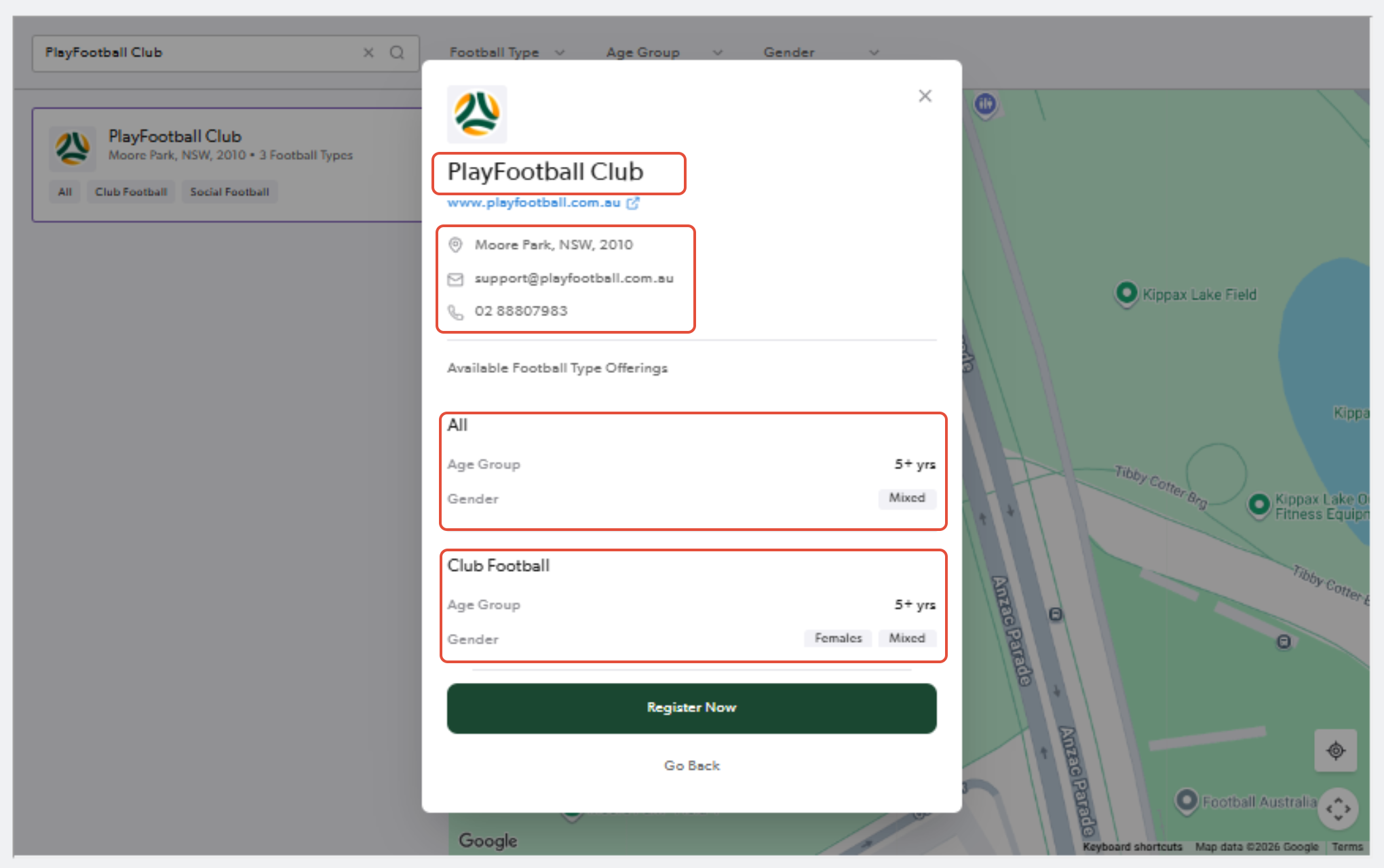
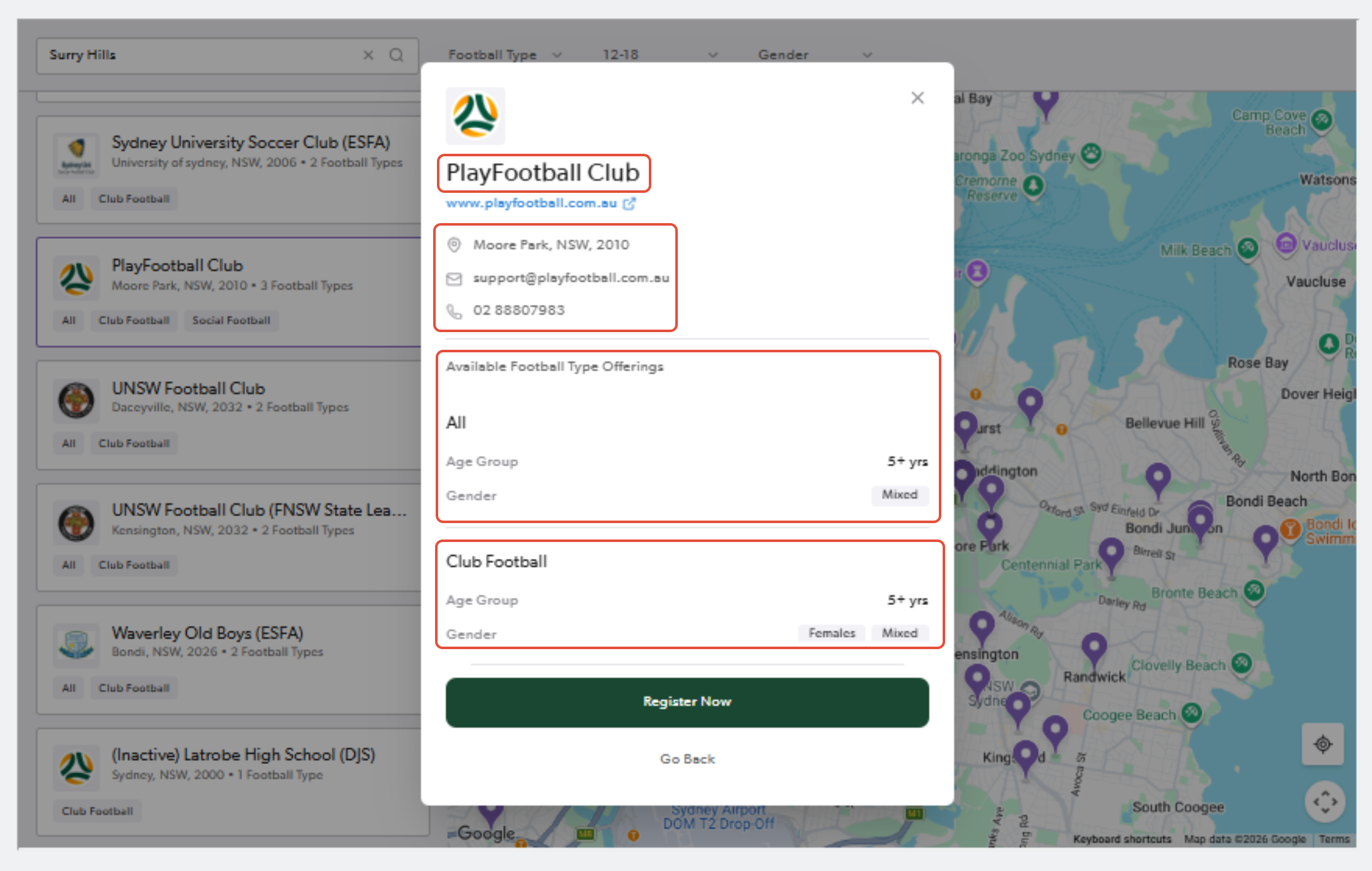
4. Click on your club name or the location pin and reveiw the club details
⚠️ If you are a returning player, please skip to step 11.
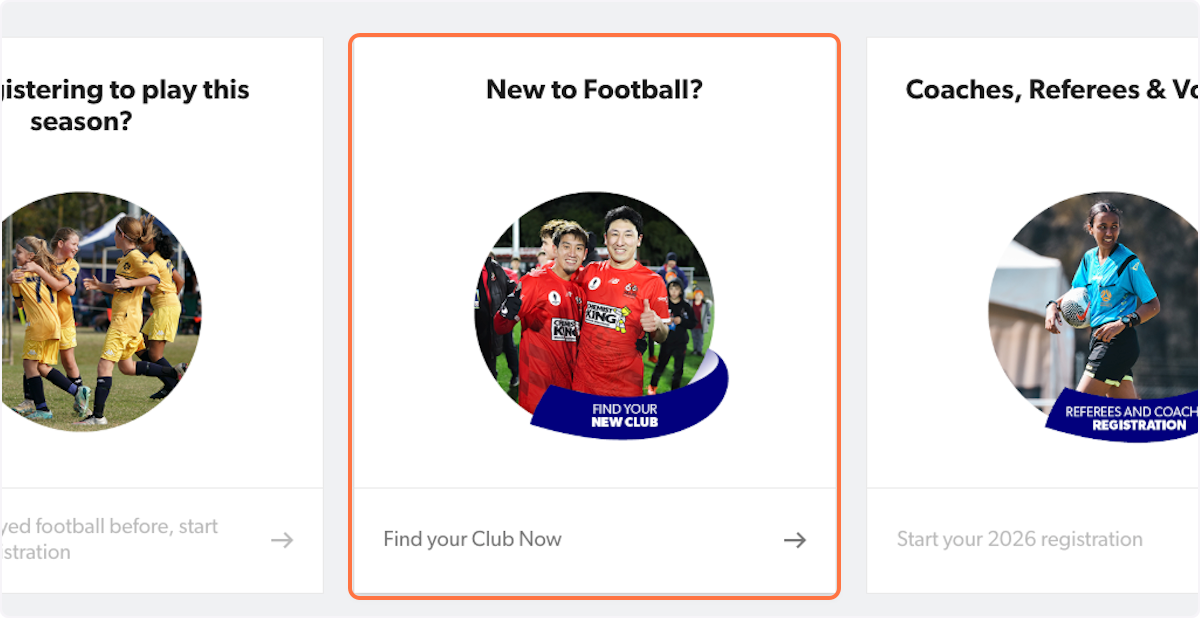
5. Select 'New to Football?' if you are a new player
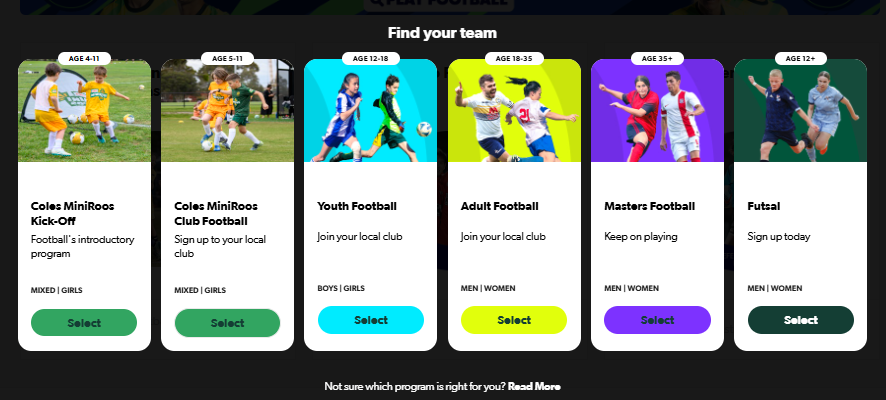
6. Select the appropriate age bracket
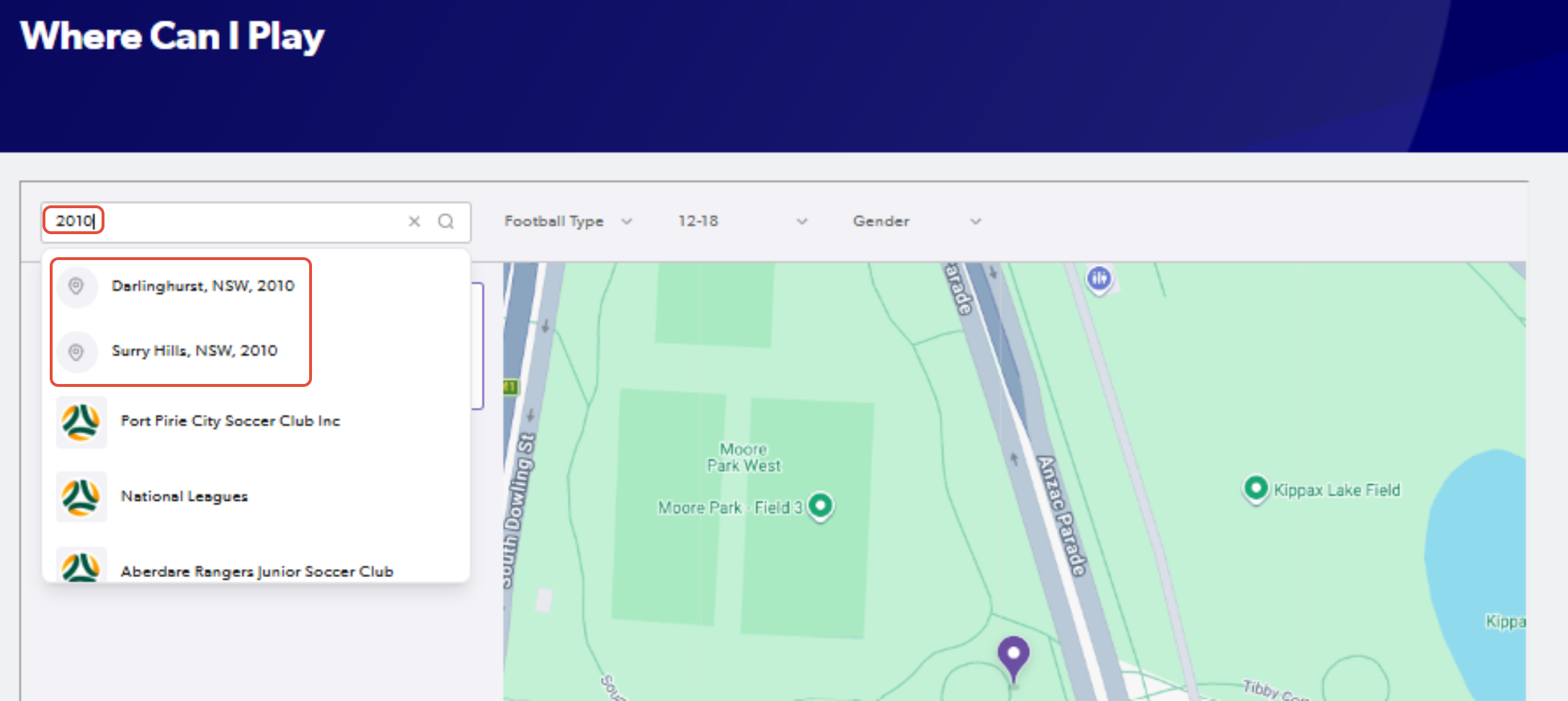
7. Type in the suburb or postcode
8. A map will appear with clubs in and around the postcode or suburb you entered.
You can use the football type, age & gender filters to limit the search.
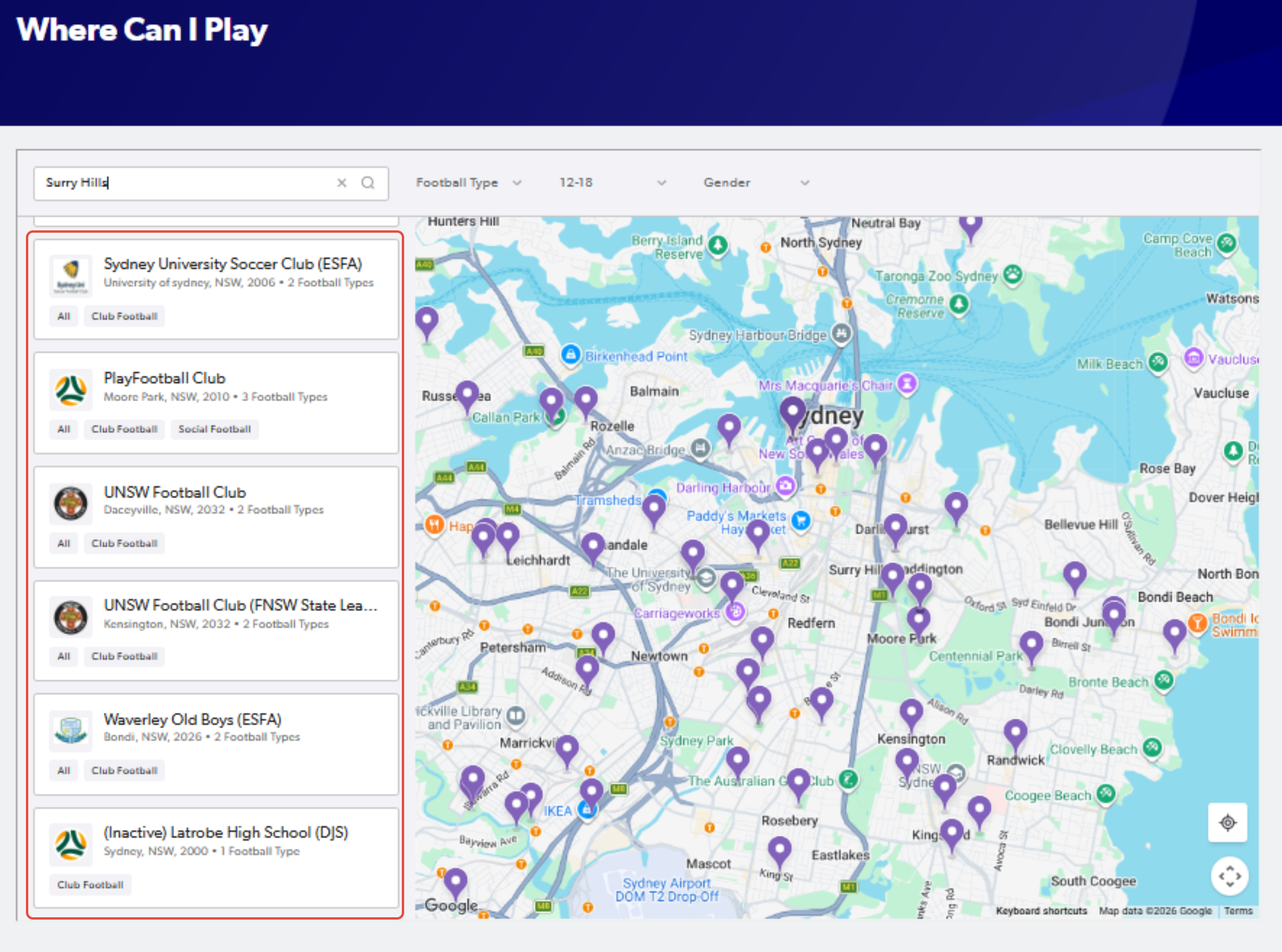
9. Click on the appropriate club and review their organisation details to determine if it is suitable.
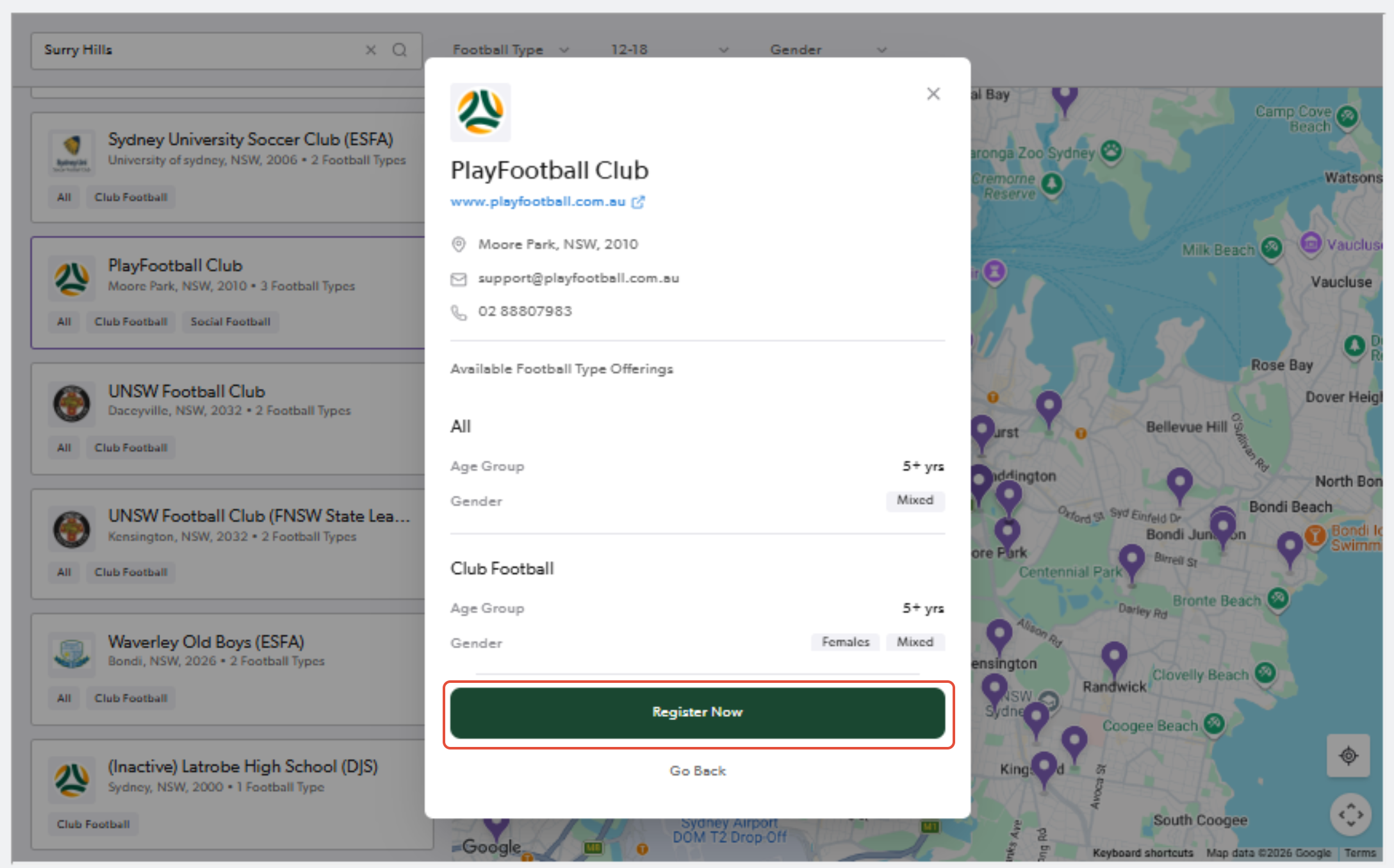
10. To register select 'Register Now'
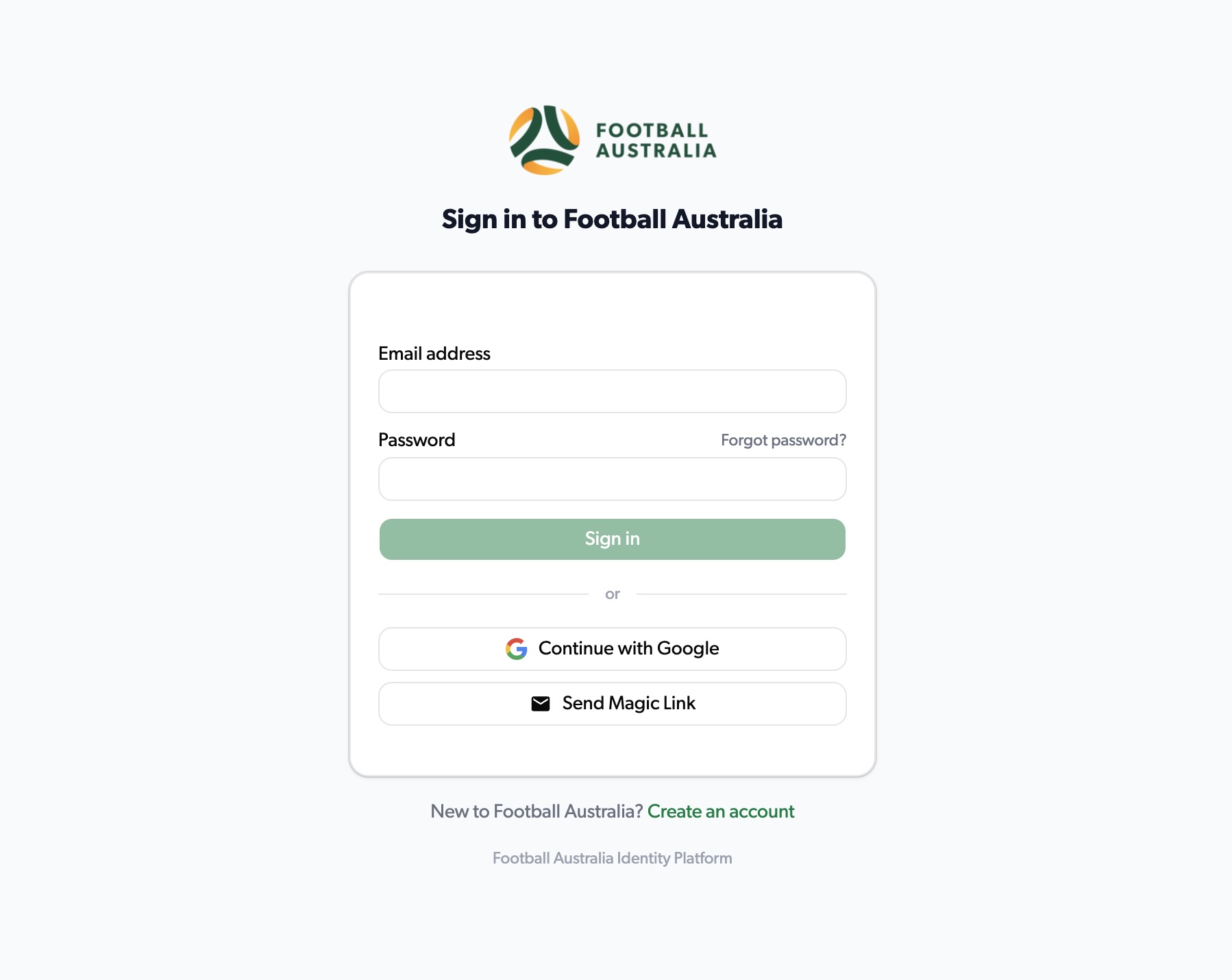
11. Sign in to your PlayFootball account (if prompted)
12. All available products for your club can be found here
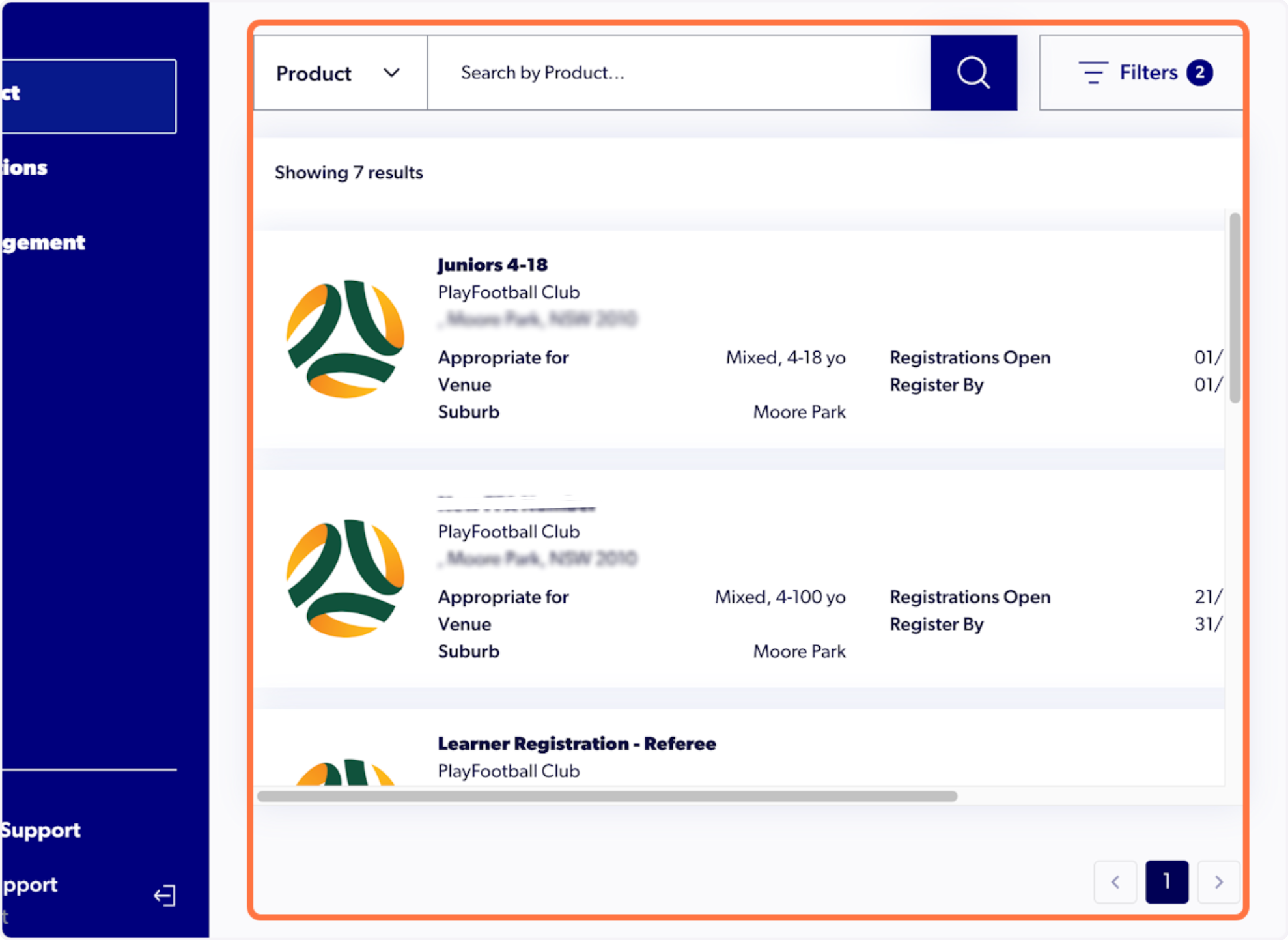
If you cannot see the correct product, please contact your club directly to verify the registration.