
Click here to create your Football Account
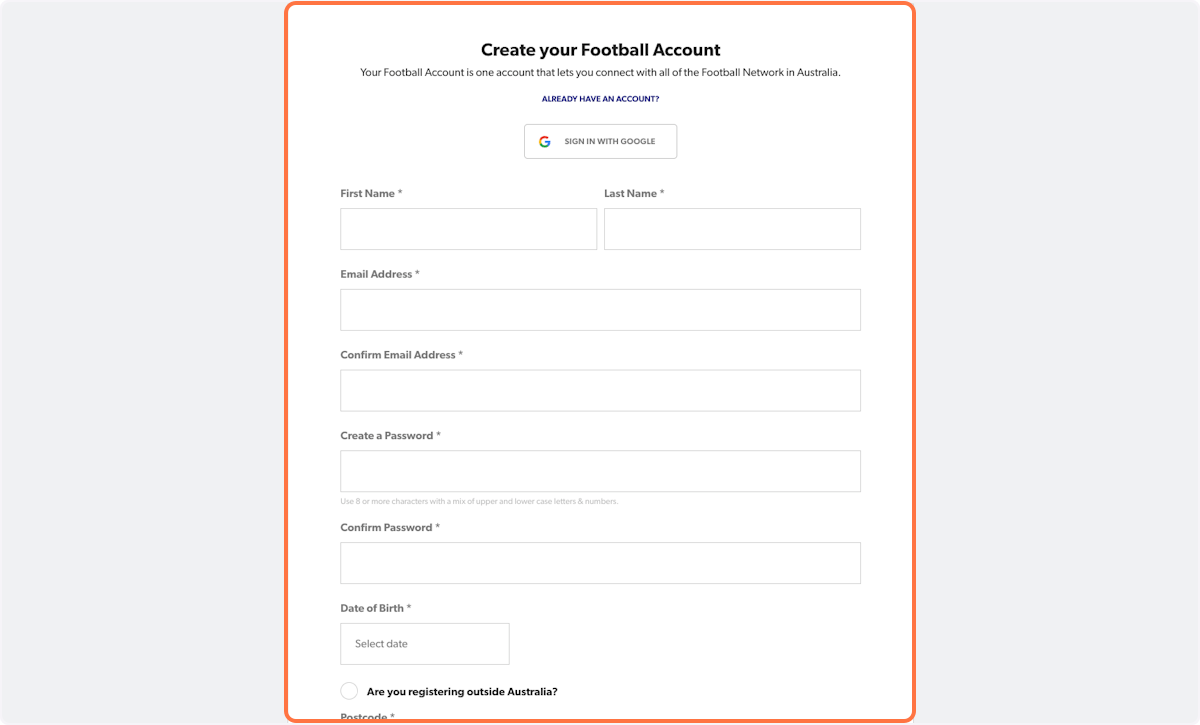
You can either create a Play Football account using your email address and password or using a Google social login.
⚠️ If you create your account using the 'Sign with Google' option, you can only use the Google social sign in option to access your PlayFootball account.
Step 1: Fill in the required details ensuring that the 'Primary Account Holder's' details are filled in for this first part.
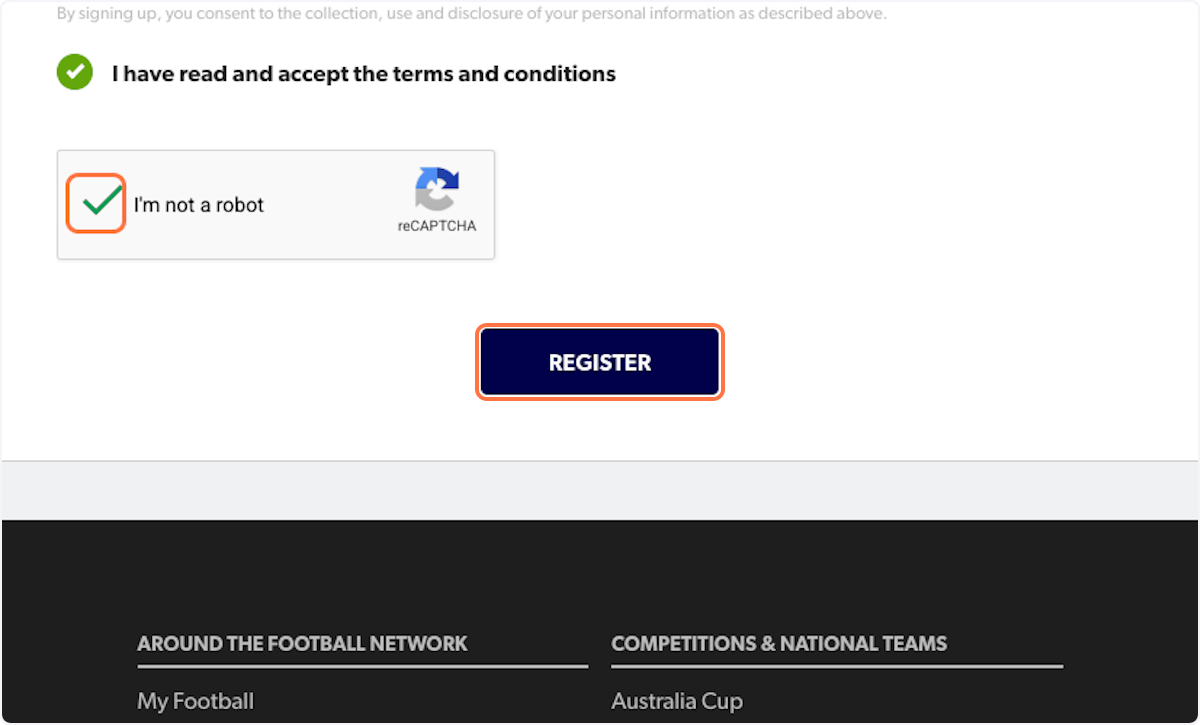
2. Click on 'Register'
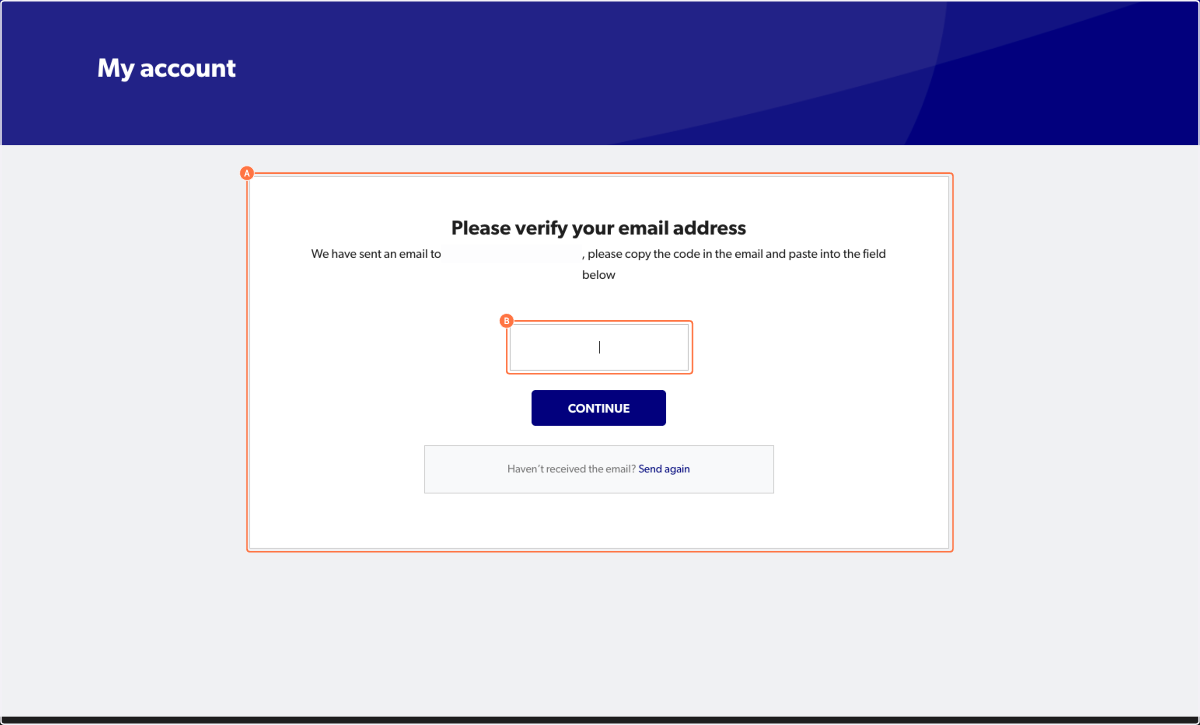
Step 3: Enter the verification code sent to the email address.
If you did not receive the code, please see the support article HERE for further support.
Once you have created your account, you must create / reclaim your Participant Record to make registrations. To to do, please refer to this support article Participant - Creating a Participant Record.
If you experience issues trying to create your PlayFootball account, you can either submit a support ticket by clicking here or using our contact details below.
- Email: support@playfootball.com.au
- Telephone: 02 8880 7983