
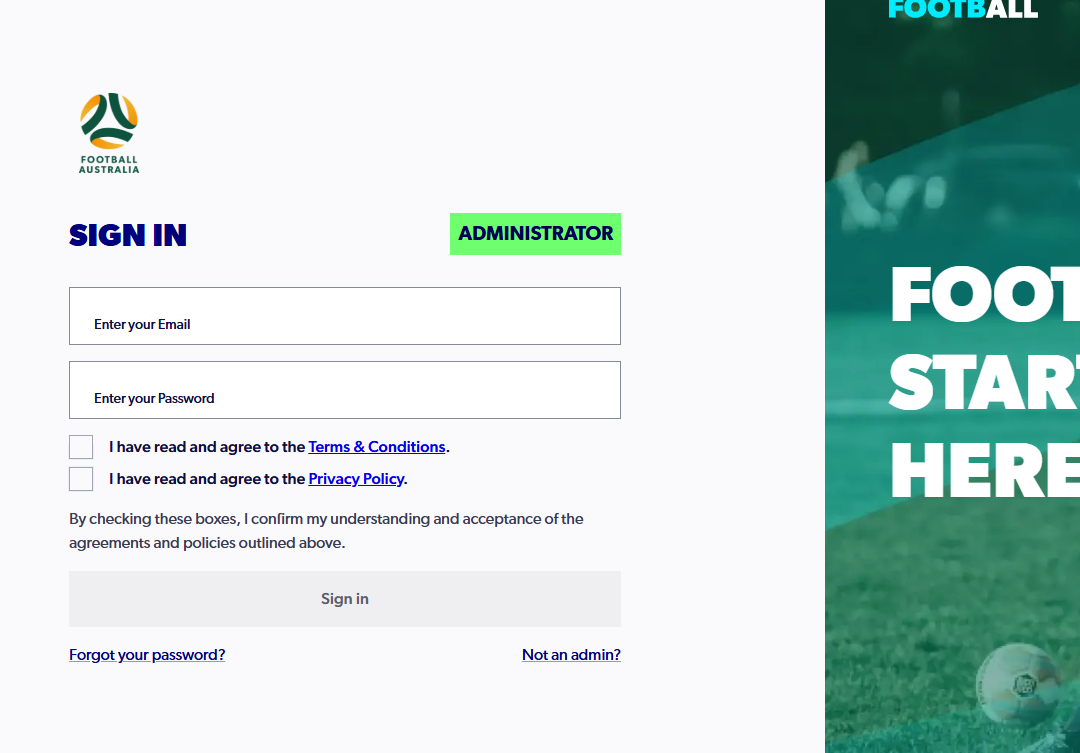
1. Sign into your PlayFootball administrator account
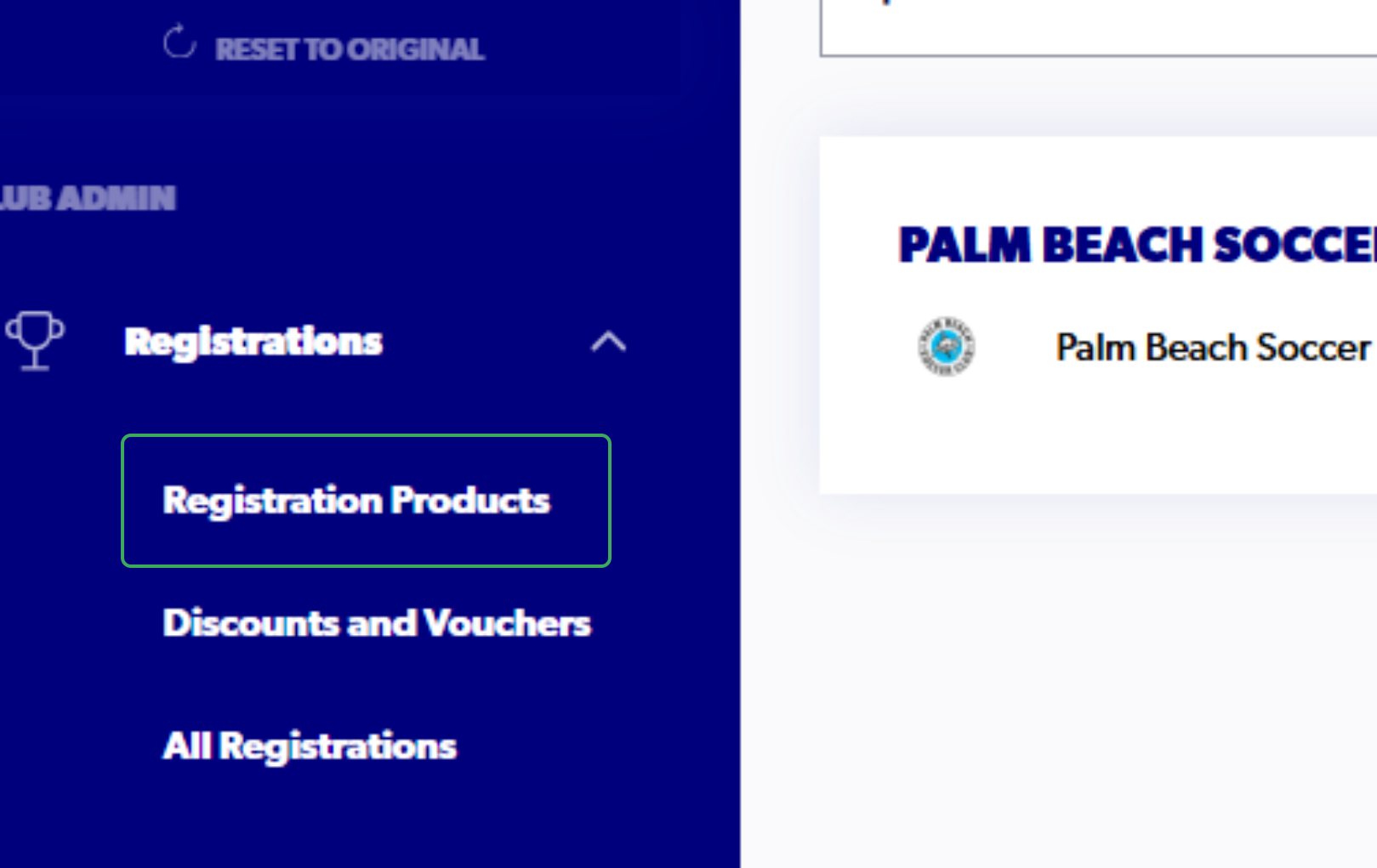
2. Click on "Registrations"

3. Click on "Registration Products"
4. Click on the Three Dots on the appropriate product

5. Click on "View Details"

6. Click on the Three Dots on the appropriate participant
Please note you can search using the name of the participant to find the registration.

7. Click on Refund Request


8. Select the reason for requesting a refund and type any appropriate information
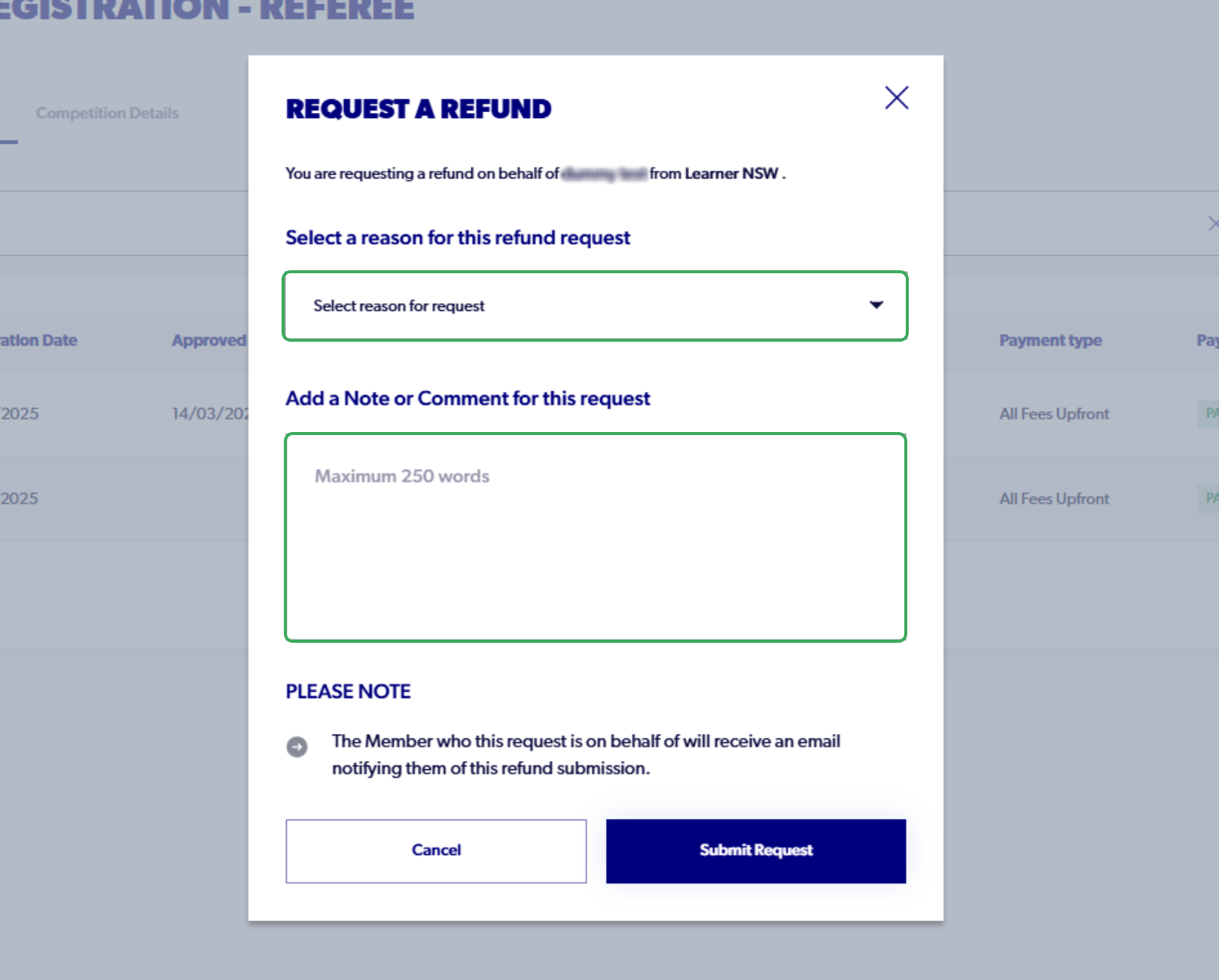
9. Click on "Submit Request"
