registration.playfootball.com.au
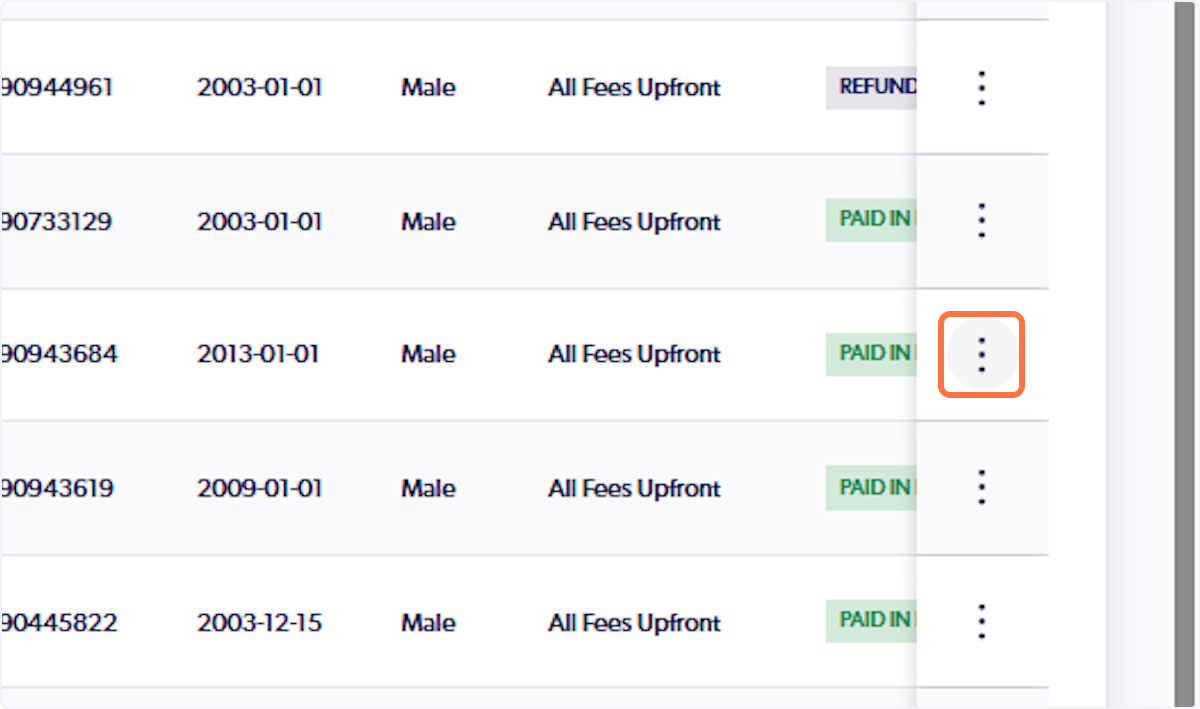
1. Click on the 3 vertical dots
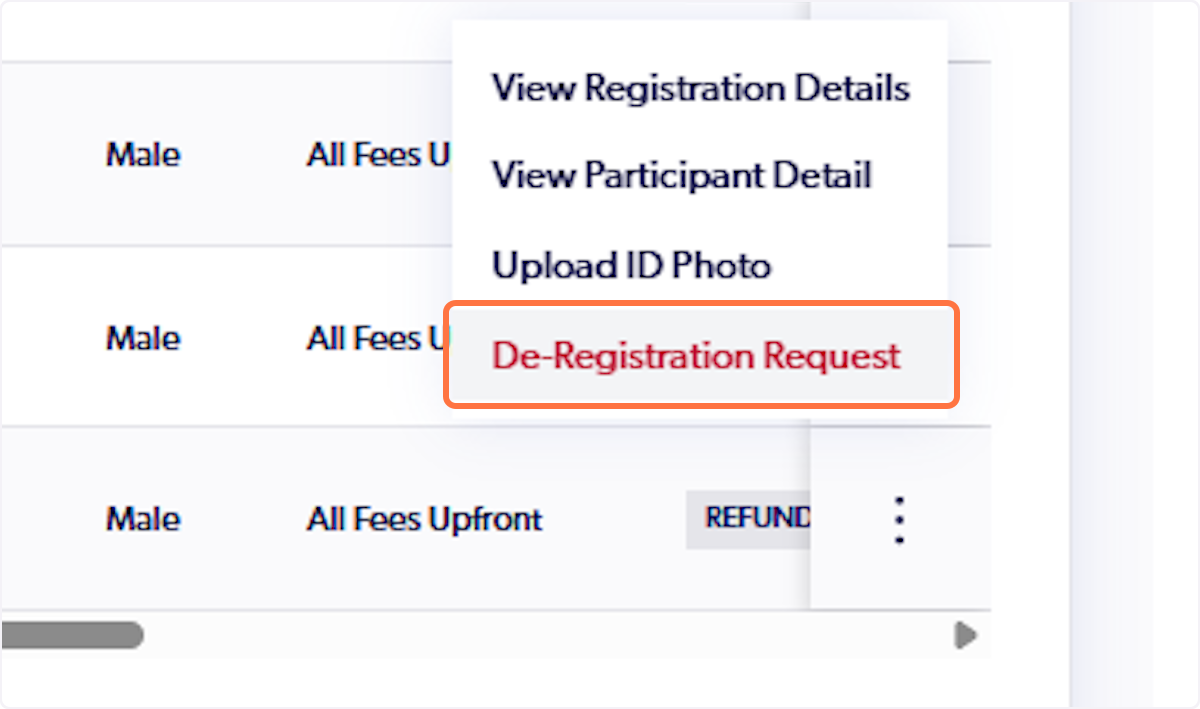
2. Click on De-Registration Request
3. Select the reason for de-registration
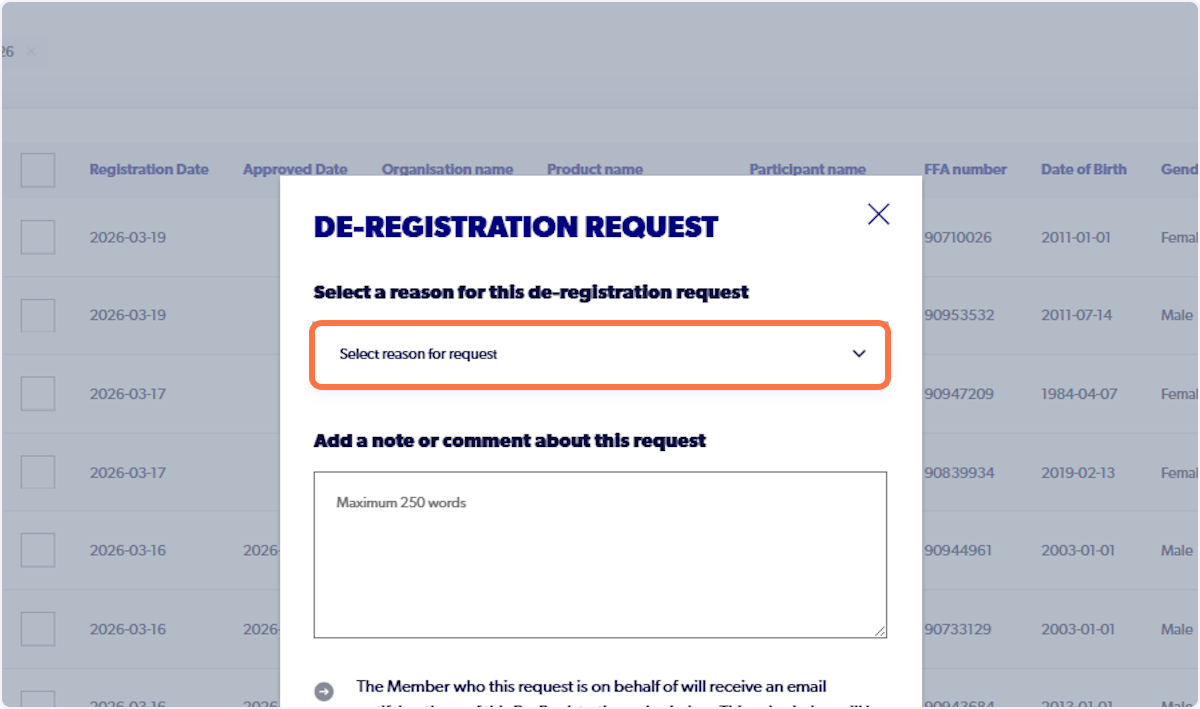
4. Add any additional information to support the parent body in making a decision
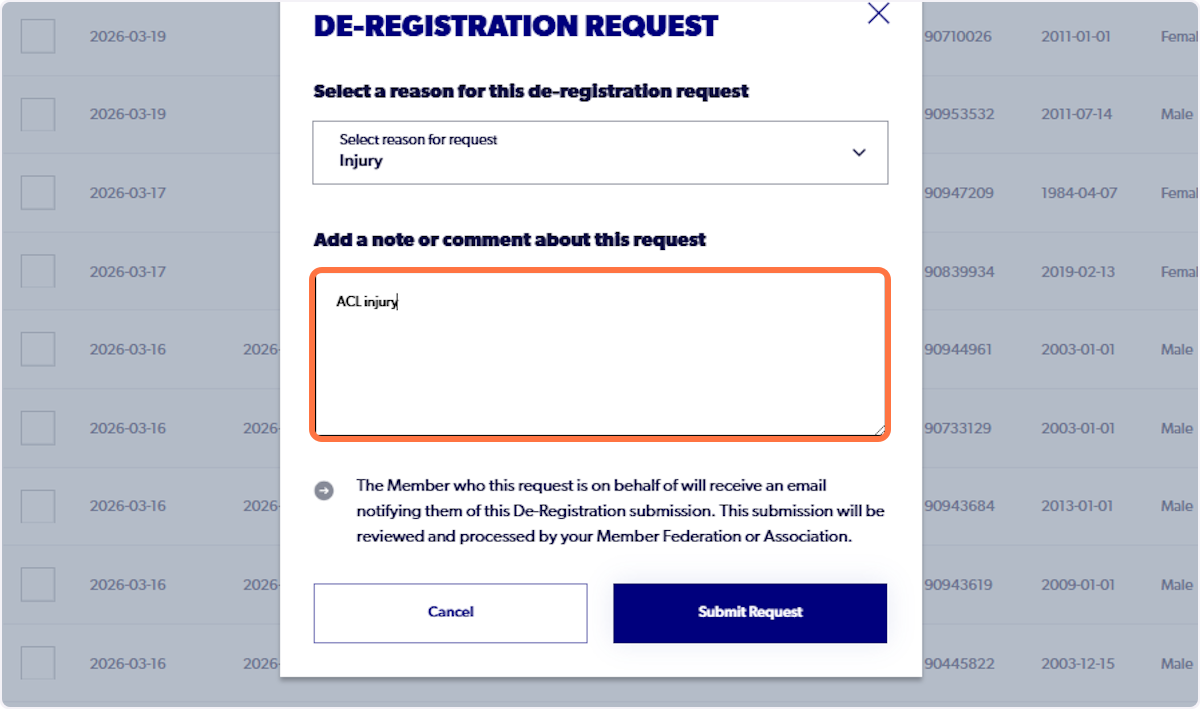
5. Click on Submit Request
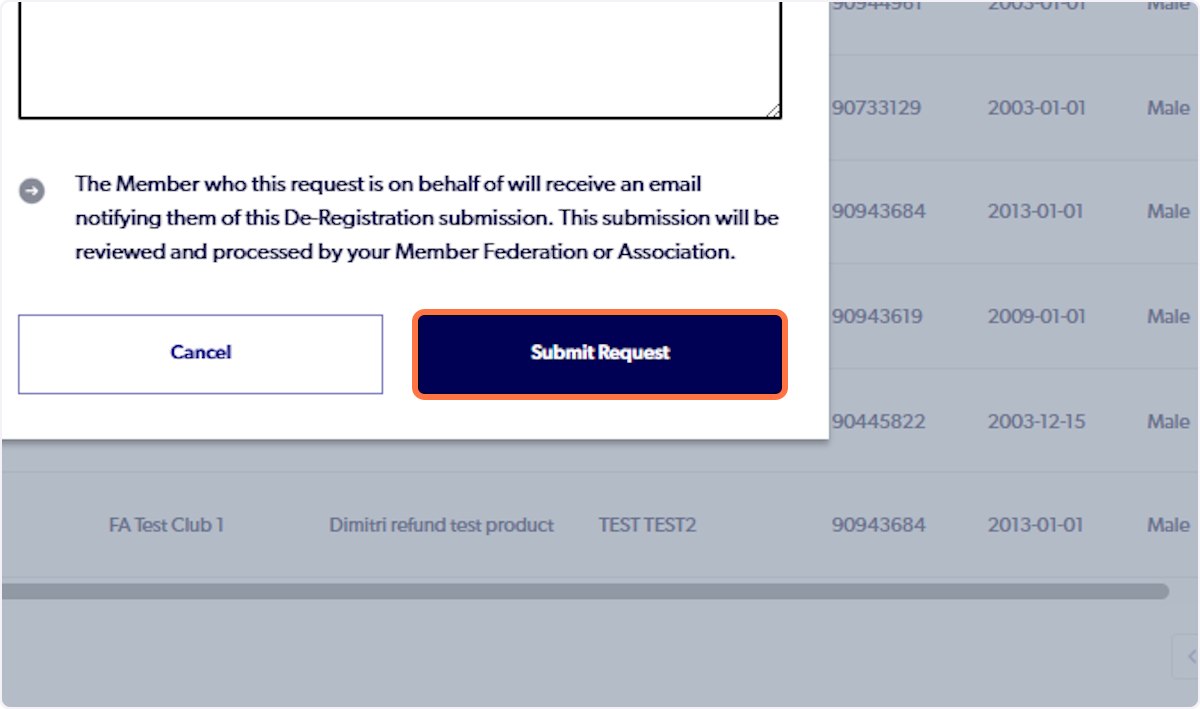

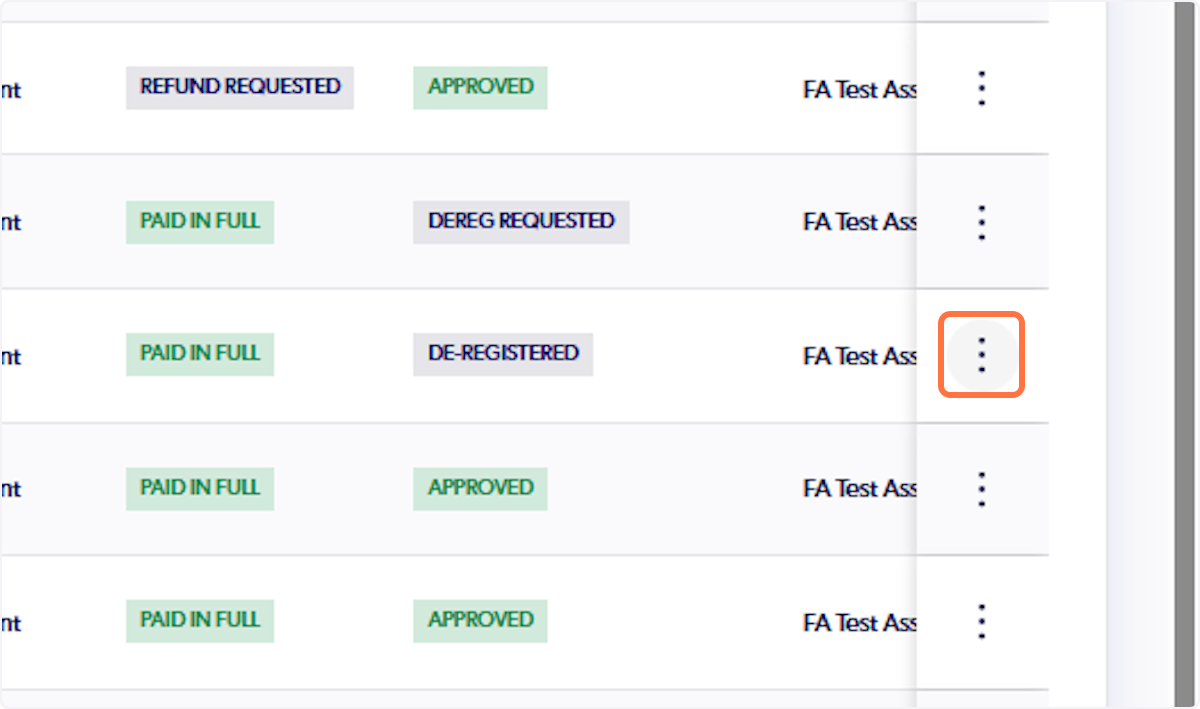
6. Click on the 3 vertical dots on the participant's row
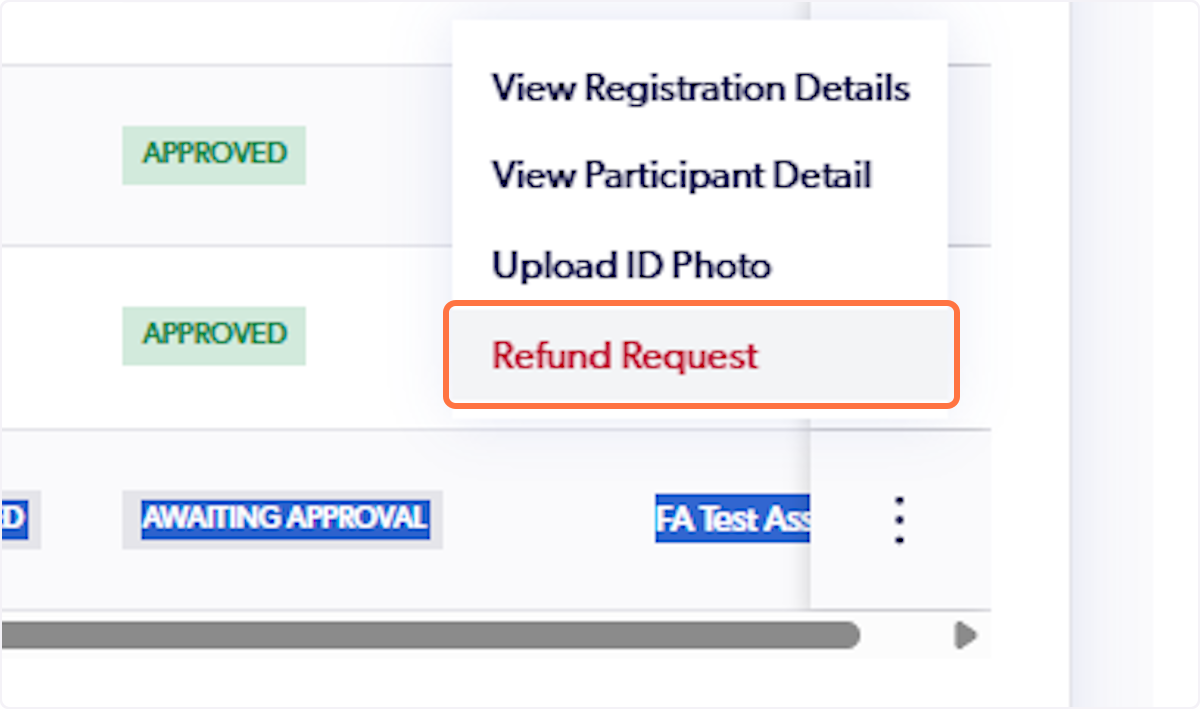
7. Click on Refund Request
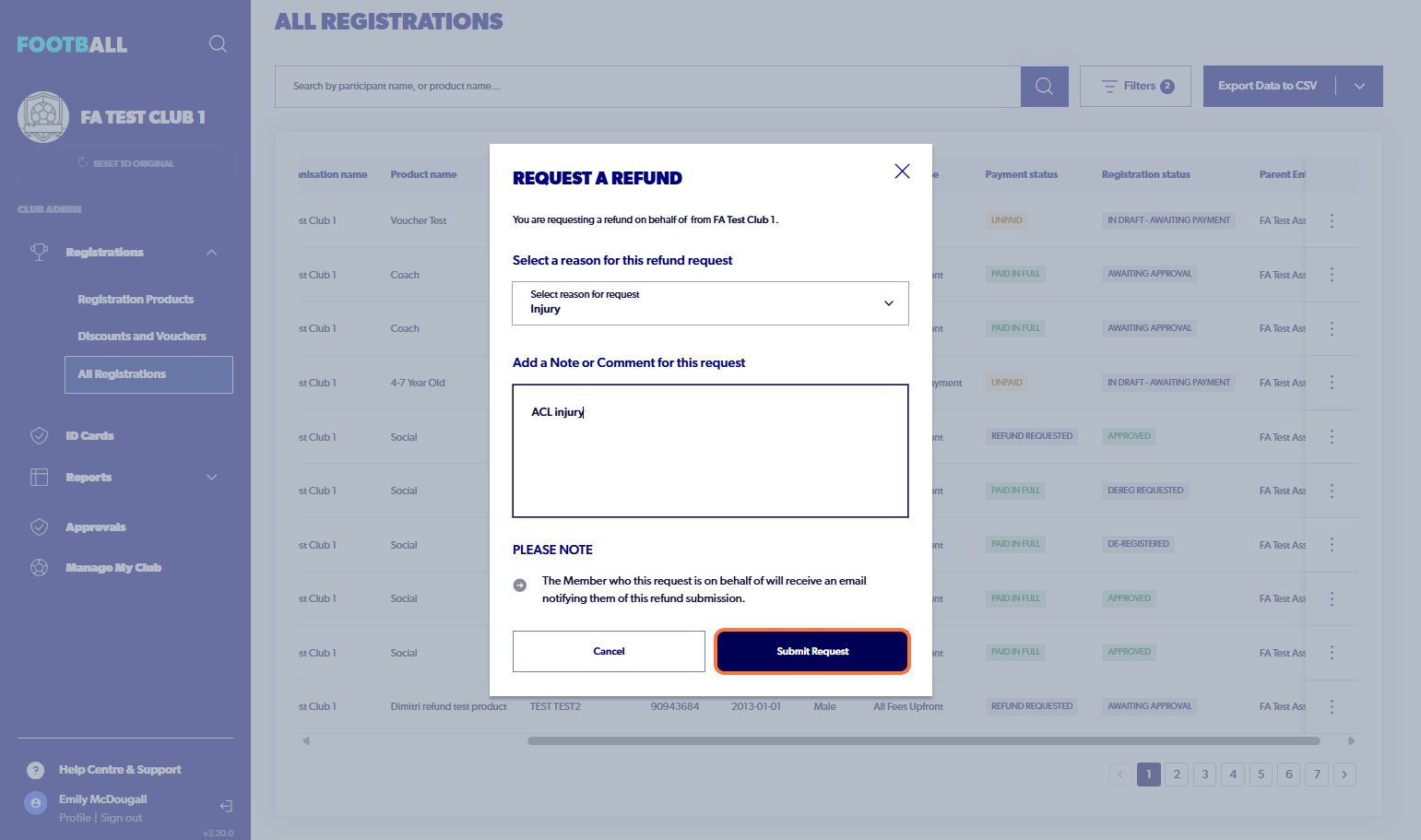
8. Select a reason for the refund request
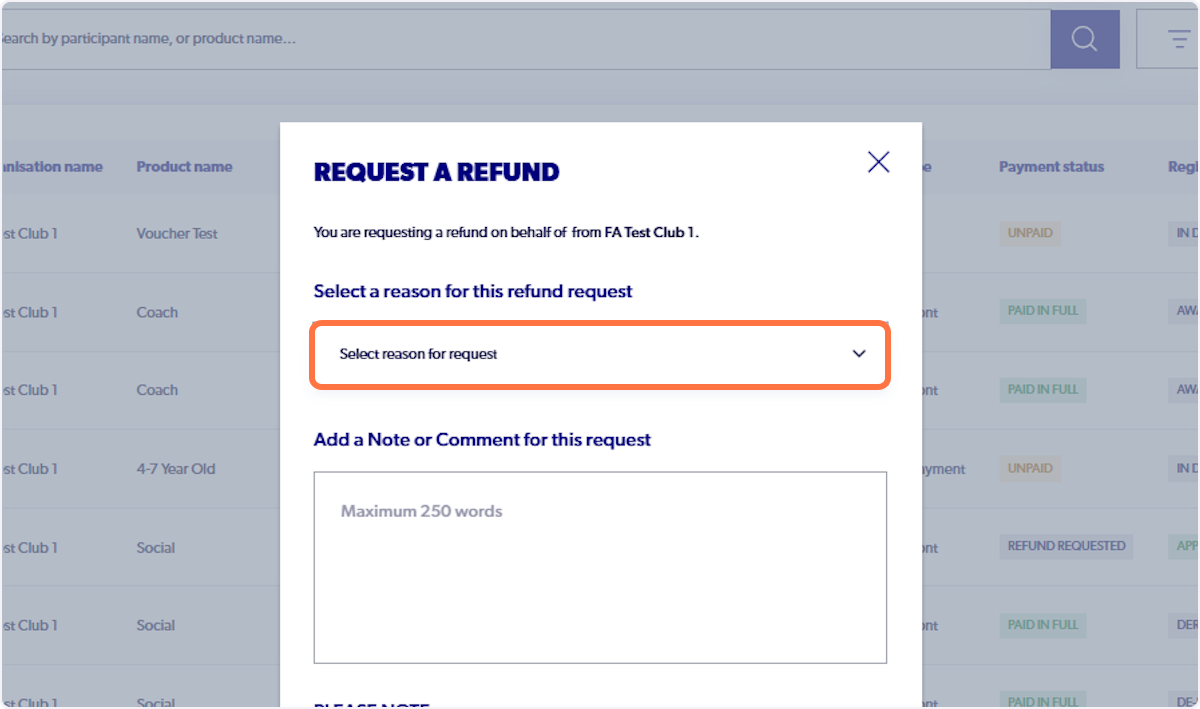
9. Add in any additional information to help all organisations make a decision (Association, Member Federation & Football Australia)
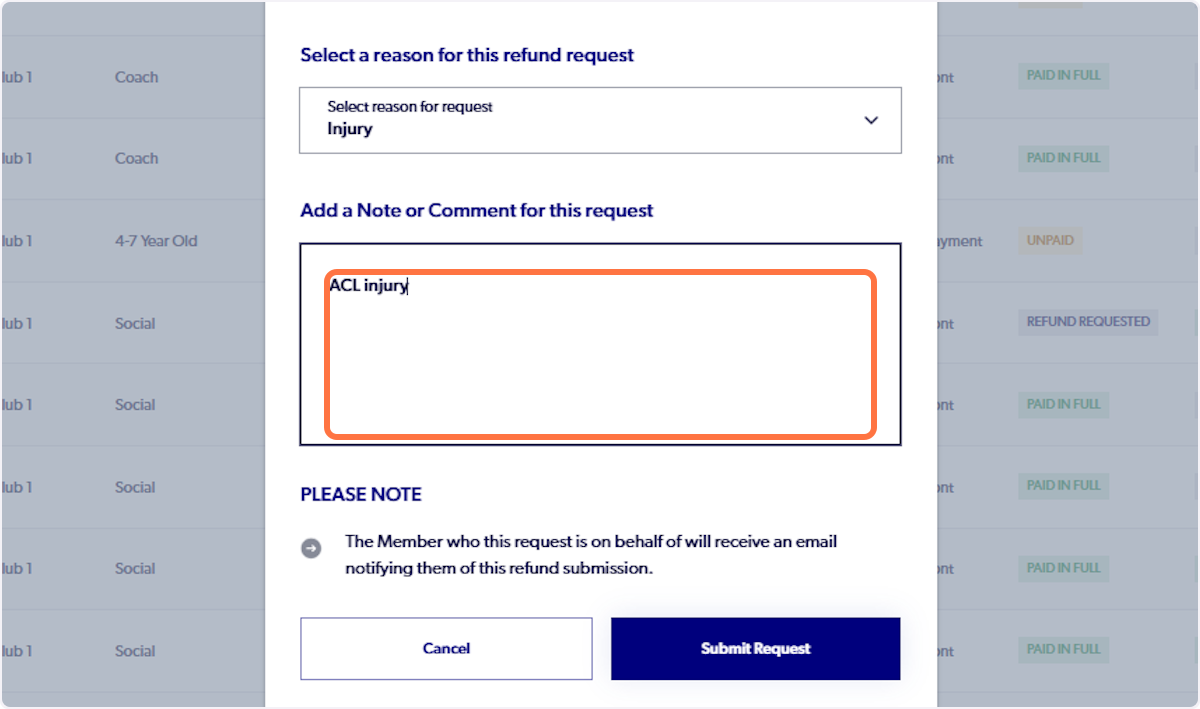
10. Click on Submit Request