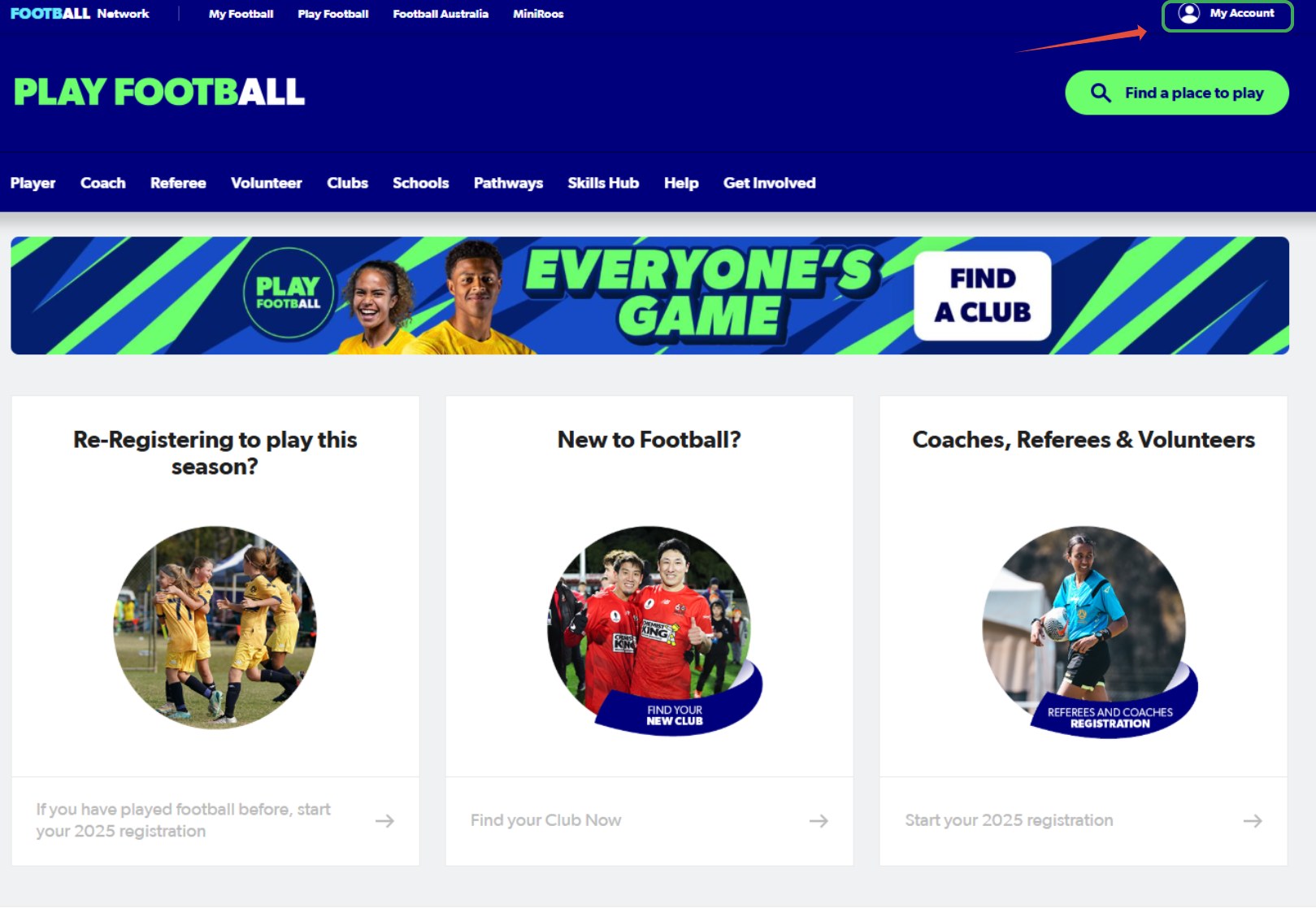
1. Go to playfootball.com.au. Sign in to your Football Network account.
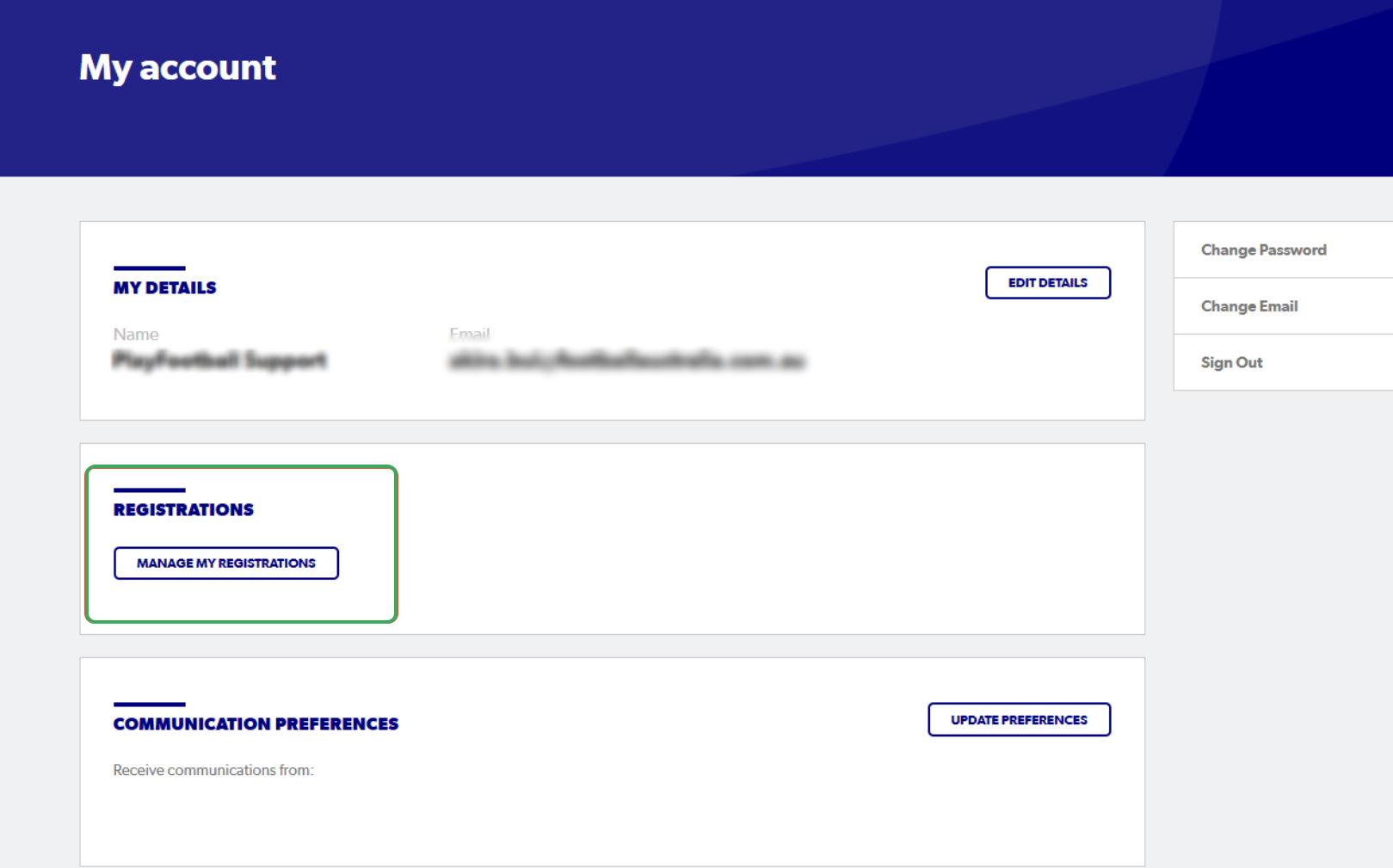
2. Select "Manage My Registrations"
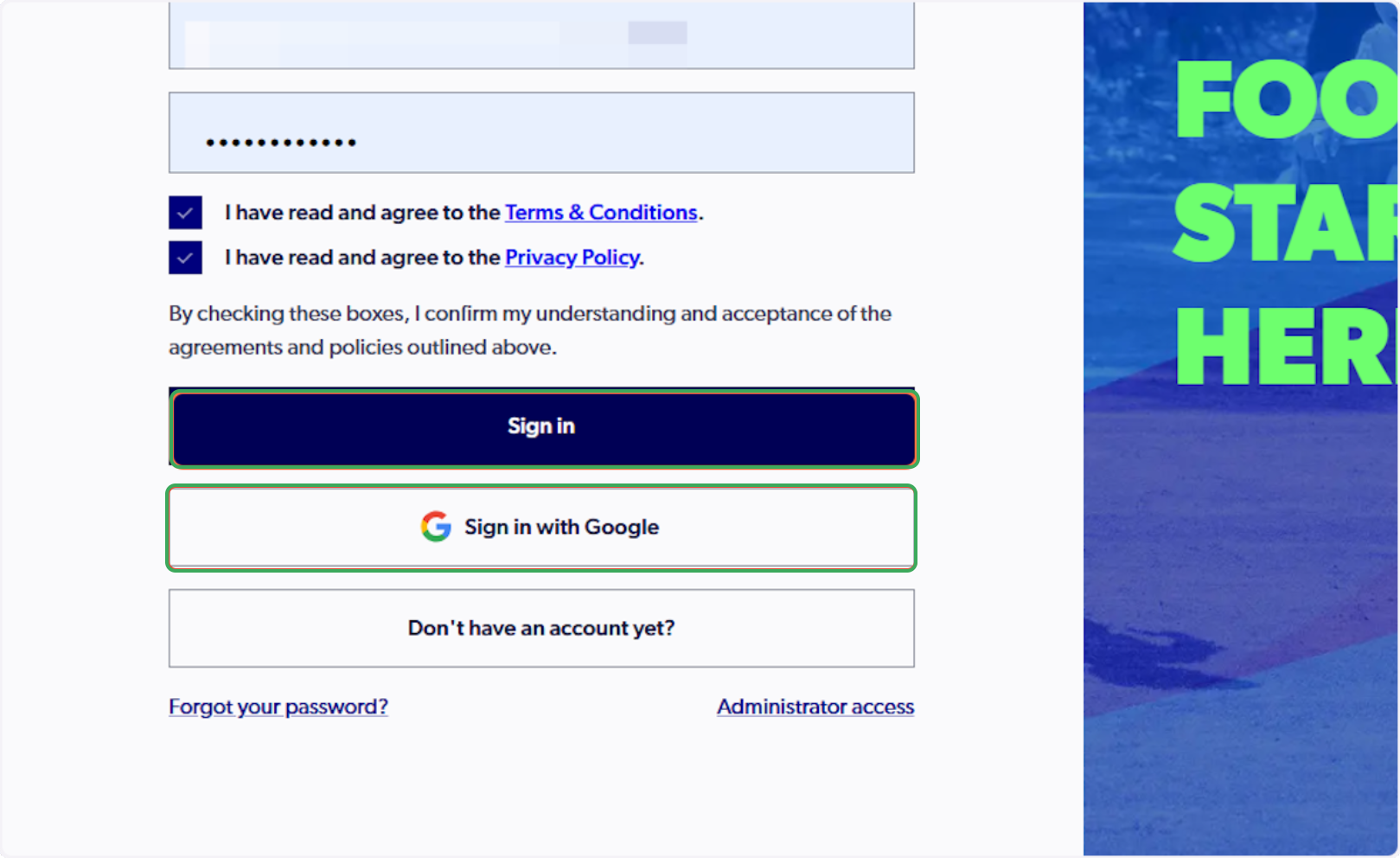
3. Sign in to PlayFootball
Please note if you have created your account using Google, you must select 'Sign in with Google'
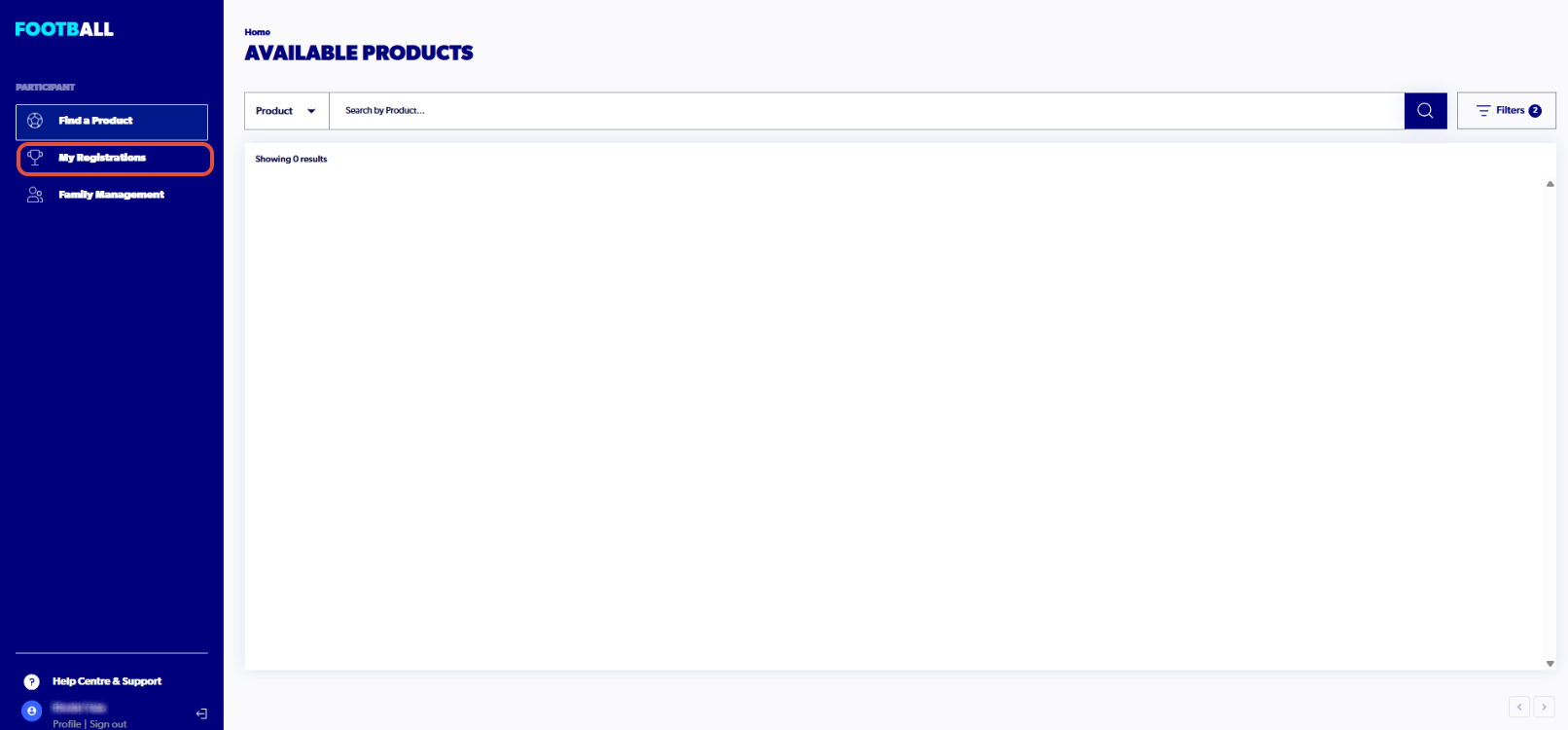
4. Click on "My Registrations"
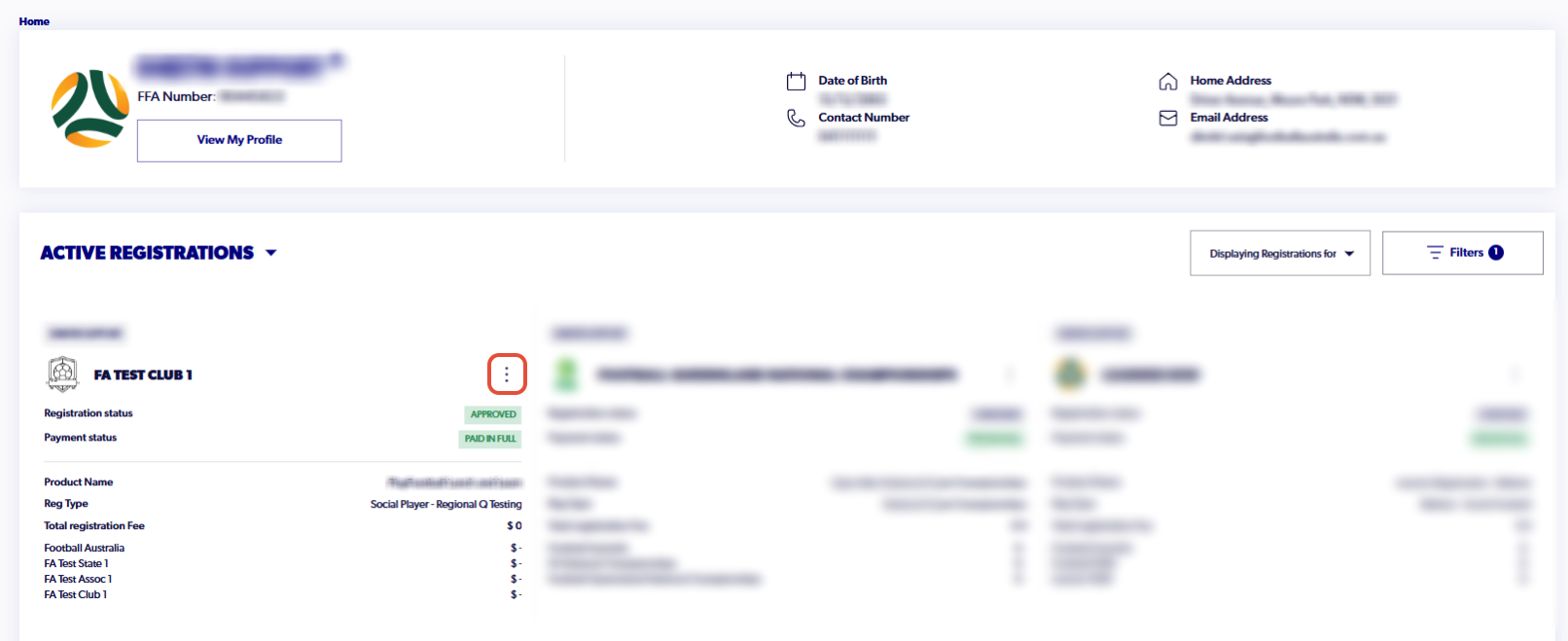
5. Click on "more (three dots)", for the registration you are seeking to deregister from
[Note: You can filter the different registrations for the participants]
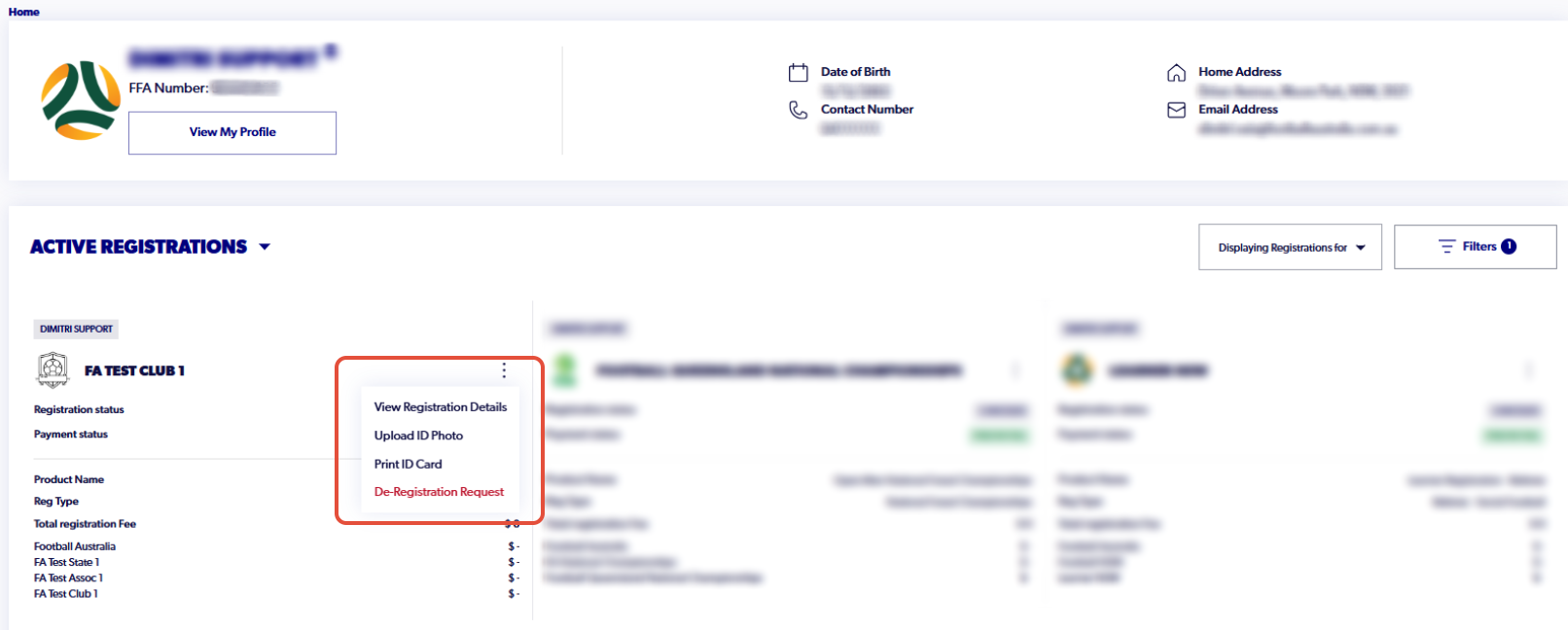
6. Click on "De-Registration Request"
7. Click on "Select reason for request" and select the appropriate reasoning behind the request
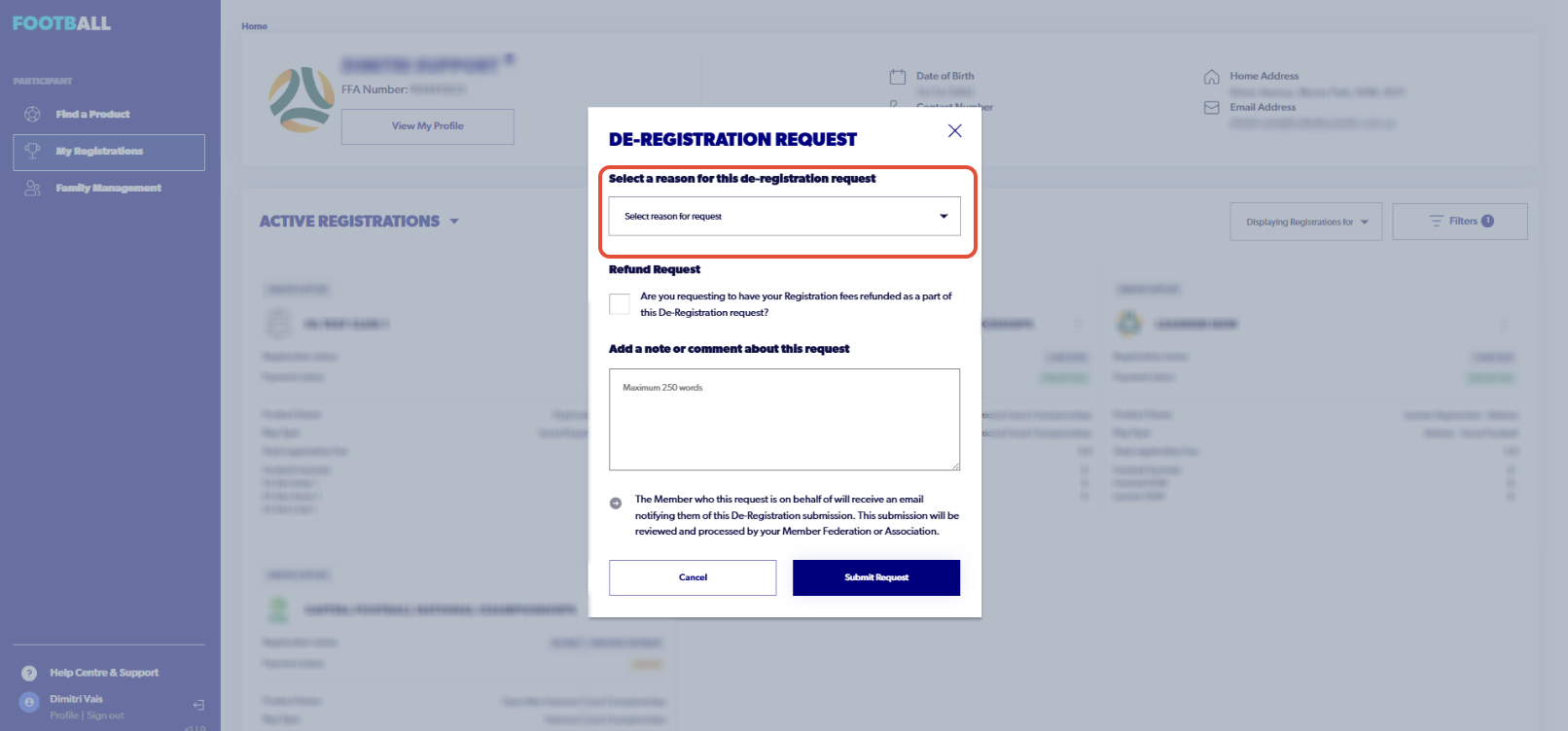
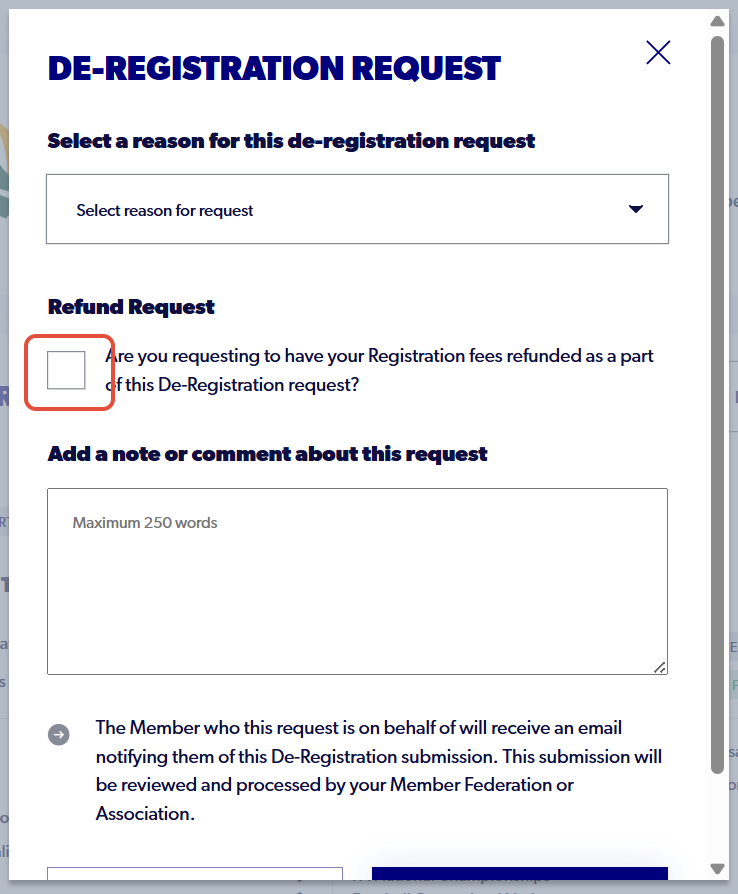
8. If you would like to simultaneously request a refund, tick the 'Refund Request' box

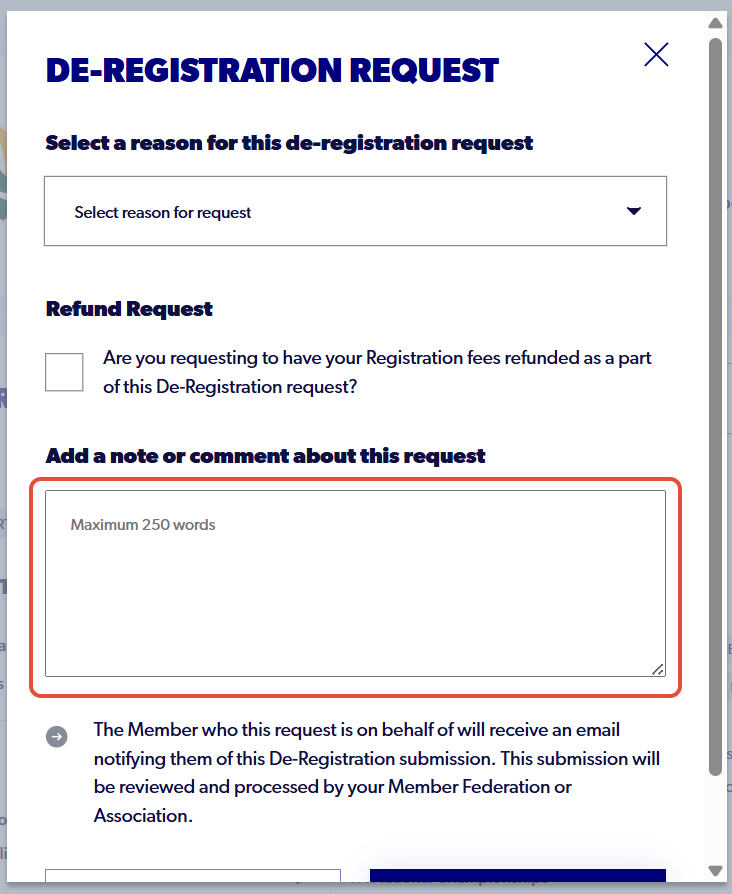
9. Add any further note or comment related to the de-registration
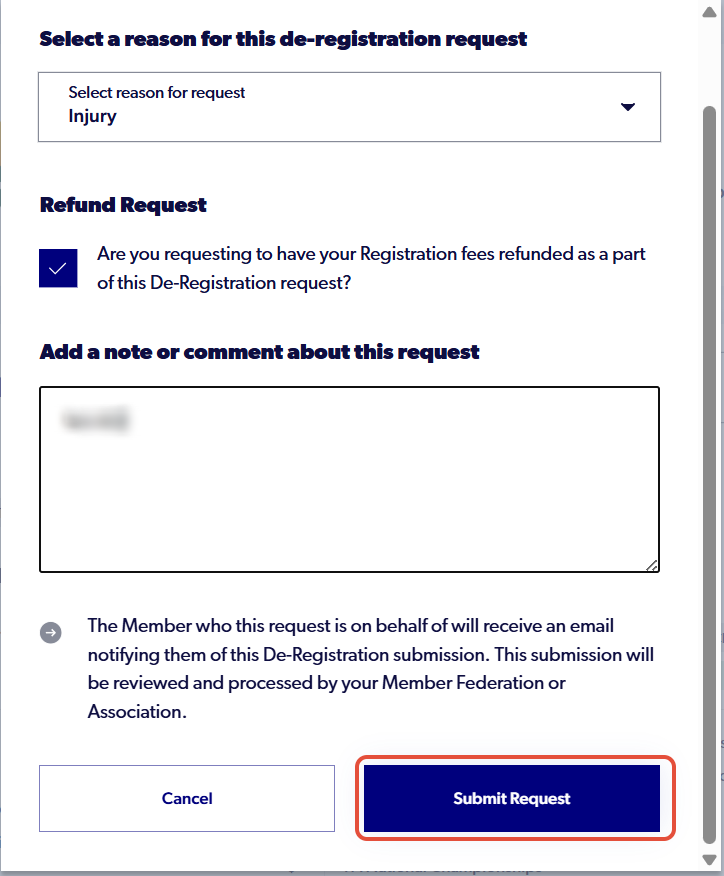
10. Click on "Submit Request"
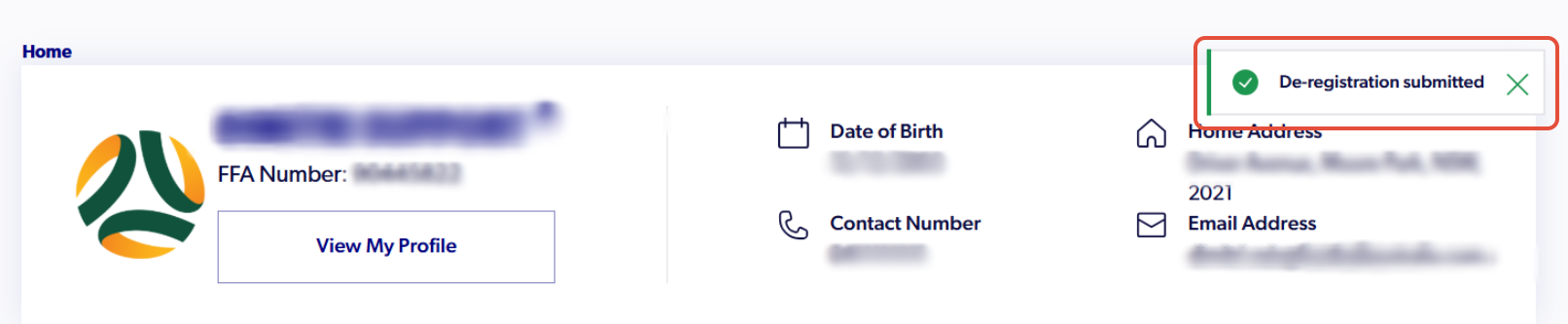
12. When successfully submitted, you will receive this confirmation