
1. Go to playfootball.com.au. Sign in to your Football Network account.
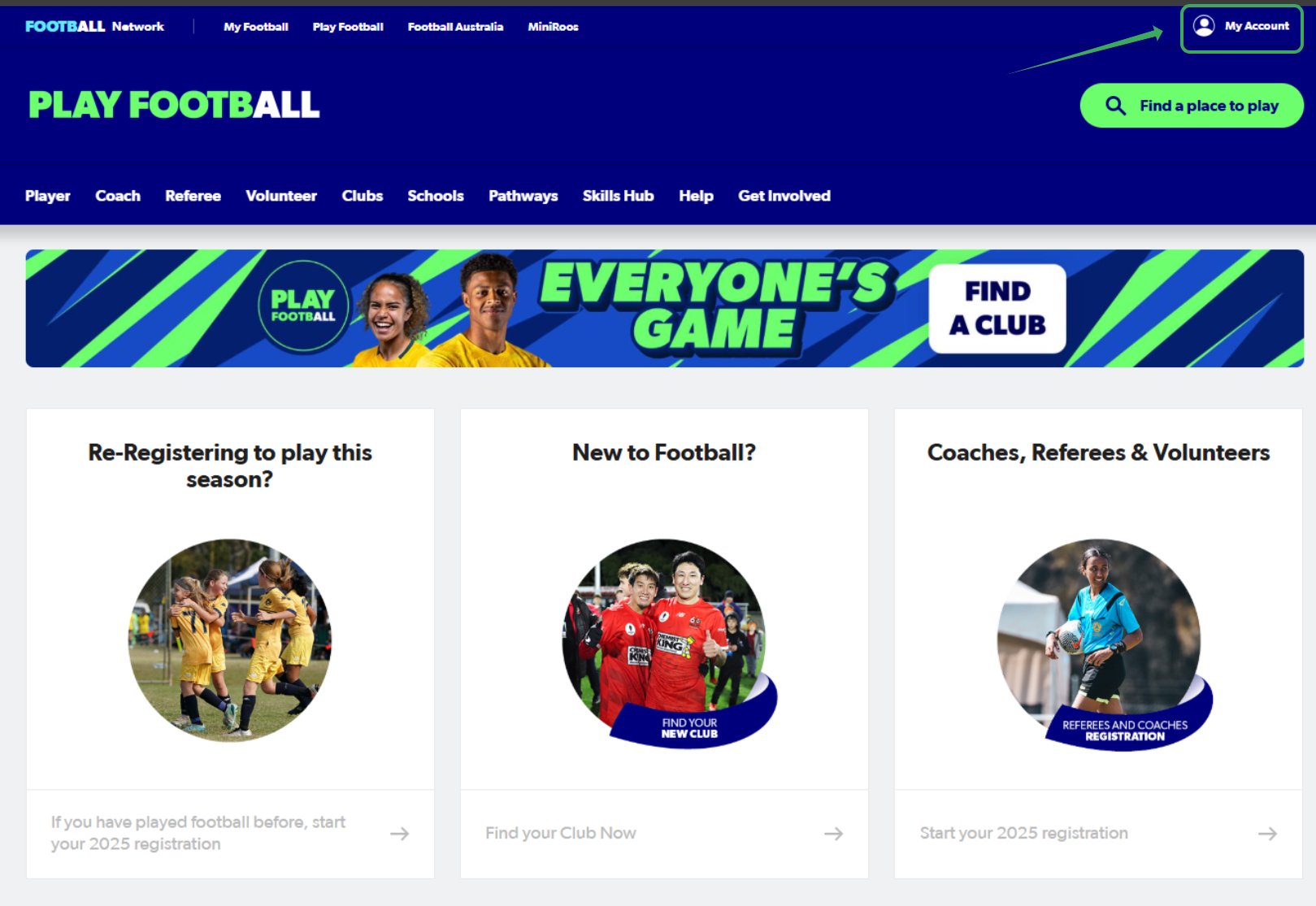
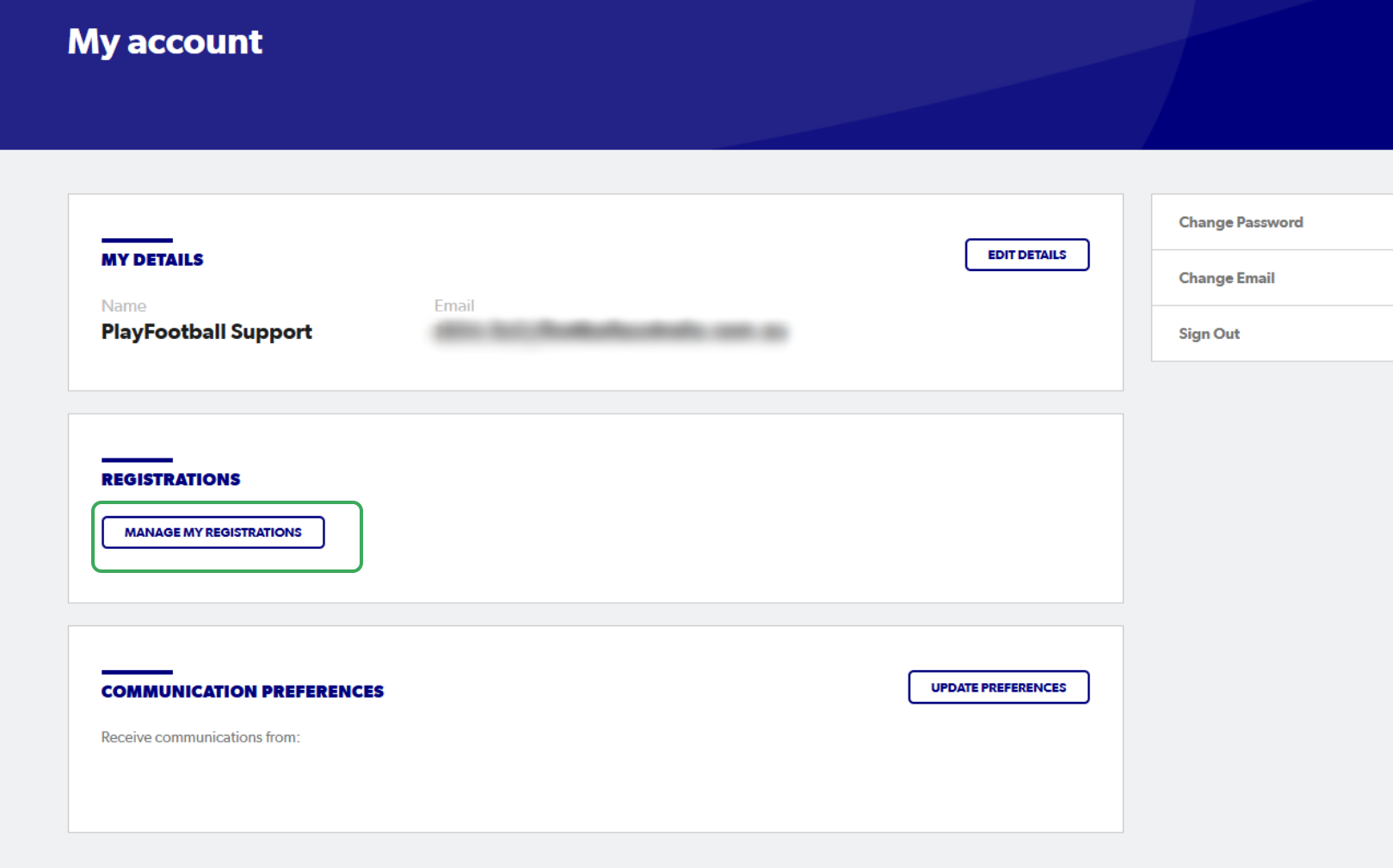
2. Select "Manage My Registrations"
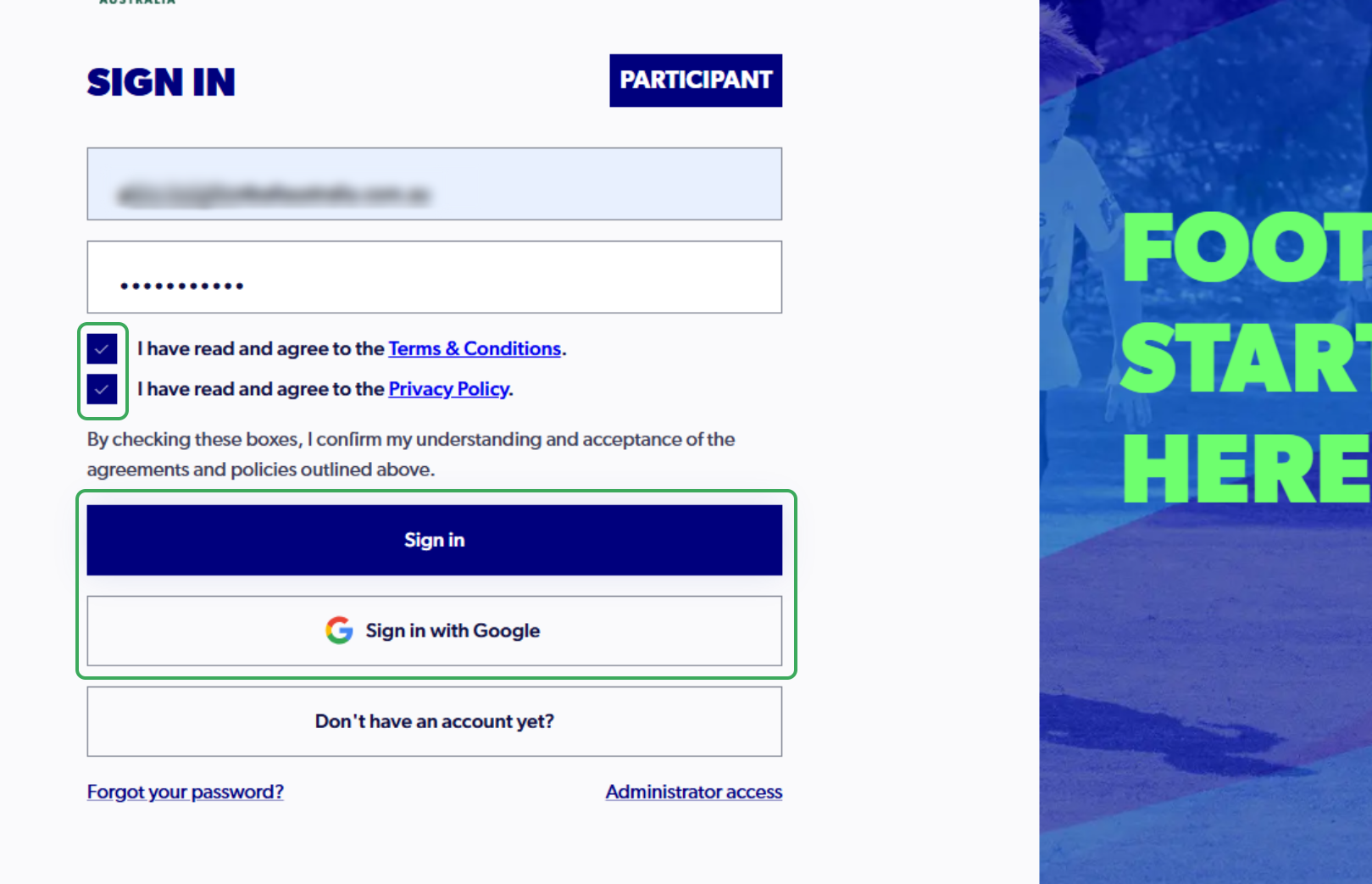
3. Sign in to PlayFootball
4. Click on "Profile"

5. Click on "Supporting Documents"

6. Click on the "three dots" and Select "Preview Player Contract

7. Click on the link to Preview your Player Contract

8. Click on "Close"

9. Click on "Add New Contract

10. Select a Type of Contract
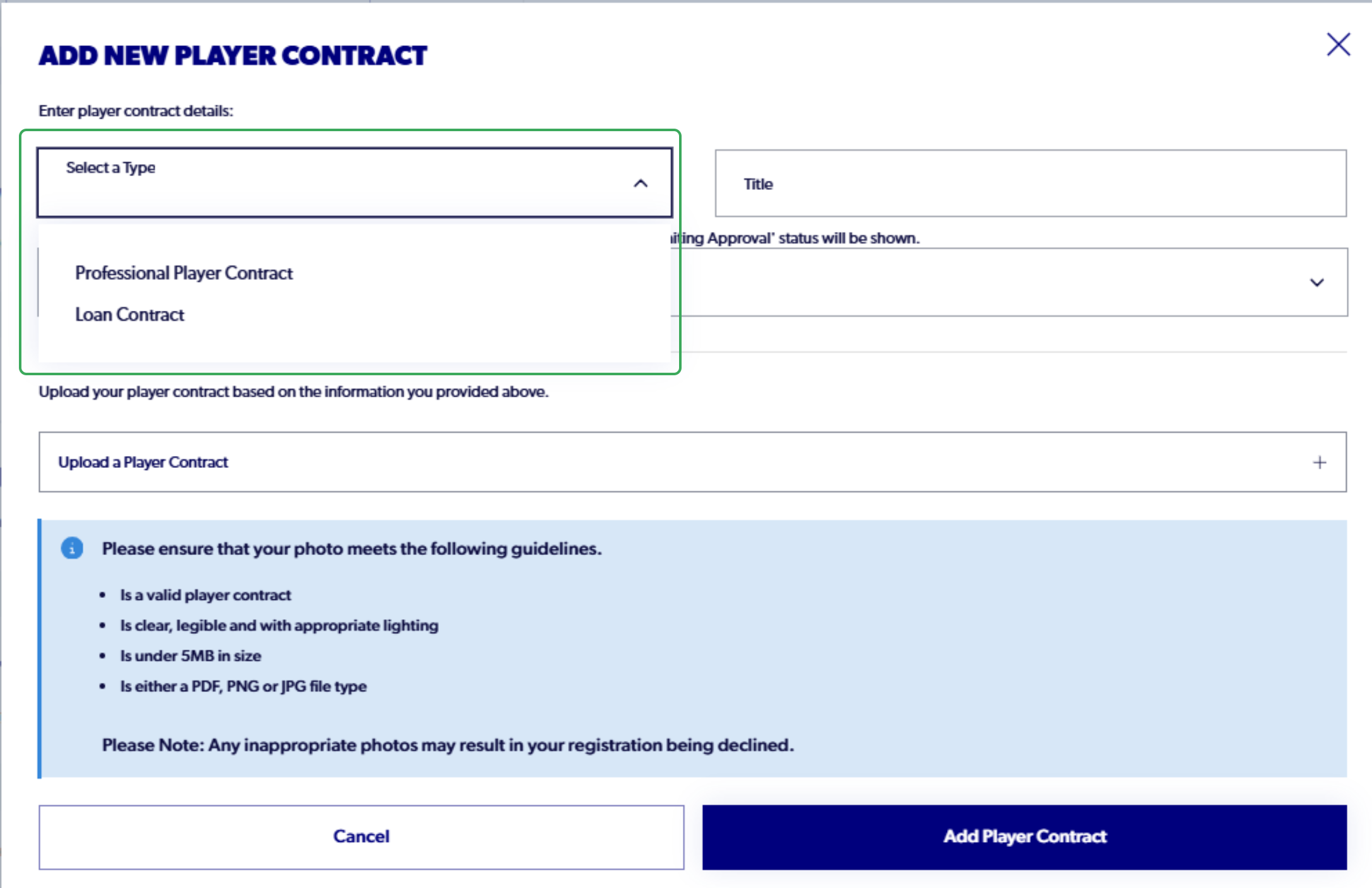
11. Add in a title for the contract
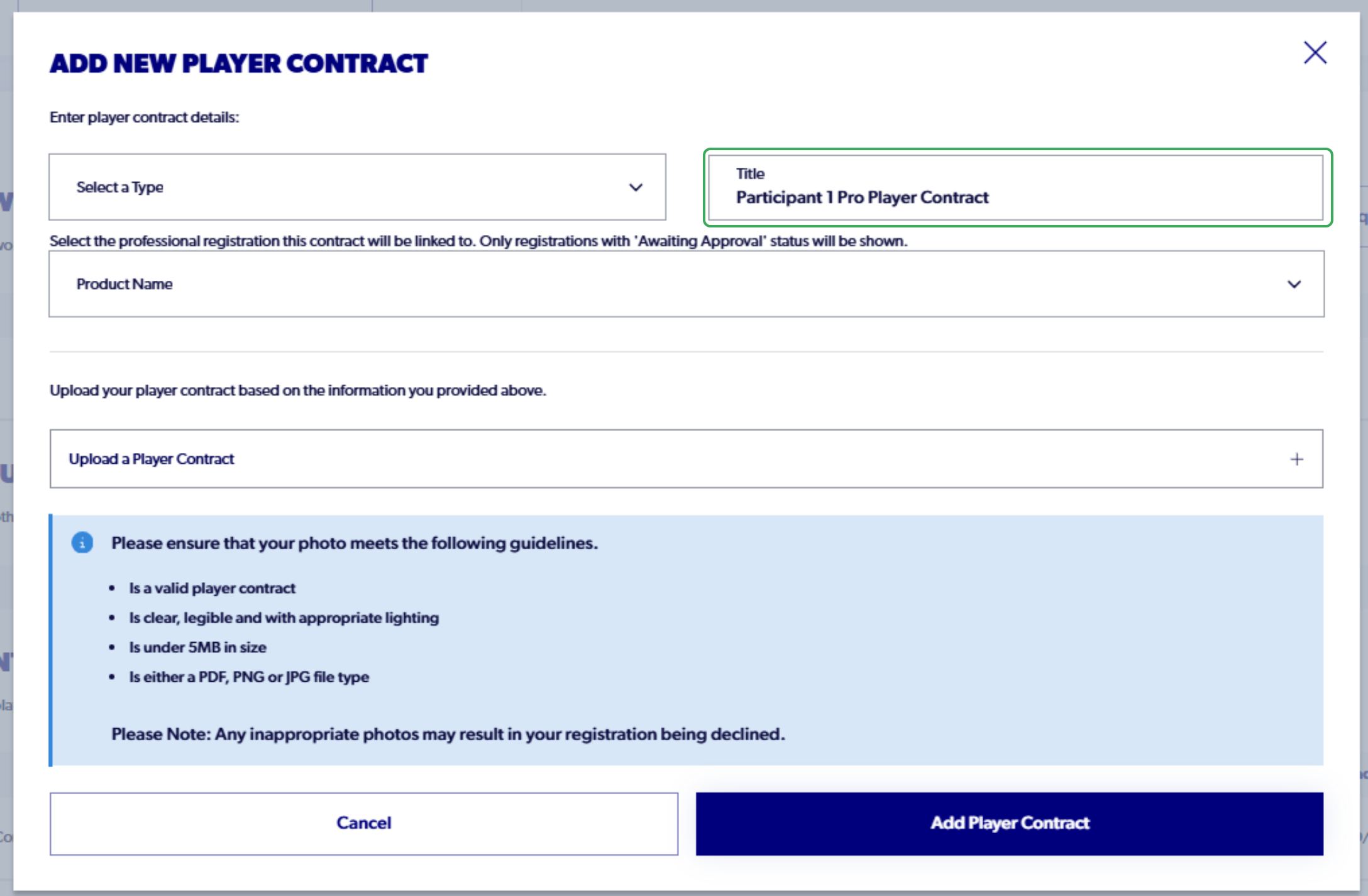
12. Select the product that the contract will be attached to
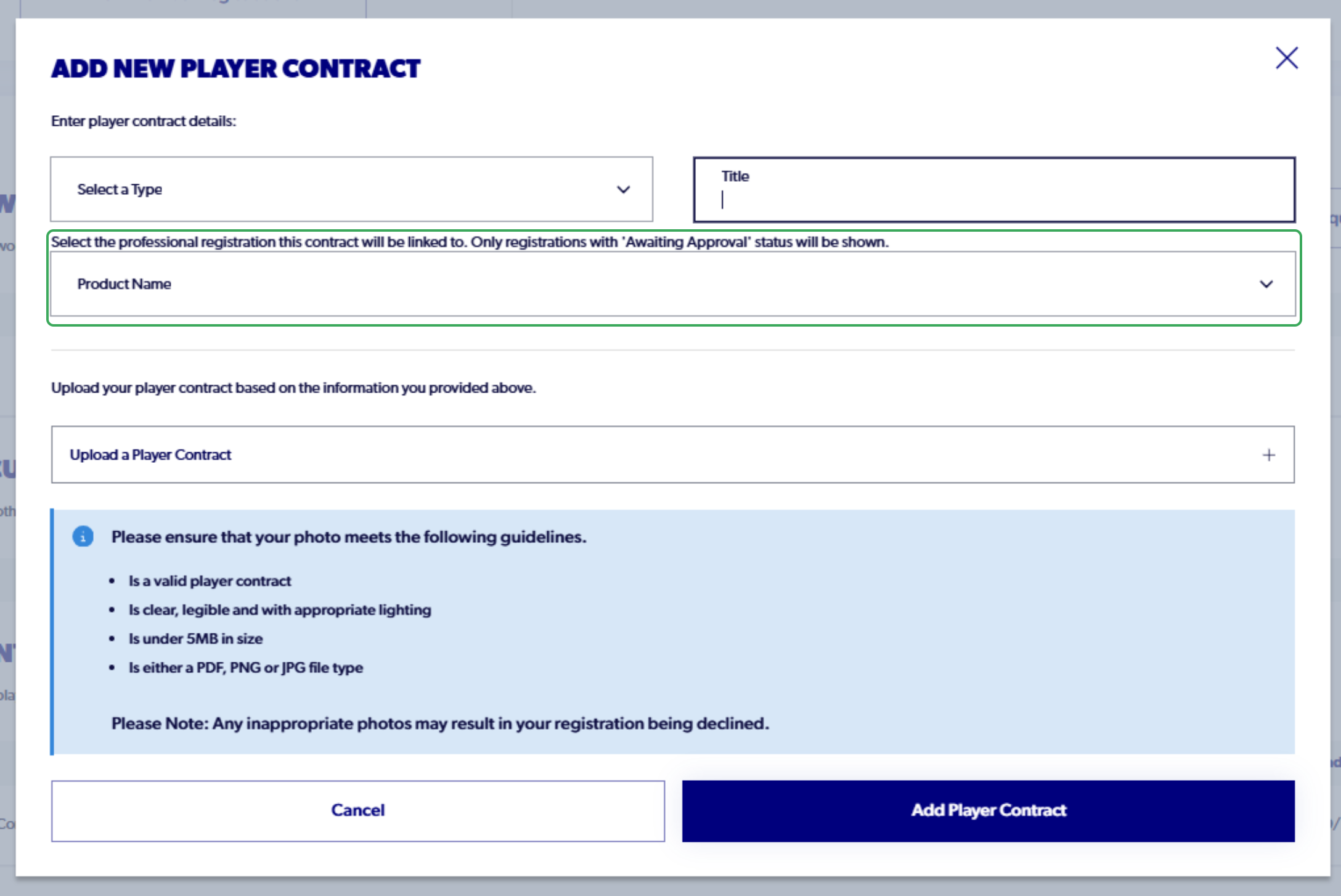
13. Click on "Upload a Player Contract"
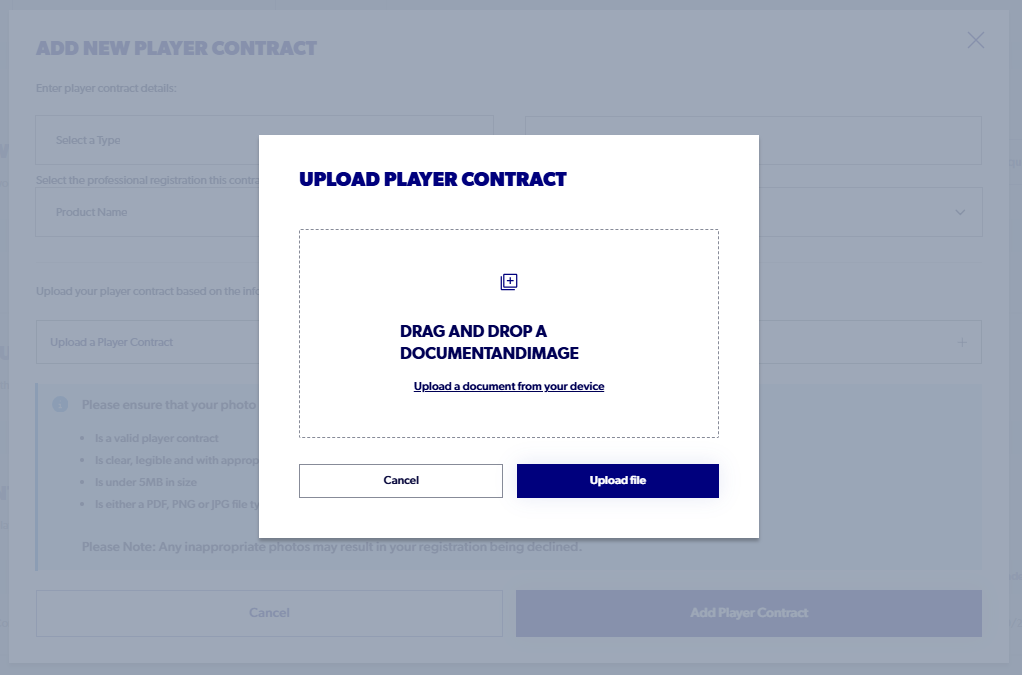
14. Click on "Upload file"

15. Select "Add Player Contract"
