1. Sign in to PlayFootball HERE
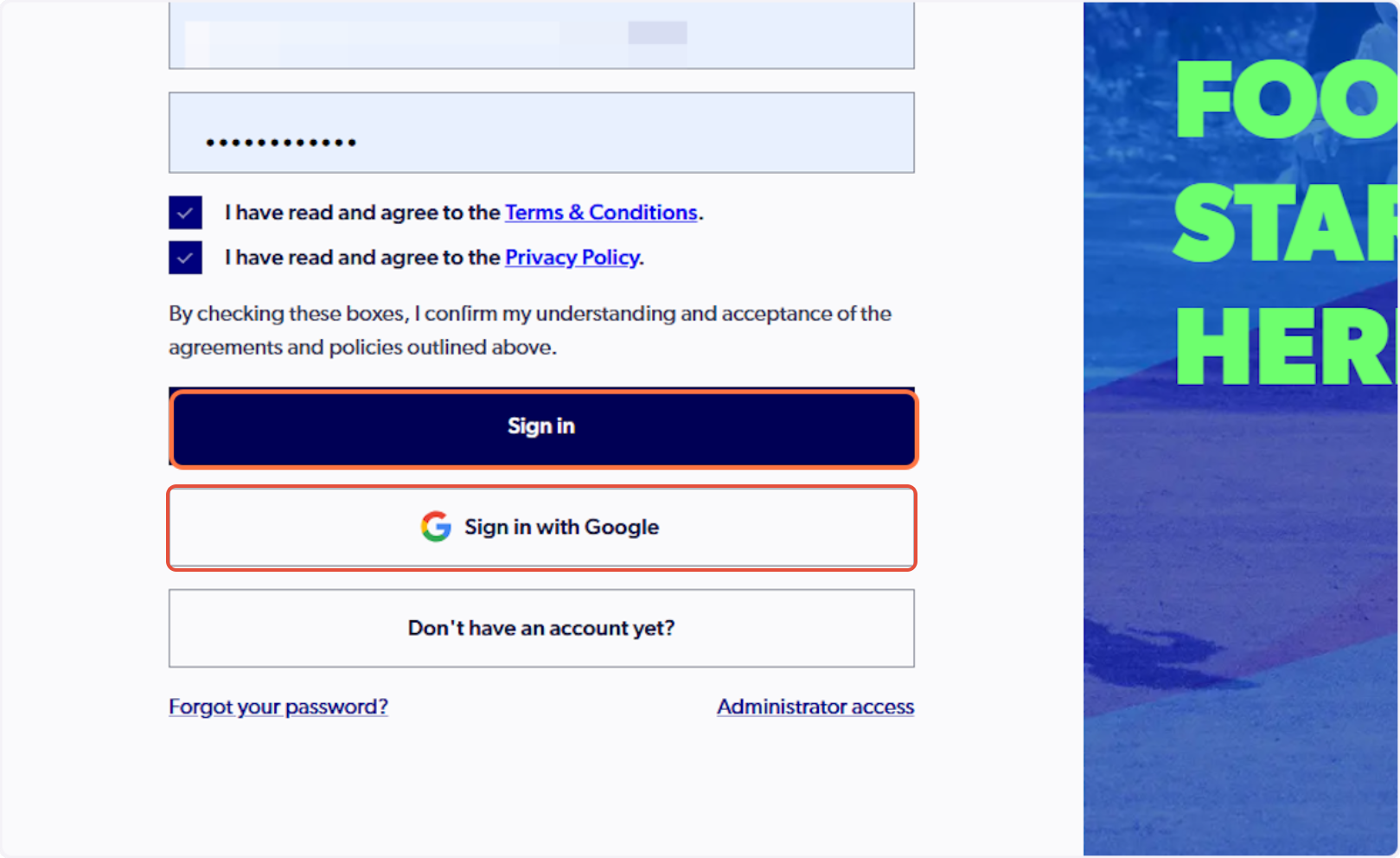
Please note: if you have created your account using Google, you must select 'Sign in with Google'
2. Select 'Family Management' from the side-bar menu

If you cannot see the 'Family Management' tab, please claim your participant record here before continuing.
3. Select the '+' icon on the right-hand side of 'Family Relations'

If you wish to update the primary profile on your account, please follow the guide HERE.
4. Enter the participant's first name, last name & date of birth only and select 'Search'
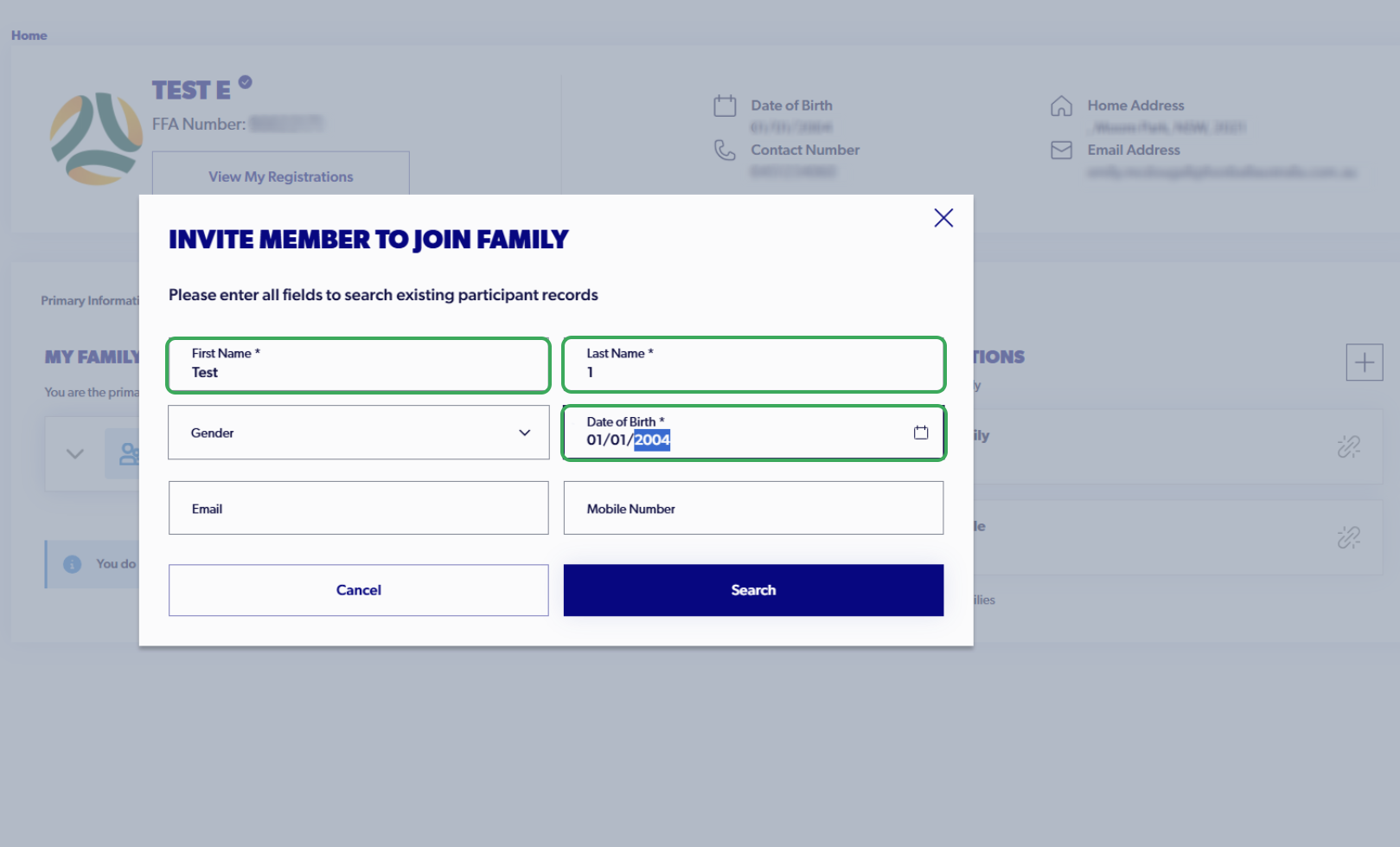
Please note, this search is sensitive to trailing spaces and minor spelling errors. Please do not include gender, email address, or mobile number.
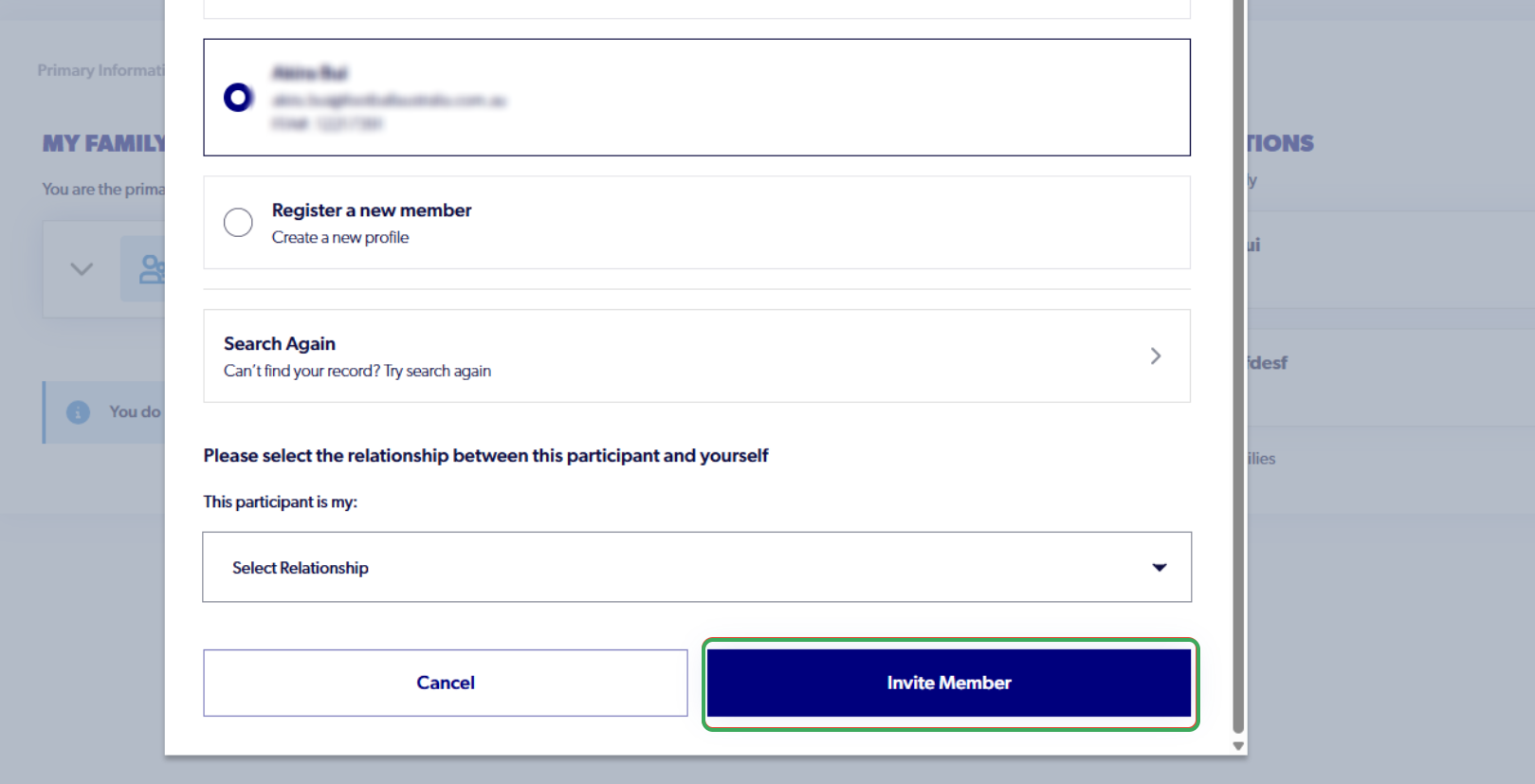
5. Select the correct participant record, then indicate the relationship between yourself and the participant
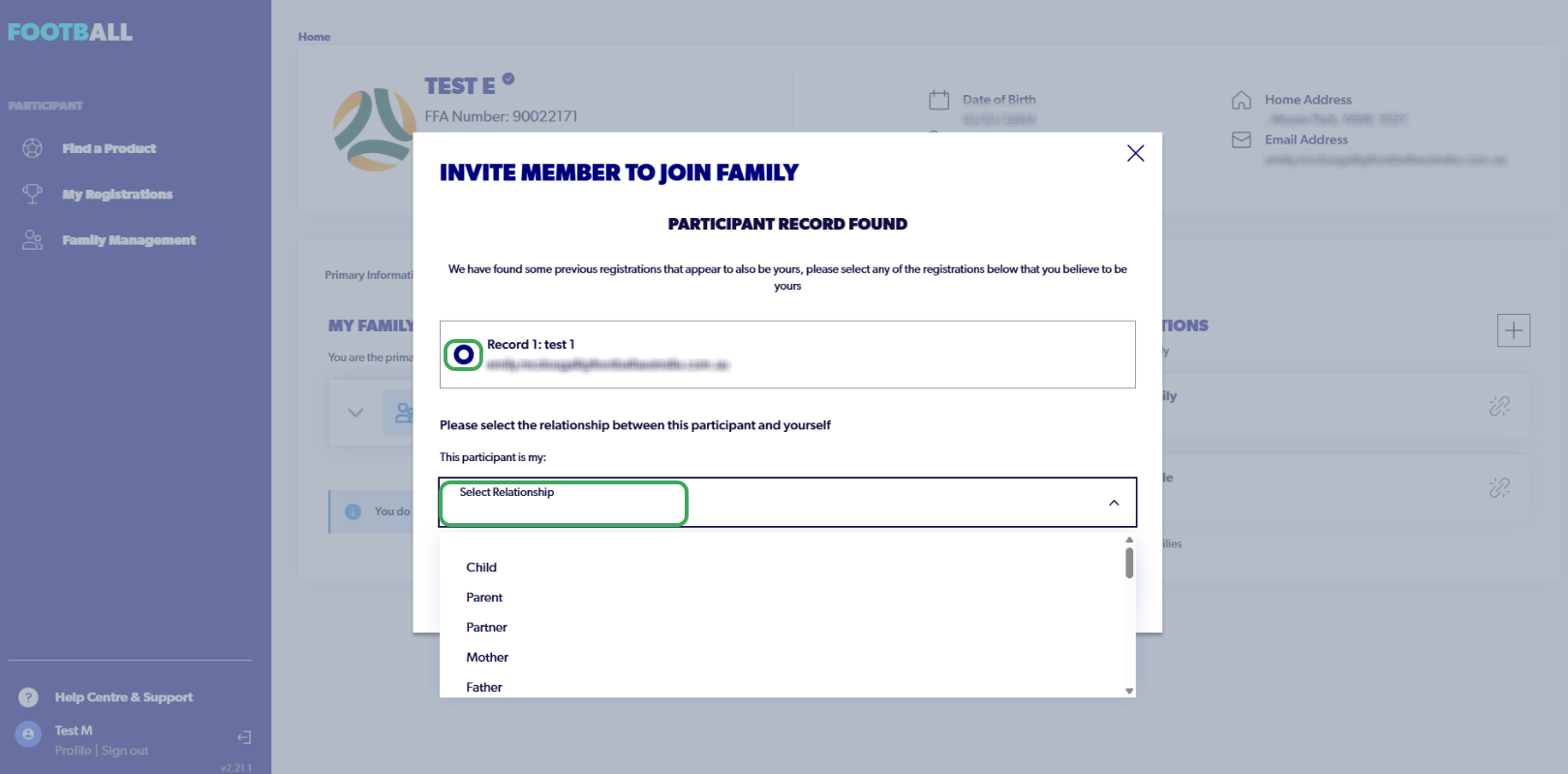
6. Name your family and select 'Invite Member'
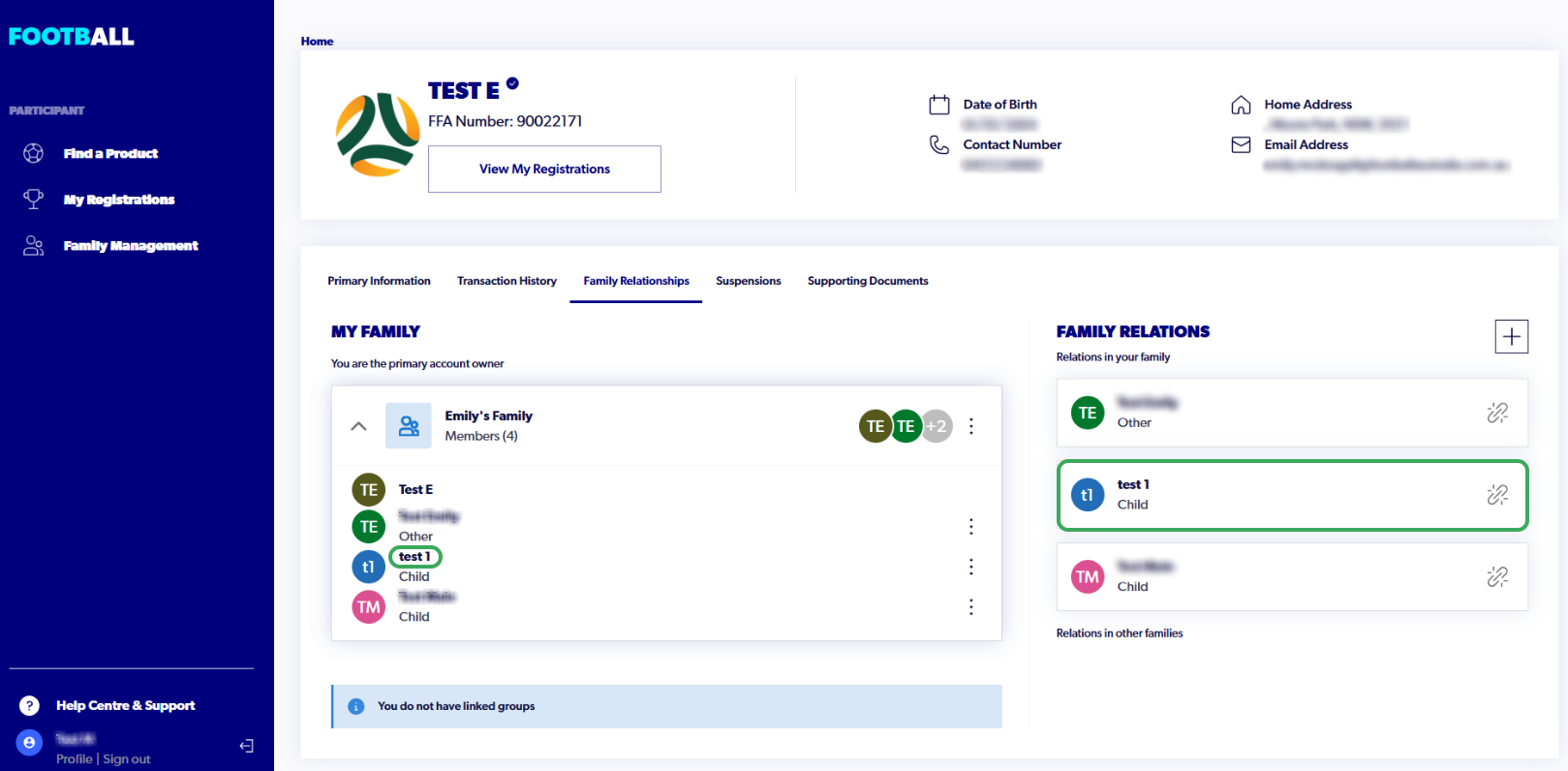
7. The participant will now appear under 'My Family'
To view their profile and FFA number, please click on their name under 'My Family.'
You can view all linked account registrations under 'My Registrations' from the side menu.
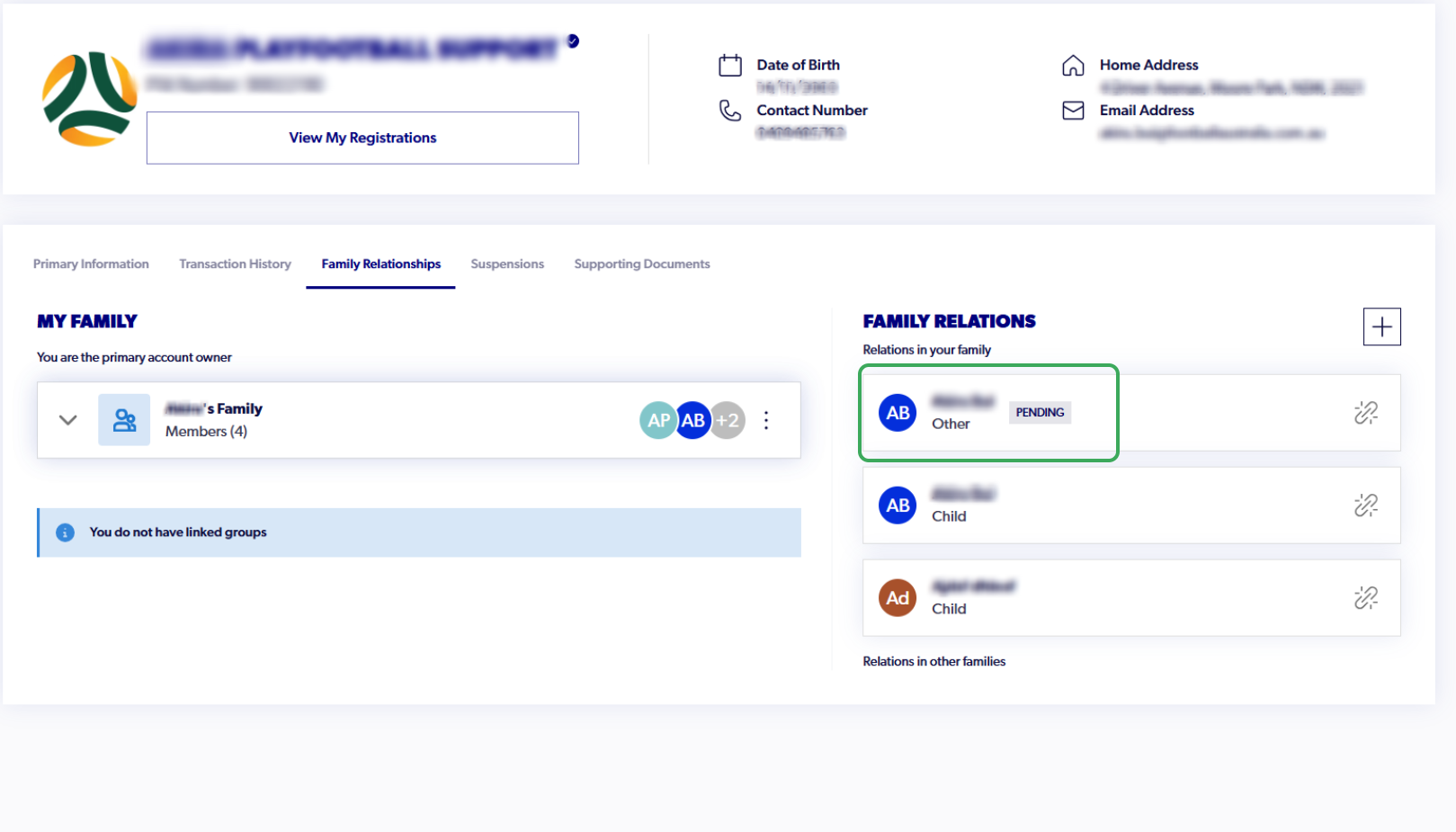
Why is my family member appearing as 'pending'?
In some cases, your family member may appear as 'pending' when the email address on their profile differs from the email address on your account. You are unable to manage their registrations or view their profile until this status is removed. To do so, please contact our support team at your earliest convenience.
Email: support@playfootball.com.au
Telephone: 02 8880 7983