
1. Go to playfootball.com.au. Sign in to your Football Network account.

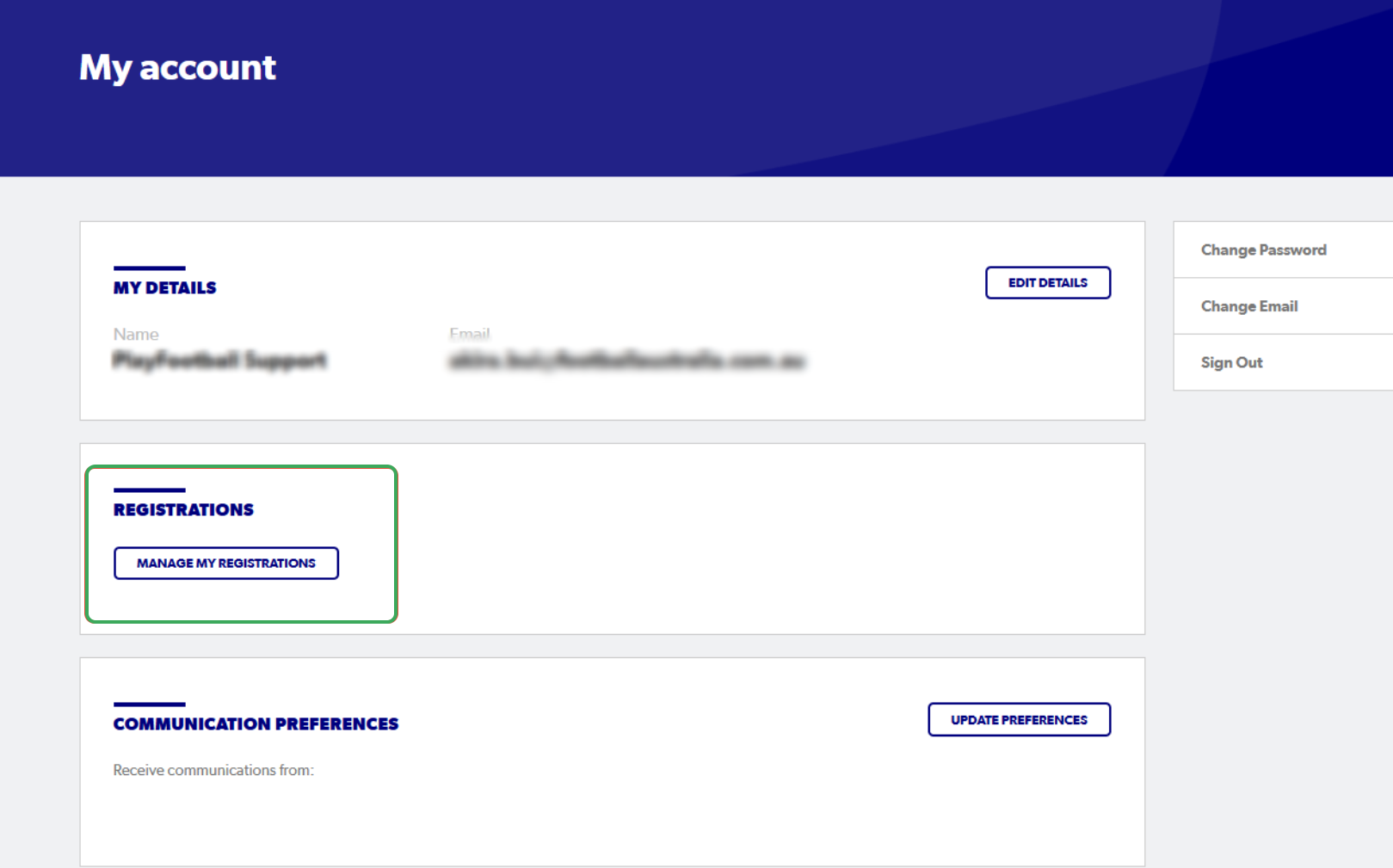
2. Select "Manage My Registrations"
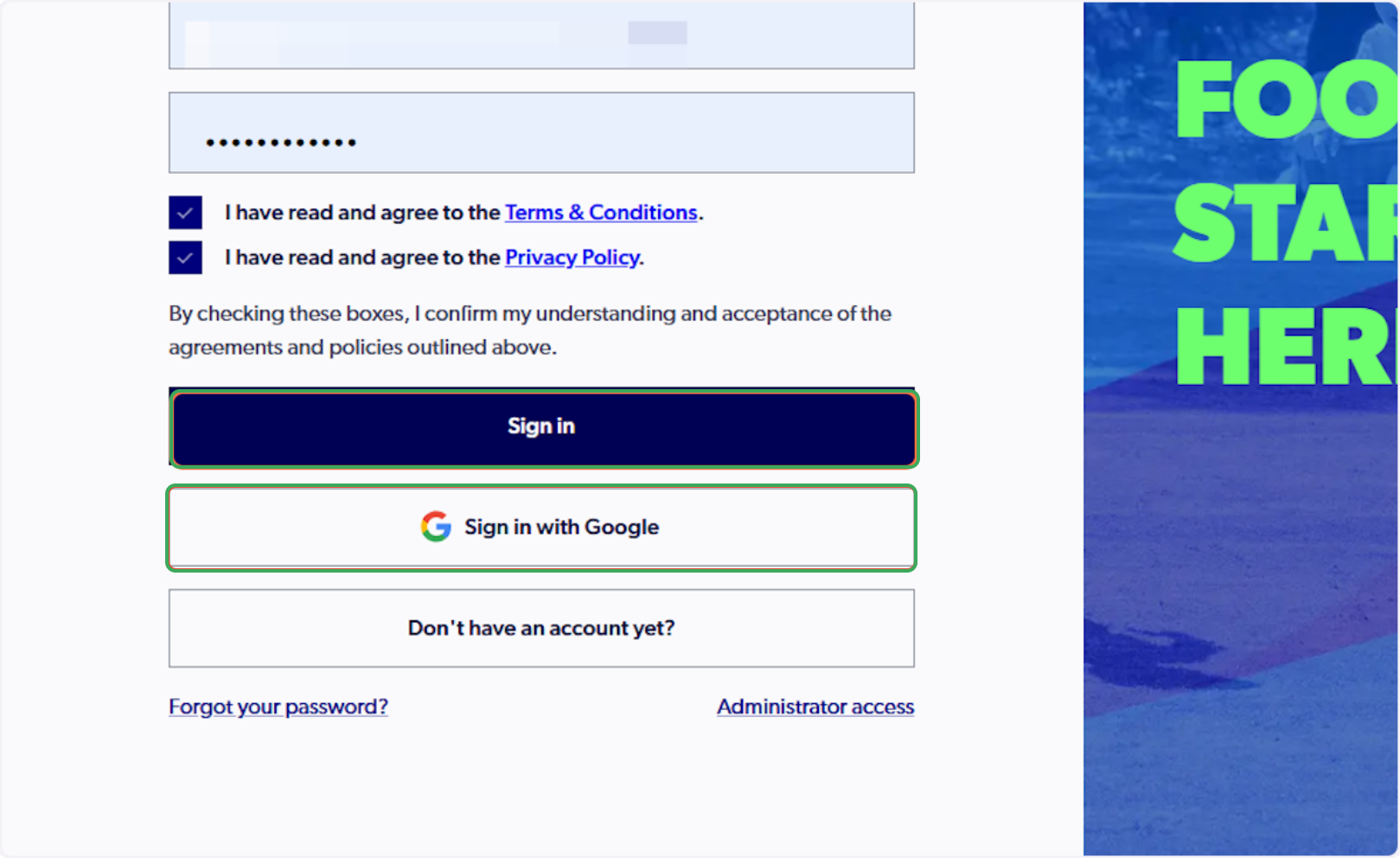
3. Sign in to PlayFootball
Please note if you have created your account using Google, you must select 'Sign in with Google'
4. Click on "My Registrations"


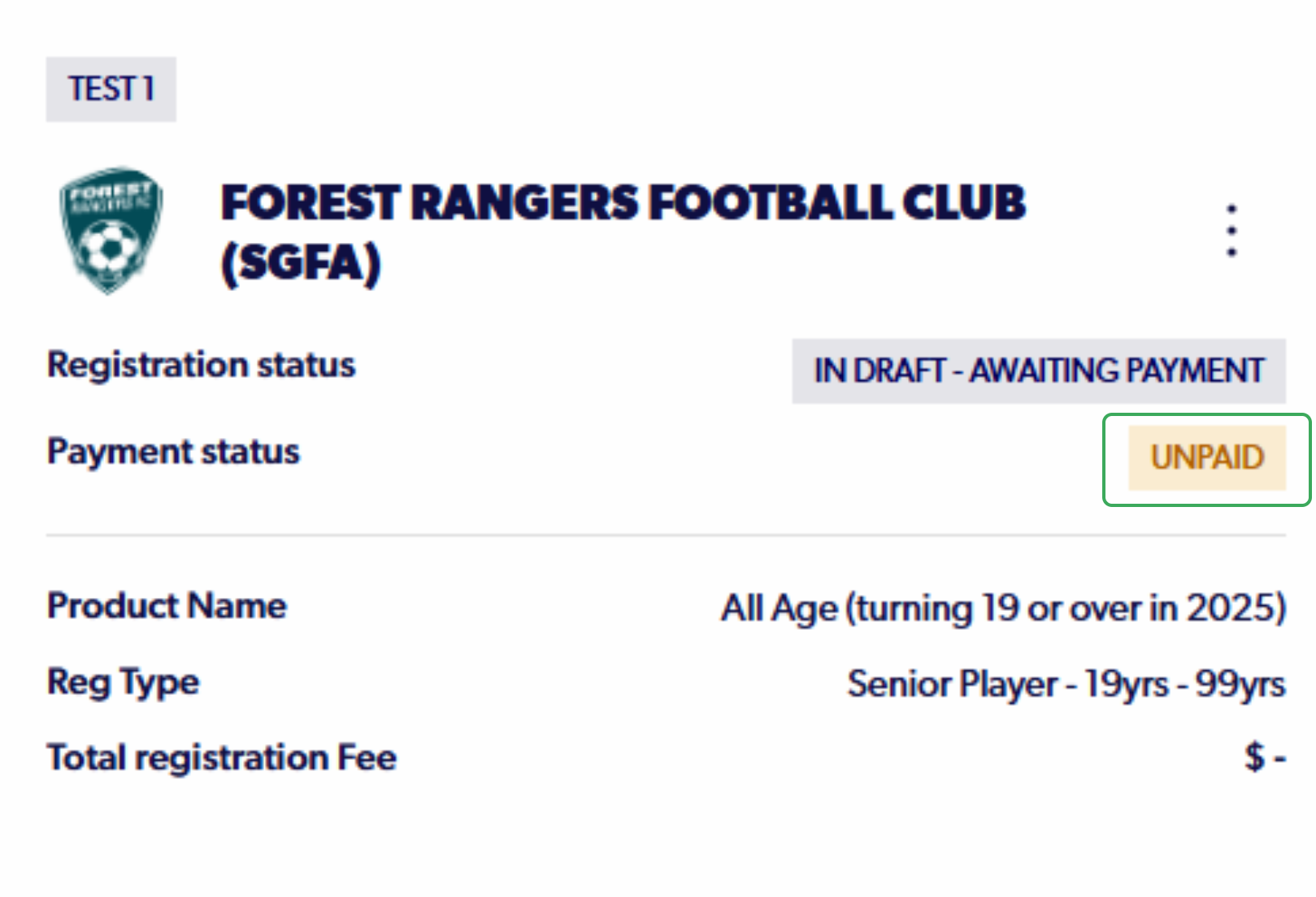
5. In order to pay for a registration, the Payment Status must be "UNPAID"
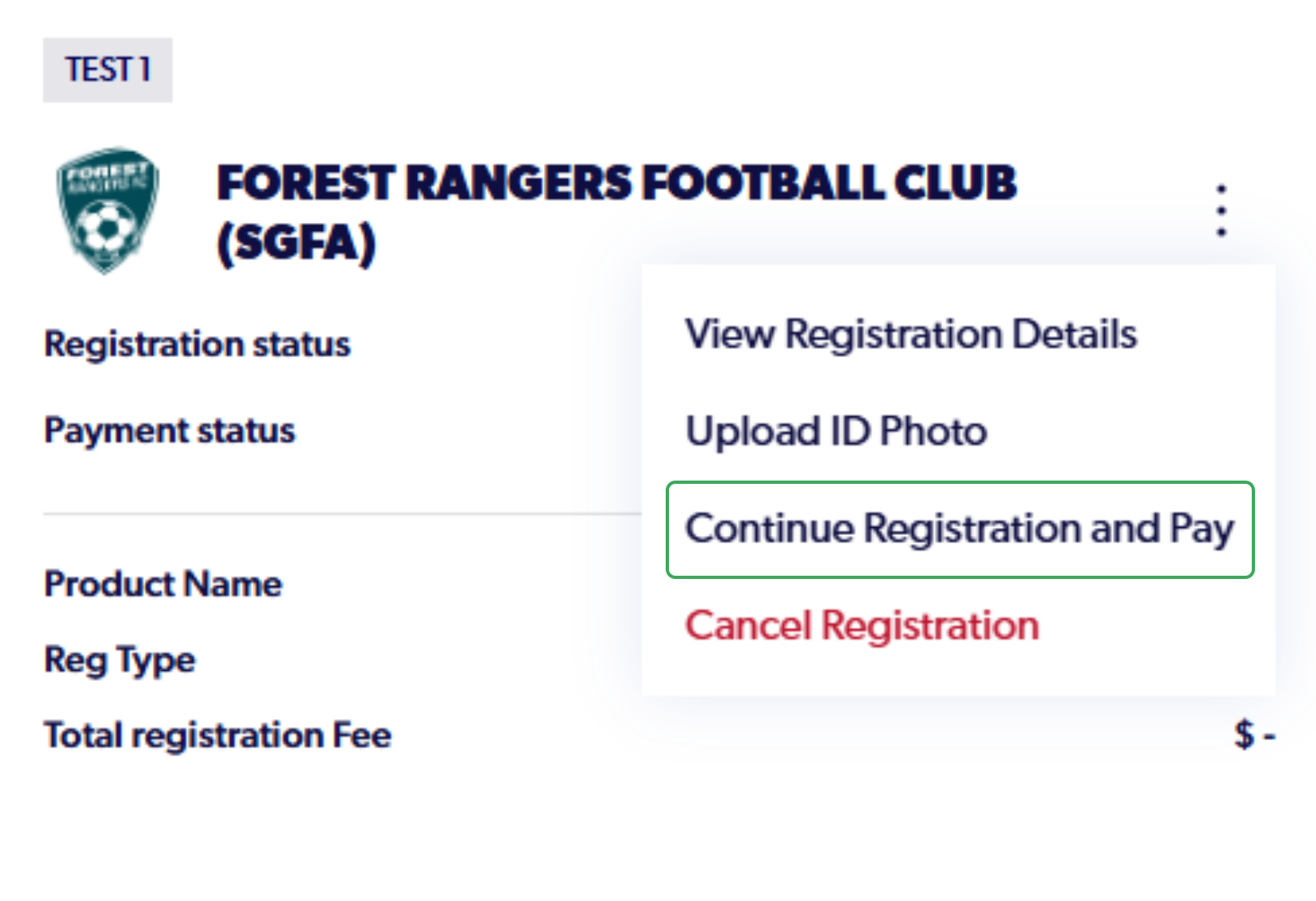
6. Click on the "Three Dots" and Select "Continue Registration and Pay"
7. You can view the Fee Breakdown

8. Select the appropriate Payment Option

9. You can view the Payment Summary which will also Indicate the amount you will be paying

10. Enter your Billing Information

11. Enter Card Details or select alternative payment options.
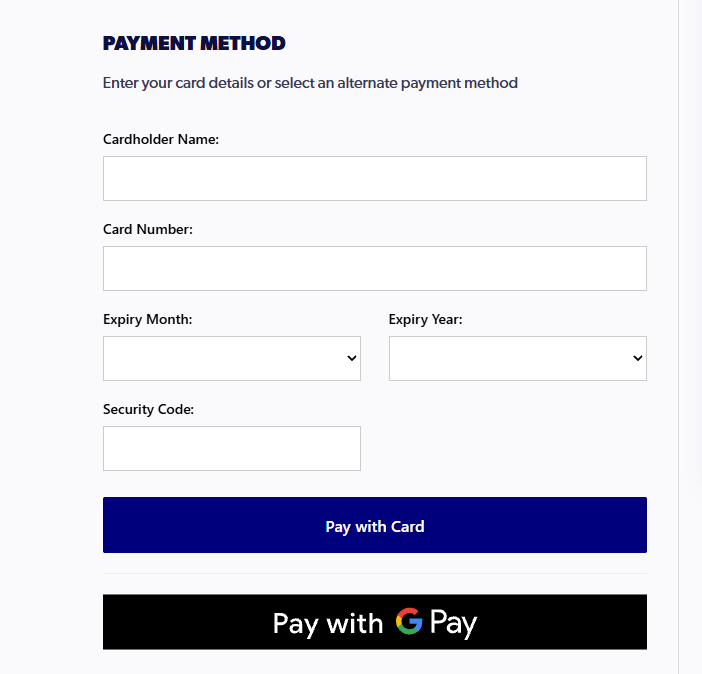
12. If you have entered the card details, select 'Pay with Card' to finalise the registration. If you have selected Pay with GPay or Apple Pay this will finalise the registration.
