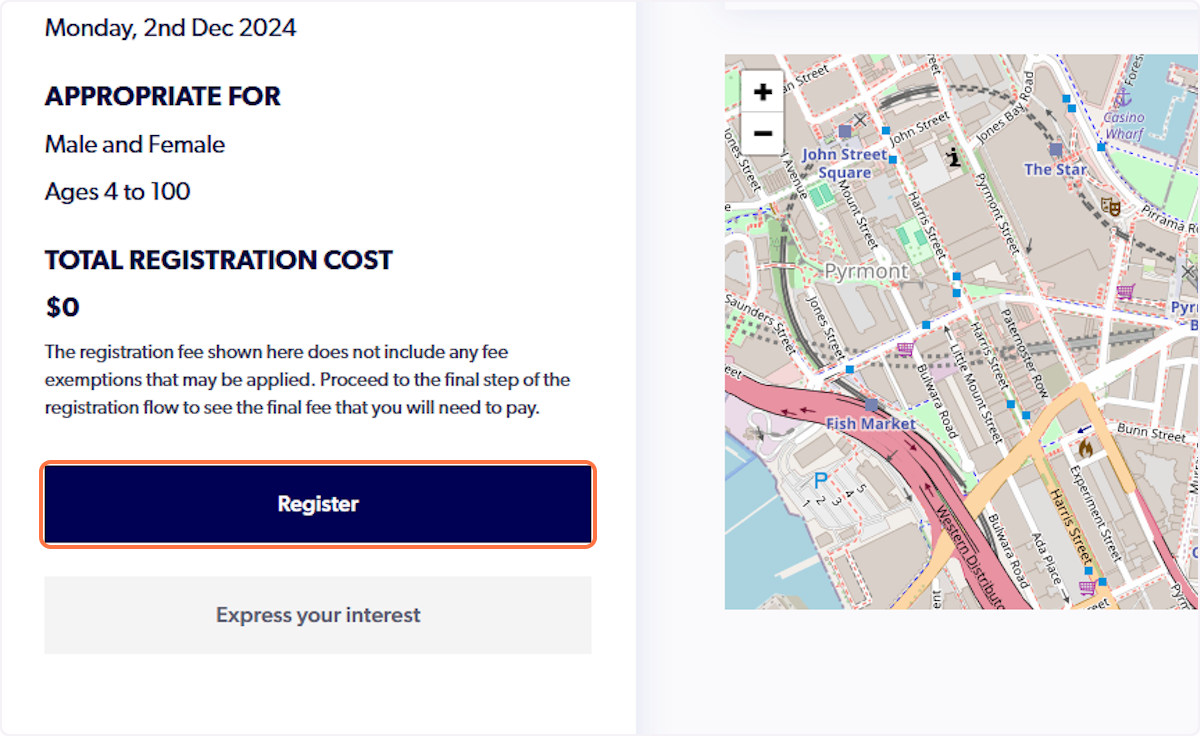
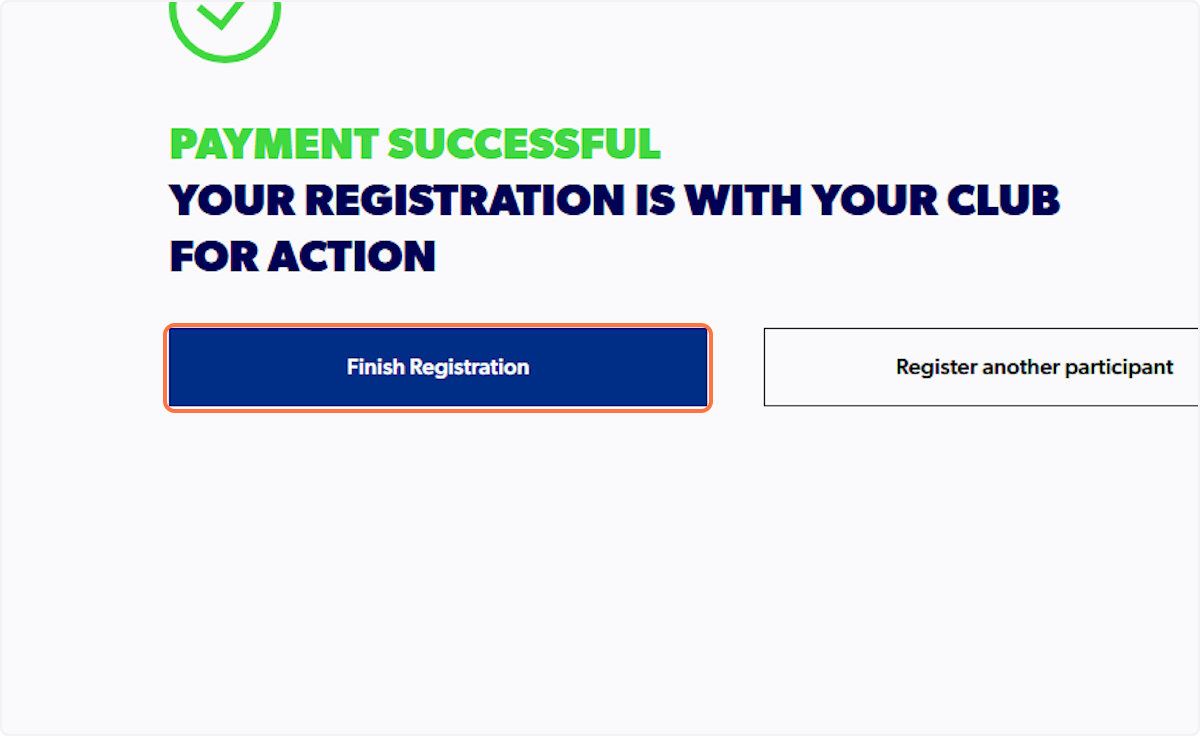
If you are interested in starting your referee or coaching training, you will need access to the etrainu Learning Centre. To gain access, you must have an active registration on PlayFootball. To complete this registration, please follow the steps outlined in this support article.
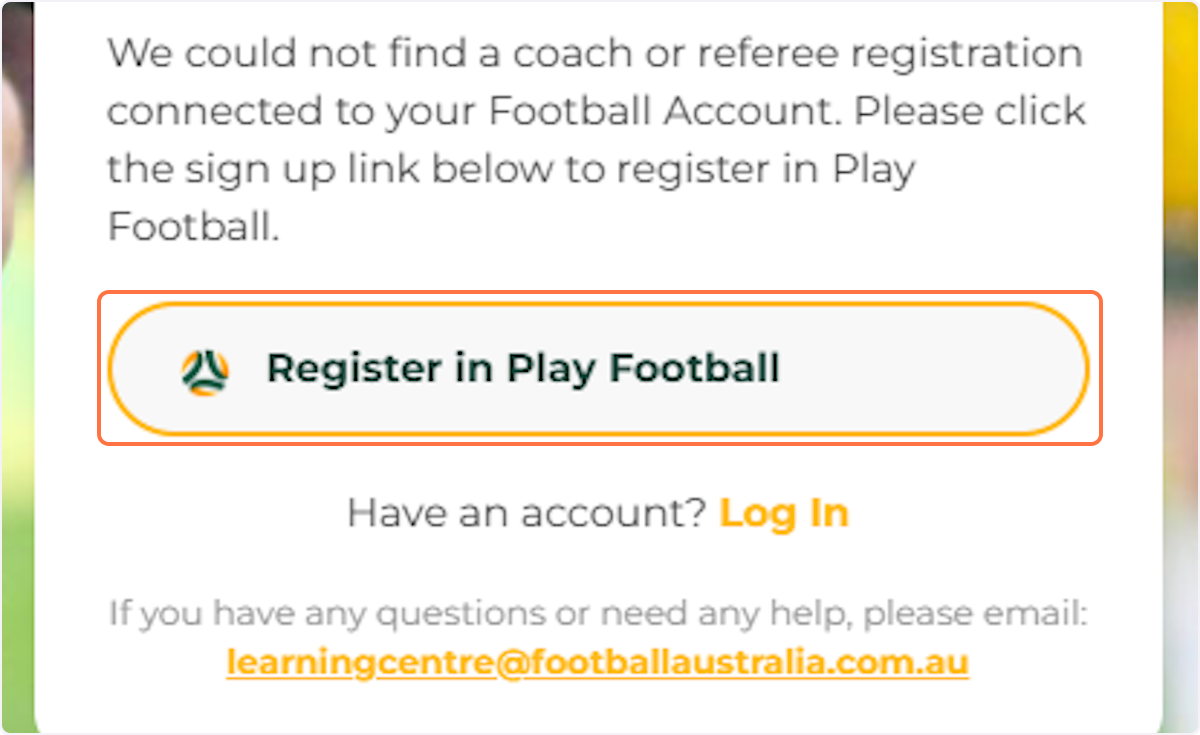
If you are attempting to sign-in without an active registration, you will receive the following error message,
"We could not find a coach or referee registration connected to your Football Account. "
If you do have an active registration and still receive this error, it can mean that;
- Your active registration is linked to an account that is not assigned as the primary profile on your email address.
- Please follow the support article HERE to assign yourself as the primary account.
- You have multiple PlayFootball accounts
- Please contact PlayFootball Support to assist in merging these duplicate accounts.
Pathway 1 - Actively Coaching/Refereeing for a Club this Season
playfootball.com.au
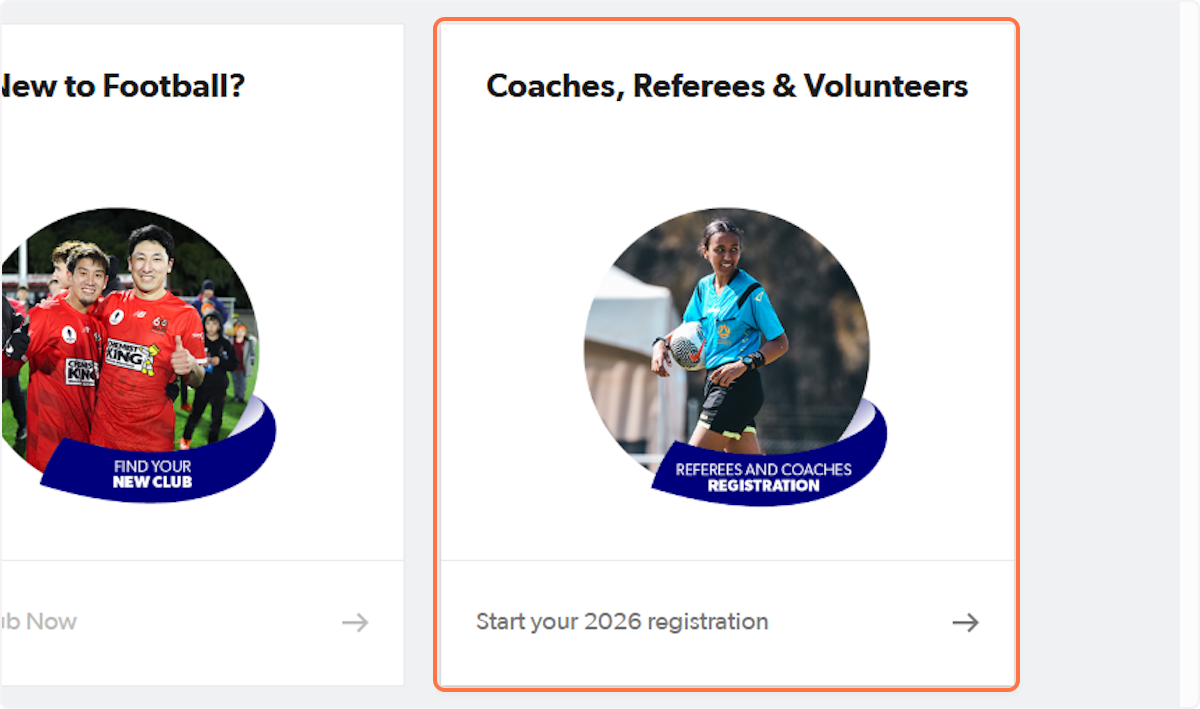
1. Click on Coaches, Referees & Volunteers…
2. Search for the club name
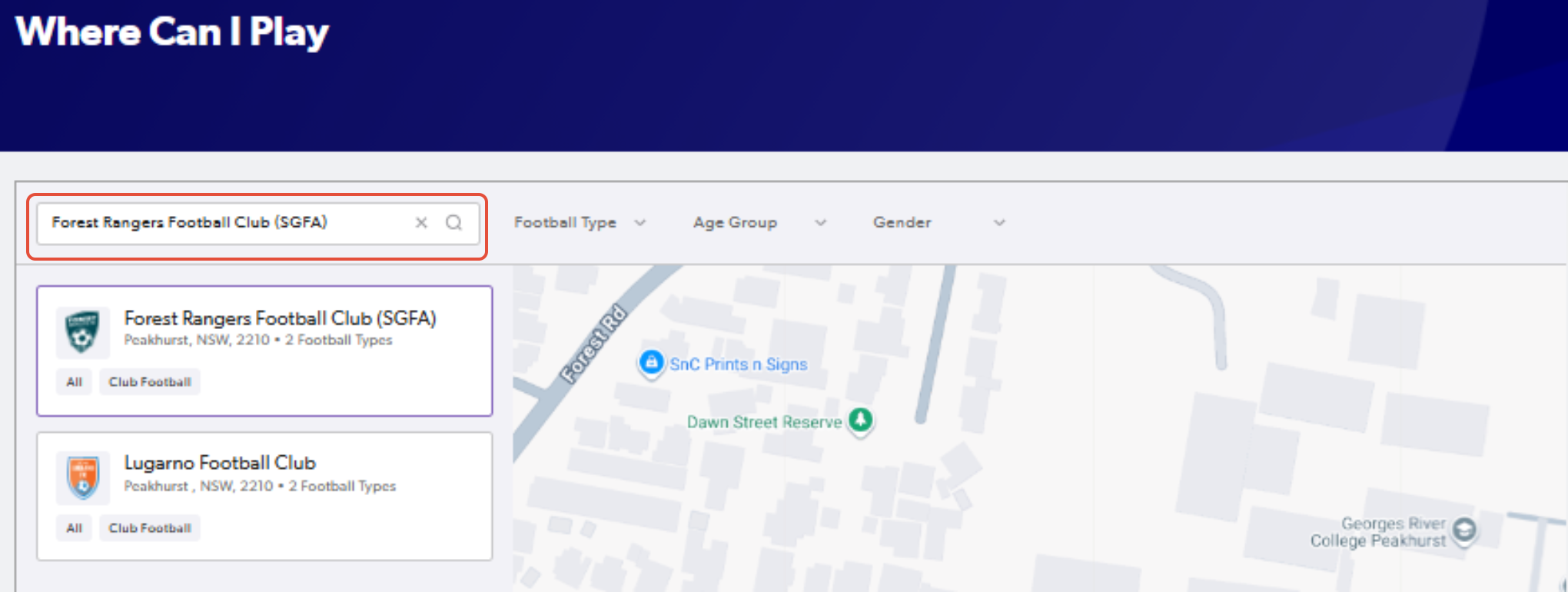
3. Click on the club name or location and confirm the details. Once you have done so, click "Register Now"
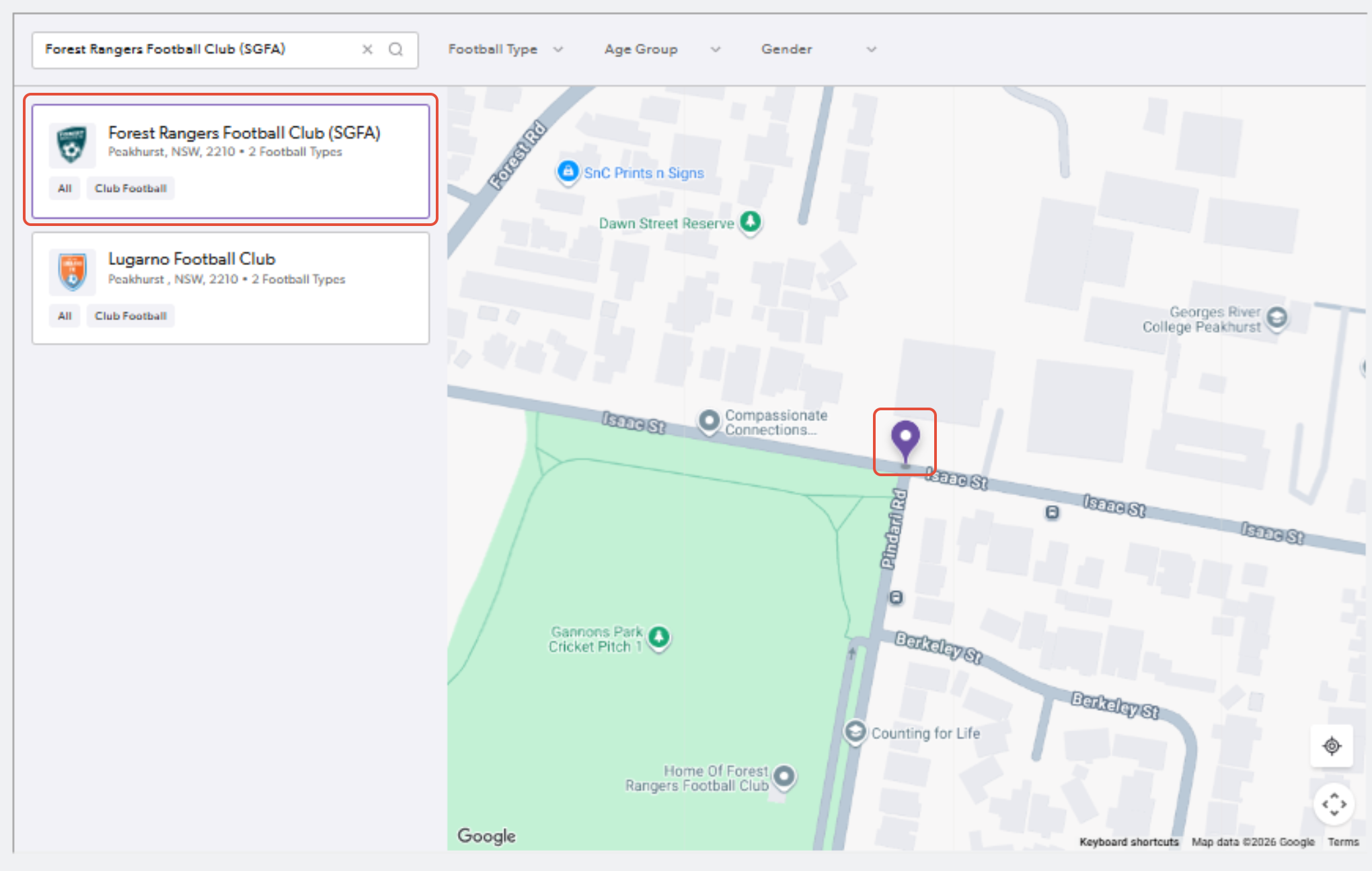
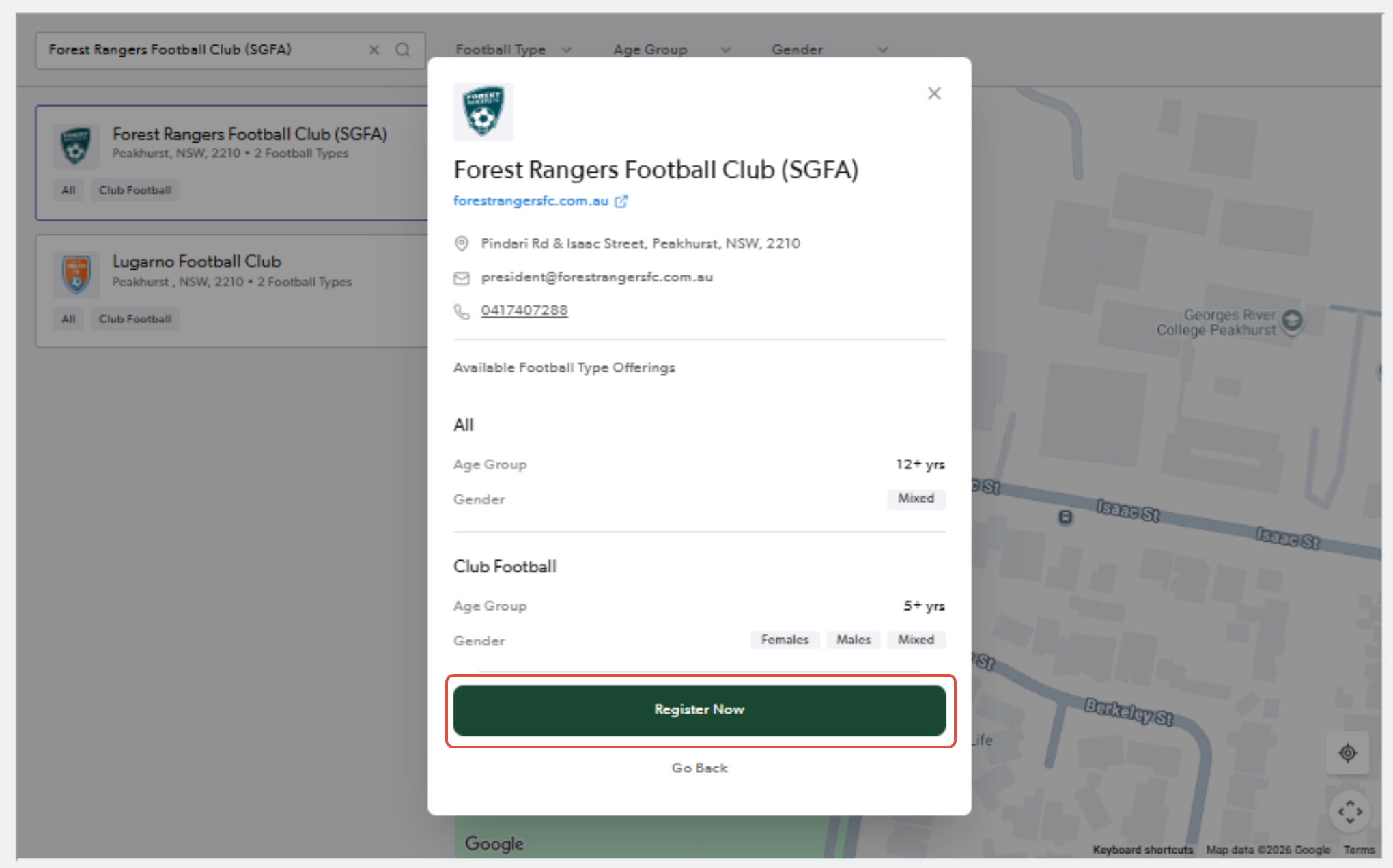
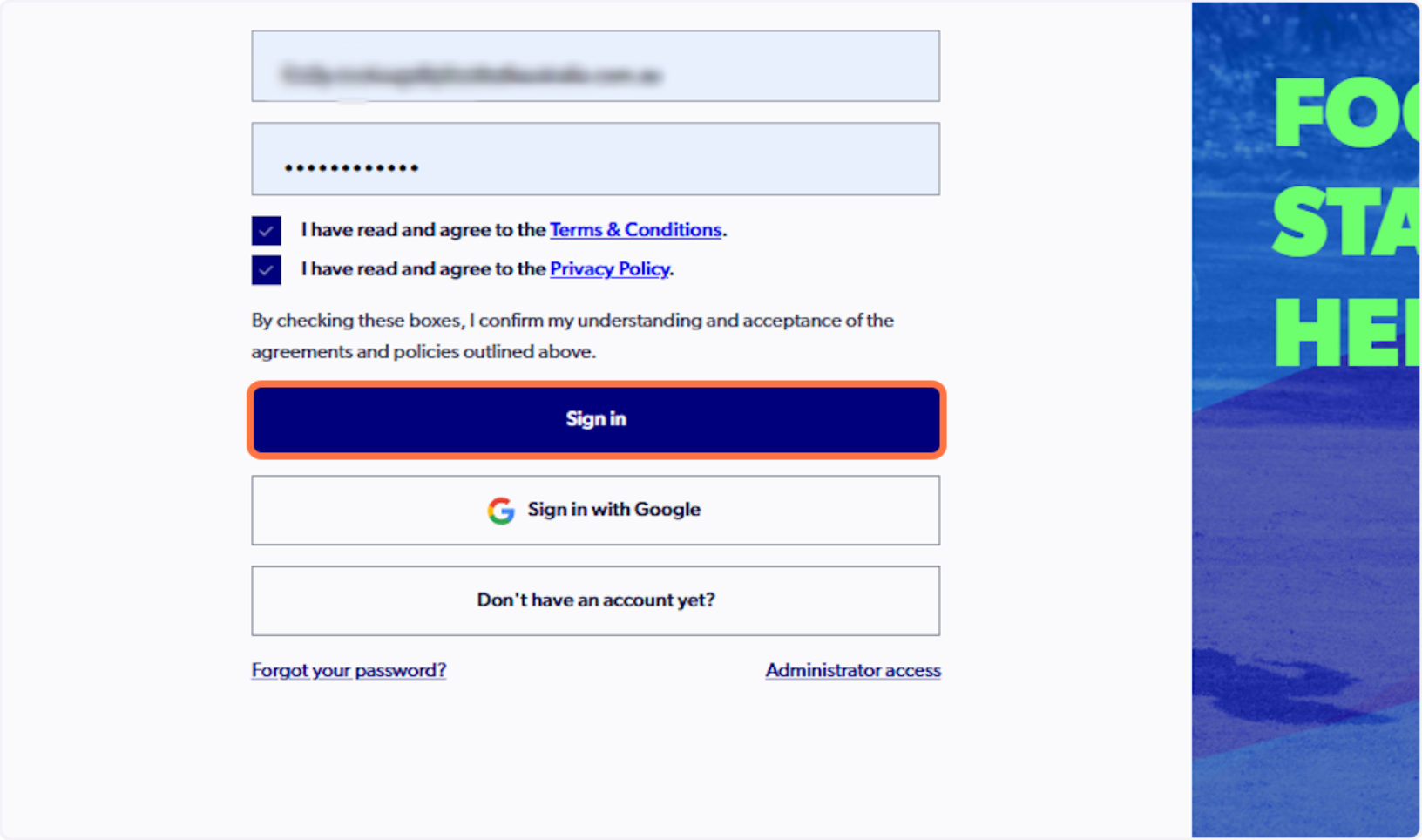
4. Fill out your details and click you have agreed to the terms & conditions
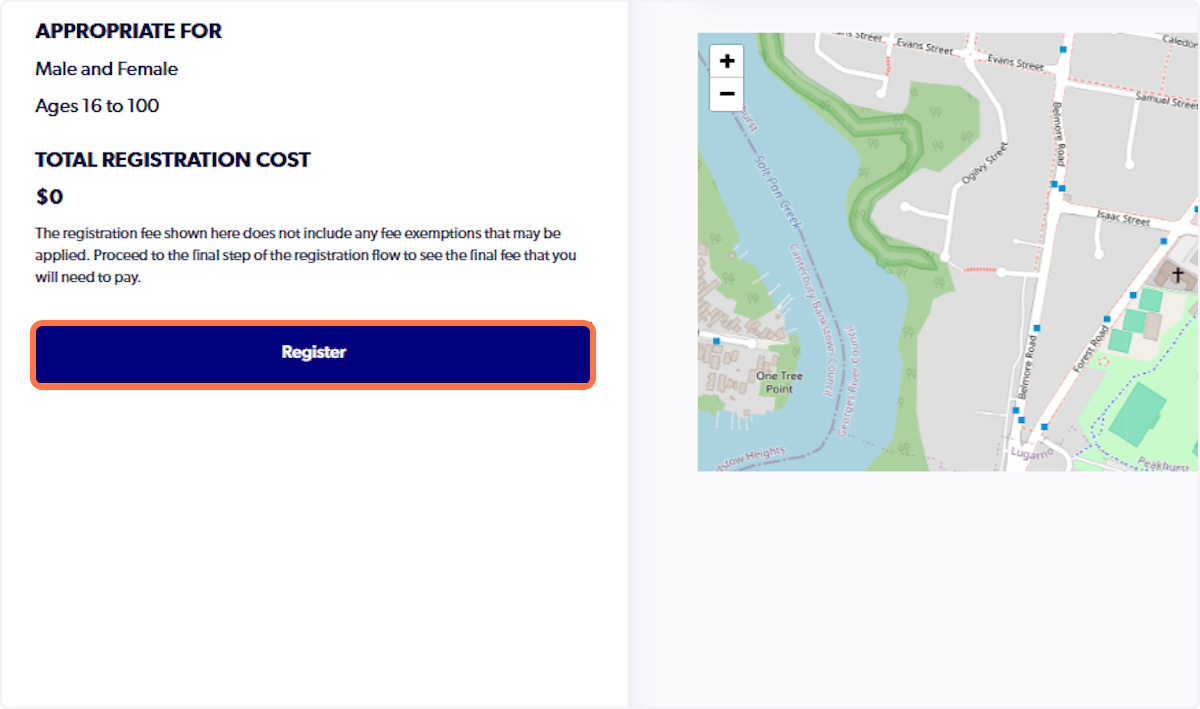
5. Click on Details of the coach product
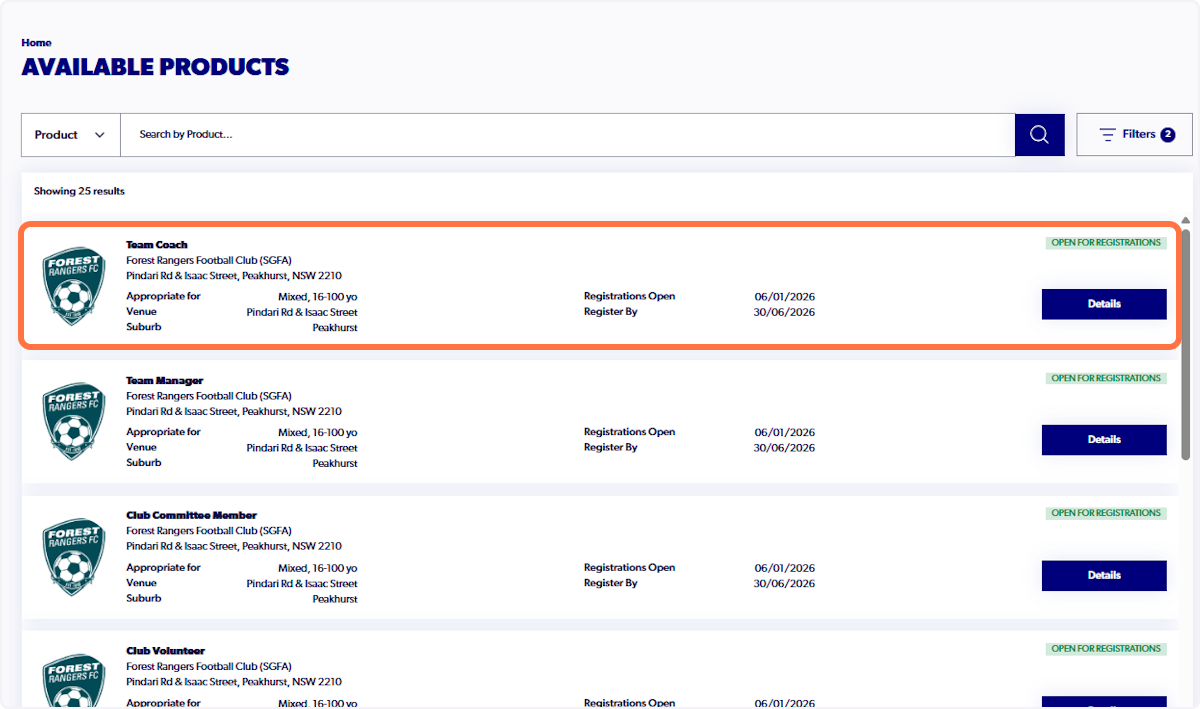
6. Click on Register and fill in the details on the form
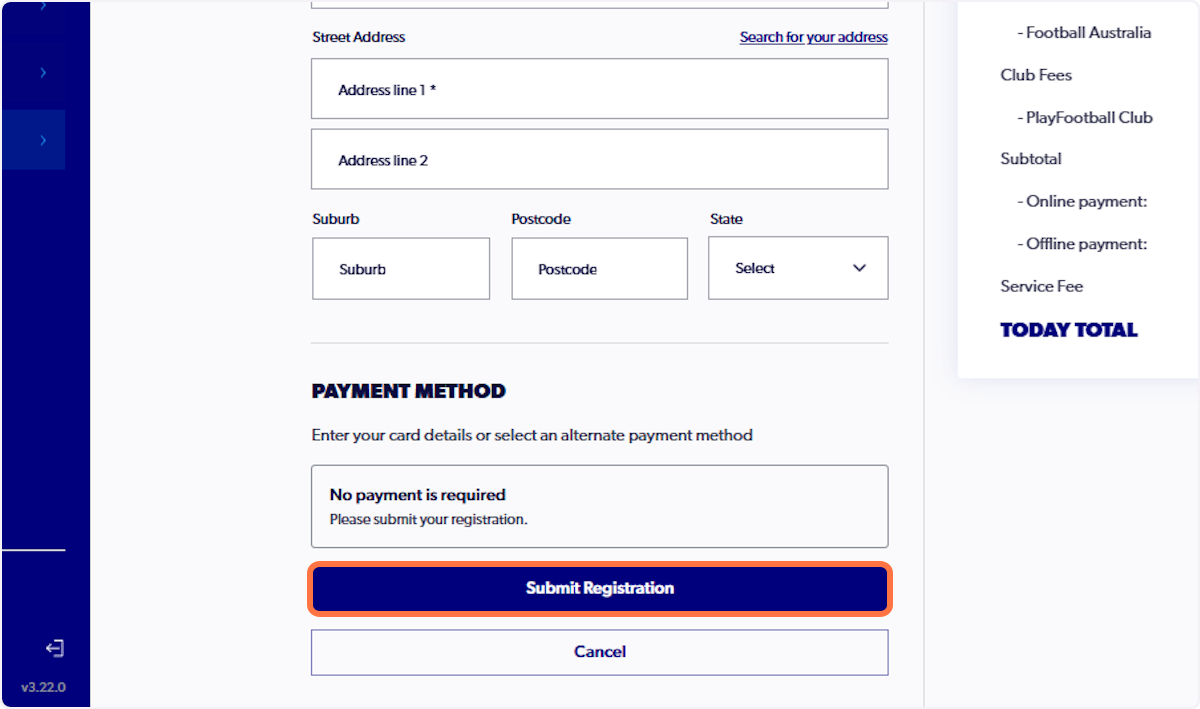
7. Click on Submit Registration
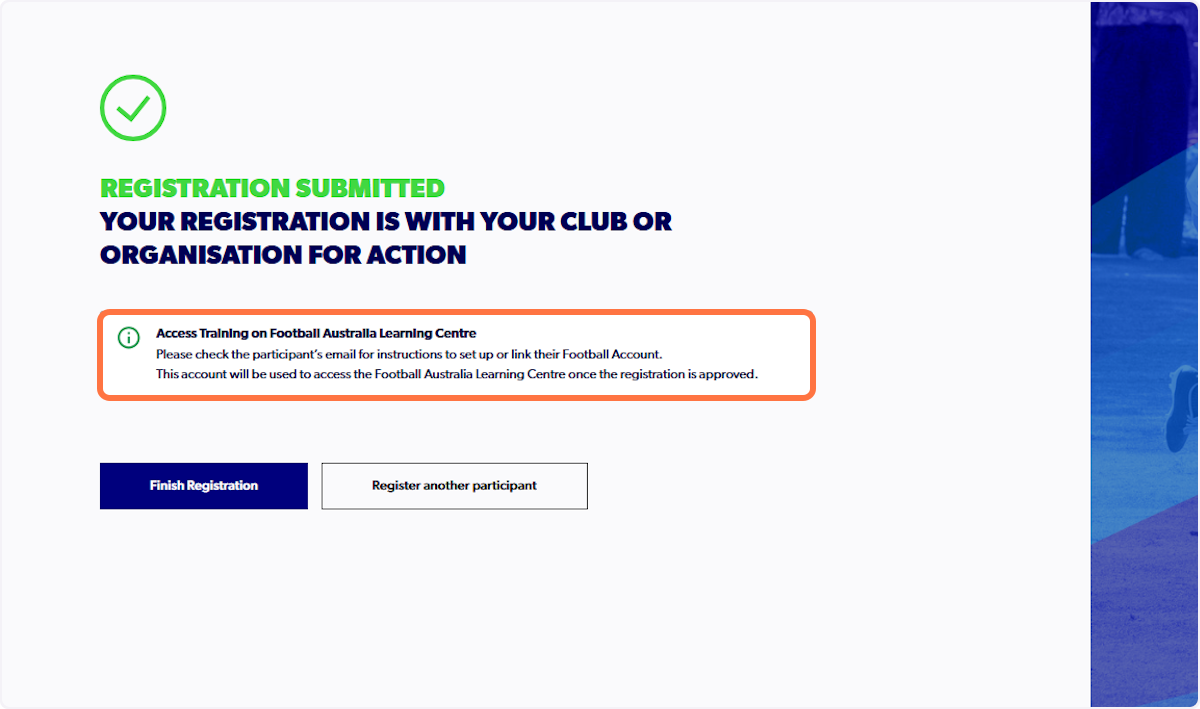
8. Finish registration and visit your inbox for further information
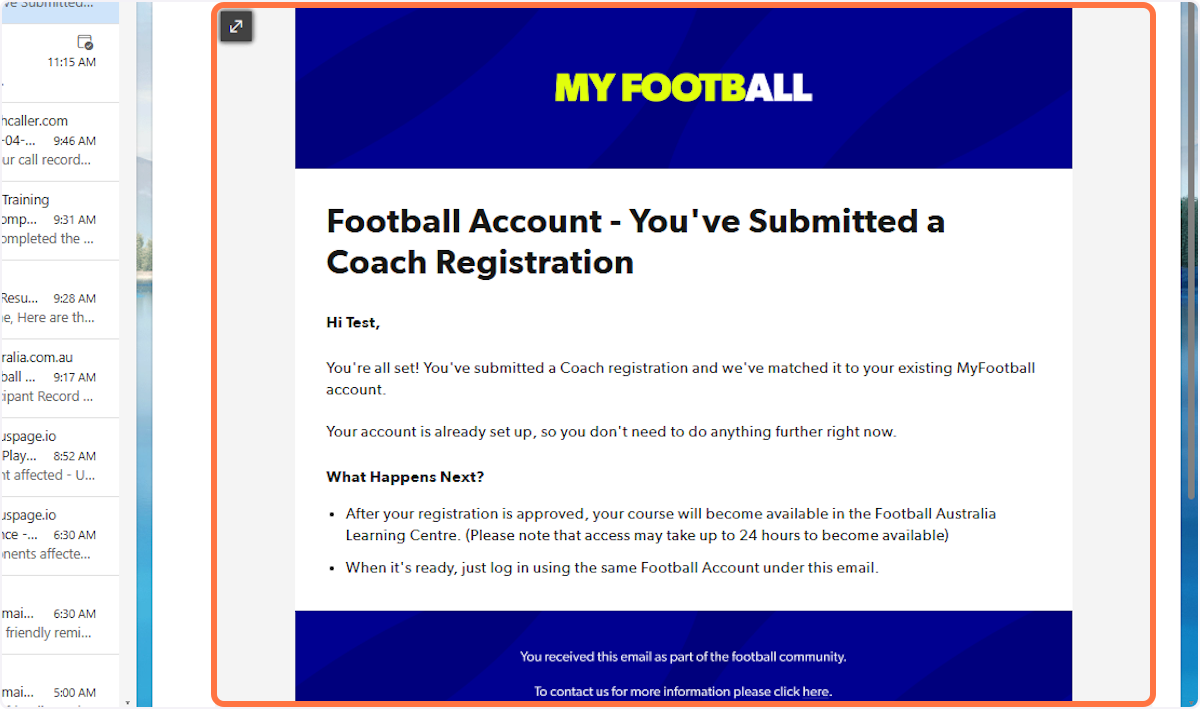
9. Follow the instructions provided in the email to ensure your account is set up correctly
Please note that the registration will need to be approved by the club, or other organisation, that you have registered with to gain access.
Pathway 2 - NOT Coaching/Refereeing for the Season
1. Click on Register in PlayFootball
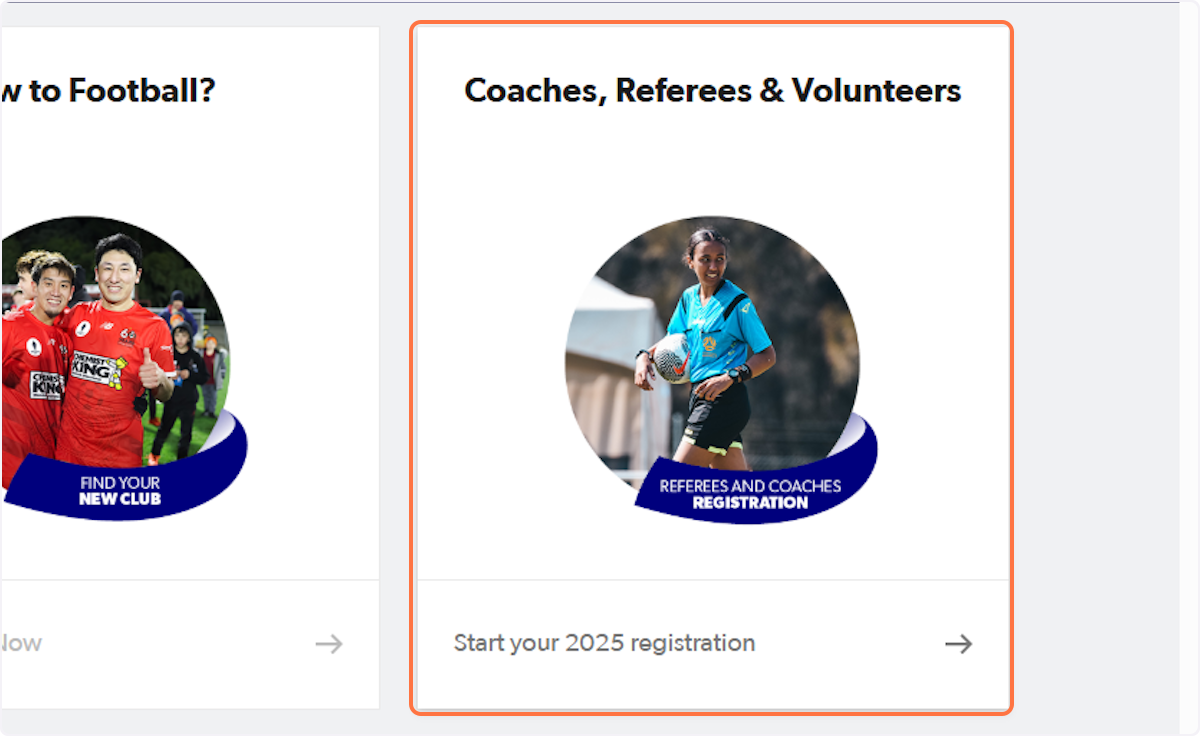
2. Click on 'Coaches, Referees & Volunteers'
3. Type "Learner"
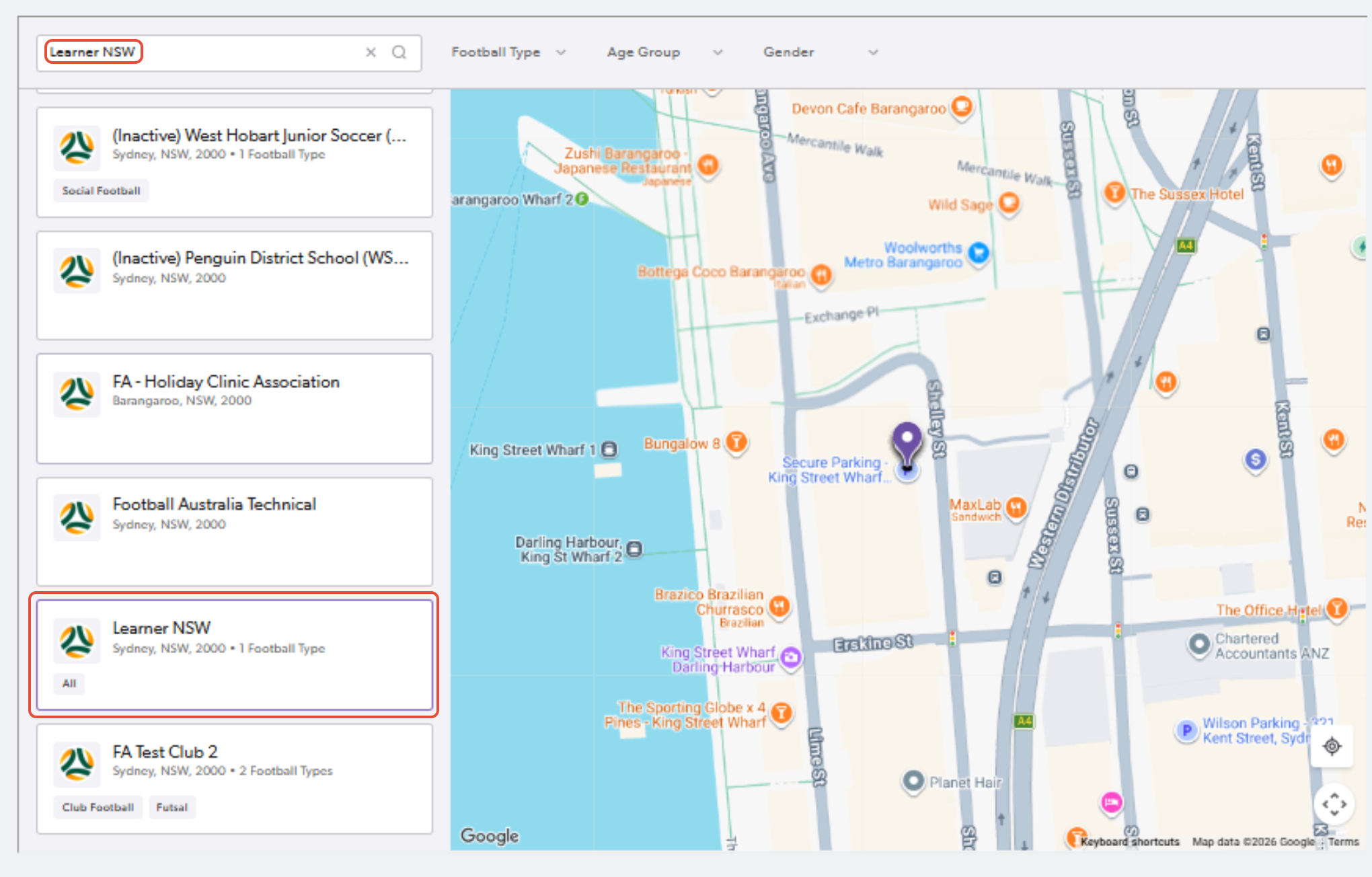
4. Click on the relevant learner club and click "Register Now"
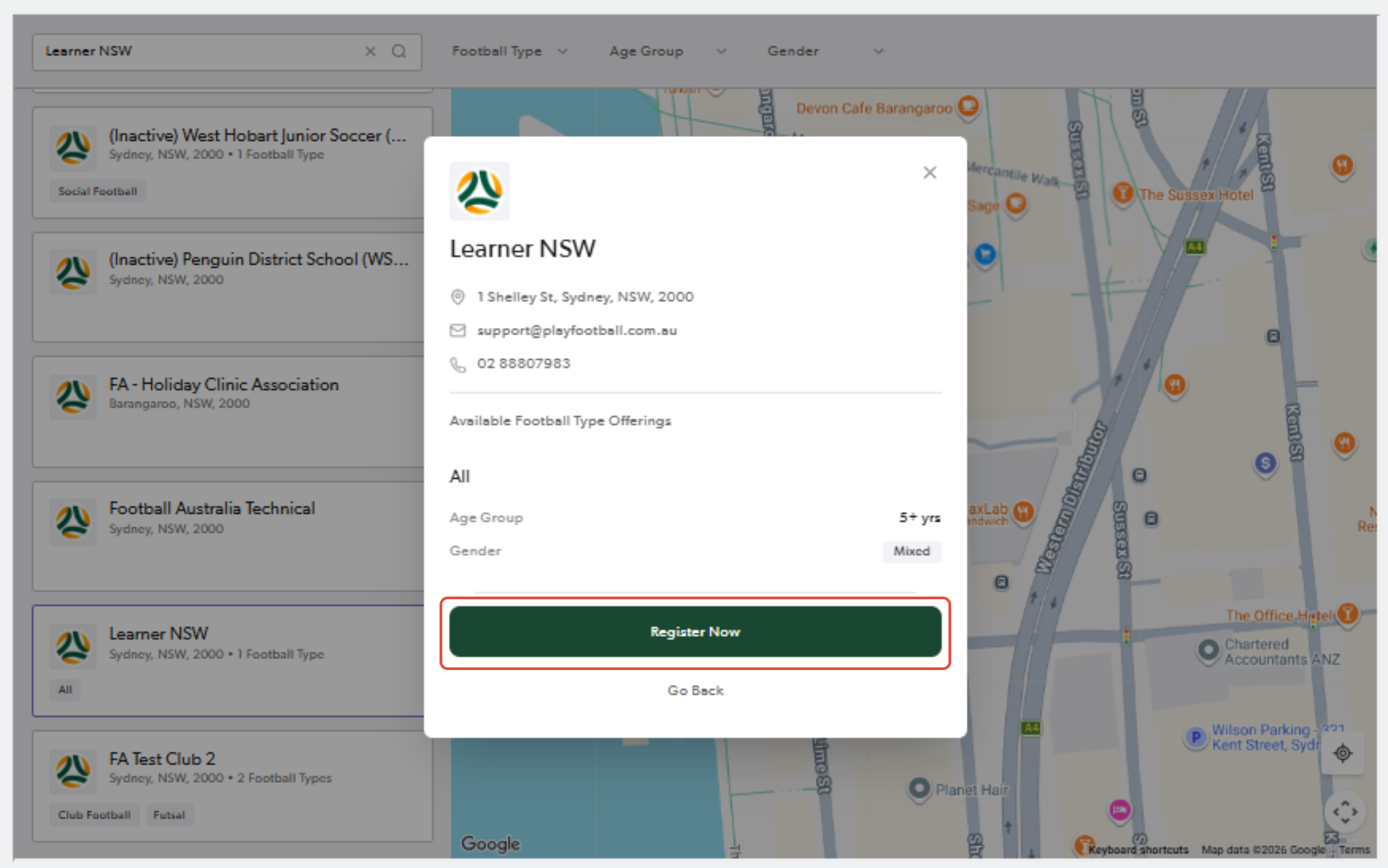
5. Type your email

6. Type password
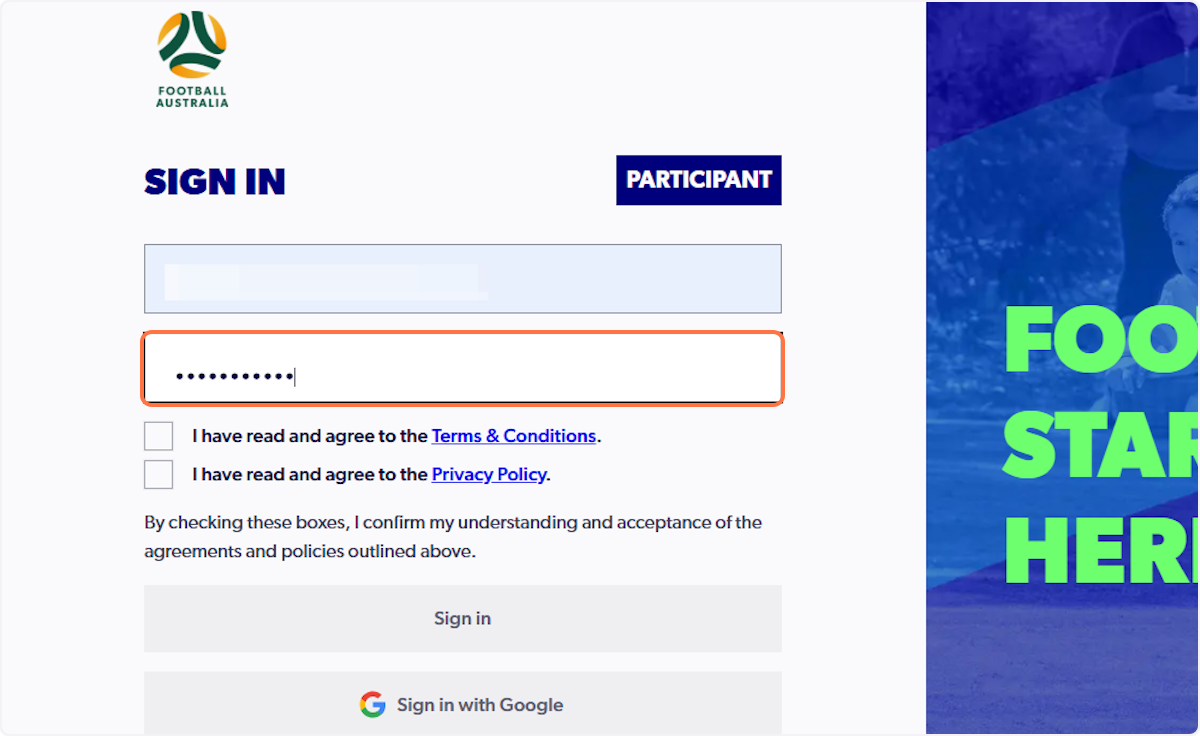
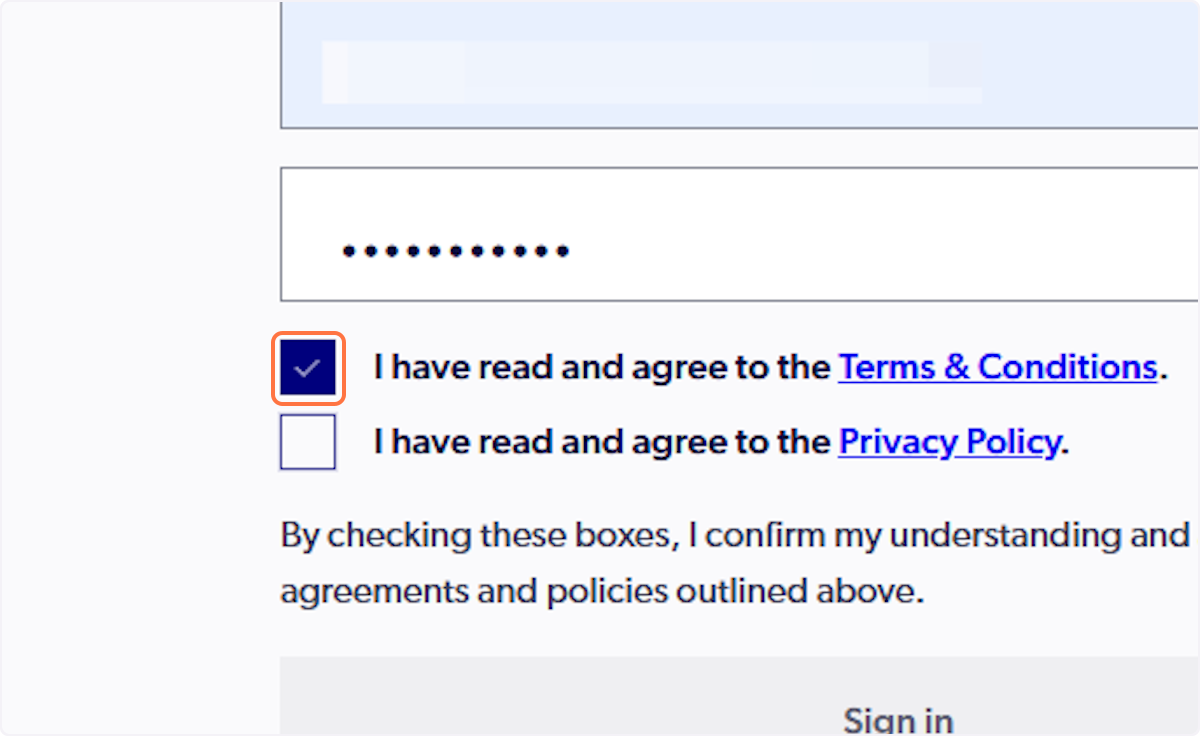
7. Check 'I have read and agree to the Terms & Conditions'
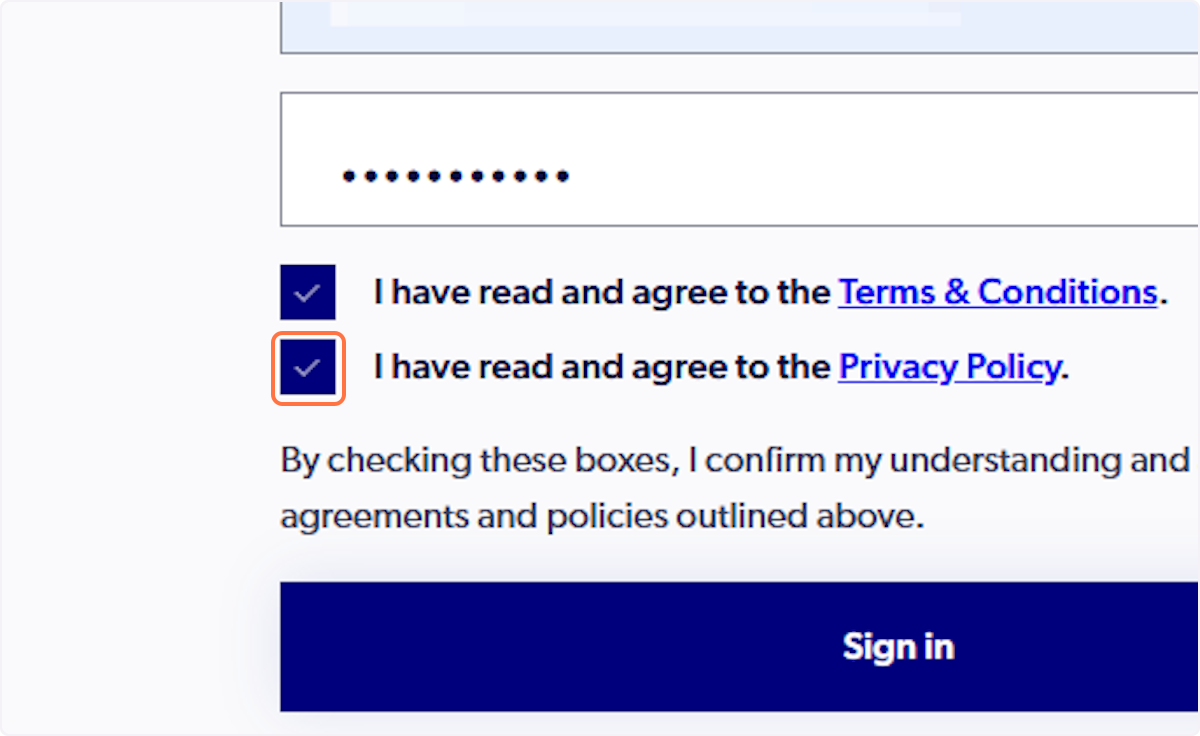
8. Check 'I have read and agree to the Privacy Policy'
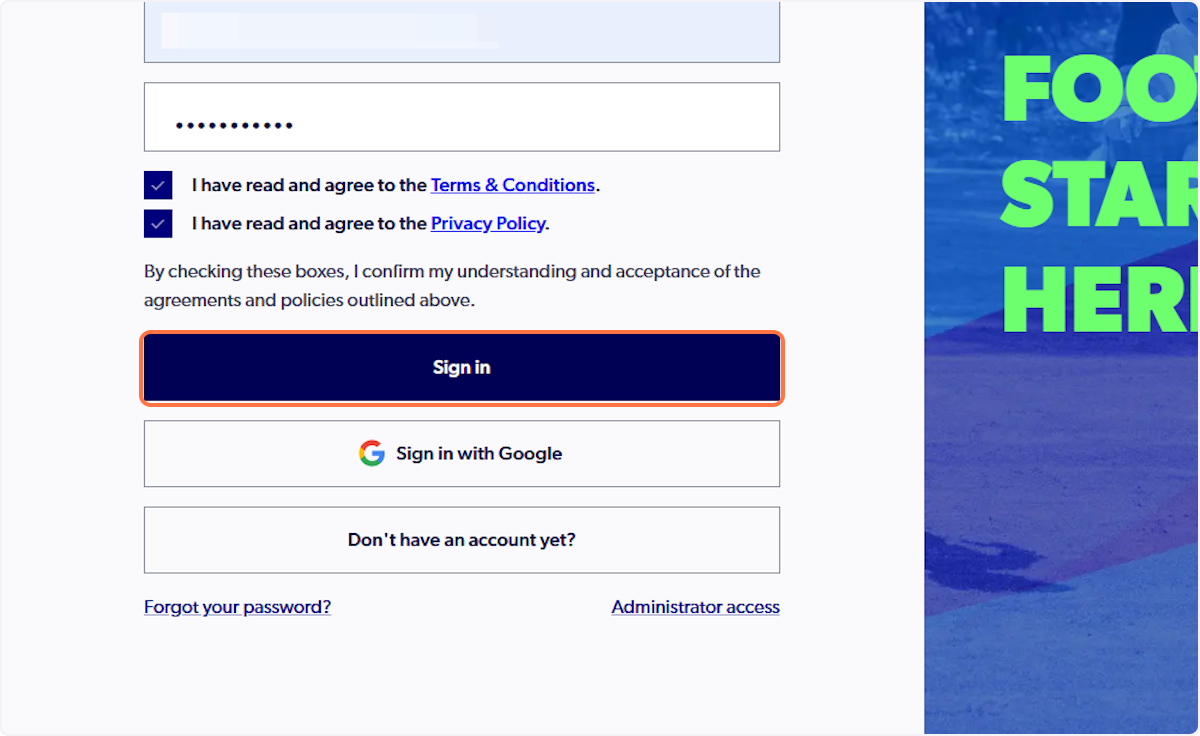
9. Click on 'Sign in'
10. Click on 'Details'
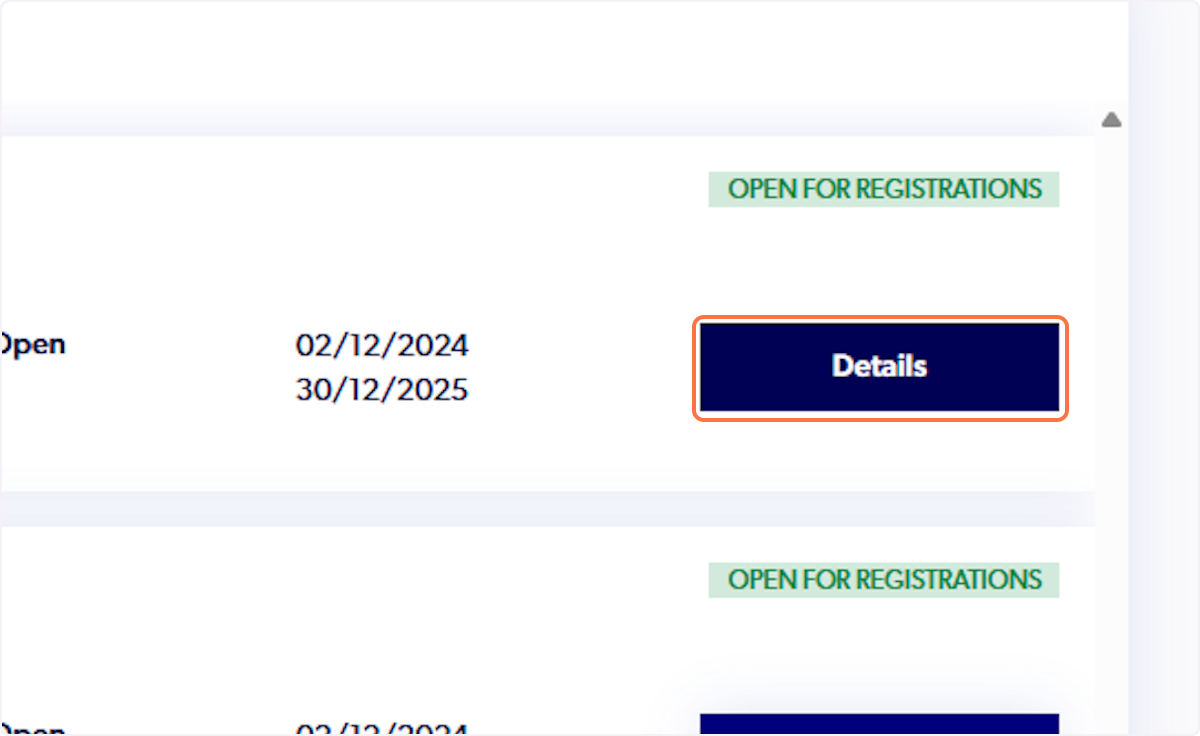
11. Click on 'Register'