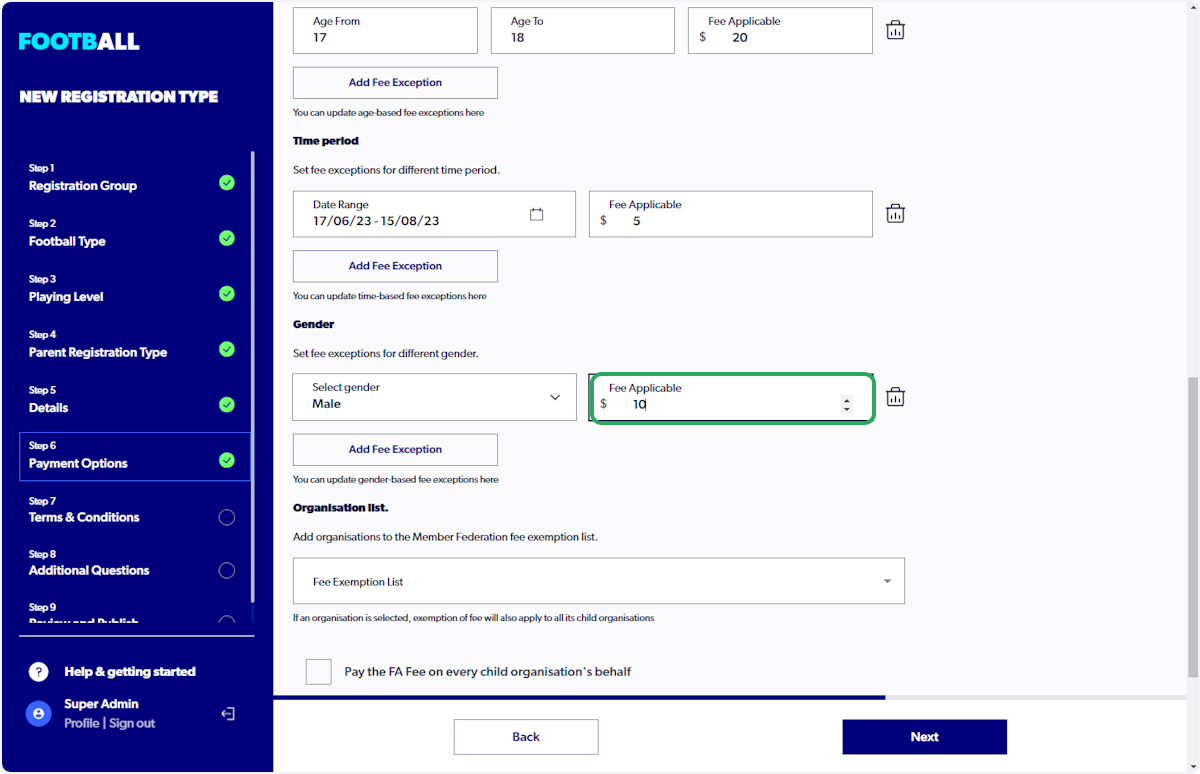
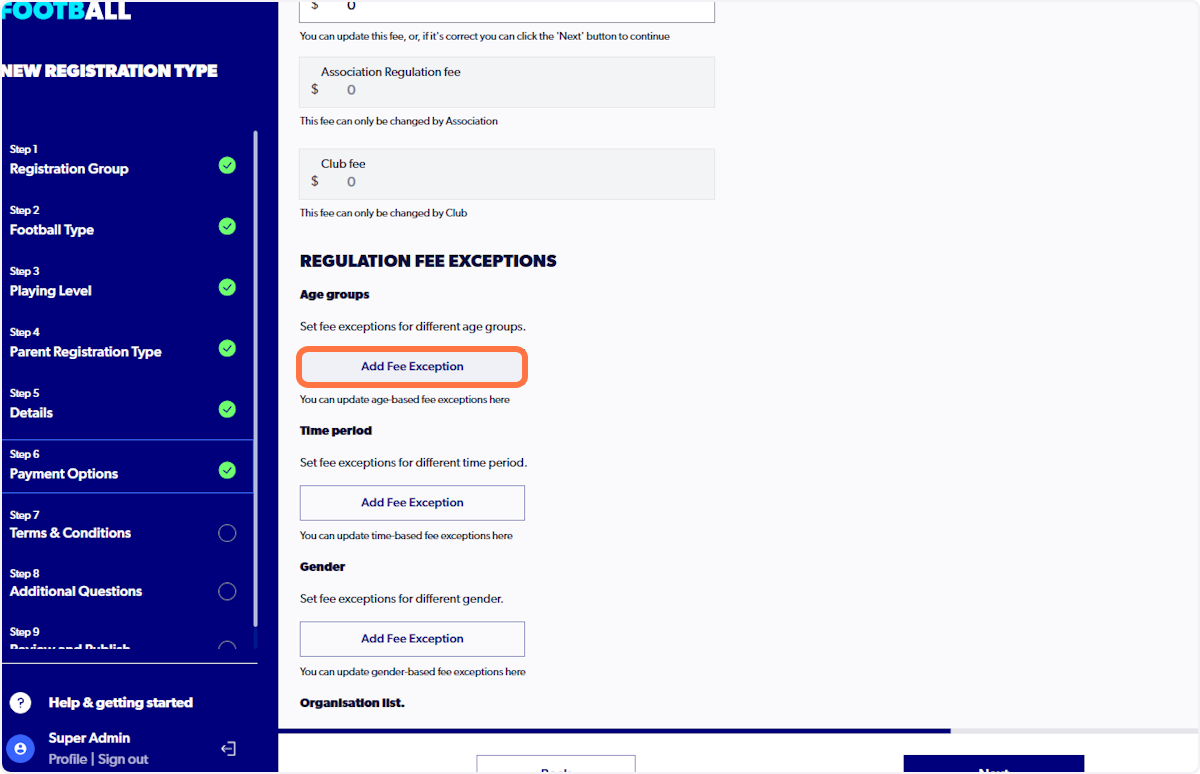
Fee exceptions are variations of fees which can be set by age group, time period & gender.
ℹ️ Exceptions are inclusive of the start and end date
ℹ️ 'Fee Applicable' is the final club fee portion which participants pay upon finishing their registration
ℹ️ After the end date, participants who are registering will automatically default to paying the full portion of the club fee
1. Click on "Sign In"

2. Click on "Registrations"
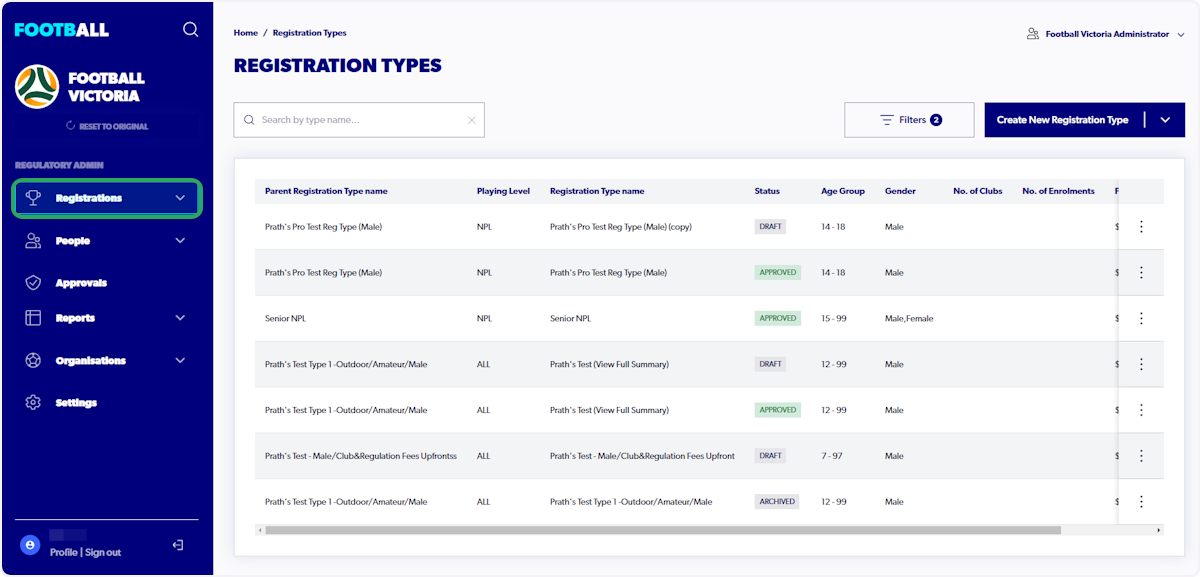
3. Click on "Registration Types"
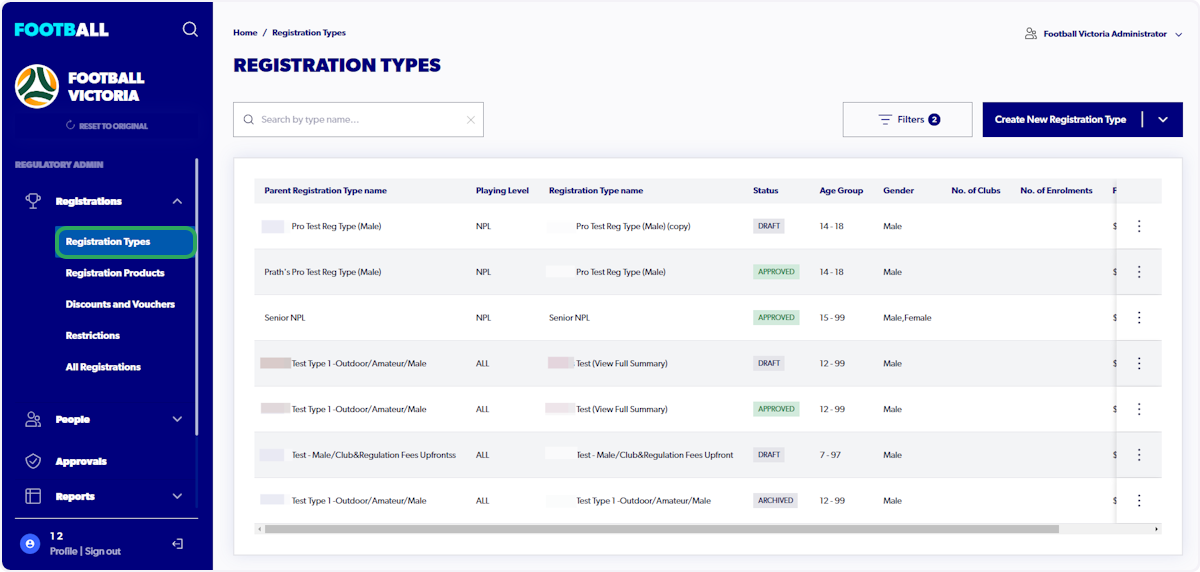
4. Click on "Create New Registration Type"
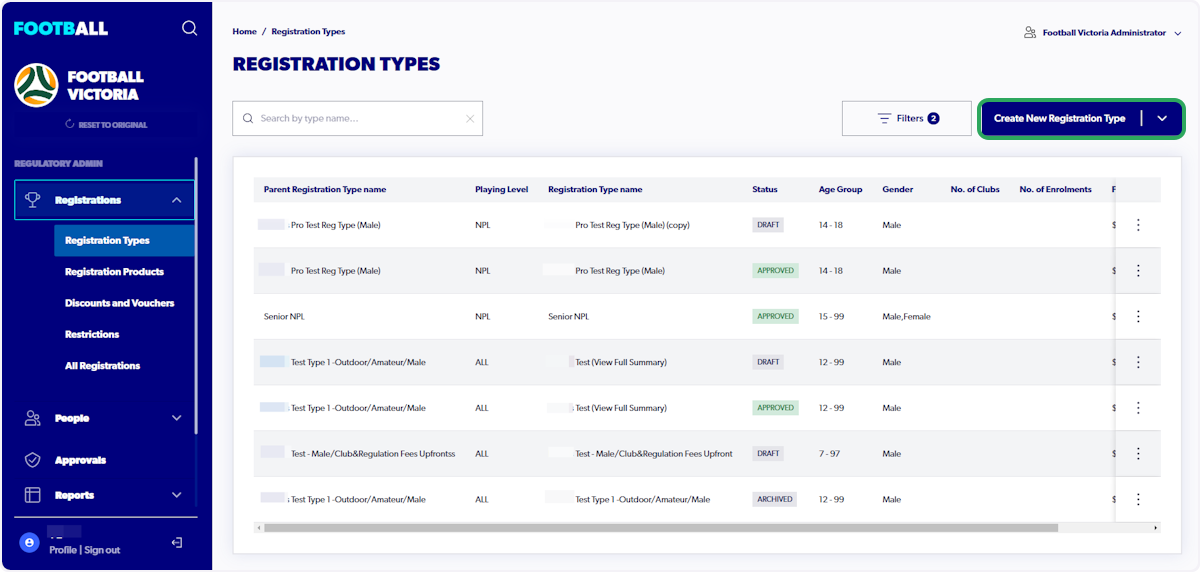
ℹ️ View "How to Create Registration Types" for instructions on how to complete steps 1 to 5 of creating a registration type.
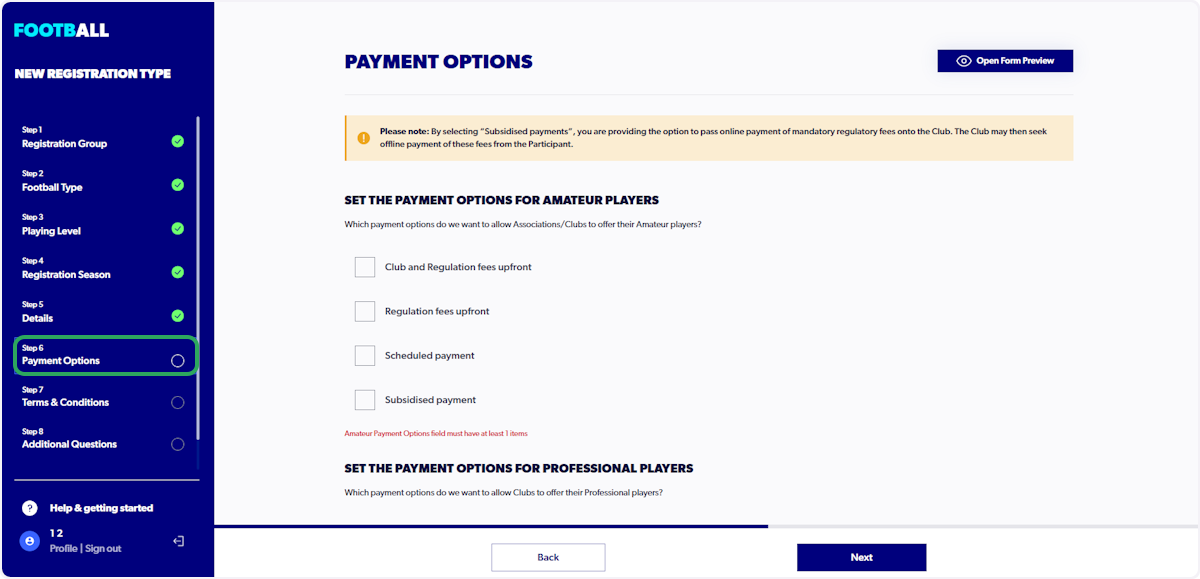
5. Click on "Step 6 - Payment Options"
6. Scroll down to "Regulation Fee Exceptions"
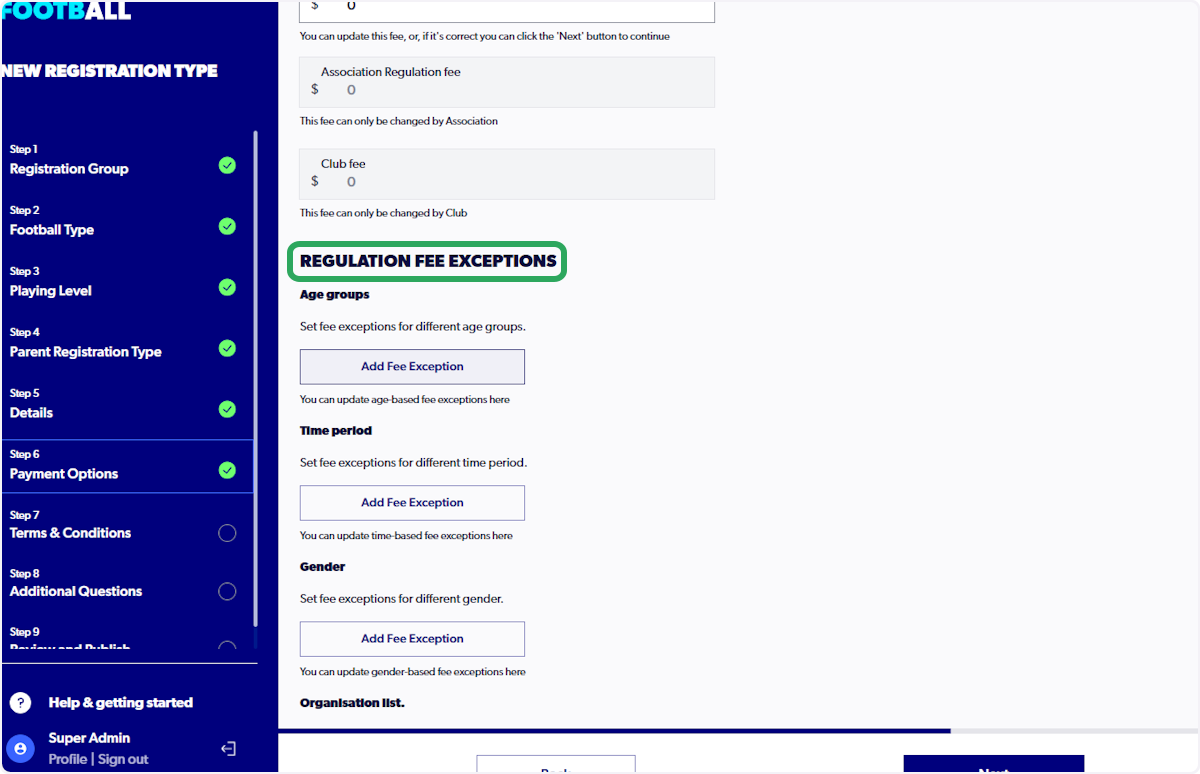
ℹ️ Admins are able to set multiple Fee Exceptions, such as different age brackets and early bird registrations
7. Click on "Add Fee Exception" for Age Groups
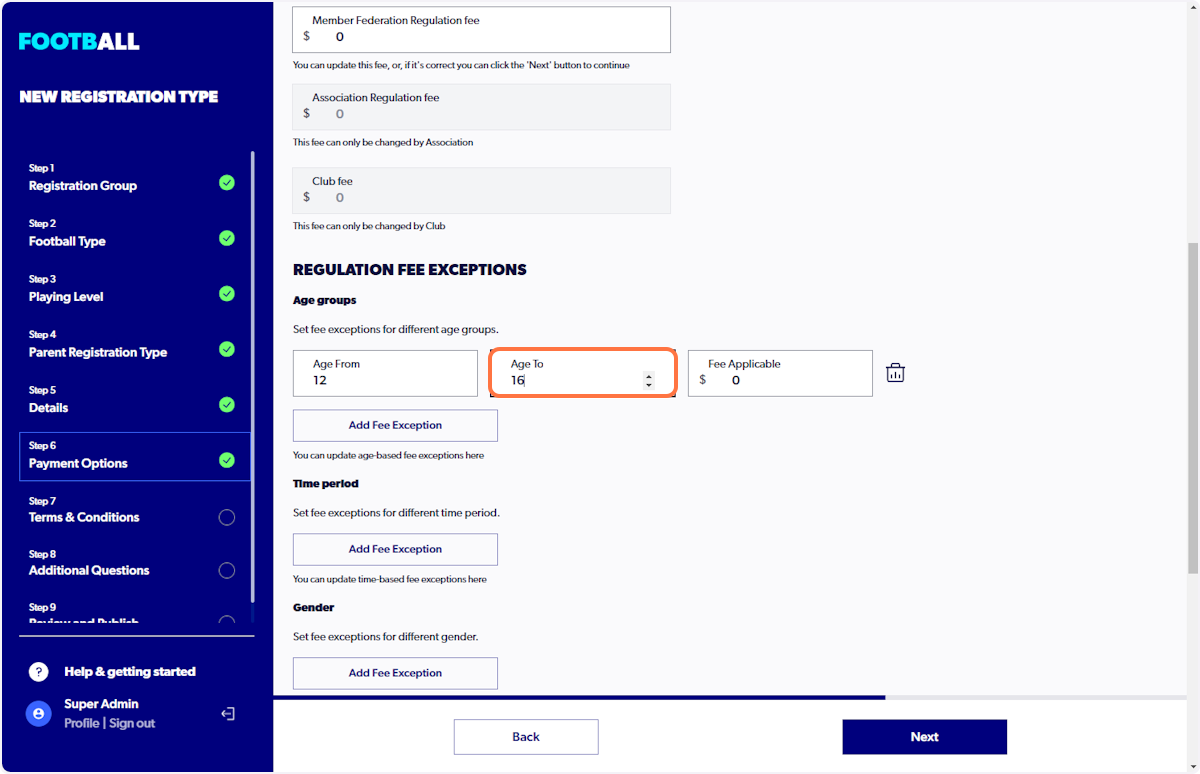
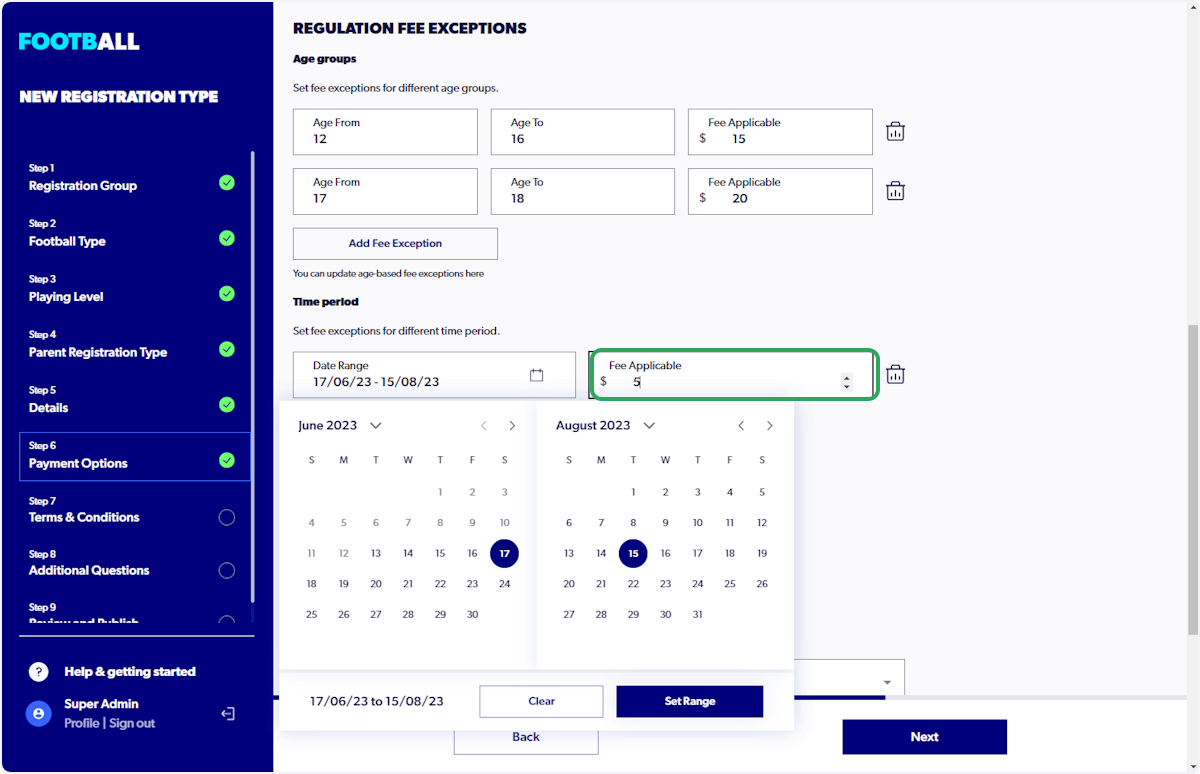
8. Set relevant fee for age groups
Add the "Age From" and "Age To" with the fee that is applicable for this age range.
9. Click on "Add Fee Exception" for Time Period
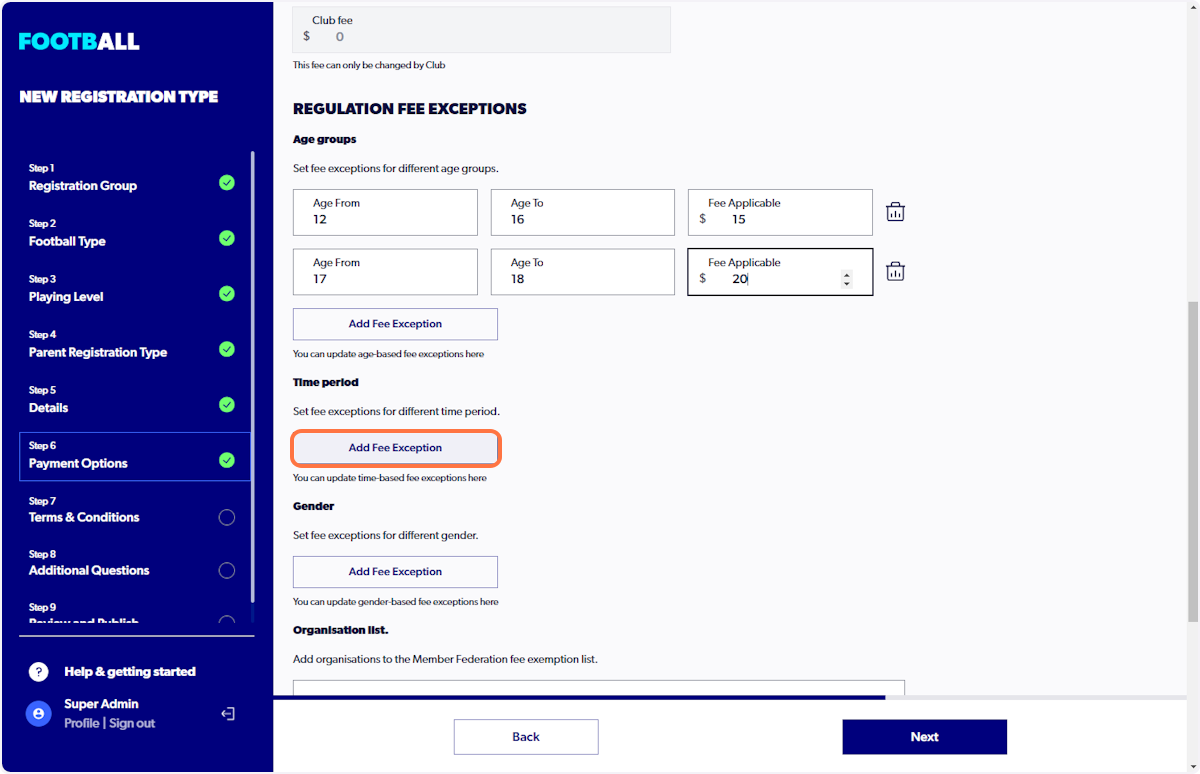
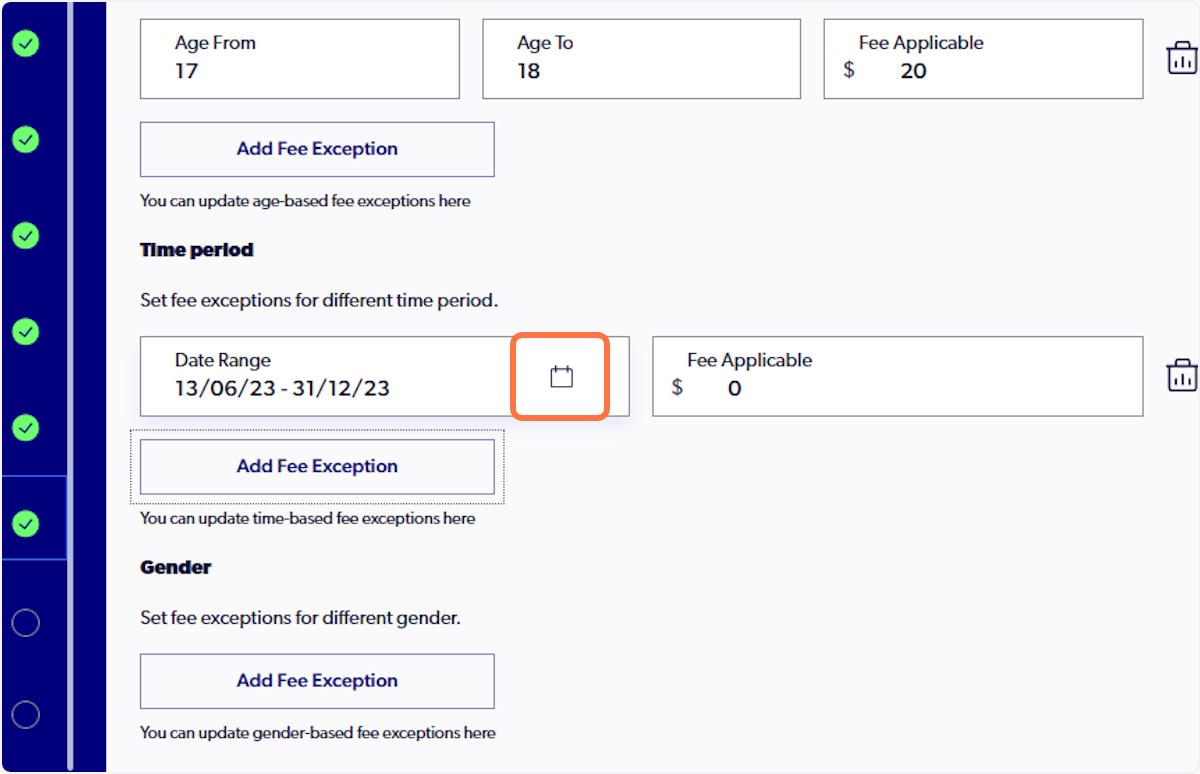
10. Click on the Calendar icon to set time frame
11. Select date range
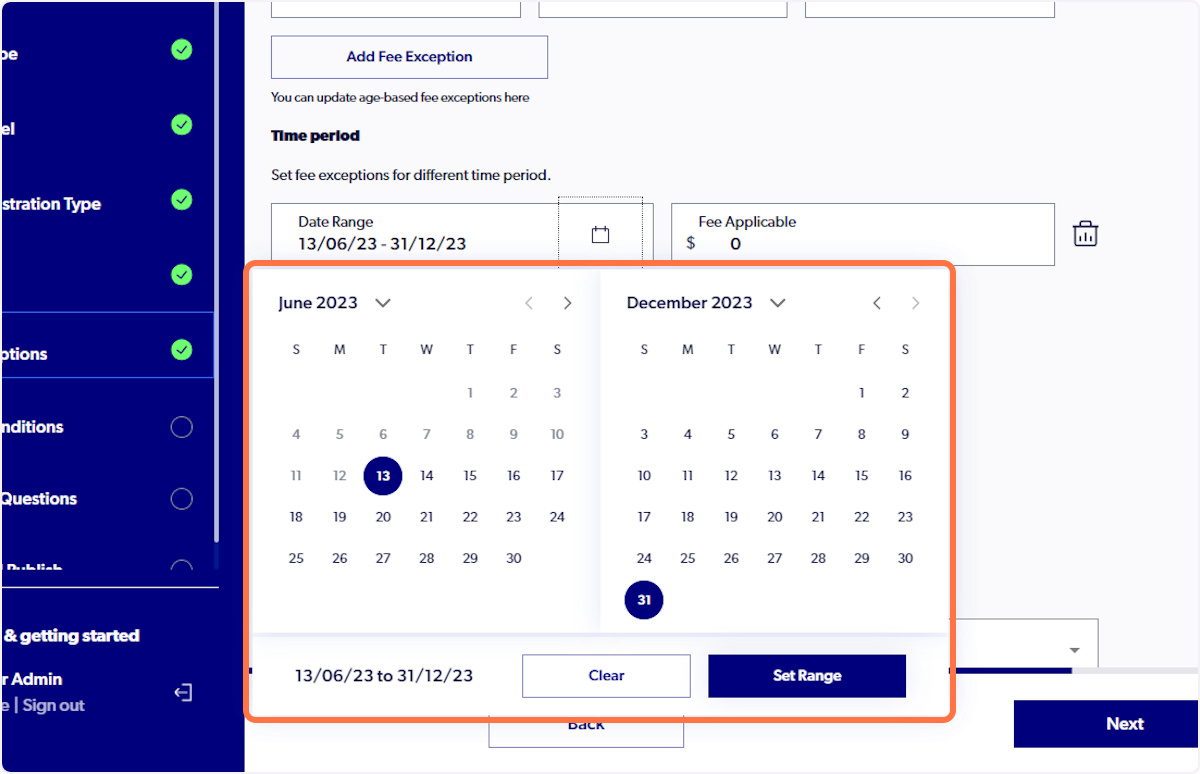
12. Click on "Set Range" once your dates have been selected
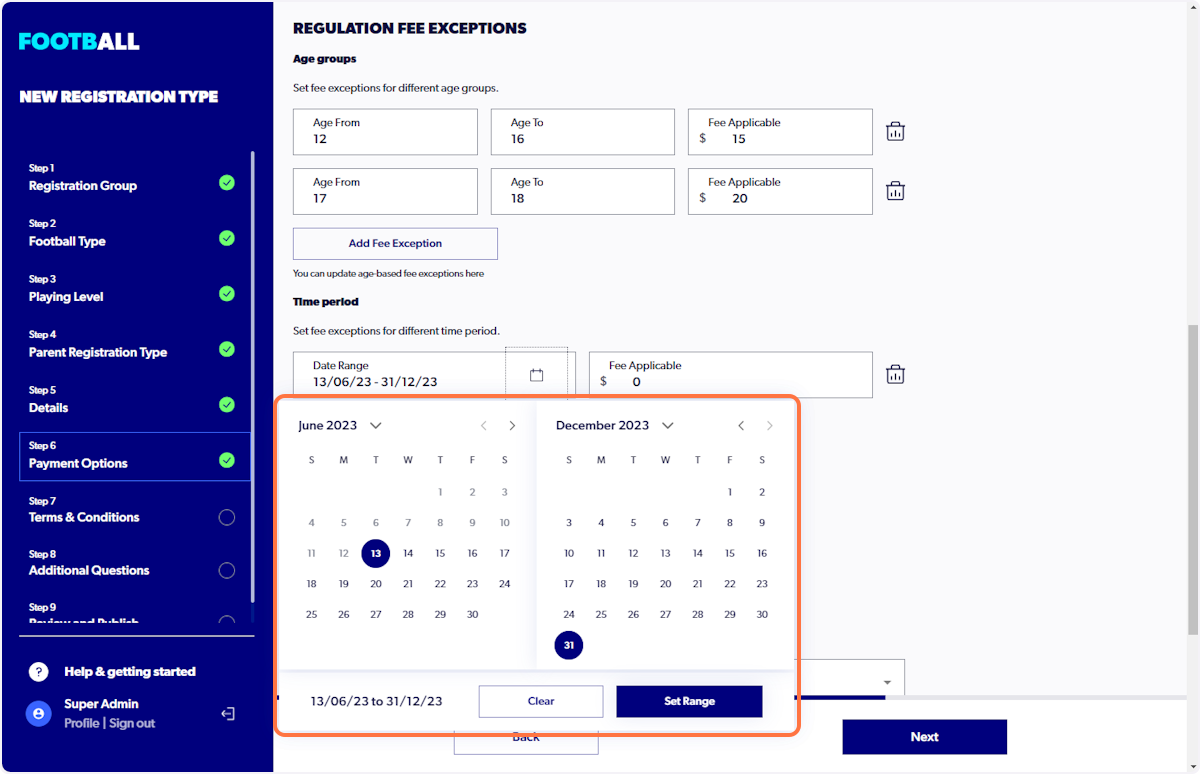
13. Enter Fee
Enter fee applicable for date range set
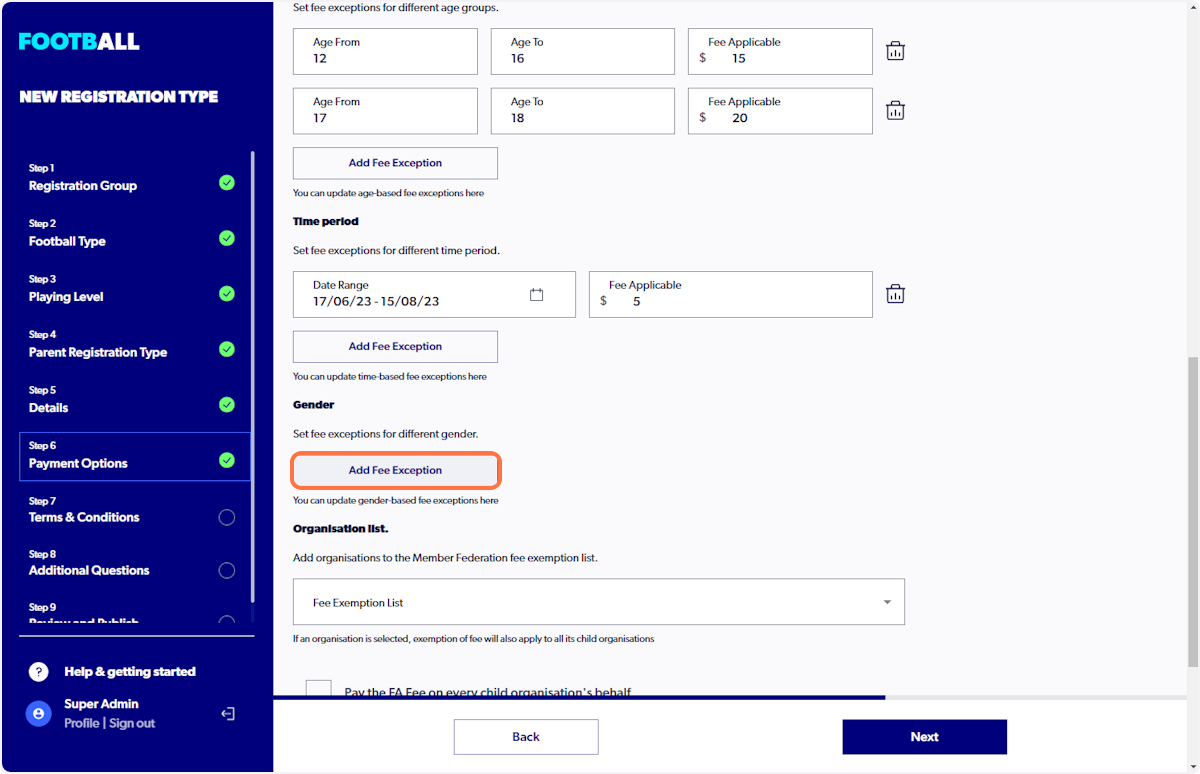
14. Click on "Add Fee Exception" for Gender
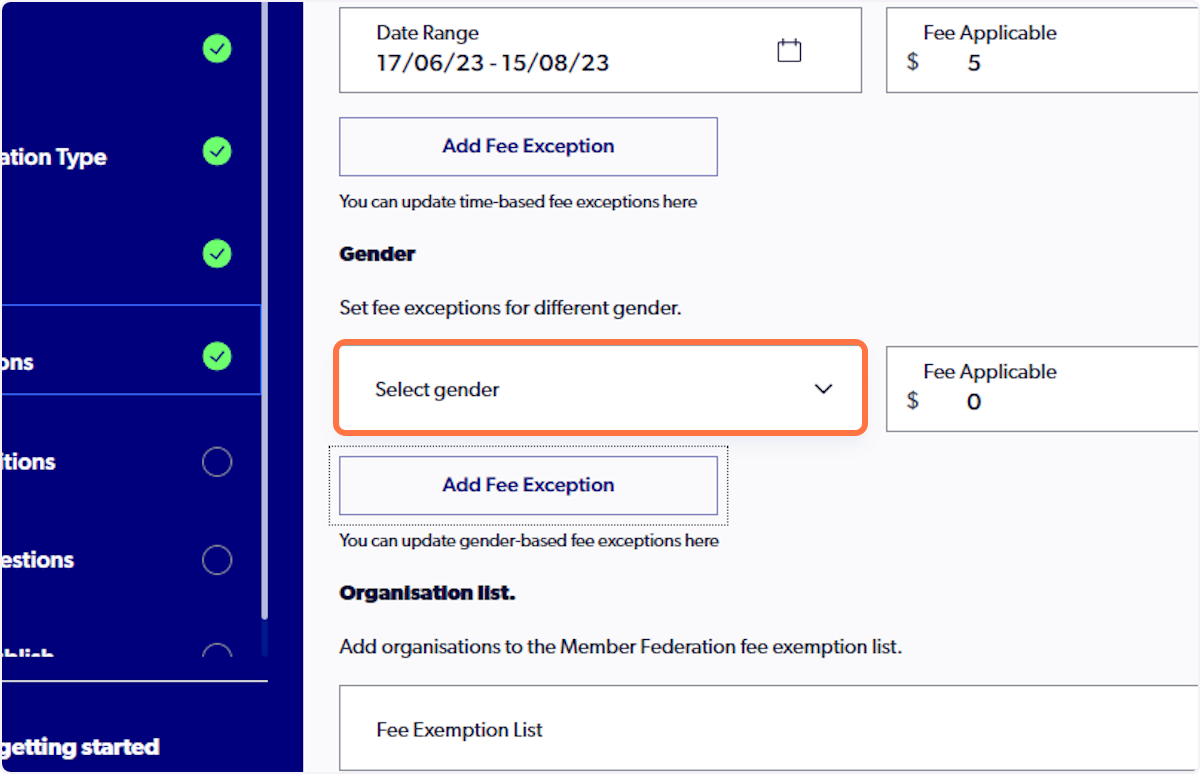
15. Click on "Select Gender"
16. Select the gender required for the reg-type
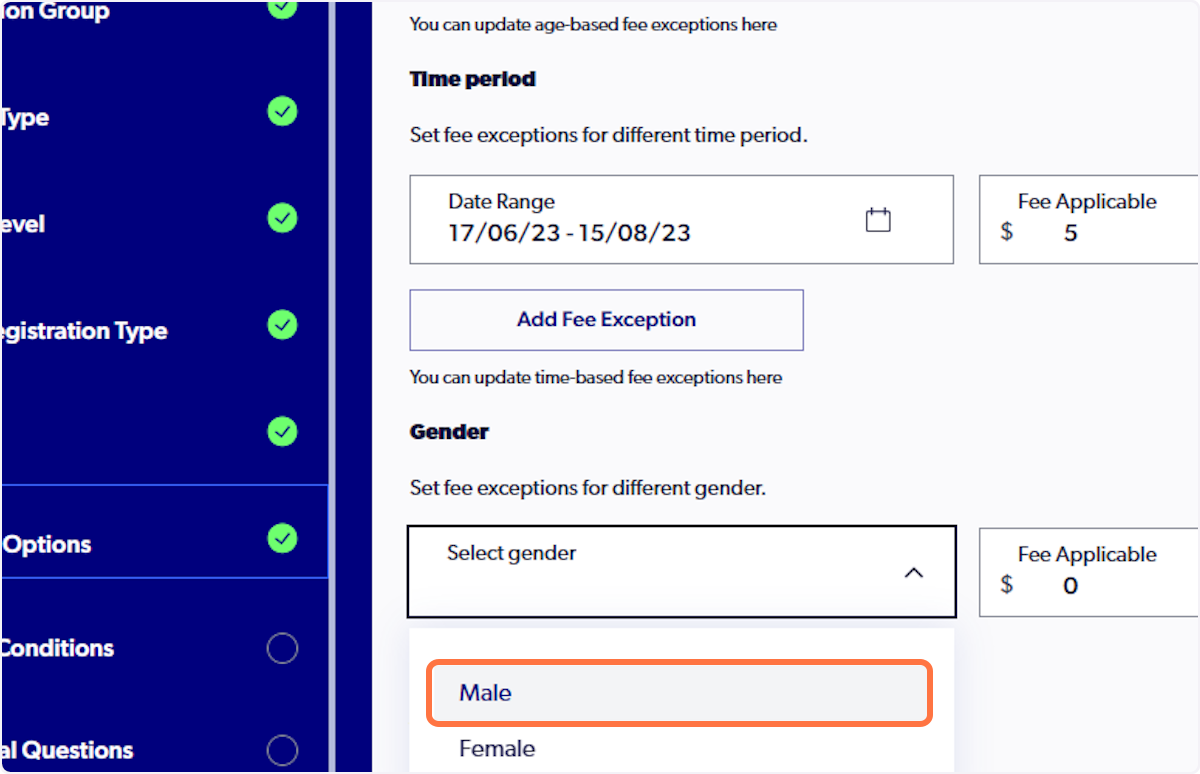
17. Enter Fee applicable