
Quick Summary: If a new admin is still appearing as 'pending,' an active admin will need to approve their WWCC through the 'Administrators' tab. Once this WWCC has been cited and approved, the new admin will have access.
1. Sign in as an administrator
PlayFootball Administrator access

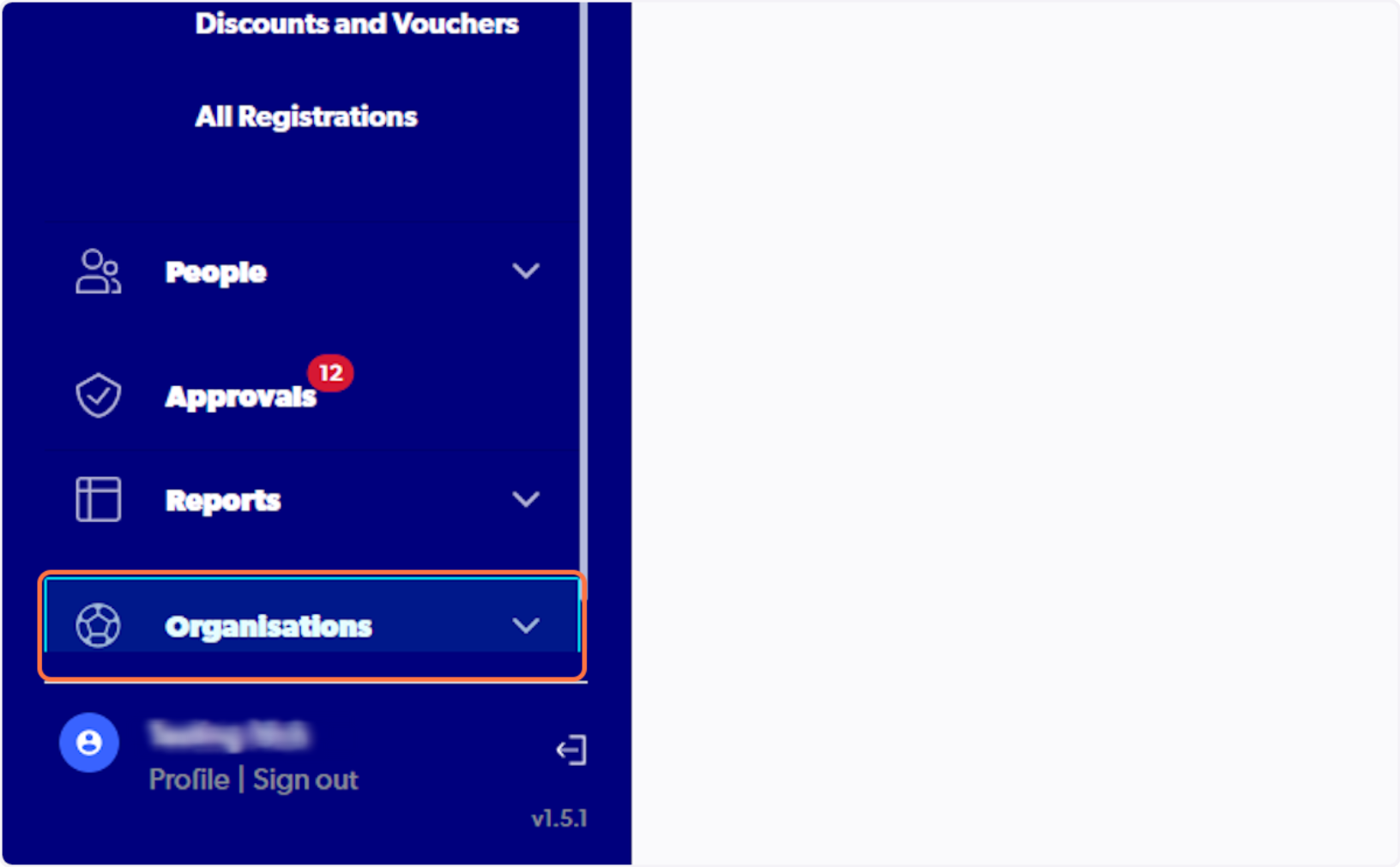
2. Select Organisations
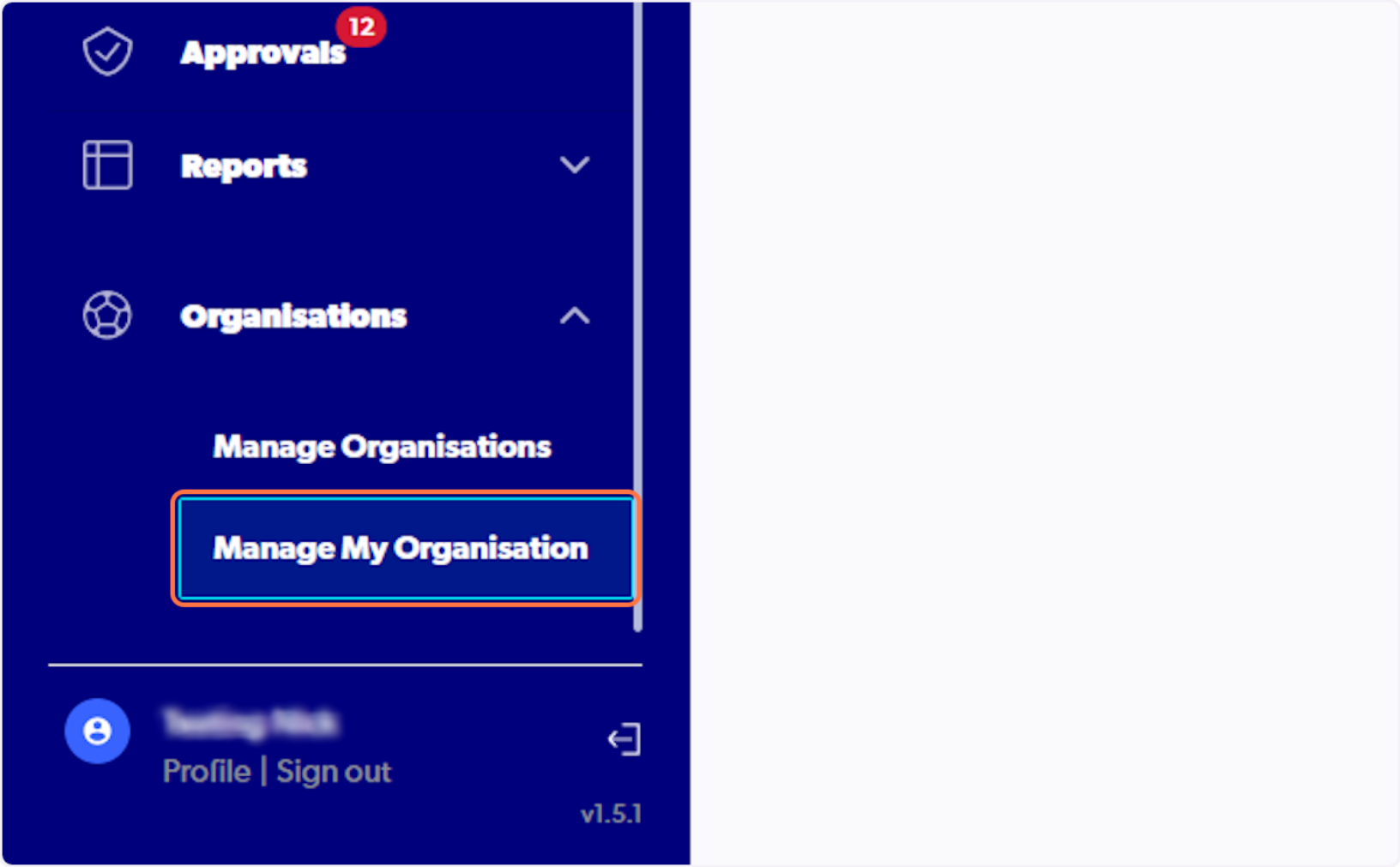
3. Click on Manage My Organisation
4. Select Administrators

5. Click on the 3 dots next to the relevant admin

6. Click on View Admin Profile

7. Click on Supported Document

8. Click on 3 dots next to admins WWCC

9. Select on Cite WWCC

10. Cite the WWCC details
You can select on file to view the uploaded document

11. Input Outcome field
Please note this is a free text box

12. Select Accepted if WWCC is valid

13. Check I confirm that all of the above is true.

14. Click on Approve

15. Admins WWCC status will change to accepted
Admin will now be able to sign in and access the system
