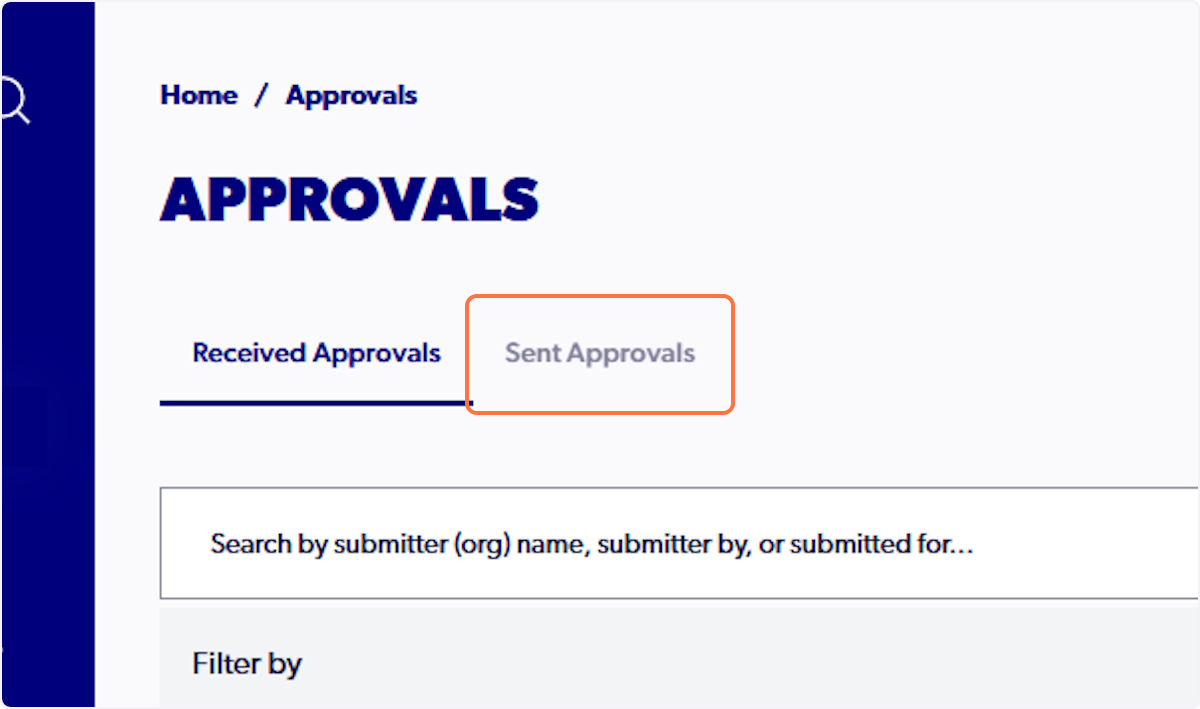
Summary: A de-registration request summary can be viewed via the 'All Registrations' tab or under the registration product details. To view, select the three dots and click 'View De-Registration Request.' A de-registration request can only be acknowledged through the 'approvals' tab.
Login to your Admin PlayFootball profile.
To View a De-Registration Summary
There are two ways to view the de-registration summary, either via the 'All Registrations' or 'Registration Products' tab.
All Registrations Tab Method
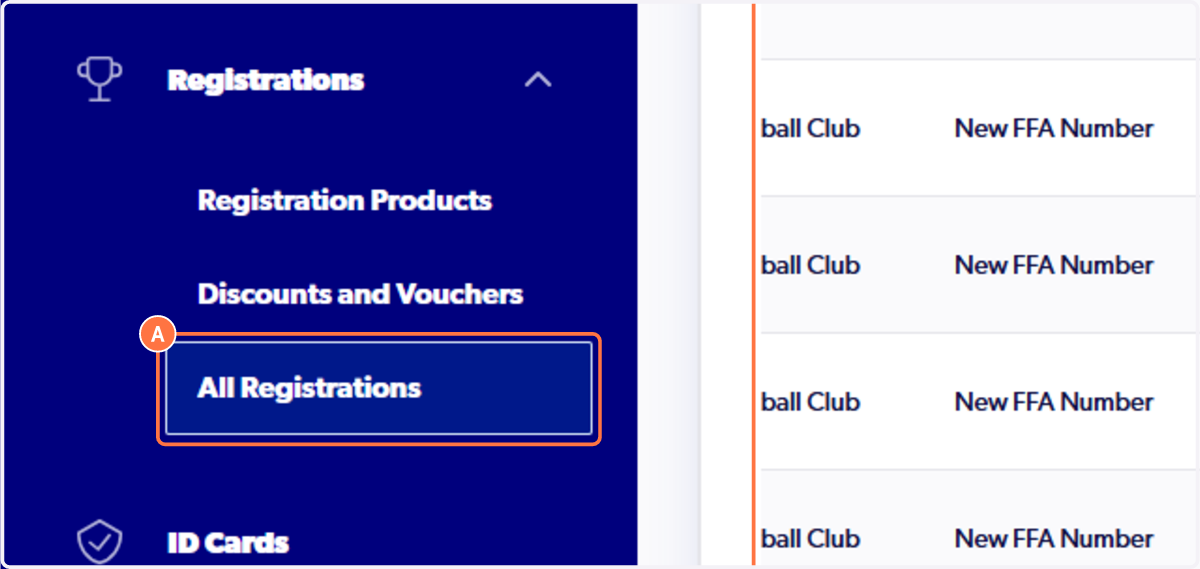
1. Select the 'All Registrations' tab
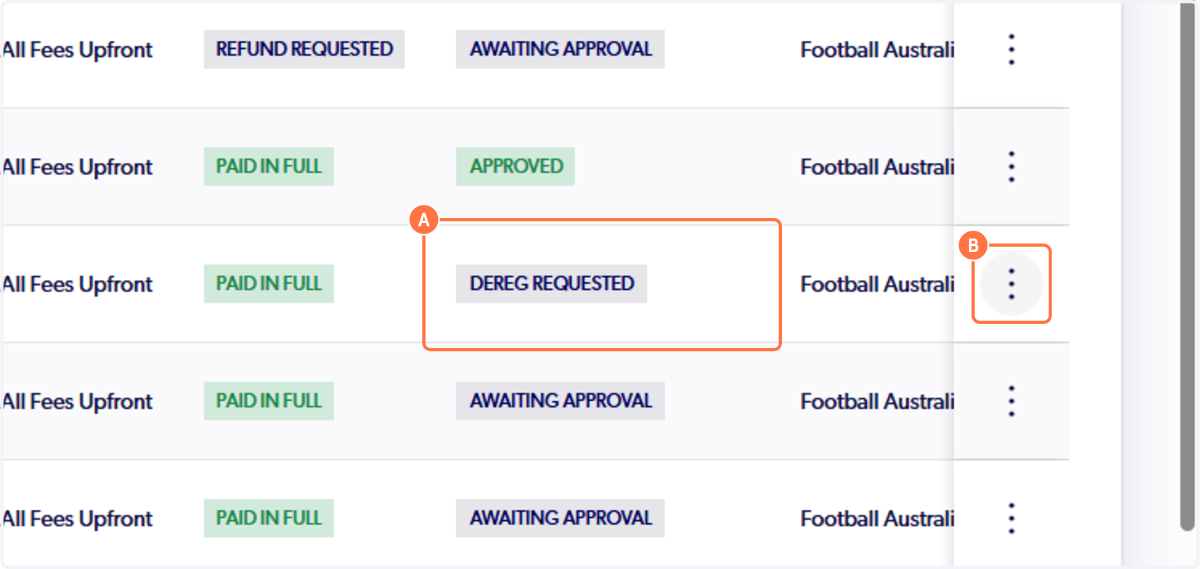
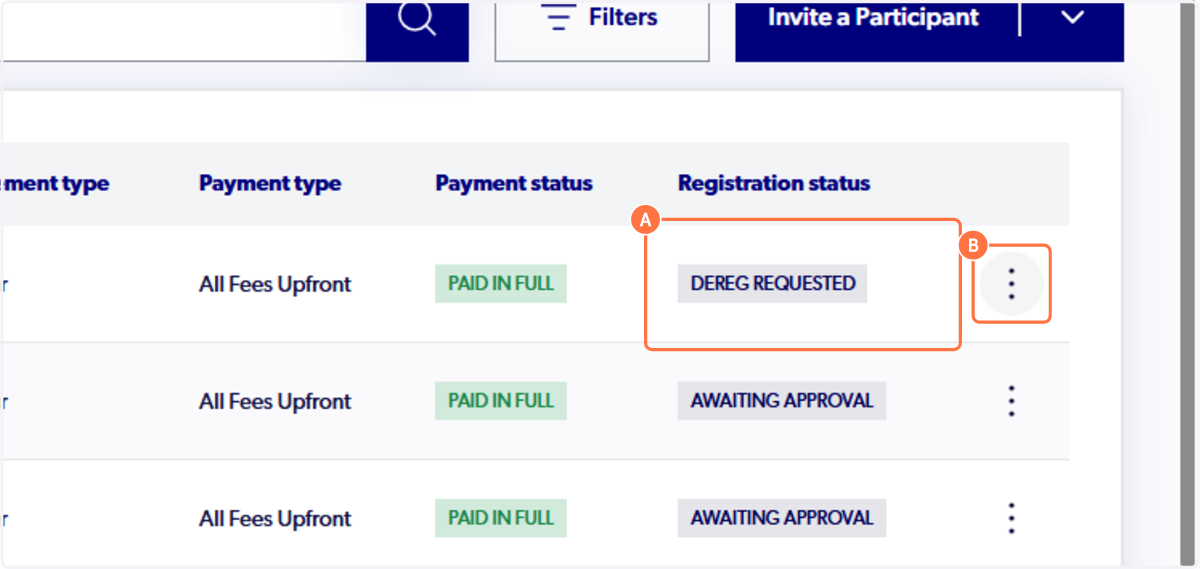
2. Locate the participant that has requested a de-registration and select the three dots next to their details
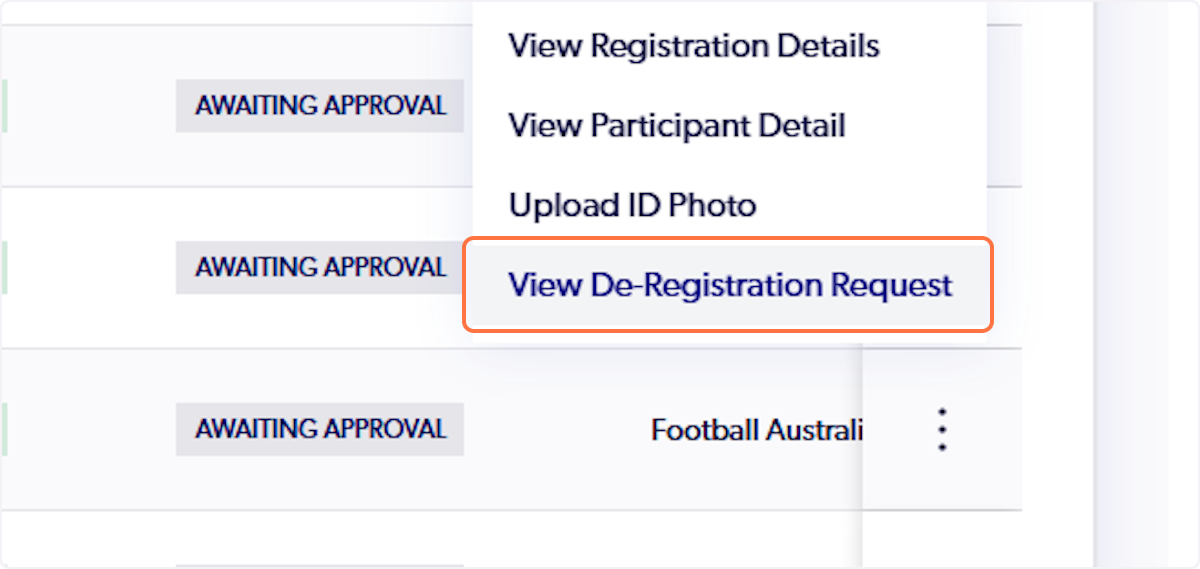
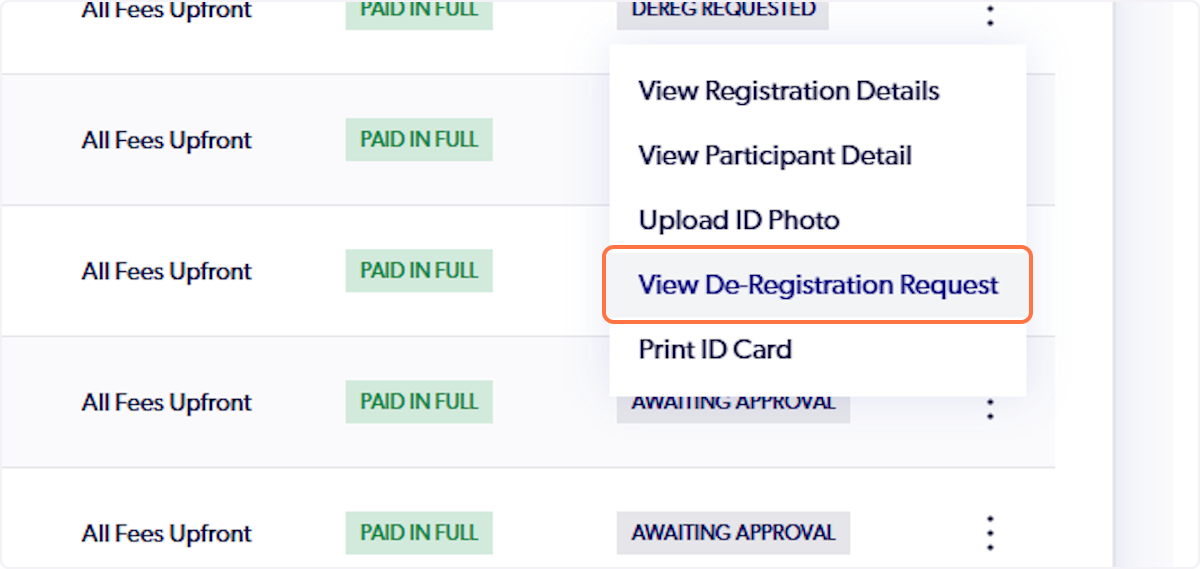
3. Click on 'View De-Registration Request'
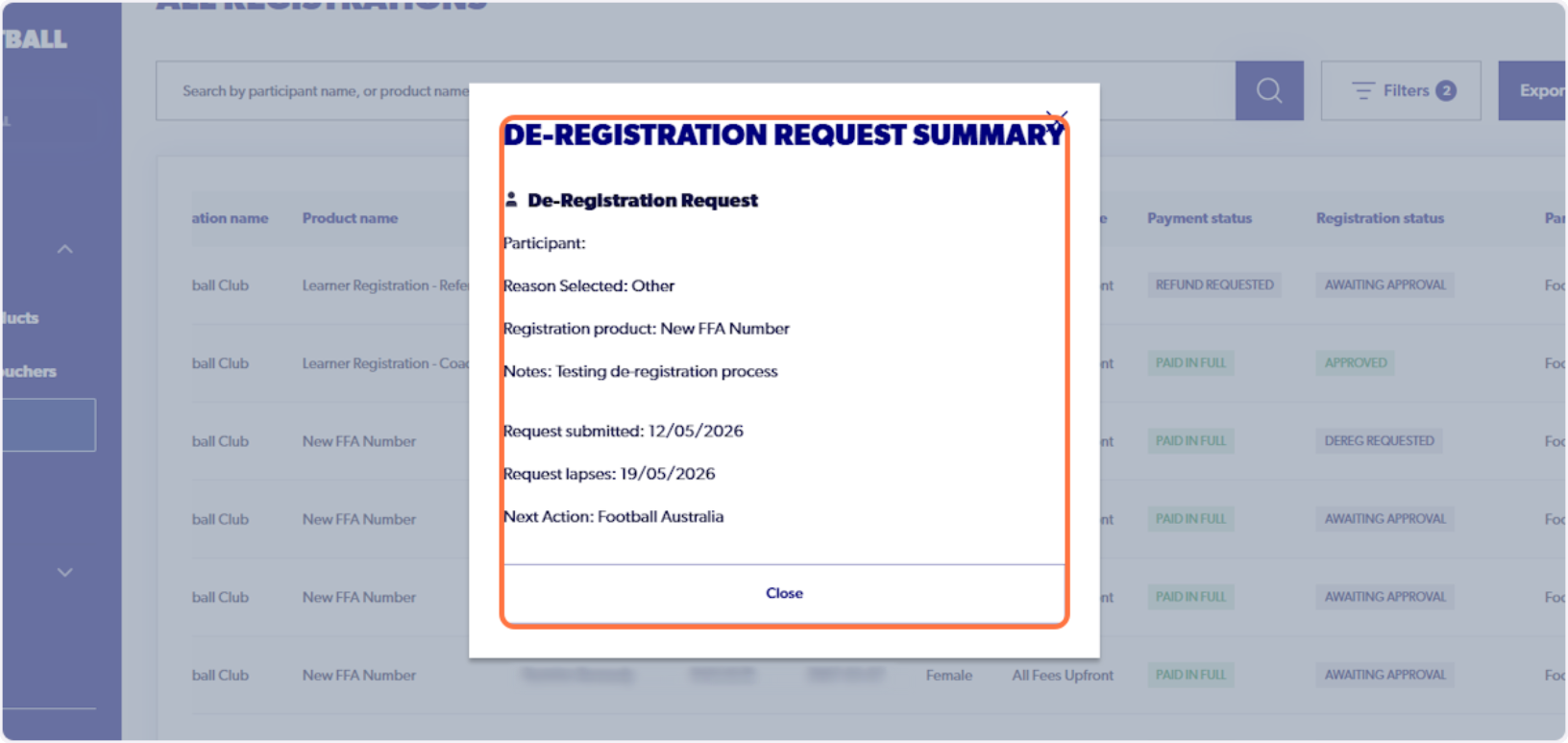
4. A summary of the de-registration will appear including the date of submission, lapse date and where the request is sitting
Registration Products Tab Method
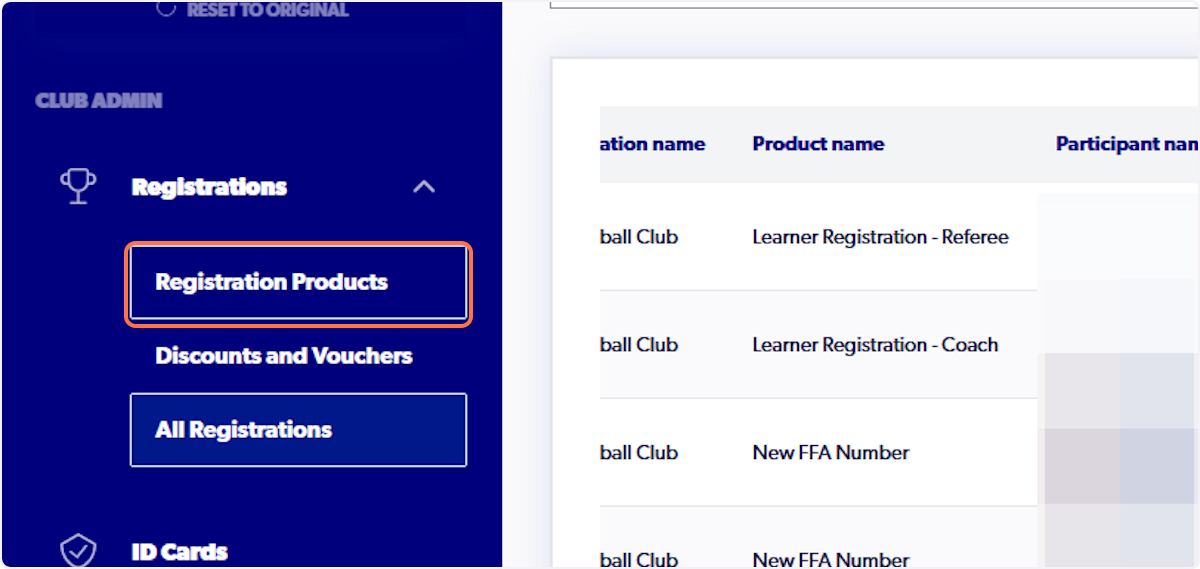
5. Click on 'Registration Products'
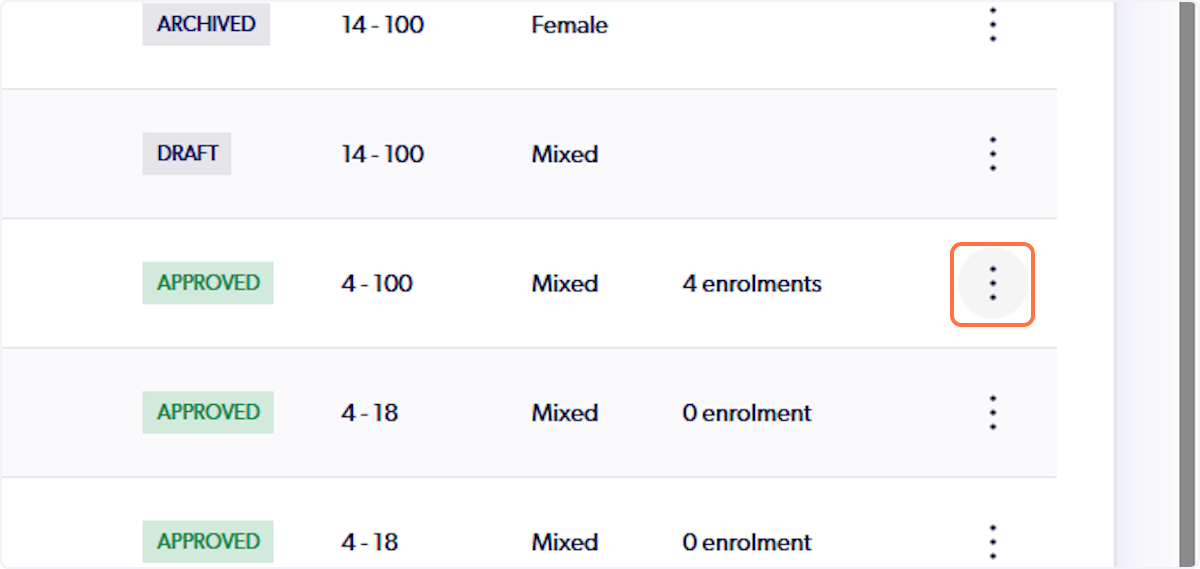
6. Locate the product the participant registered to and click on the three dots
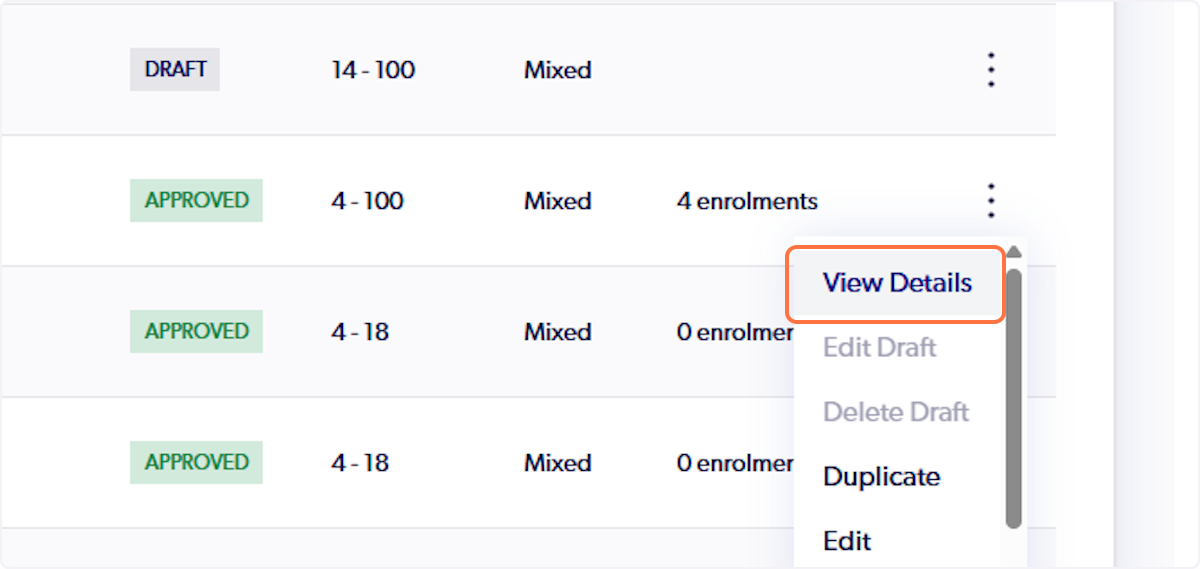
7. Click on 'View Details'
8. Locate the participants registration and select the three dots next to their details
You can also search for the participants details in the search bar.
9. Click on 'View De-Registration Request'
To Acknowledge or Review De-Registration Requests.
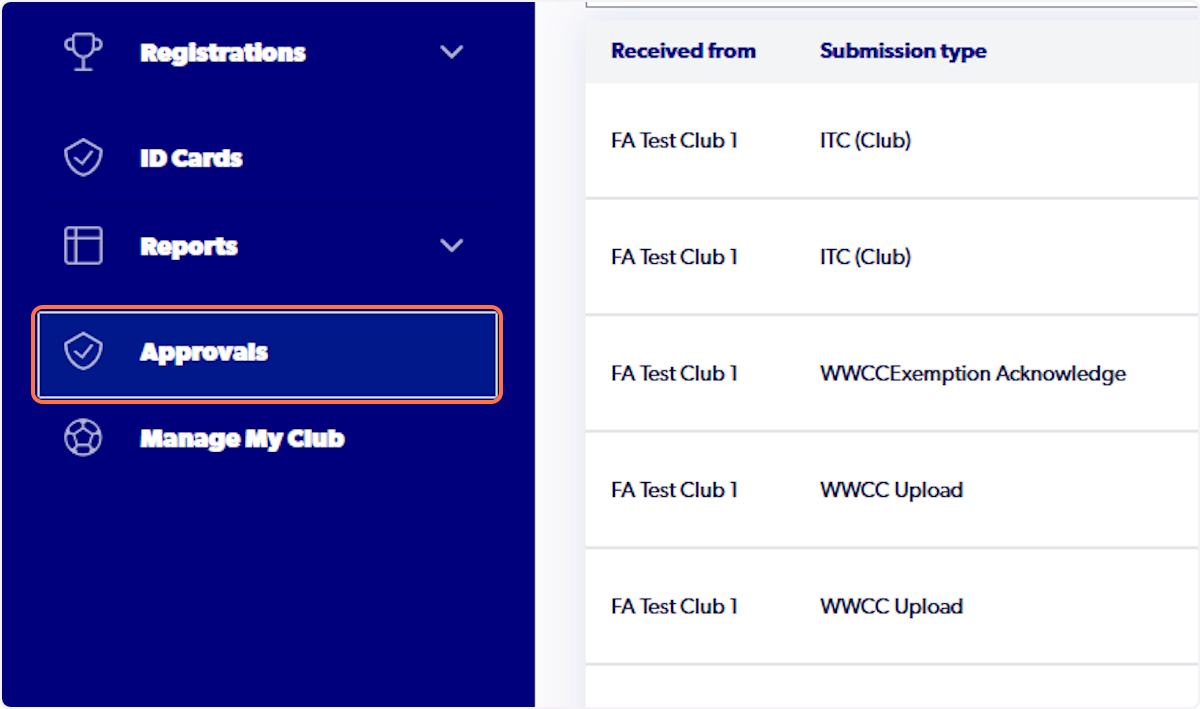
1. Click on the 'Approvals' tab
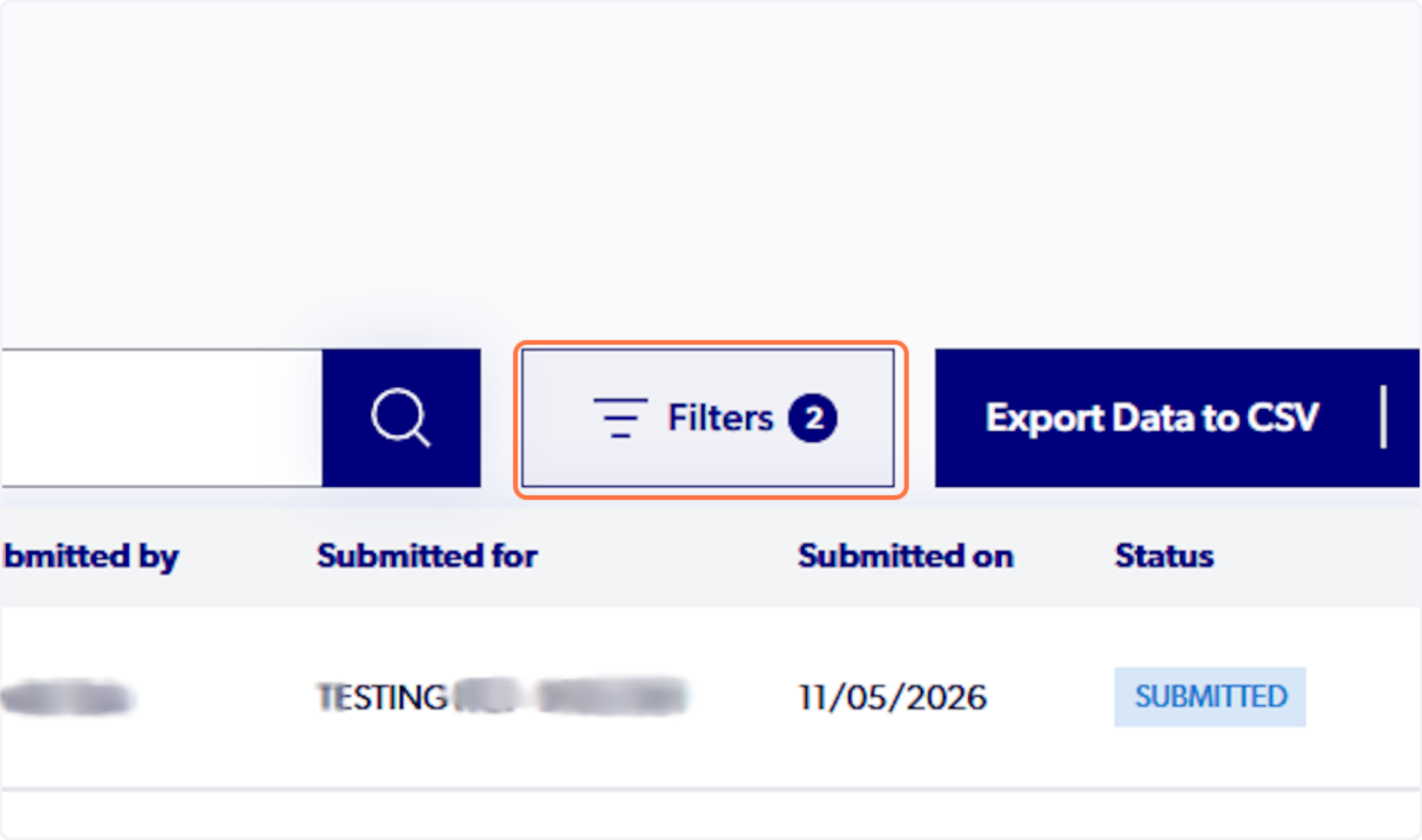
2. Optional Step: Click on Filters
3. Select the 'Submission Type'
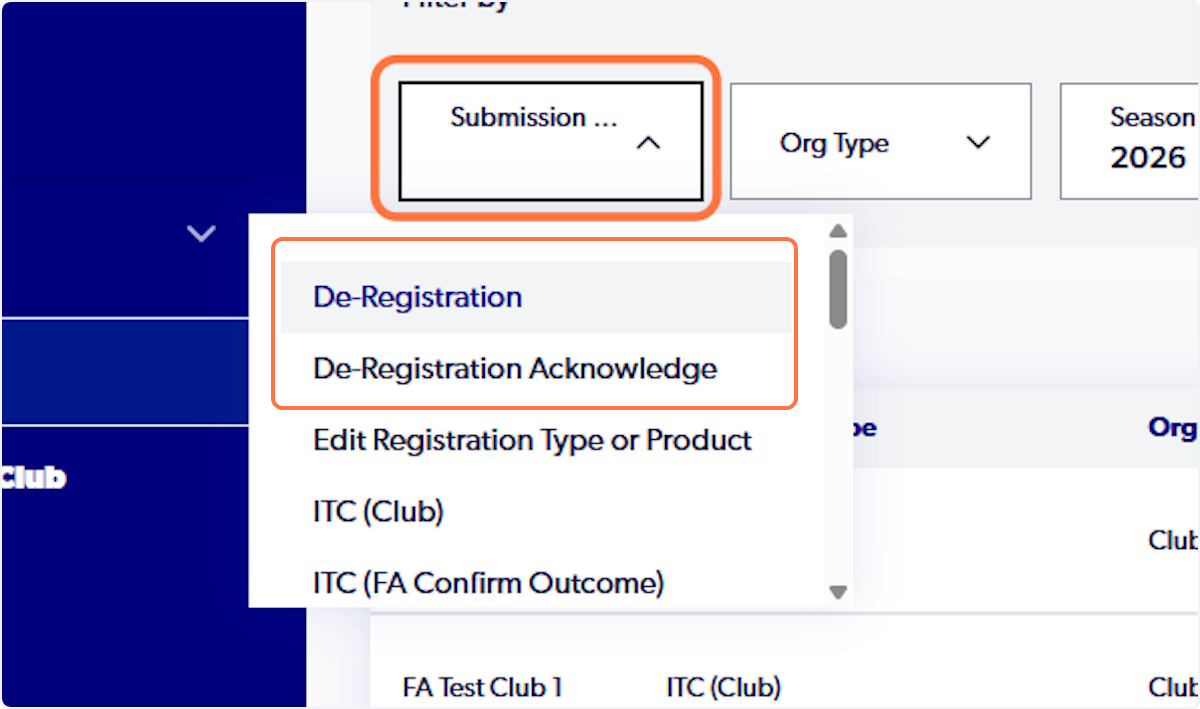
De-Registration: All de-registration requests awaiting a decision.
De-Registration Acknowledge: Requests awaiting your clubs acknowledgement.
4. Click on the registration you wish to view to see the request information
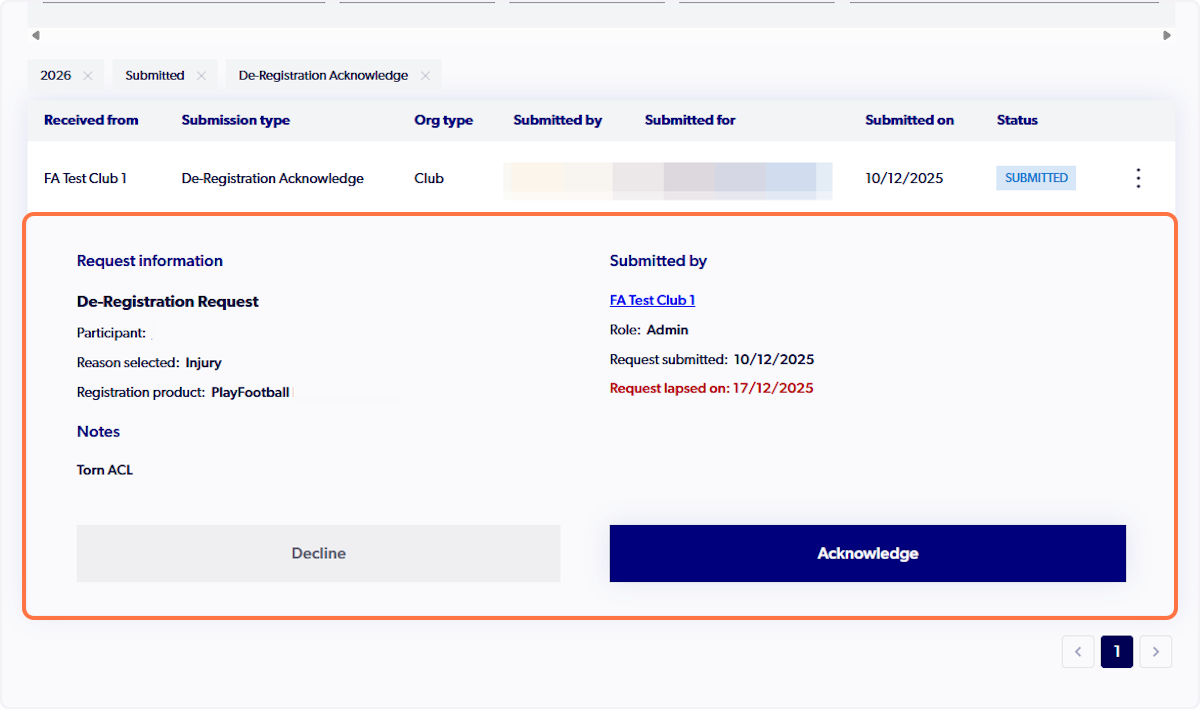
⚠️ If the participant has decided that they no longer want to deregister or this was submitted by mistake, you will need to acknowledge the request and get your parent organisation to decline the request. This will reverse the de-registration request. (Note, this only works if the de-registration is still in the 'De-registration Requested' stage).
⚠️ De-Registration requests automatically lapse after 7 days at club level and are sent to the parent organisation.
5. To view past de-registration requests click on 'Sent Approvals'