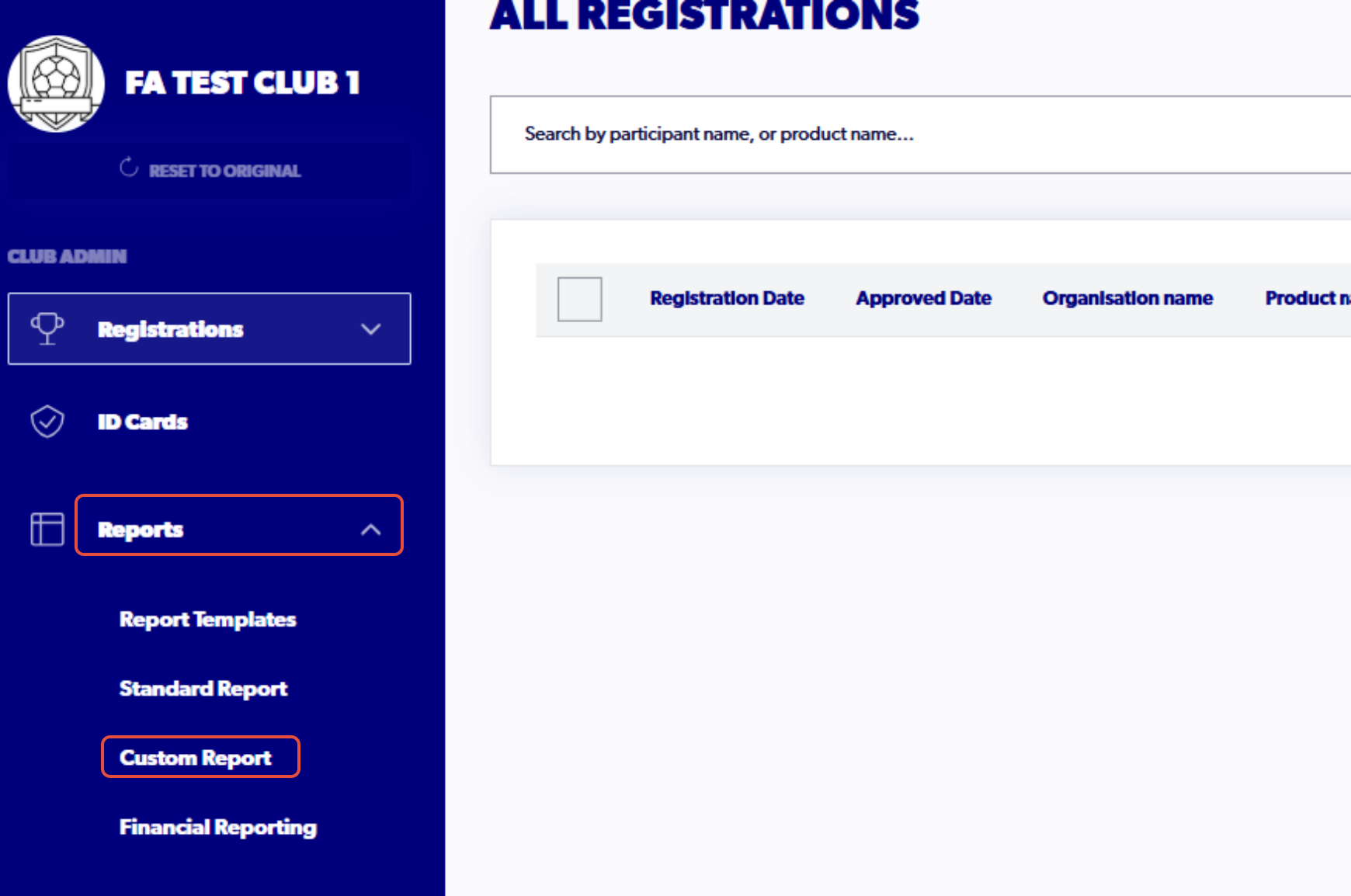
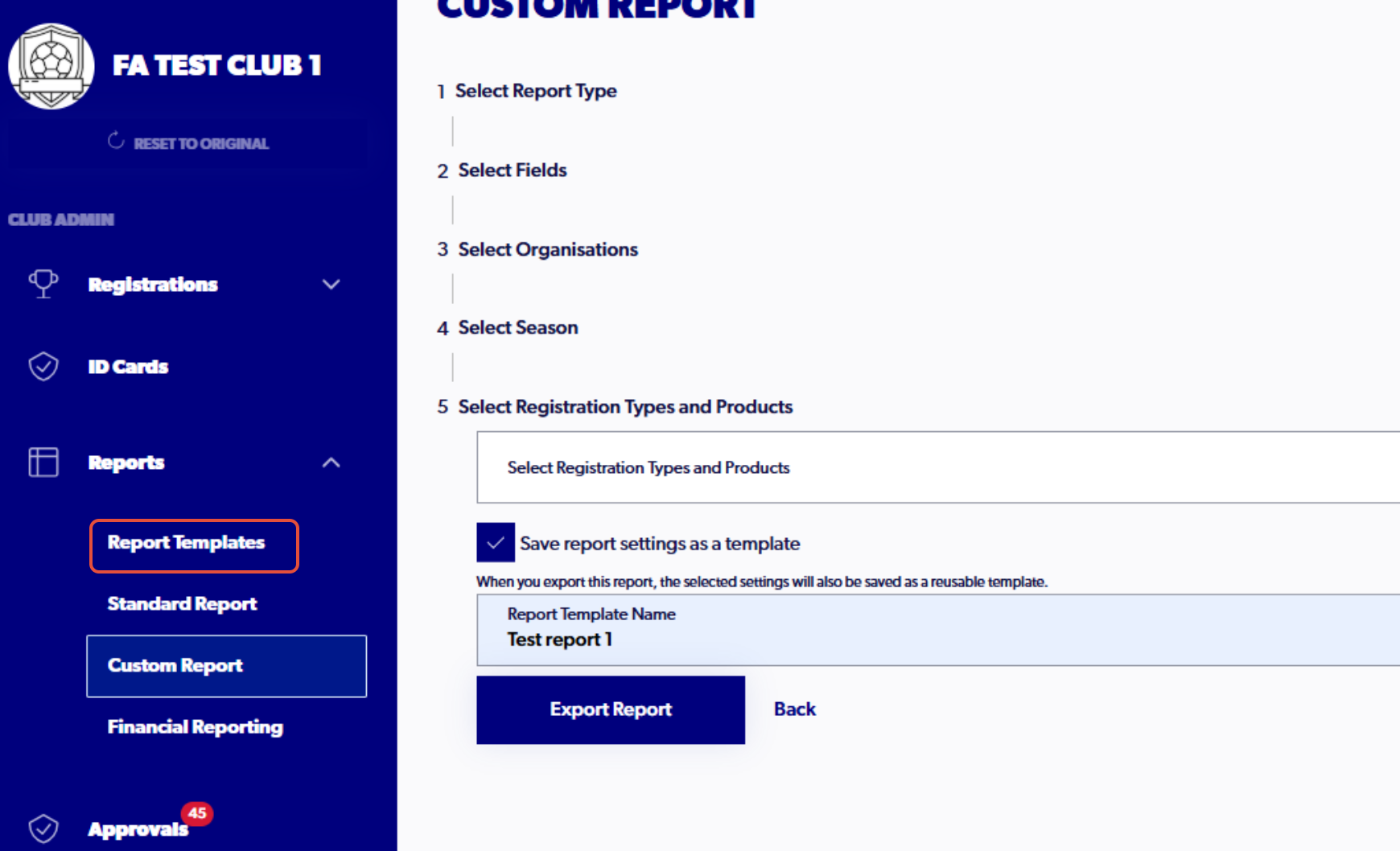
1. Click 'Custom Report"
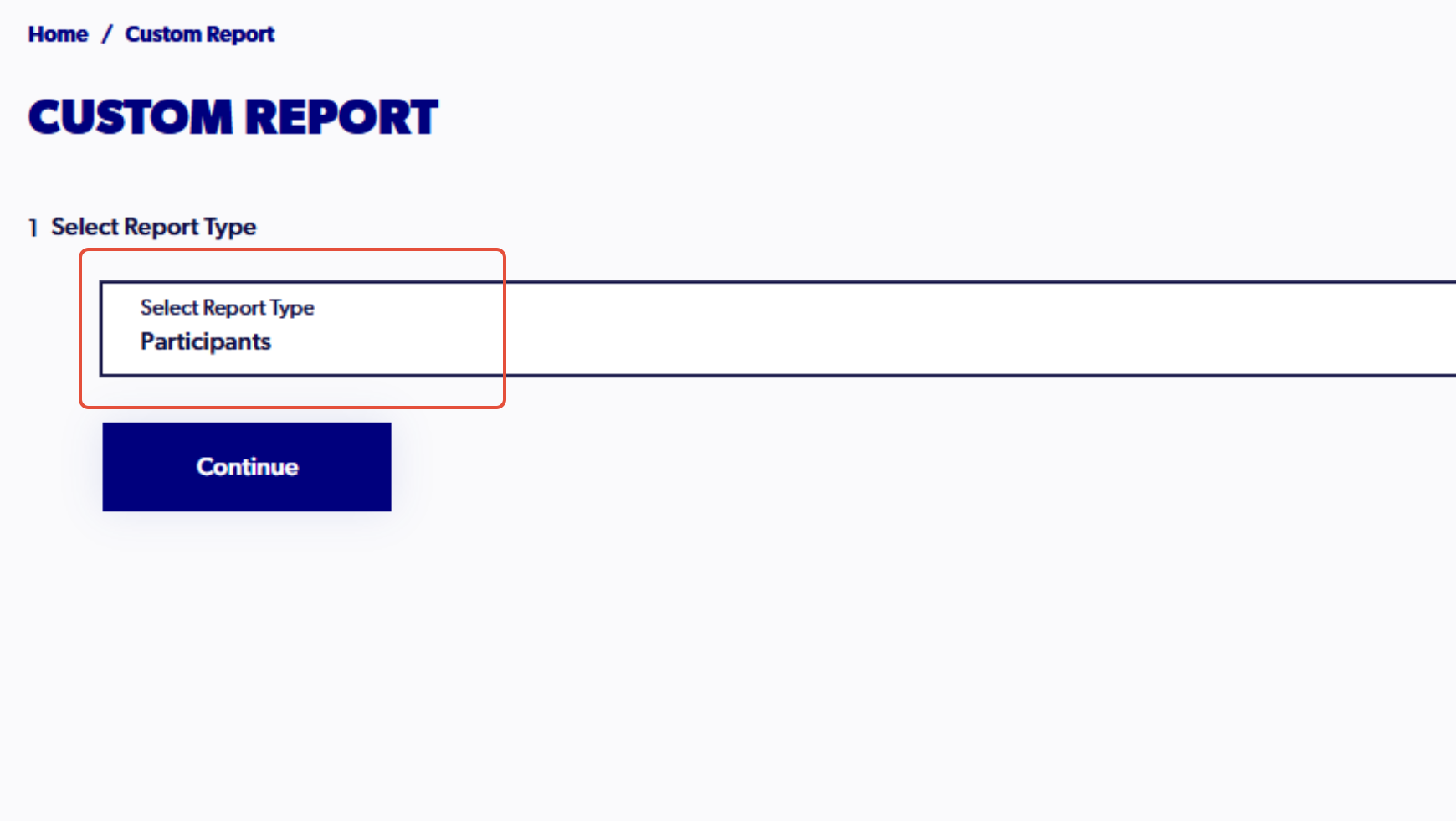
2. Select the report type
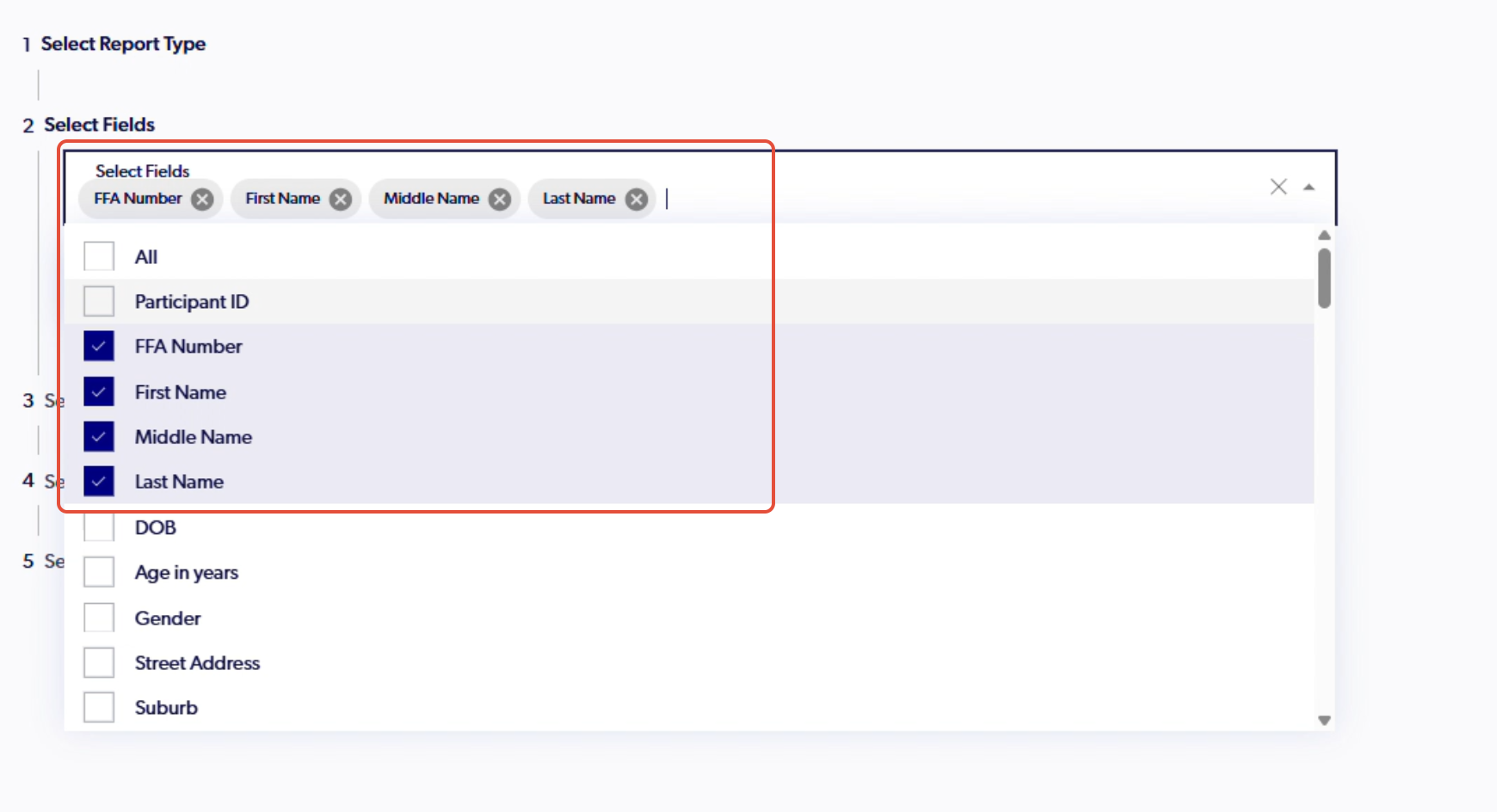
3. Select the fields that you would like saved to the report
4. Select the organisation/s
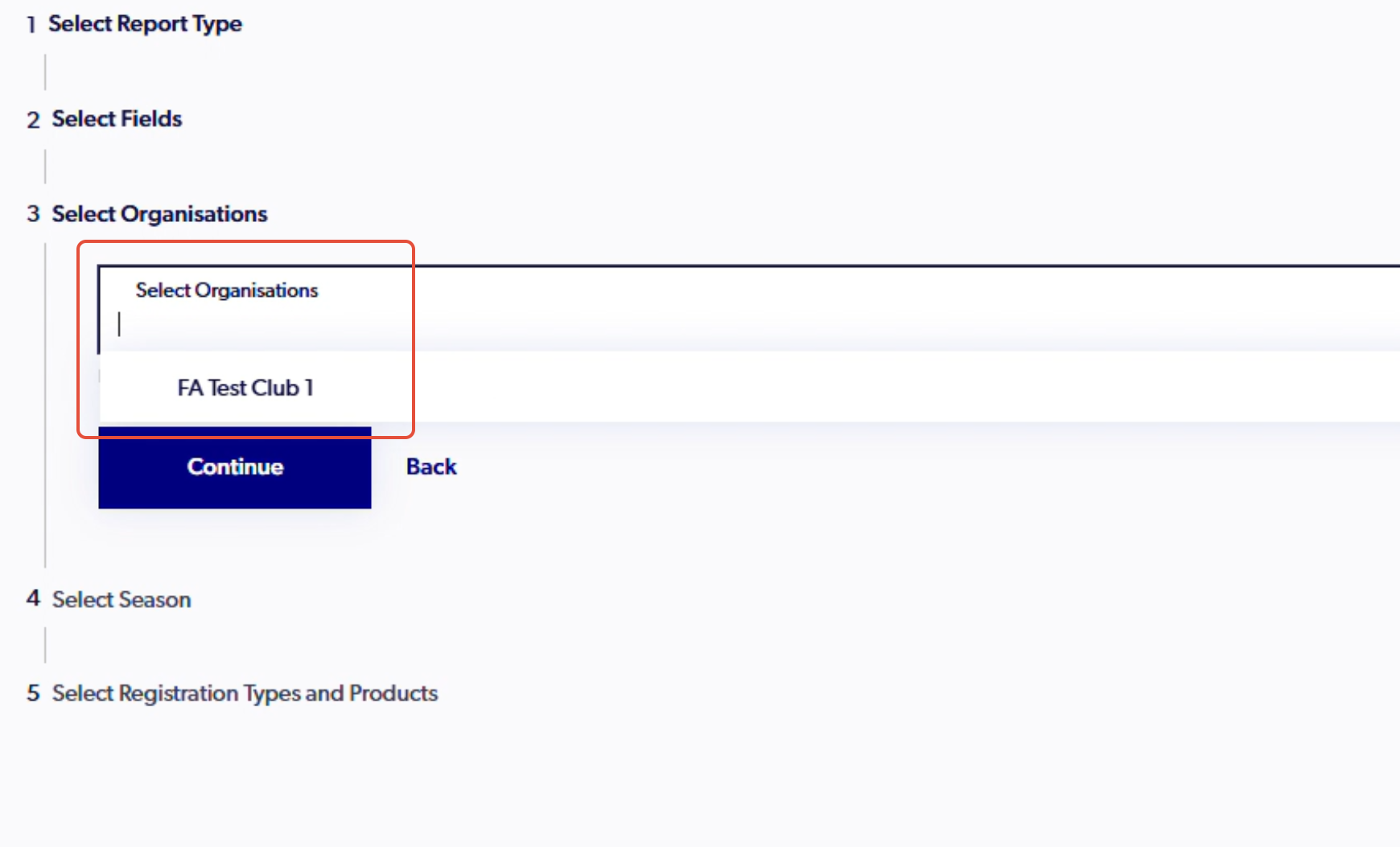
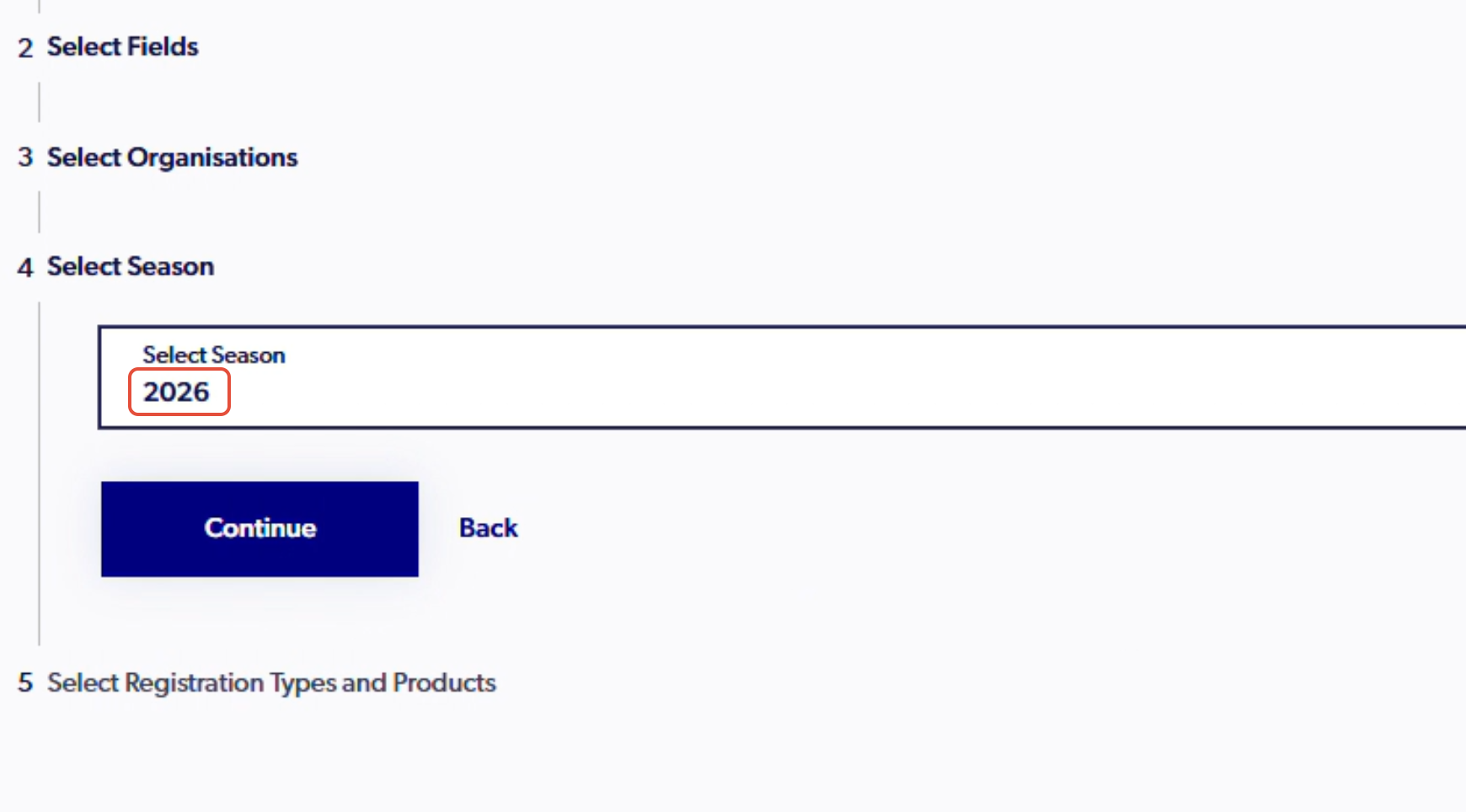
5. Select the season
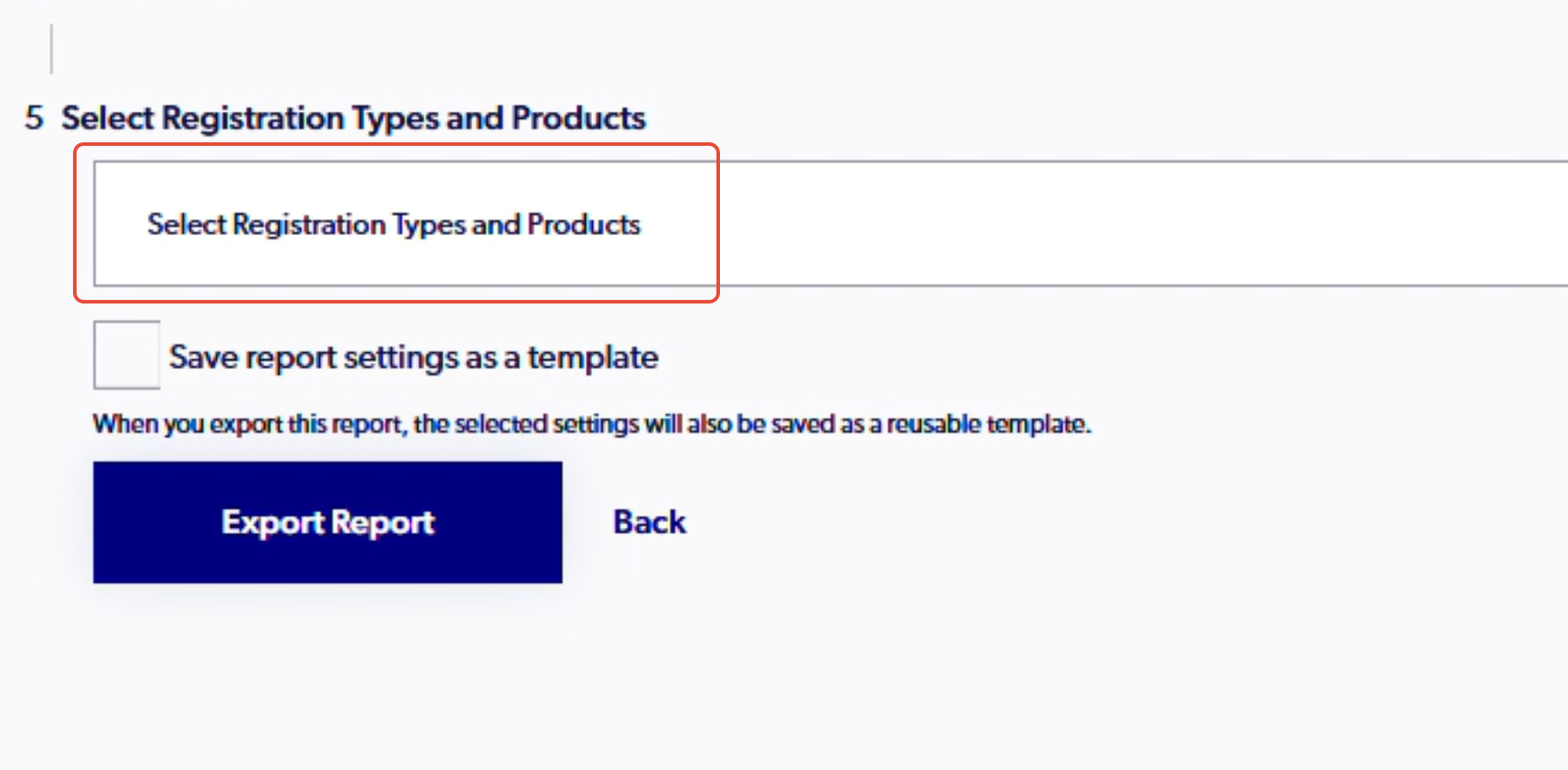
6. Select the types & products
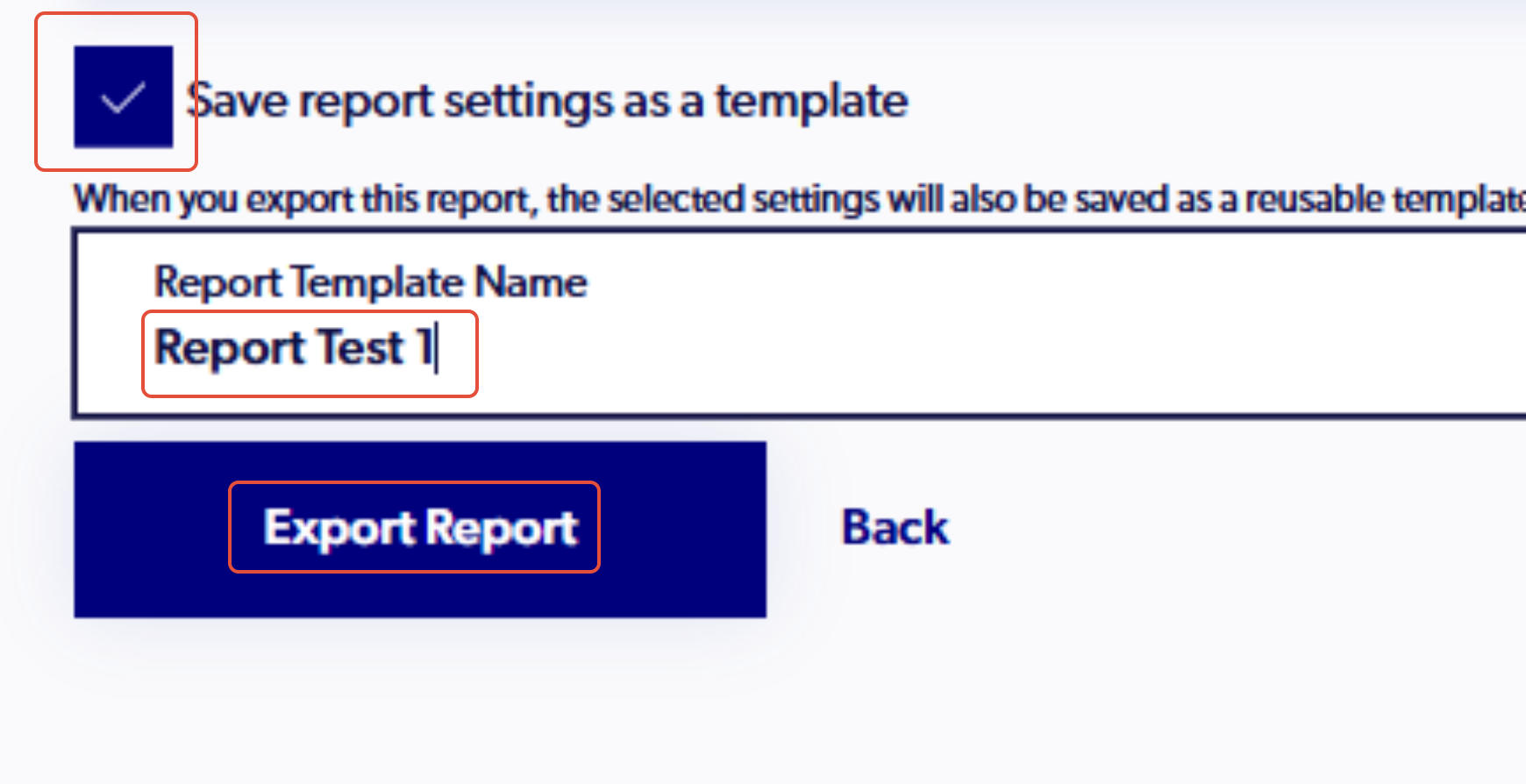
7. Tick the 'Save report settings as a template' box and name the report to ensure that when it is exported, it is saved
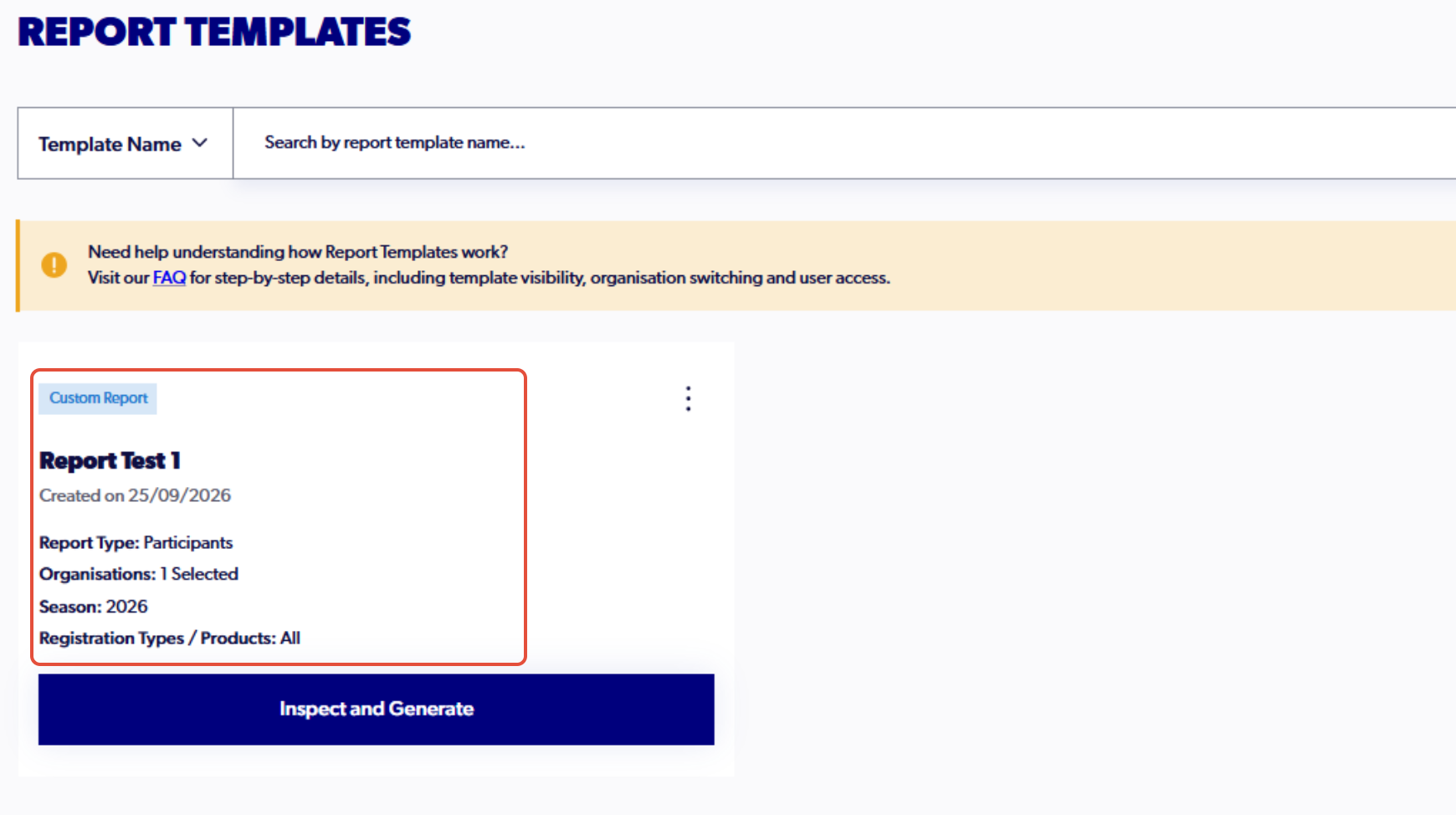
8. Go to 'Report Templates'
9. In your templates, the saved report will be available, labelled with the name you provided and the type of report it is