
1. Click on Re-Registering to play this season?…
On the website playfootball.com.au
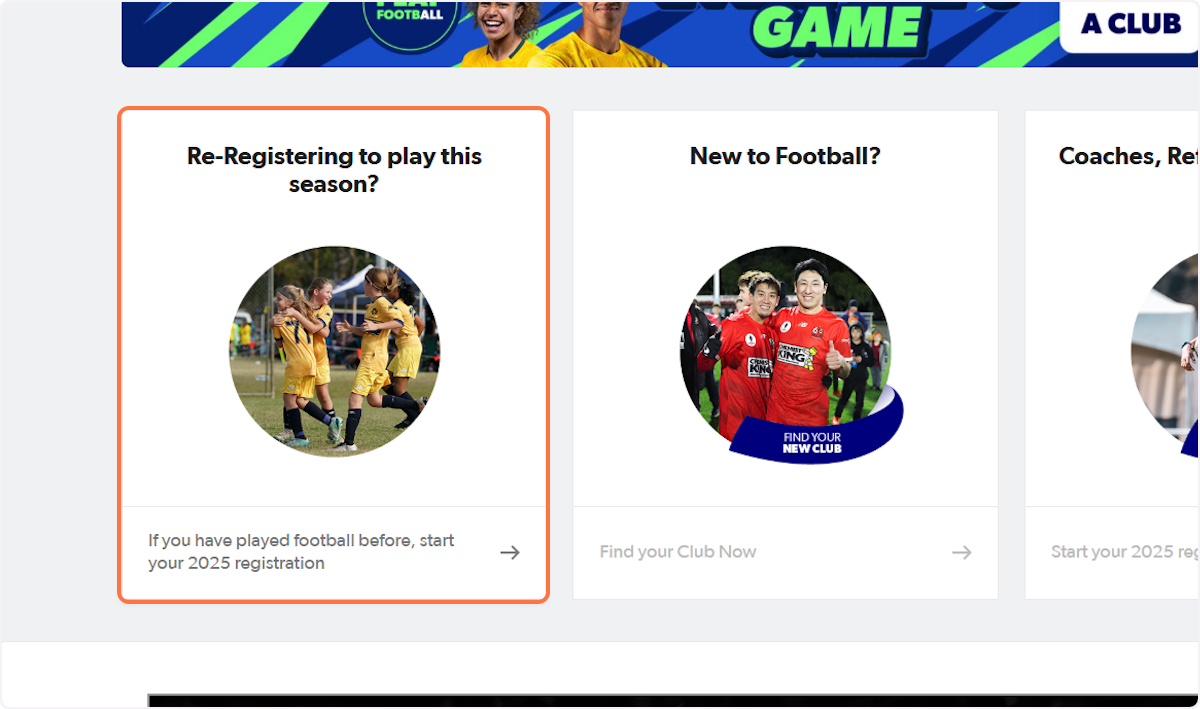
2. Type in your club name and click on the club
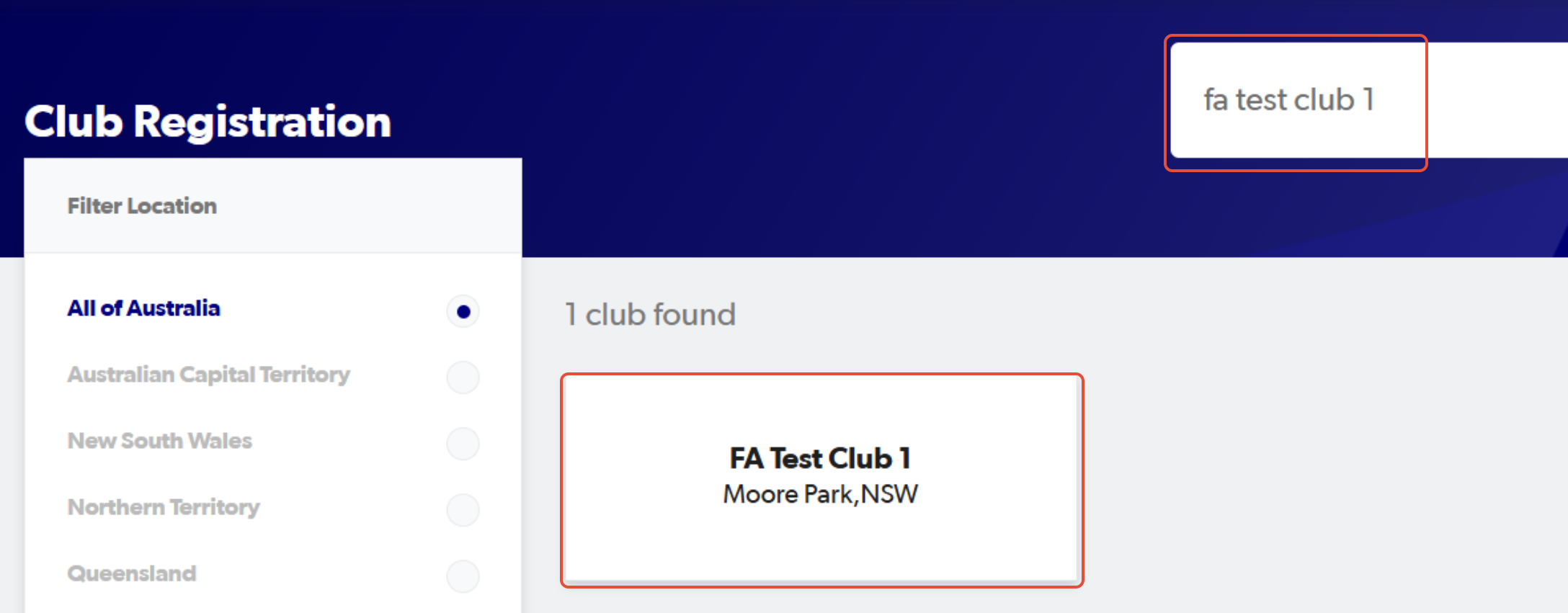
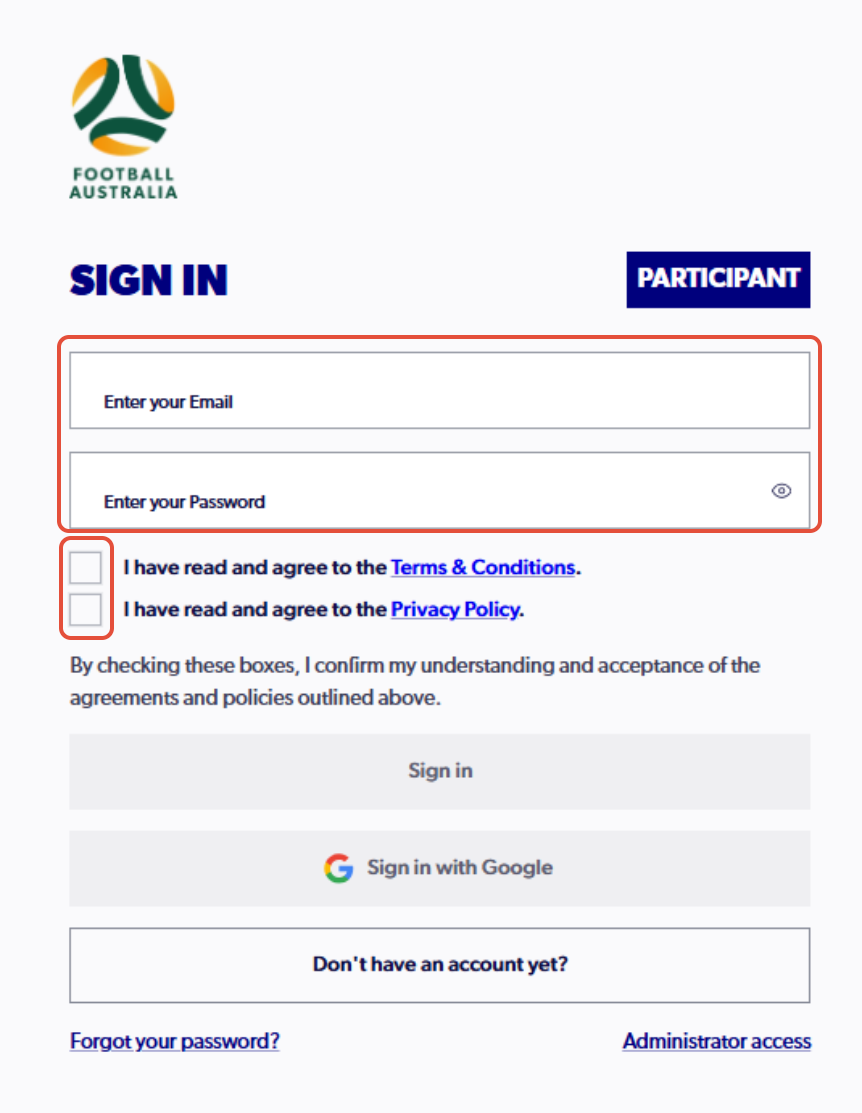
3. Sign into PlayFootball
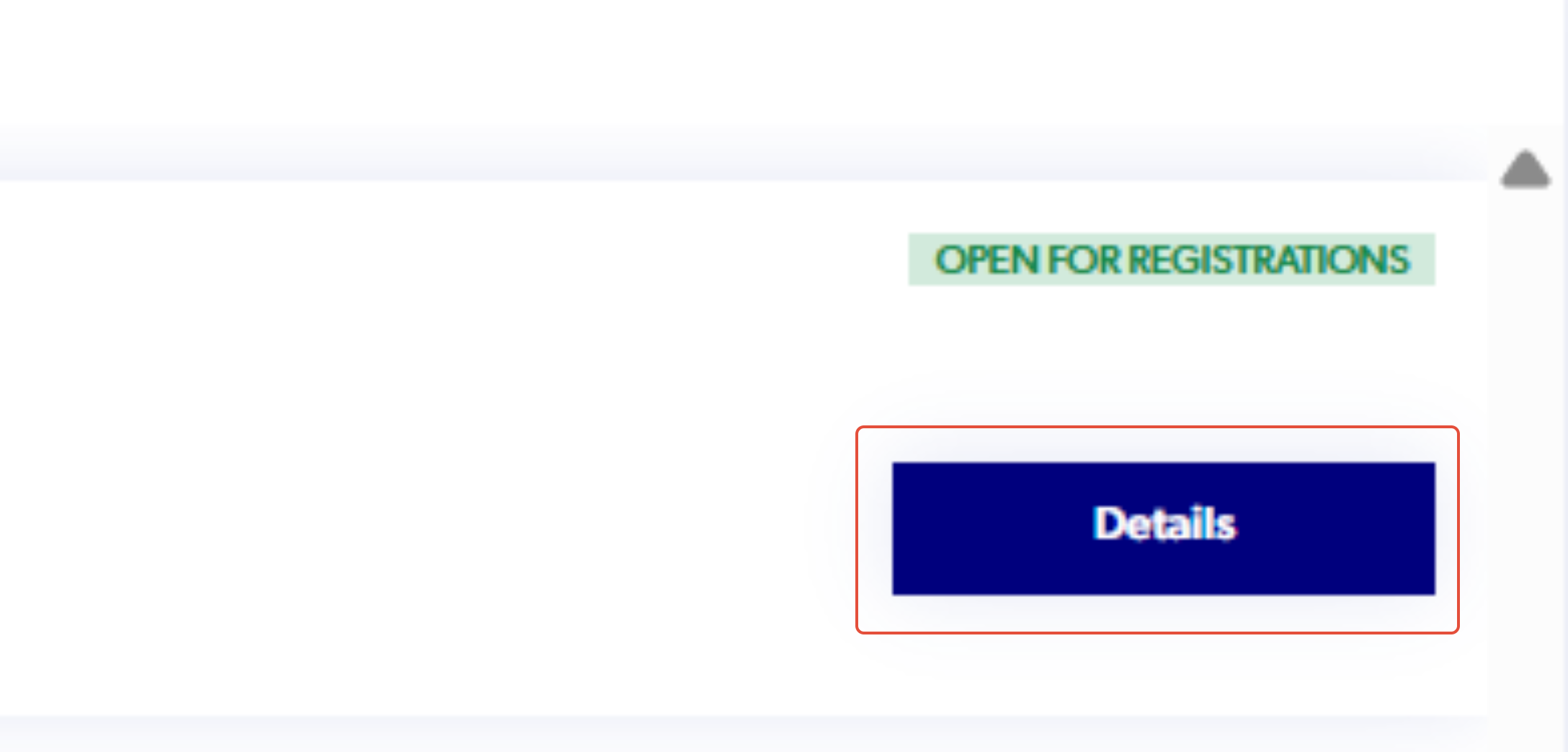
4. Search for your registration product and click 'Details'
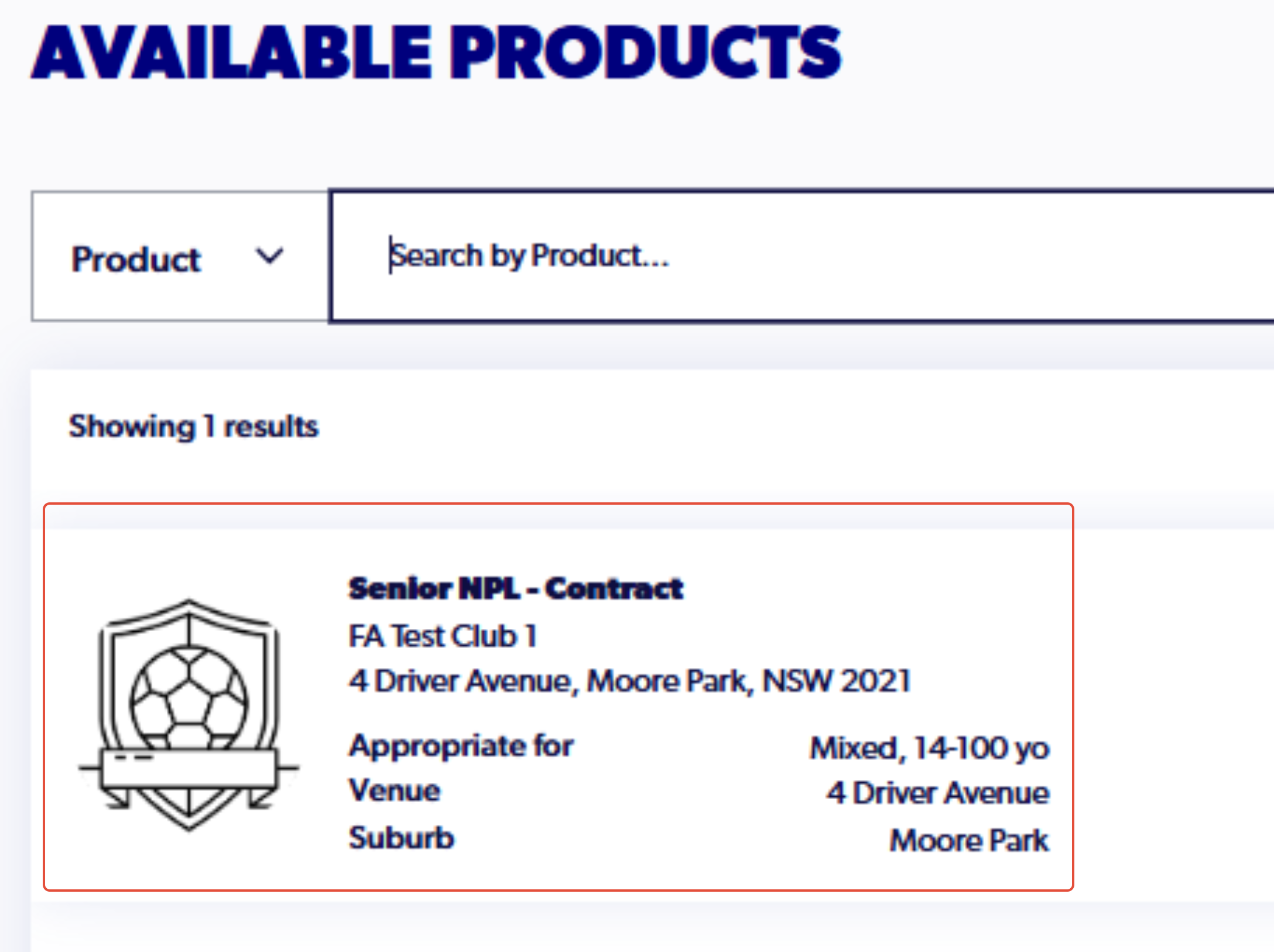
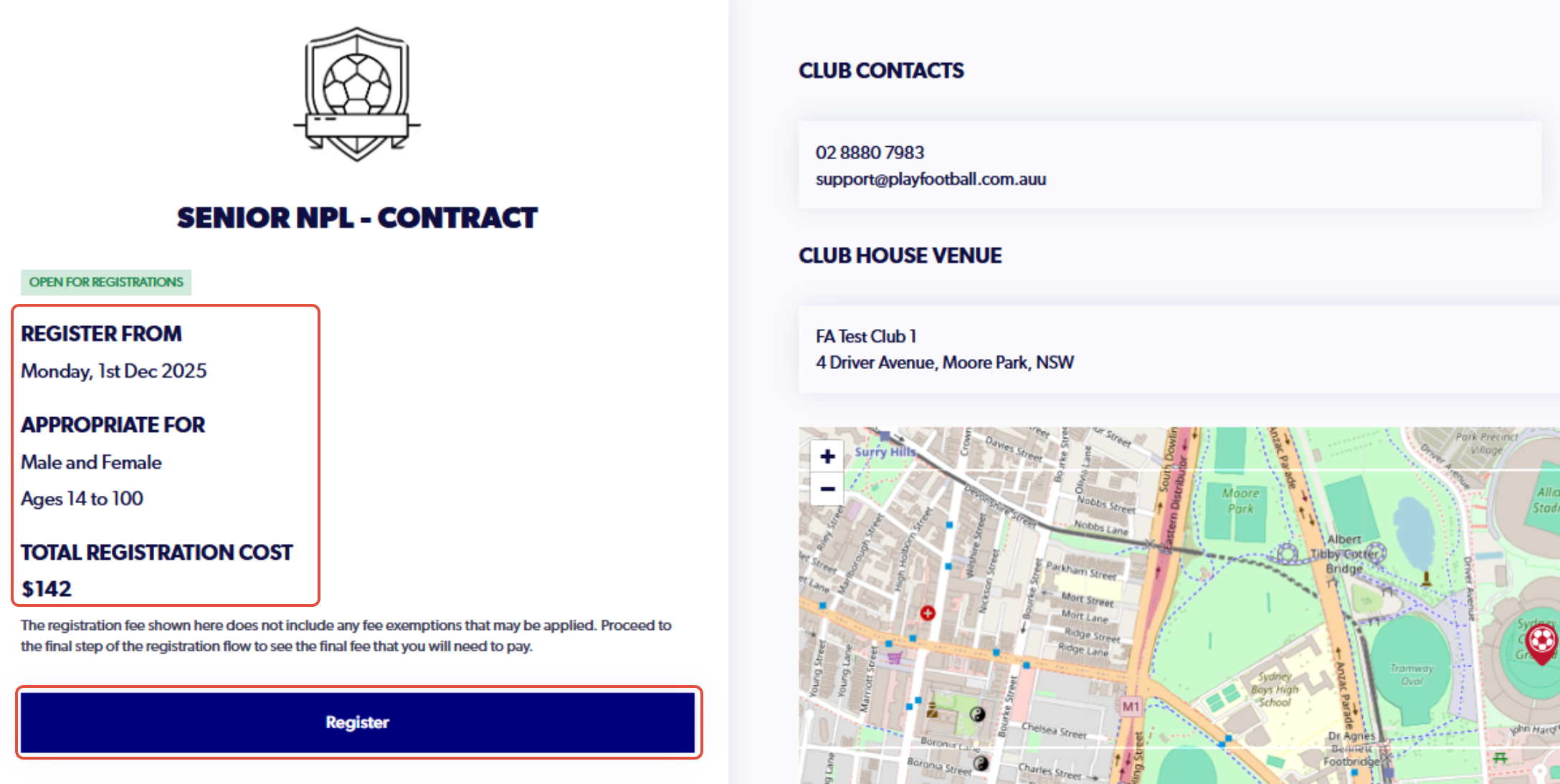
5. Confirm the details of the registration and click 'Register'
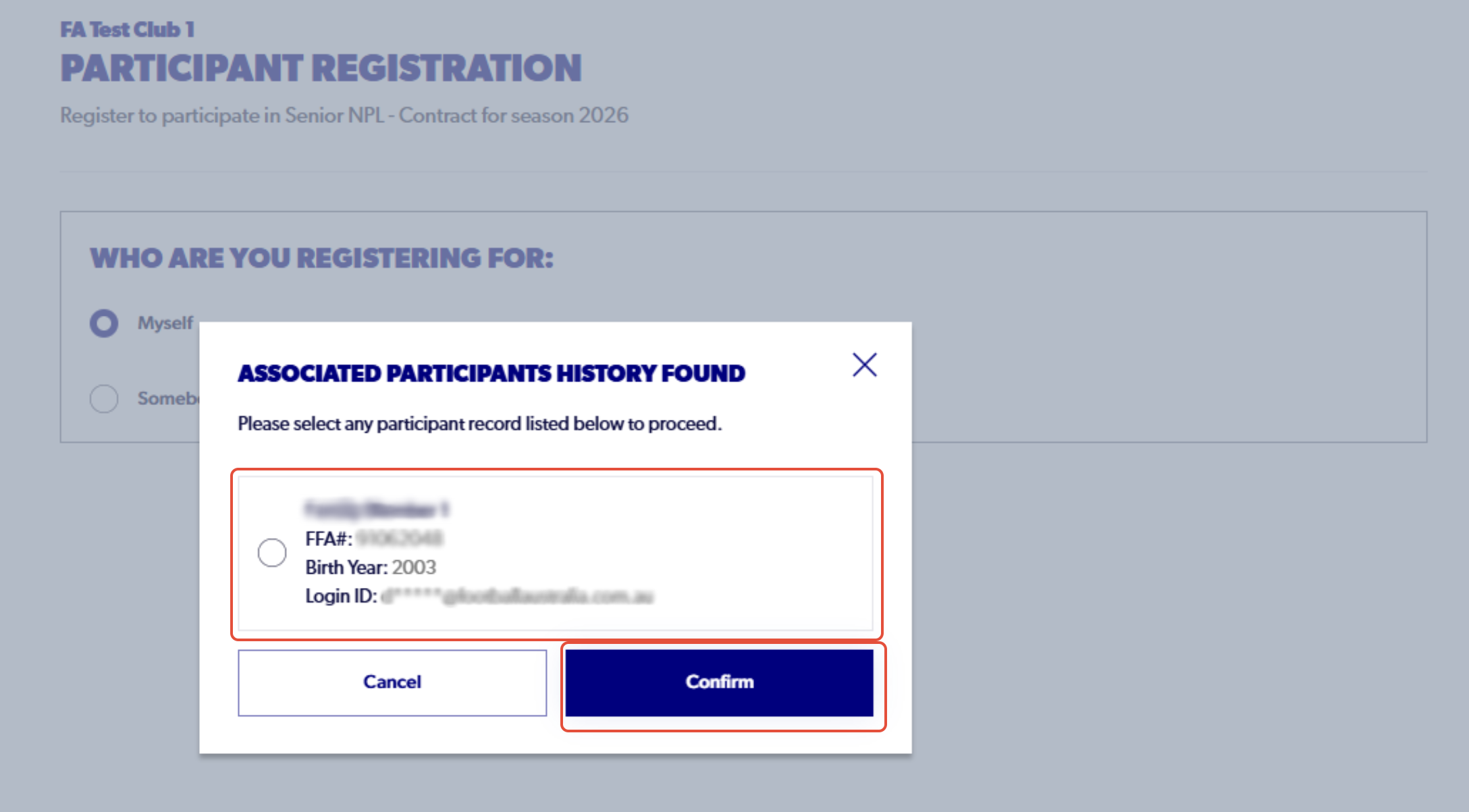
6. Select the profile of the individual you are registering and click 'Confirm'
7. Click on View Document and select the arrow to progress past each document
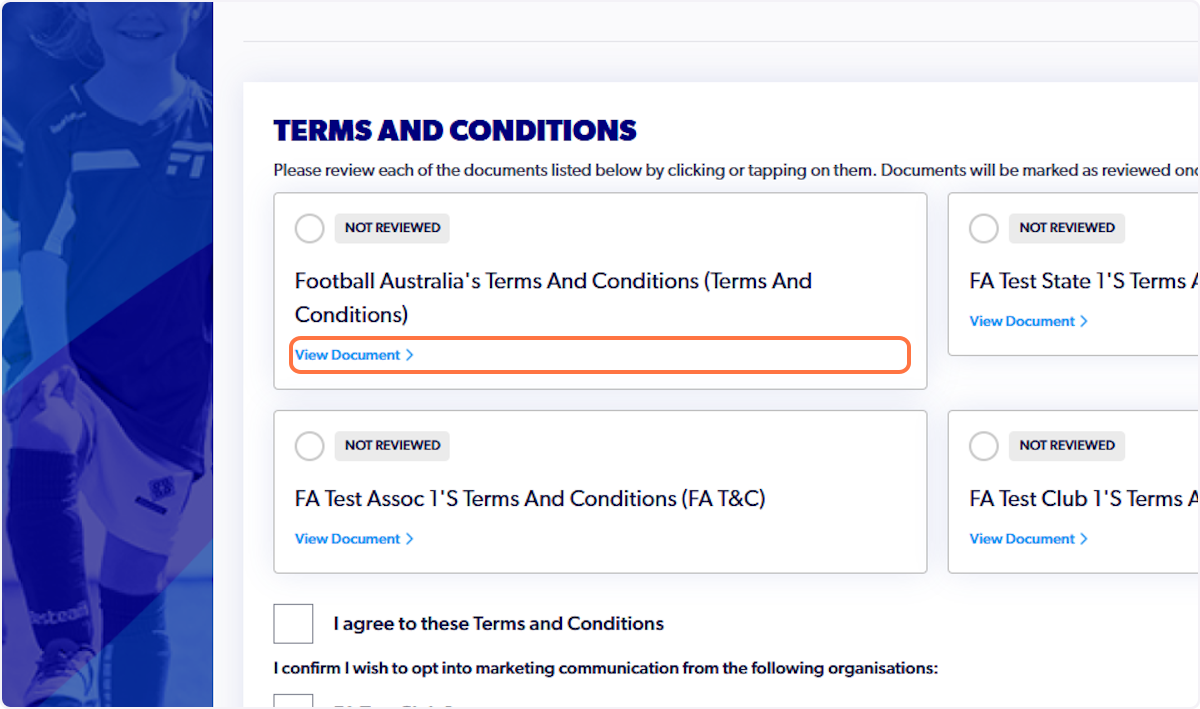
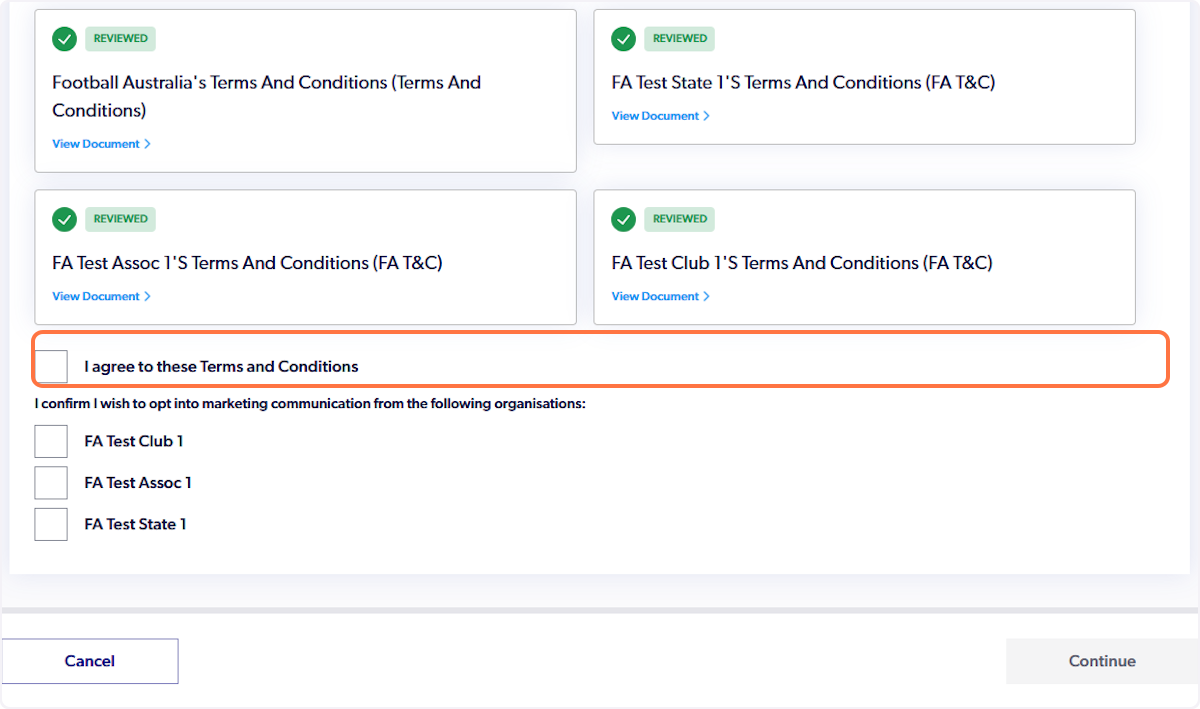
8. Click on I agree to these Terms and Conditions
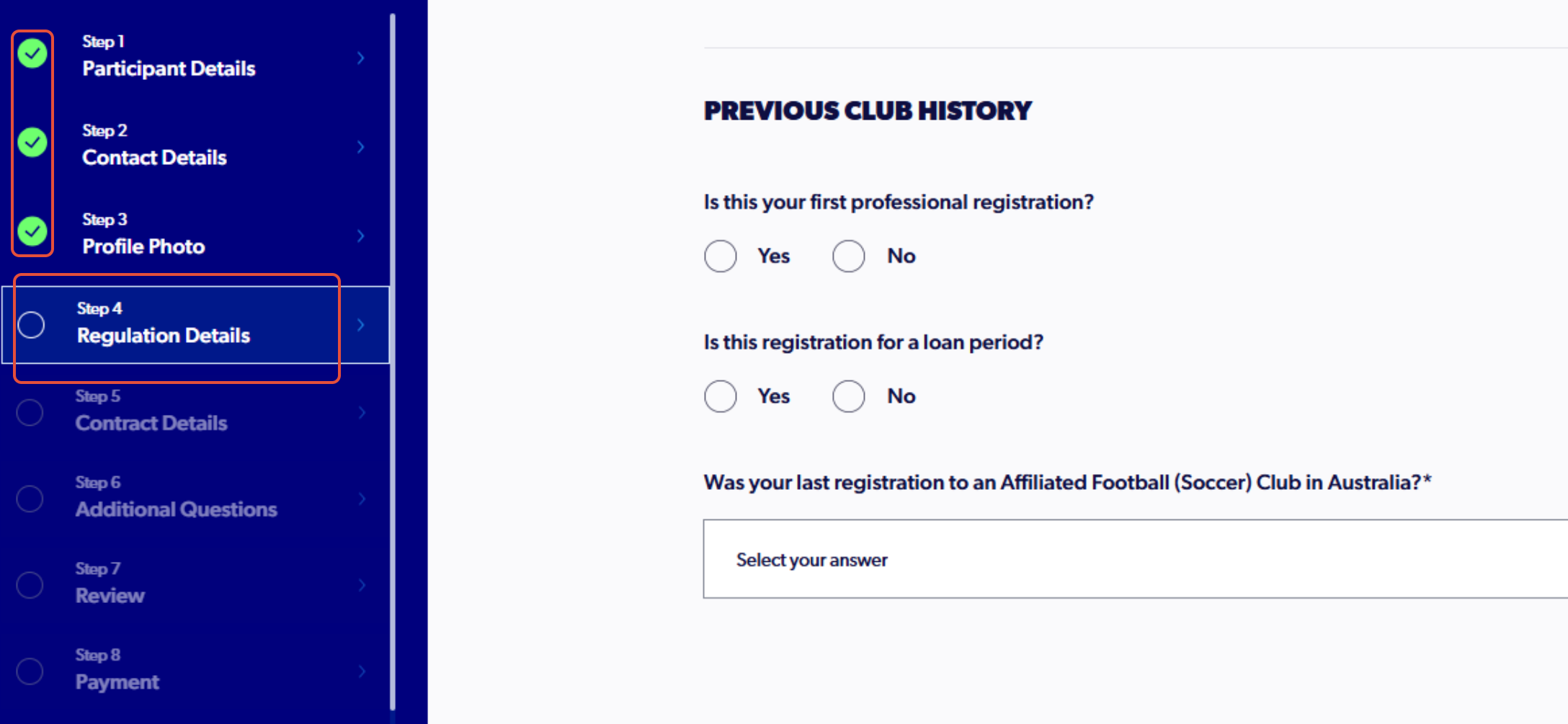
9. Continue with step 4, detailing previous playing history as a professional (As a returning participant steps 1 to 3 will be prepopulated)
To confirm details or make any changes, the option to go back to previous steps is available
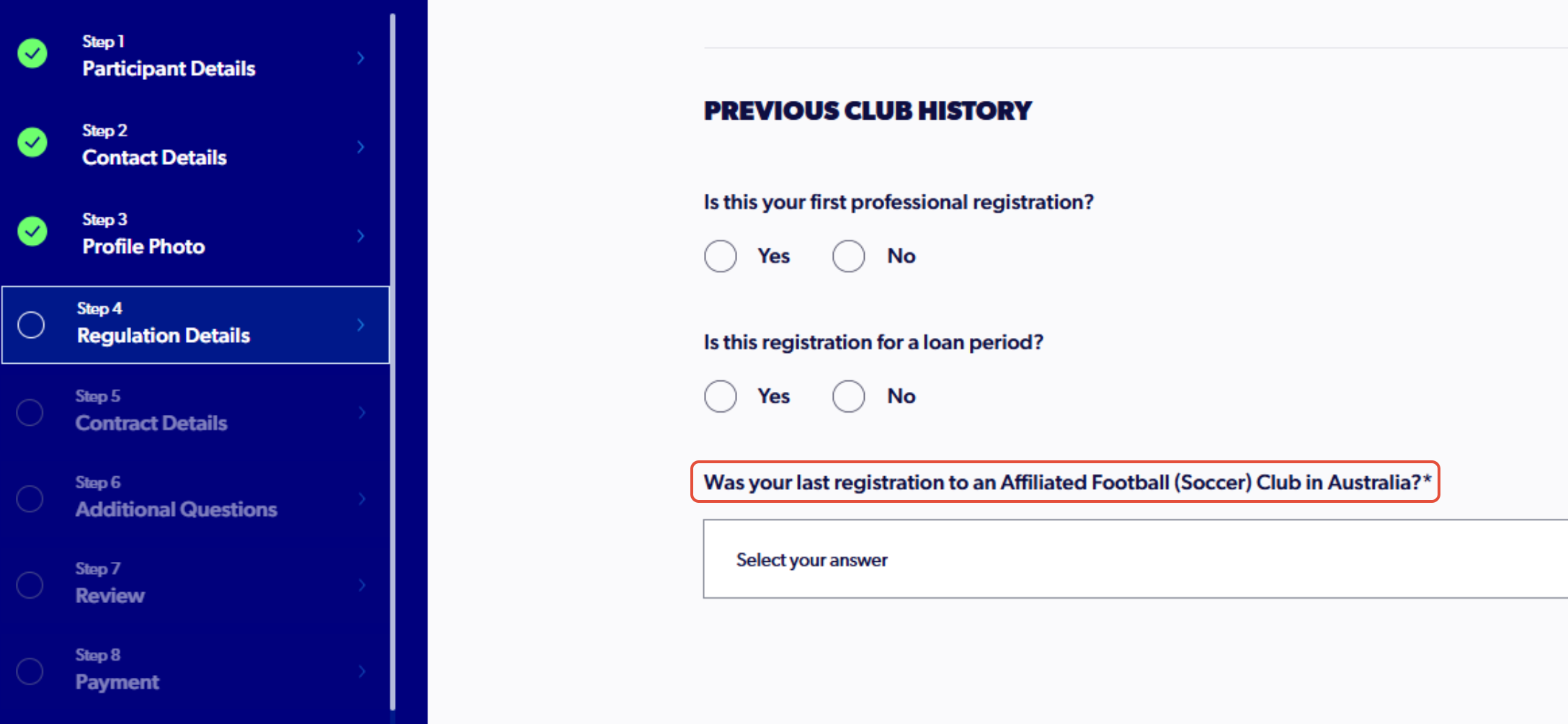
10. Select the relevant answers to the regulation questions
An Affiliated Soccer Club refers to any club in Australia, if you last played for a club outside of Australia, it will trigger an International Transfer Certificate.
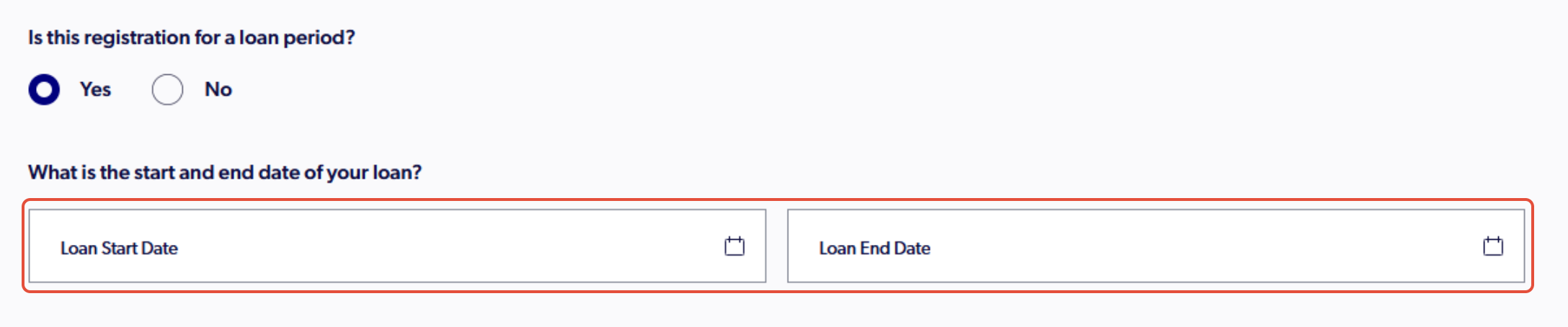
If it is a loan period, ensure the details of the loan are populated correctly.
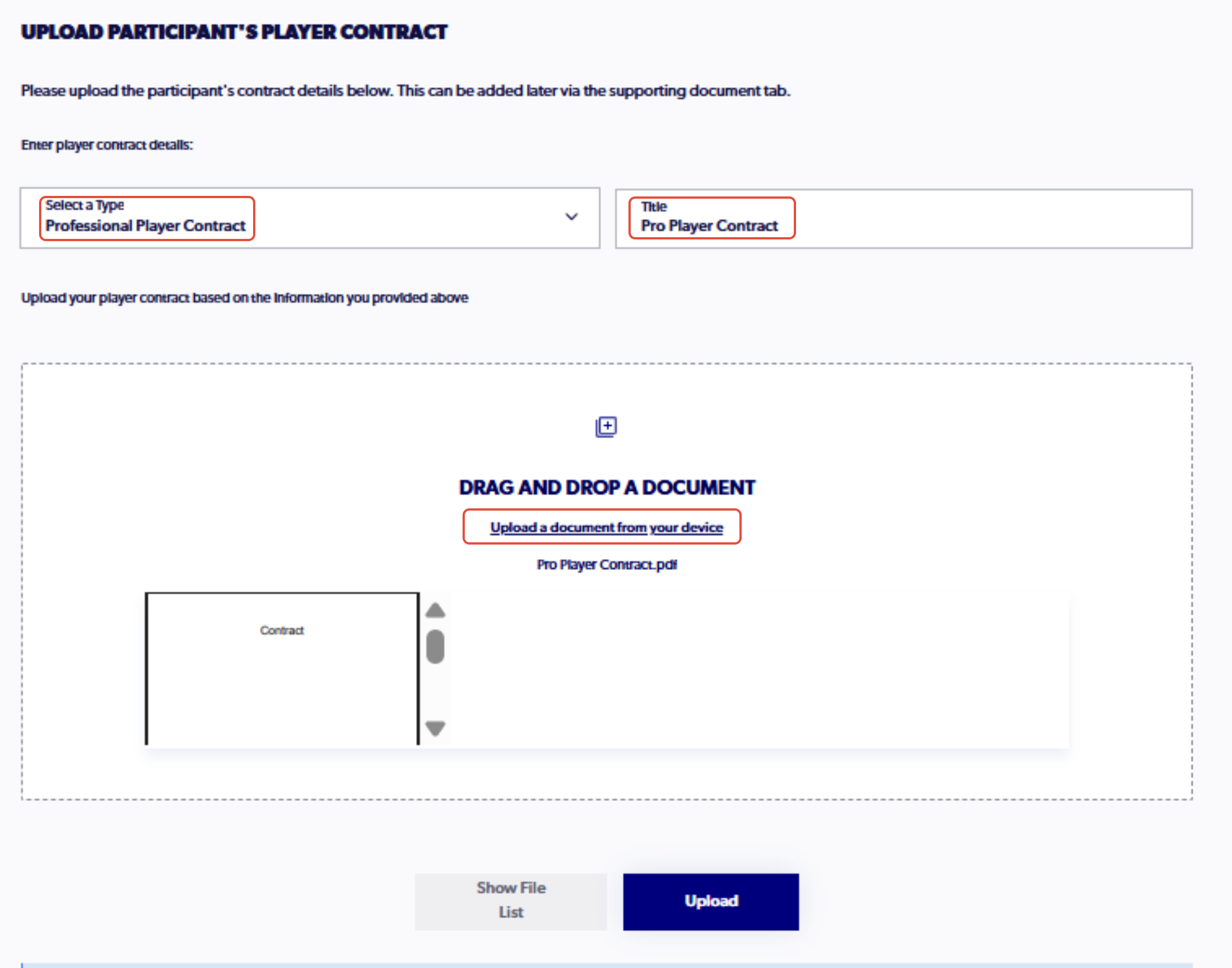
11. Fill in the information of the contract in step 5
This step is optional. To upload a contract outside of the registration process, use the following support article as a guide: Participant - How to View and Add Player Contracts
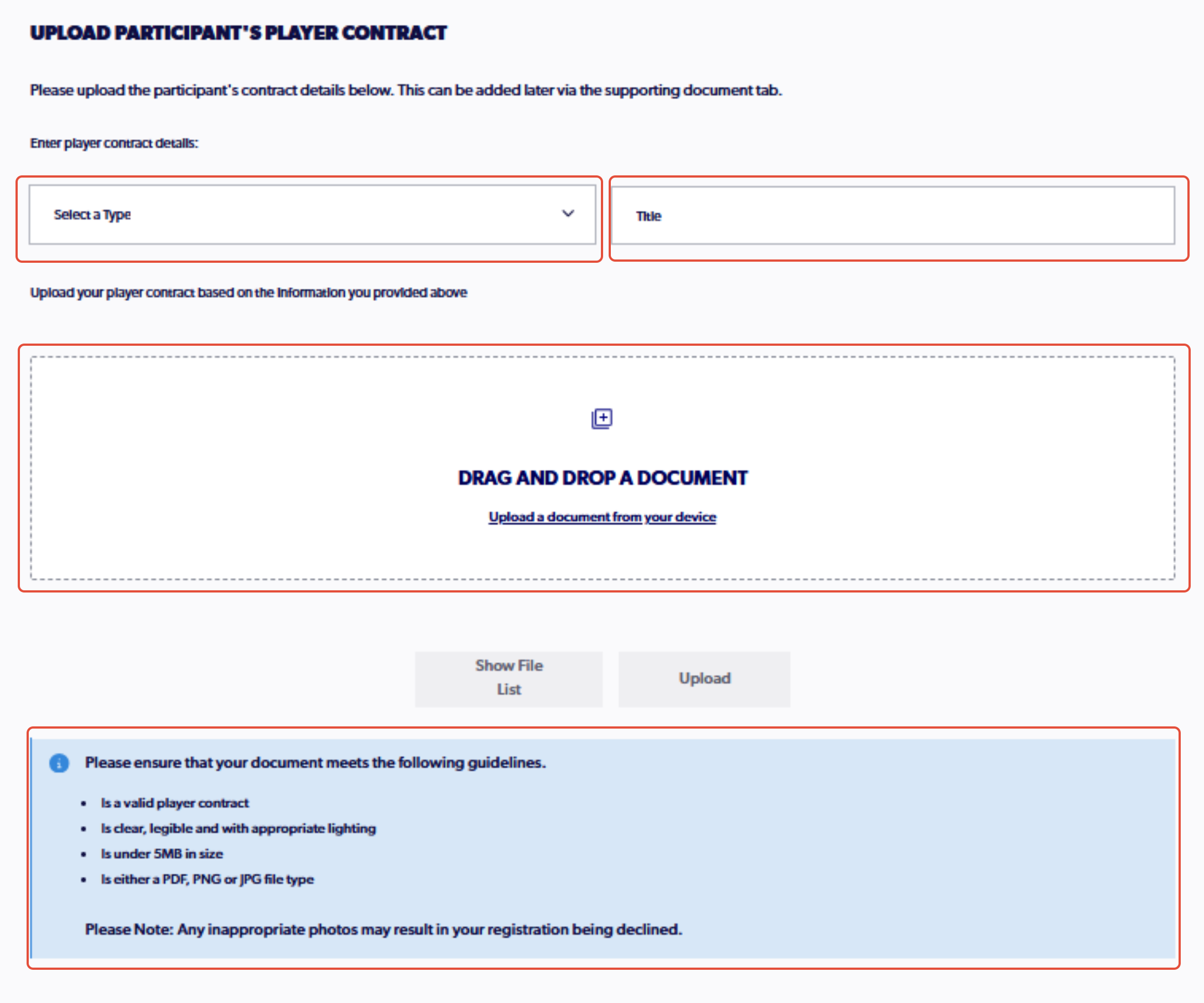
Ensure that the correct contract type is selected, fill out the title and upload the document
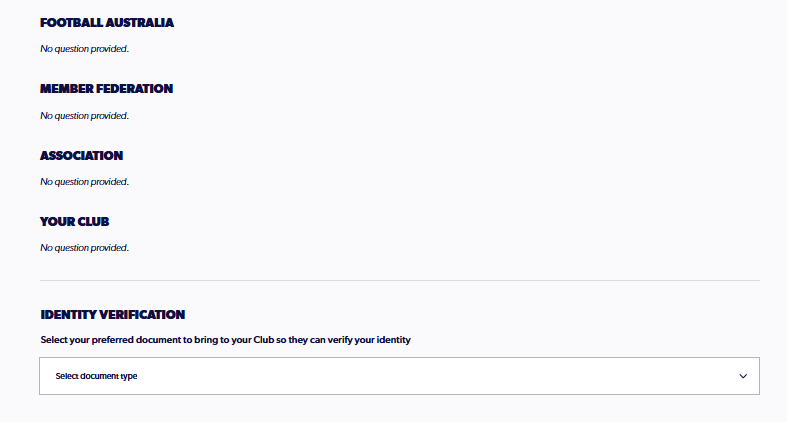
12. Fill out the necessary additional questions
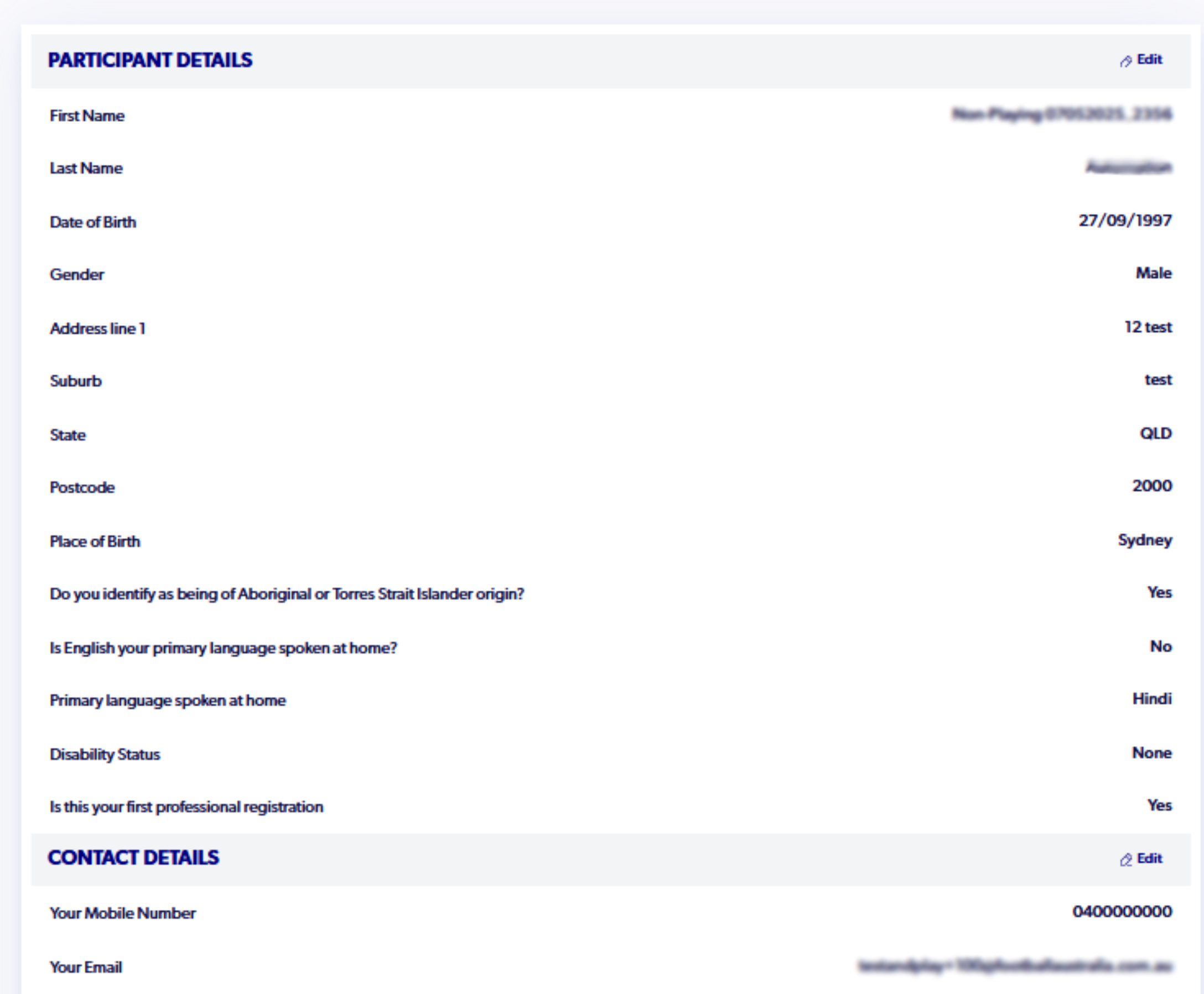
13. Review the details of the registration, ensuring all information is inputted correctly
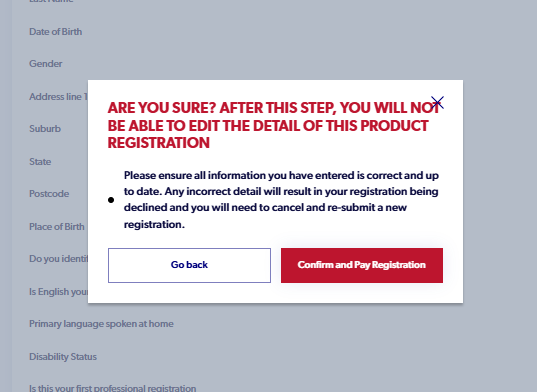
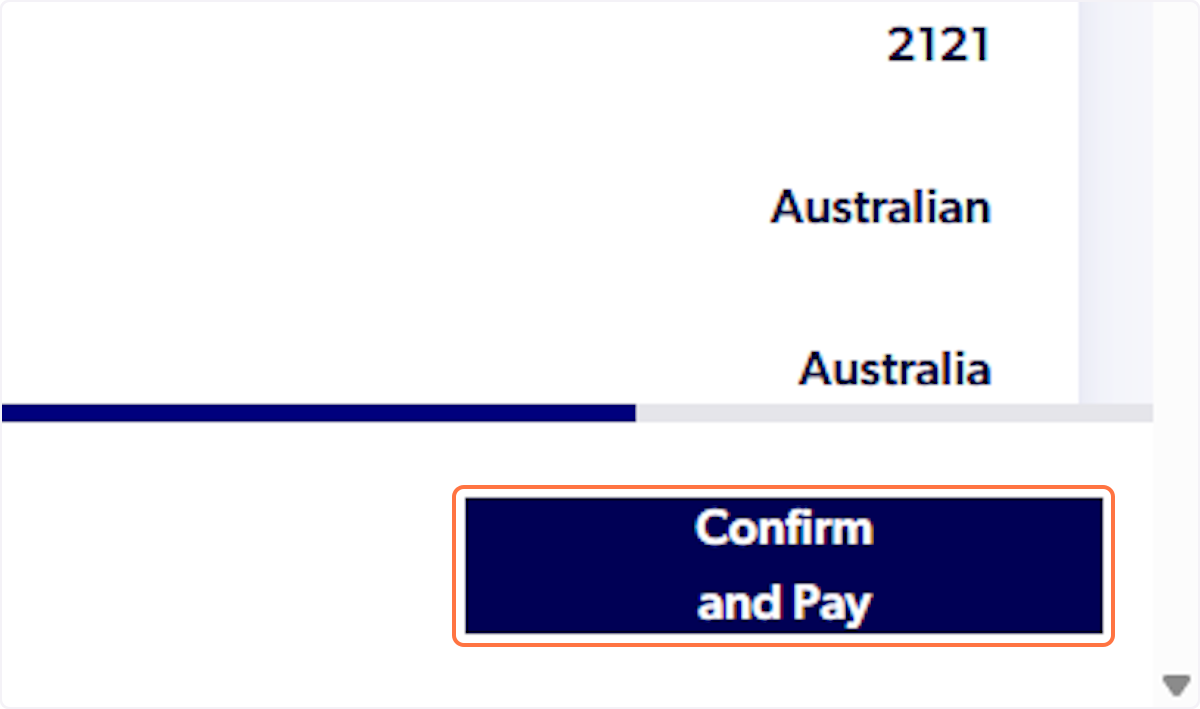
14. select 'Confirm and Pay' and click through the pop up
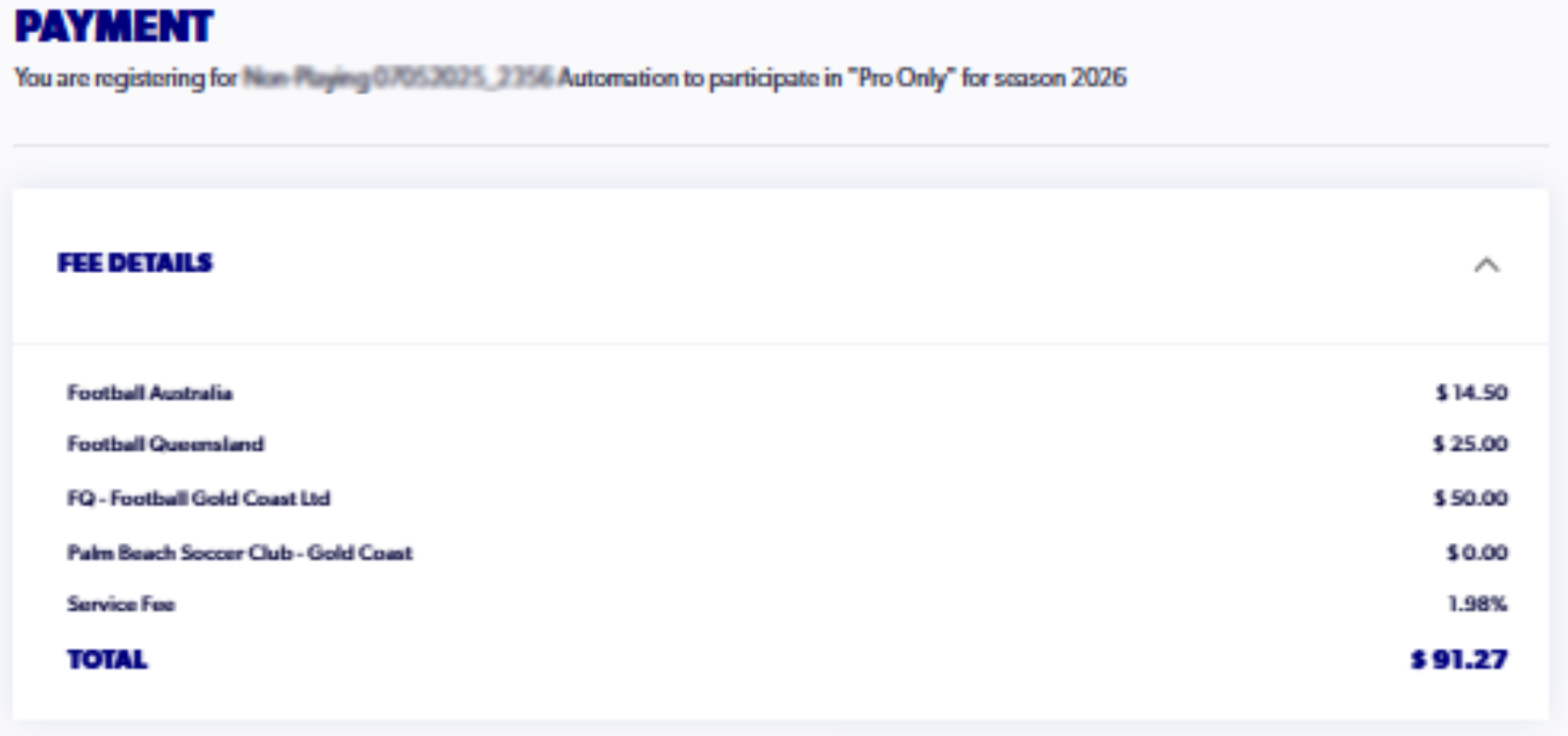
15. At the final step, review the payment amount, input all the correct payment information and click on 'Confirm and Pay'
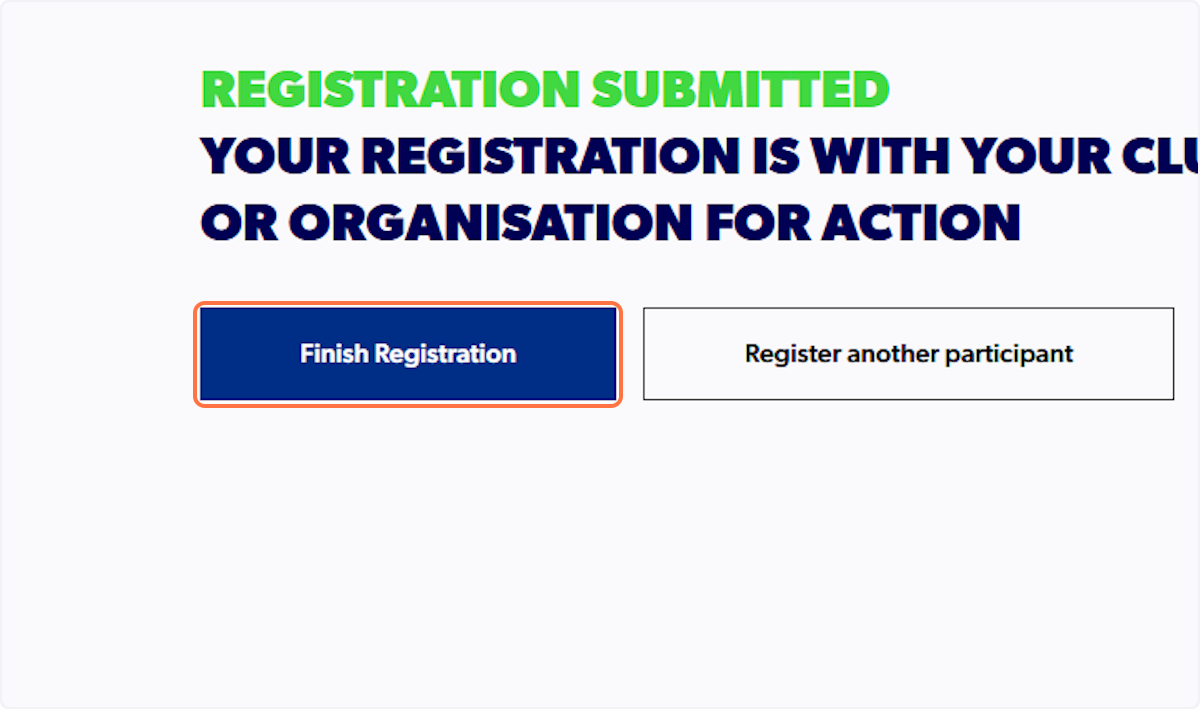
16. Click on Finish Registration
ℹ️ The club will only be able to approve the registration once you have uploaded your contract to the participant profile.