The following support article outlines how to register a participant that is exisiting in the Family Management section of your profile.
If you continue with the steps and find that you are unable to select 'Somebody else' or that upon selecting the option there is no record of a participant linked to your profile, please use the following support articles:
- Participant - How to Create a Participant Record (Somebody else greyed out fix)
- Participant - How to Invite a Family Member
Navigate to the PlayFootball Home Page
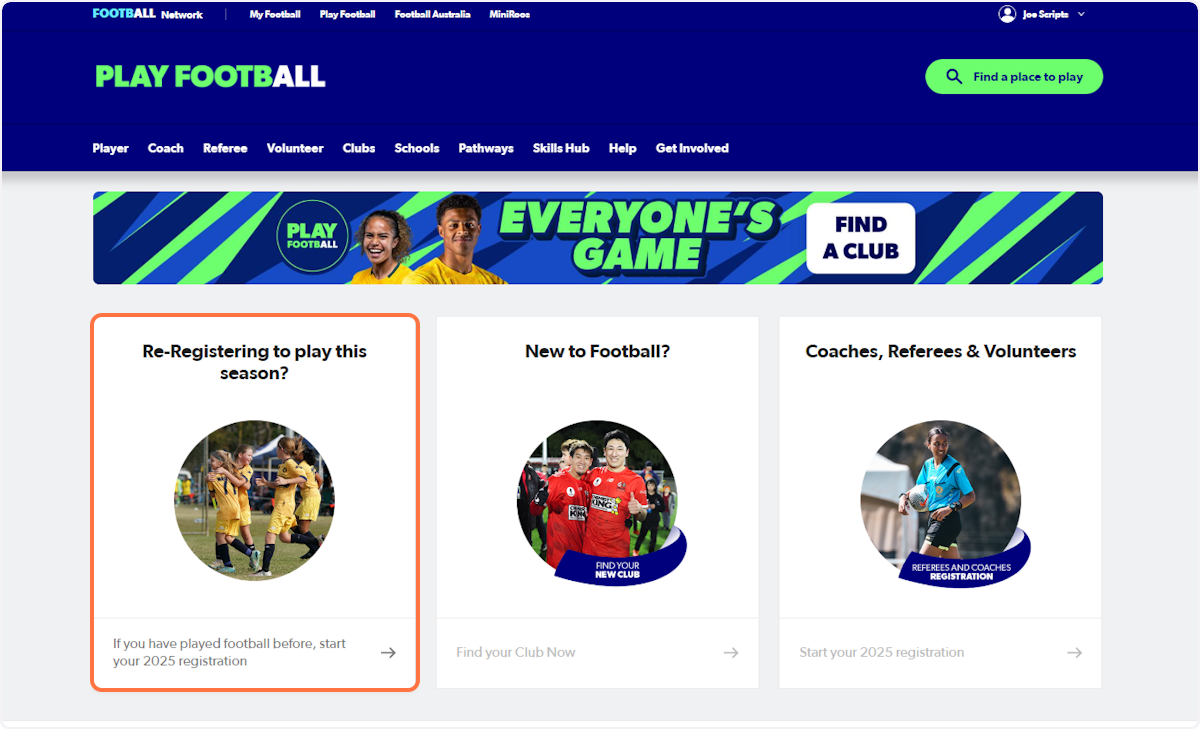
1. Select 'Re-Registering to play this season?'
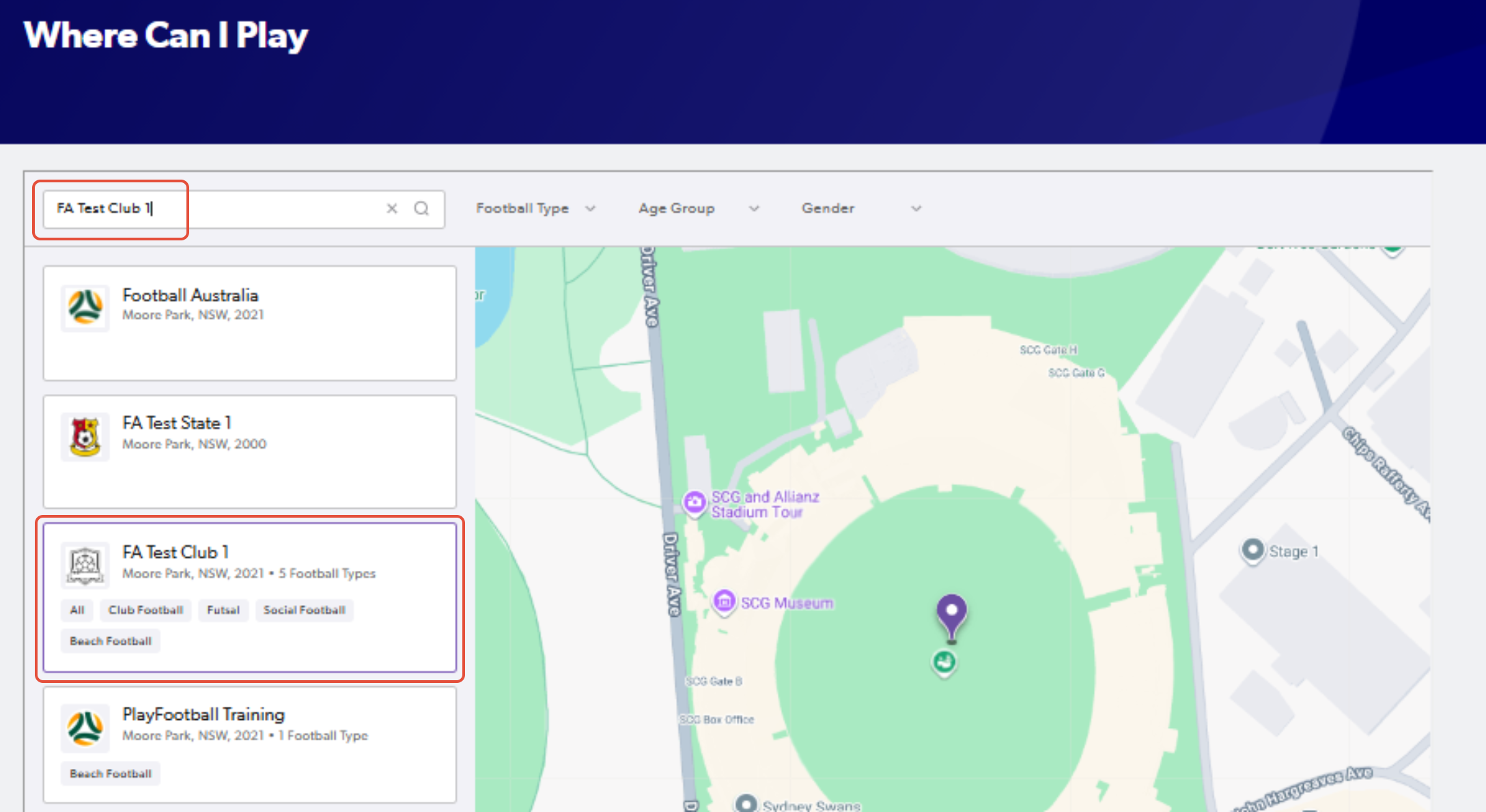
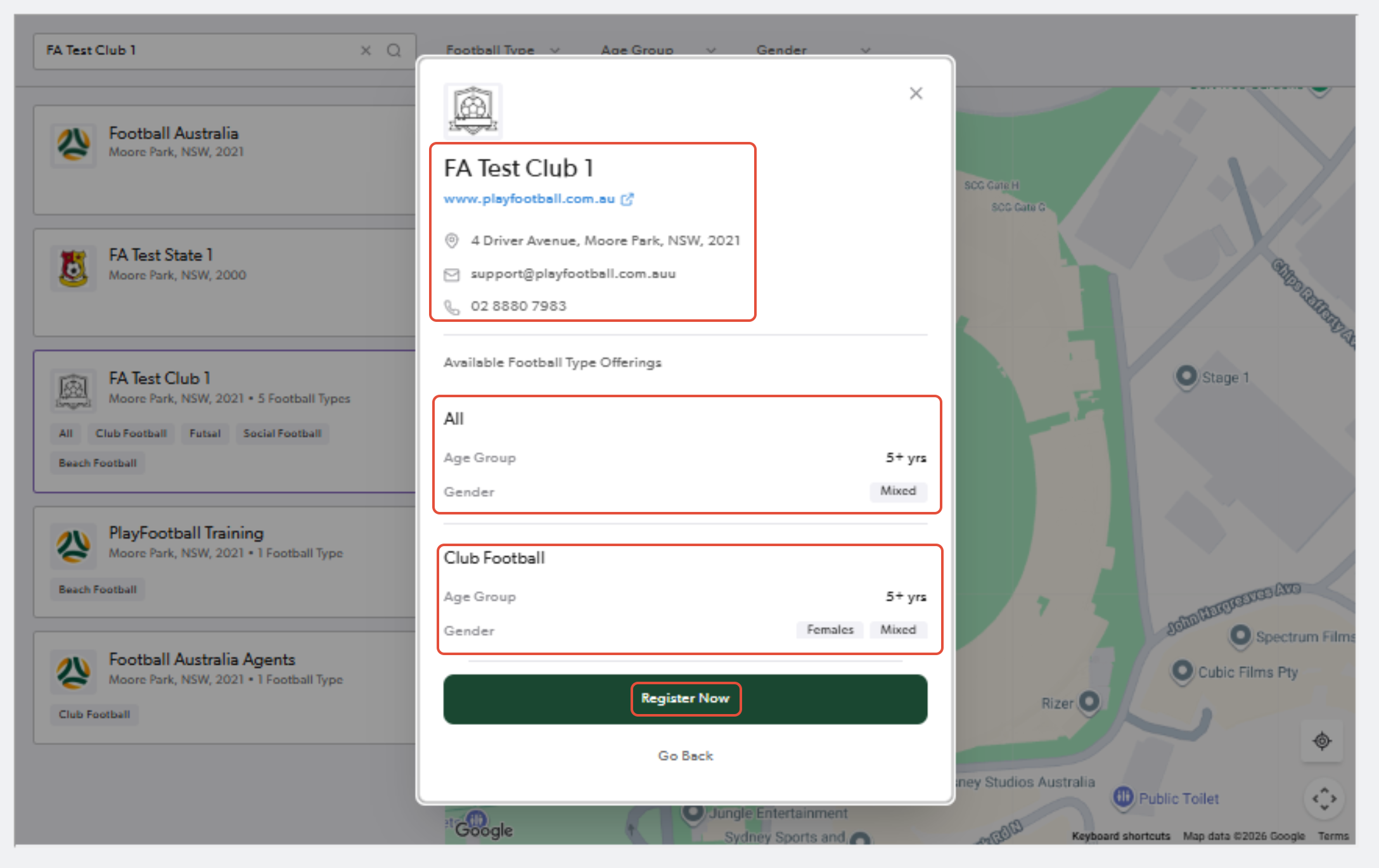
2. Search for the club that you will be registering to
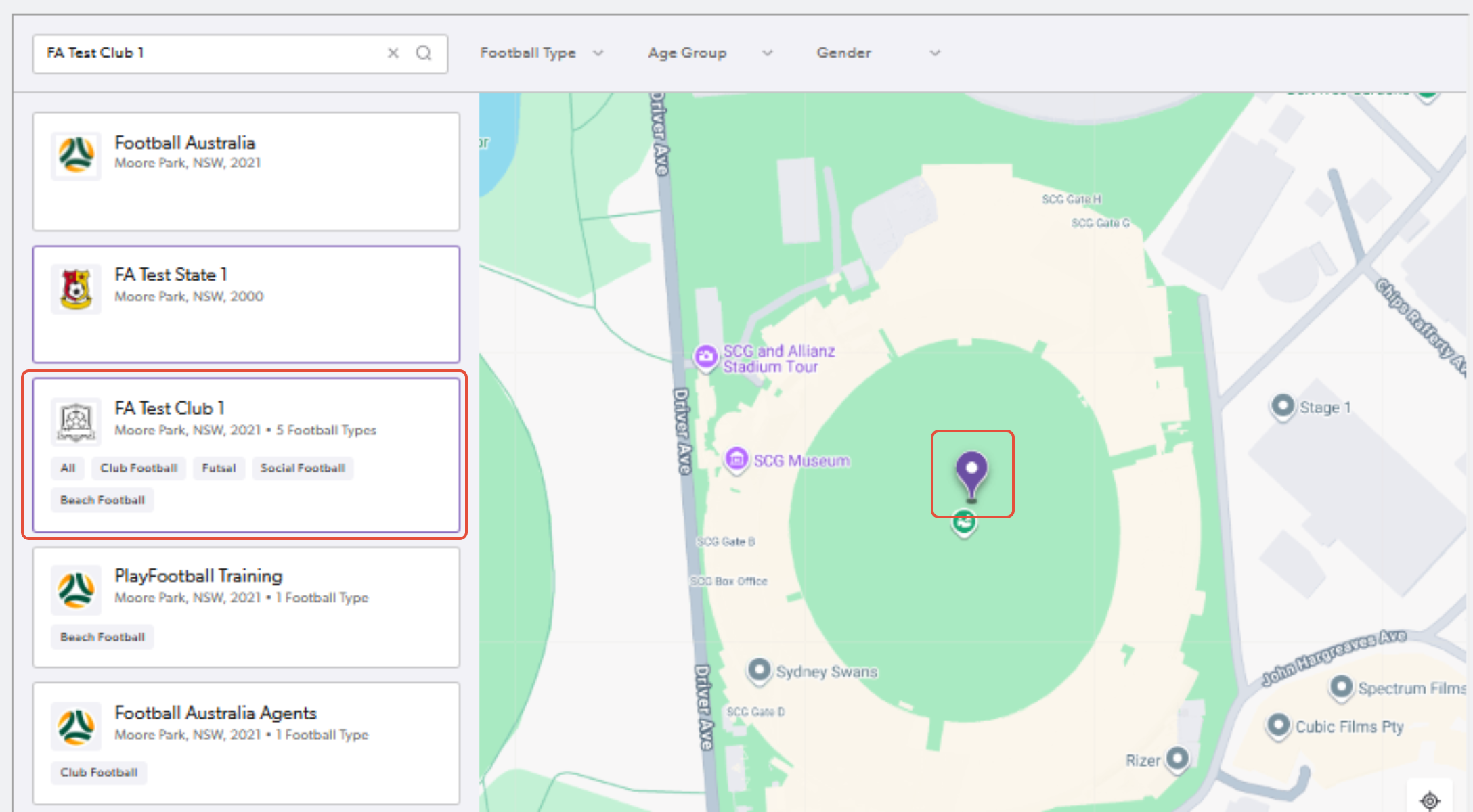
3. Click on the pinned location or the club name and select "Register Now" once you confirm the club details
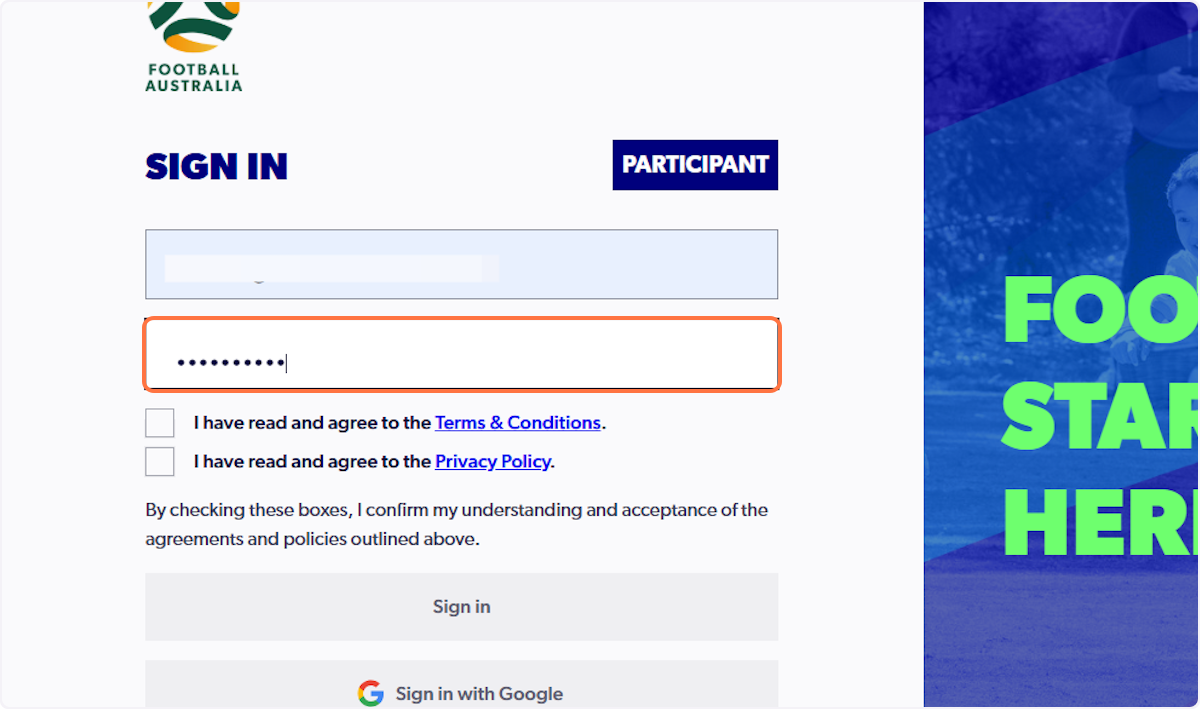
4. Type email and password
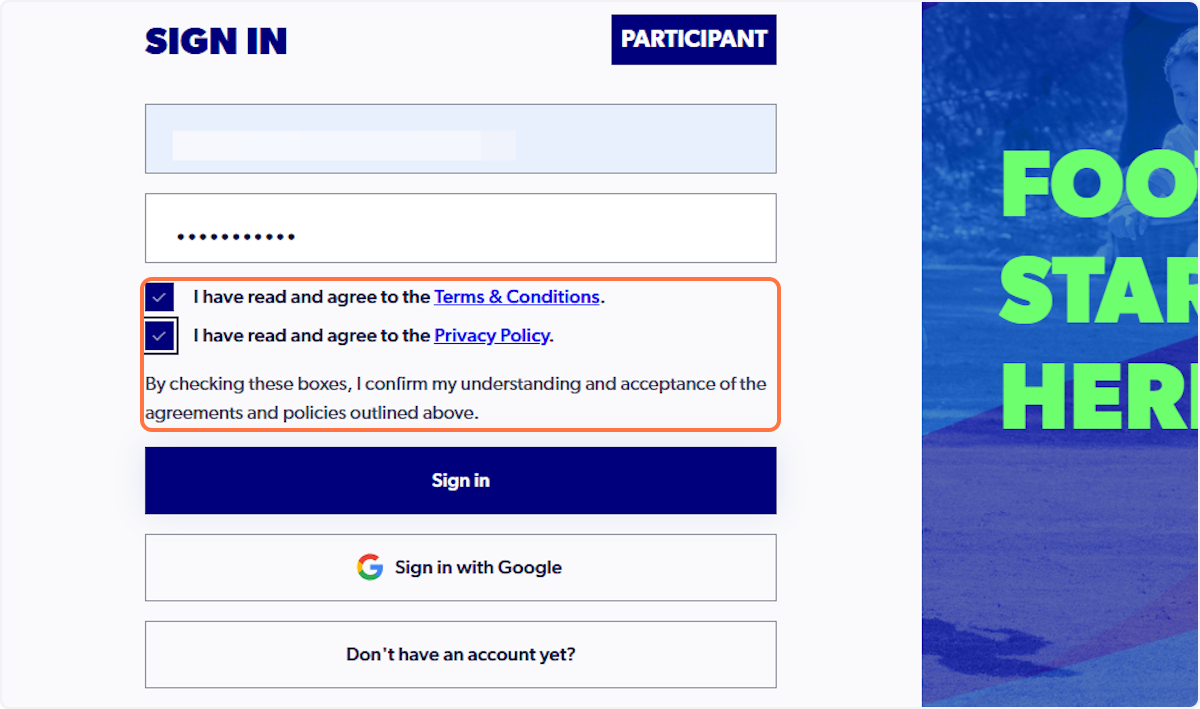
5. Click on 'I have read and agree to the Terms & Conditions and Privacy Policy'
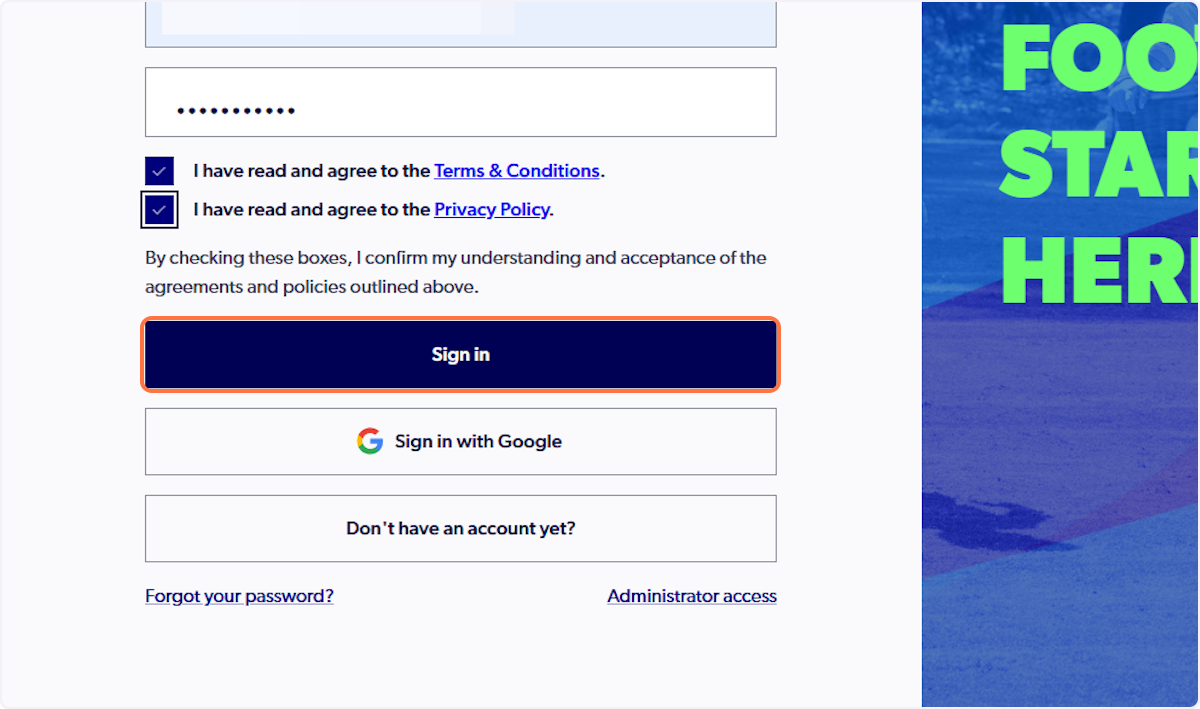
6. Click on Sign in
7. Search through Available Products…
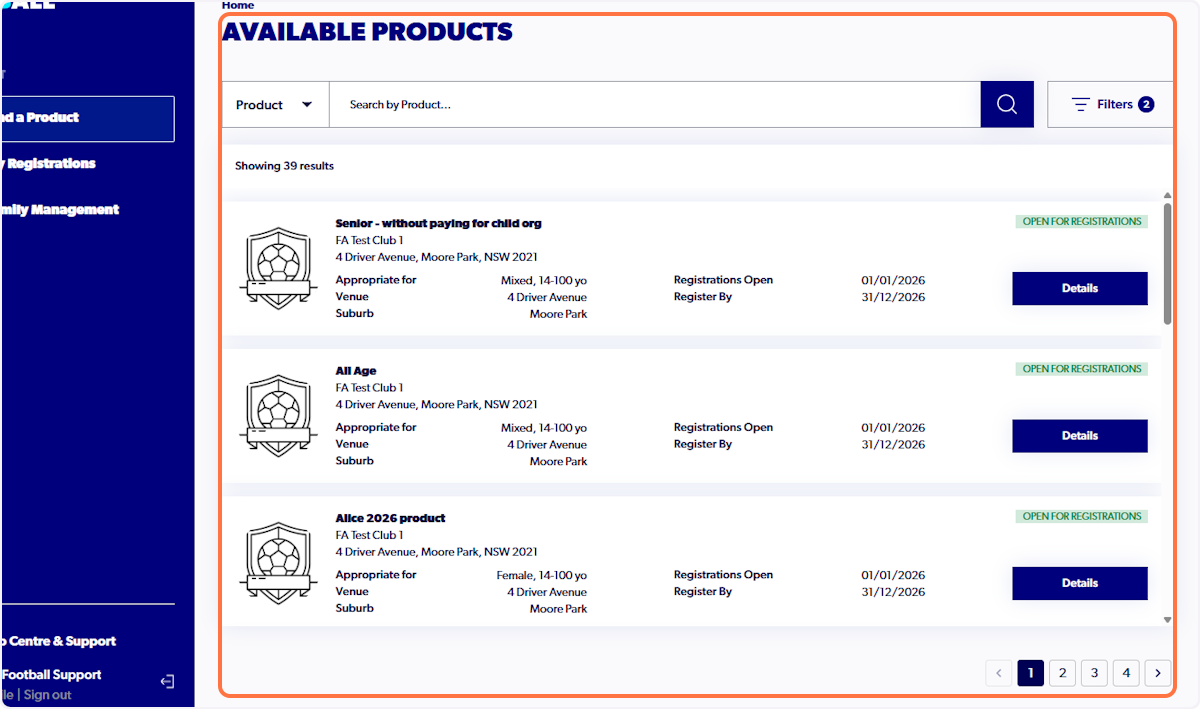
8. Note that there may be multiple pages to filter through
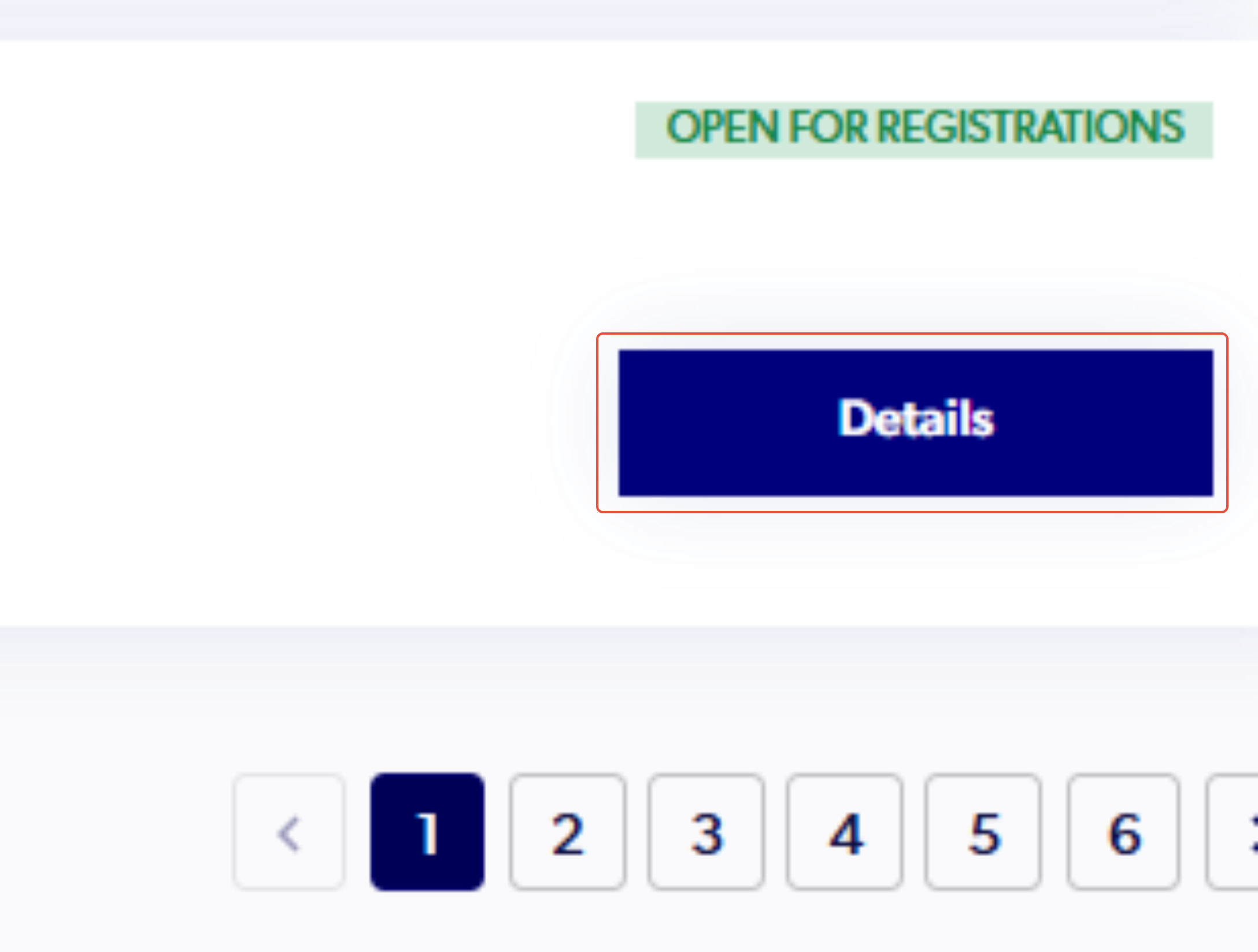
9. Once you have selected the correct registration product, click on 'Details'
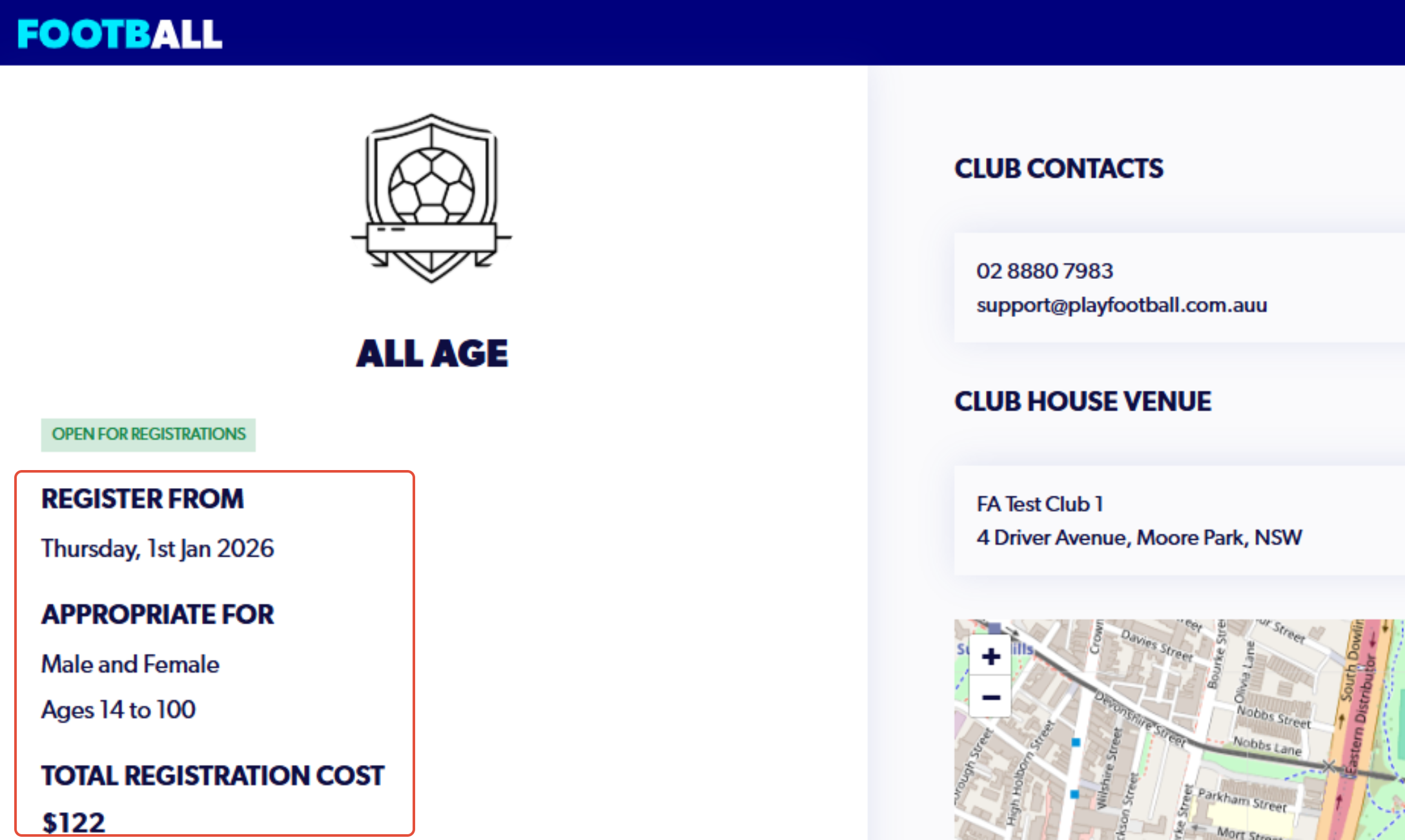
10. Review the product details before starting
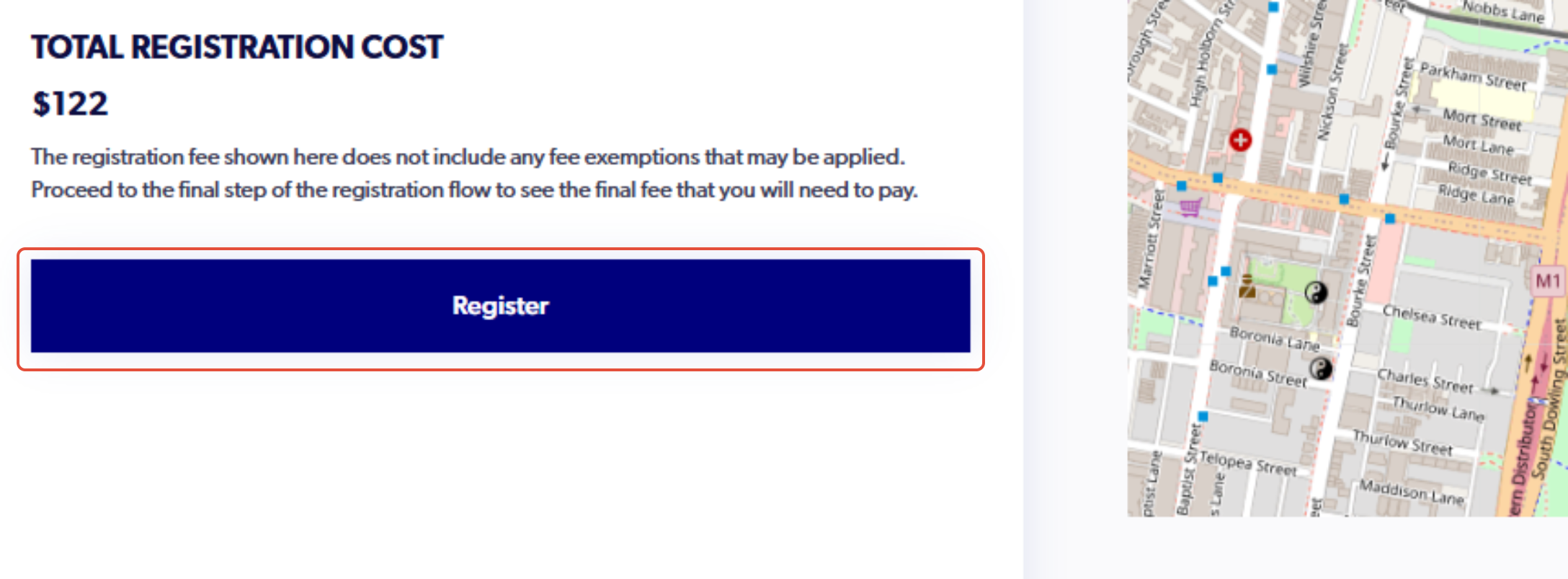
11. Click on Register
12. Click on who are you registering for:…
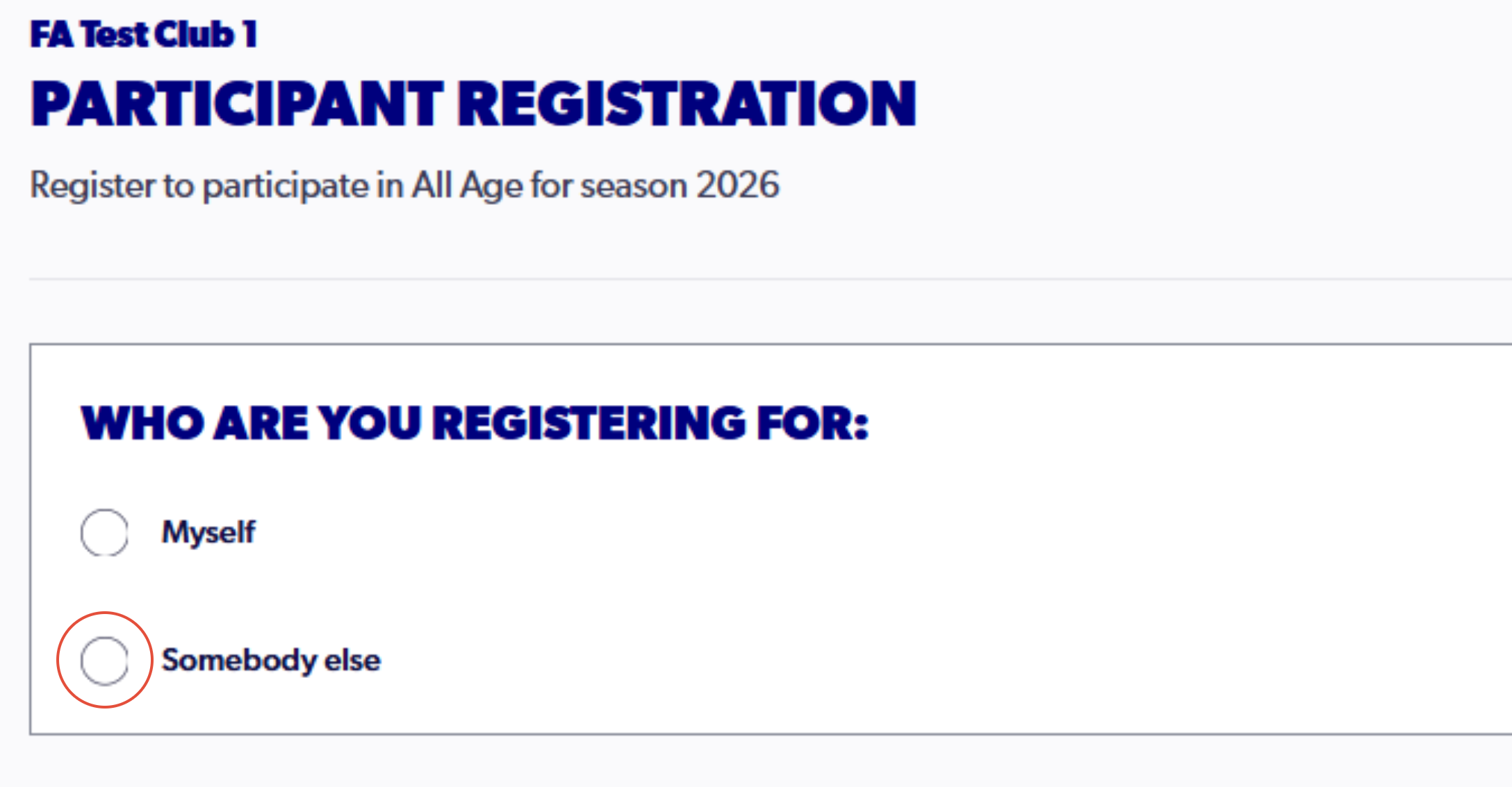
If the 'Somebody Else' is greyed out, please see the support article HERE before continuing.
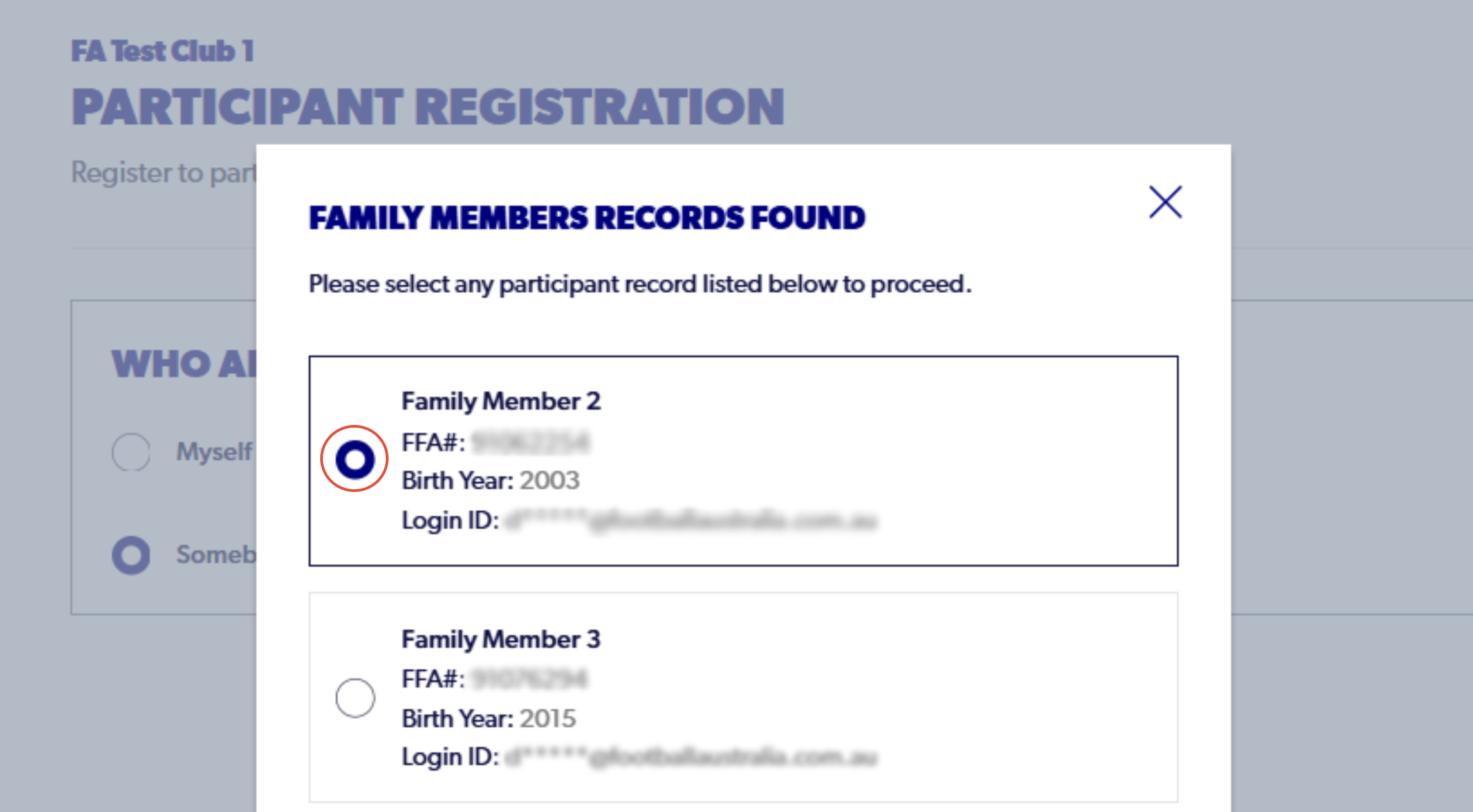
13. Select the participant attached to the family account that you are looking to register
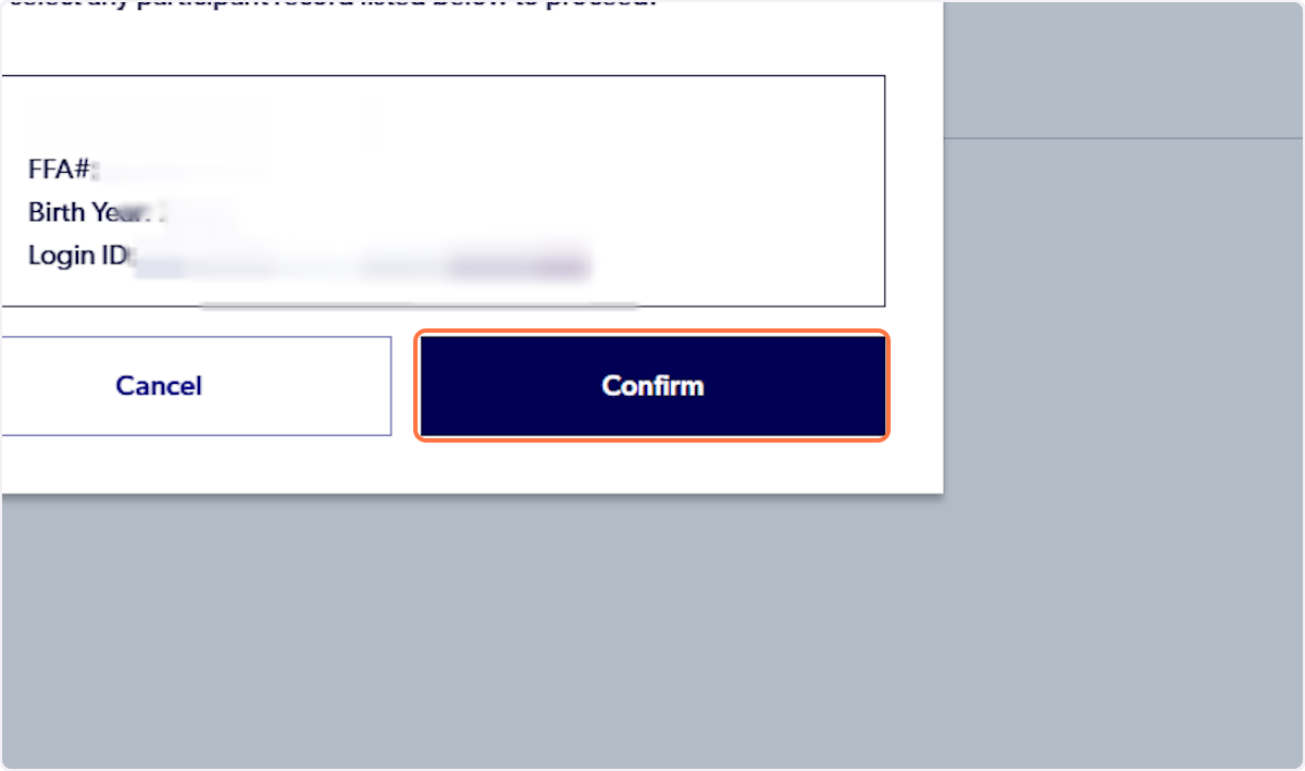
14. Click on 'Confirm'
15. Click on 'View Document to view Terms and Conditions'
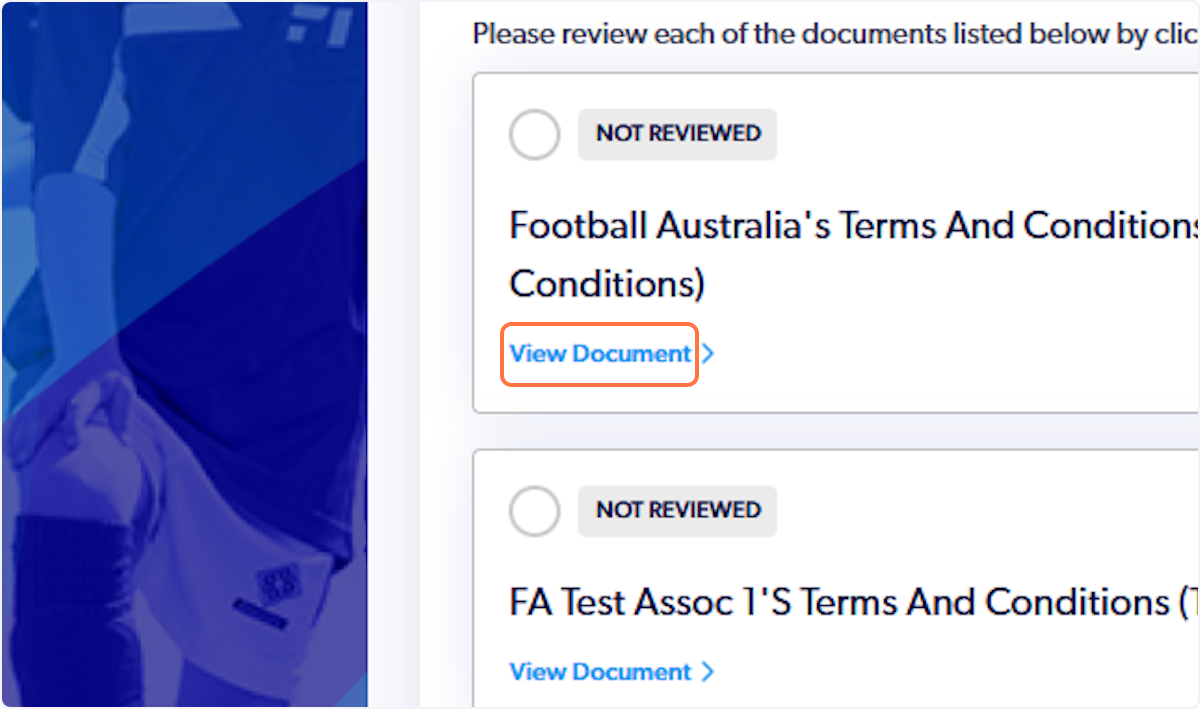
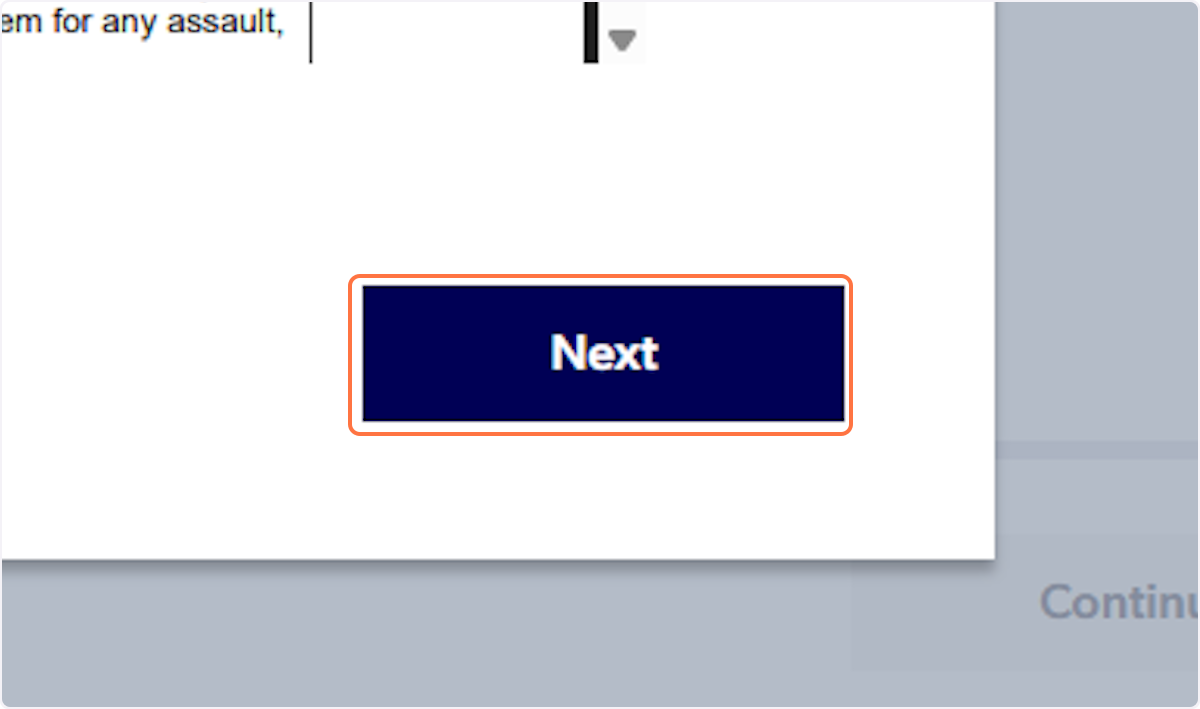
16. Progress through each document by clicking on 'Next'
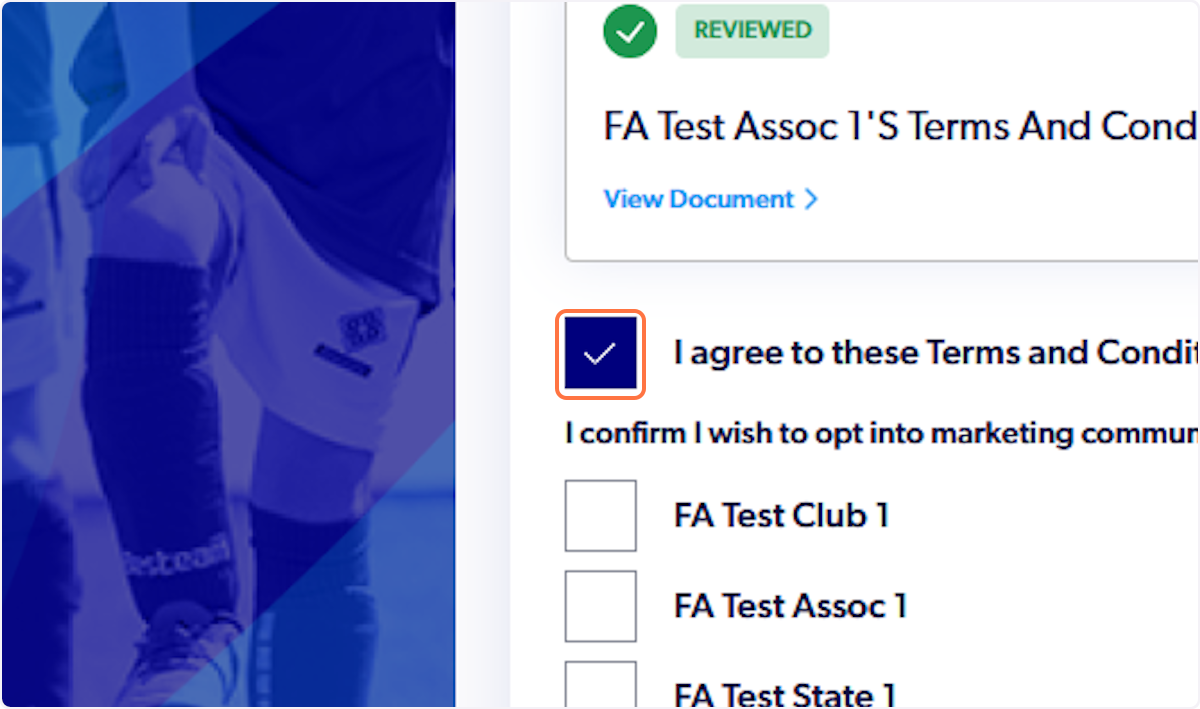
17. Check 'I agree to these Terms and Conditions'
18. Click on 'I confirm I wish to opt into marketing communication from the following organisations'
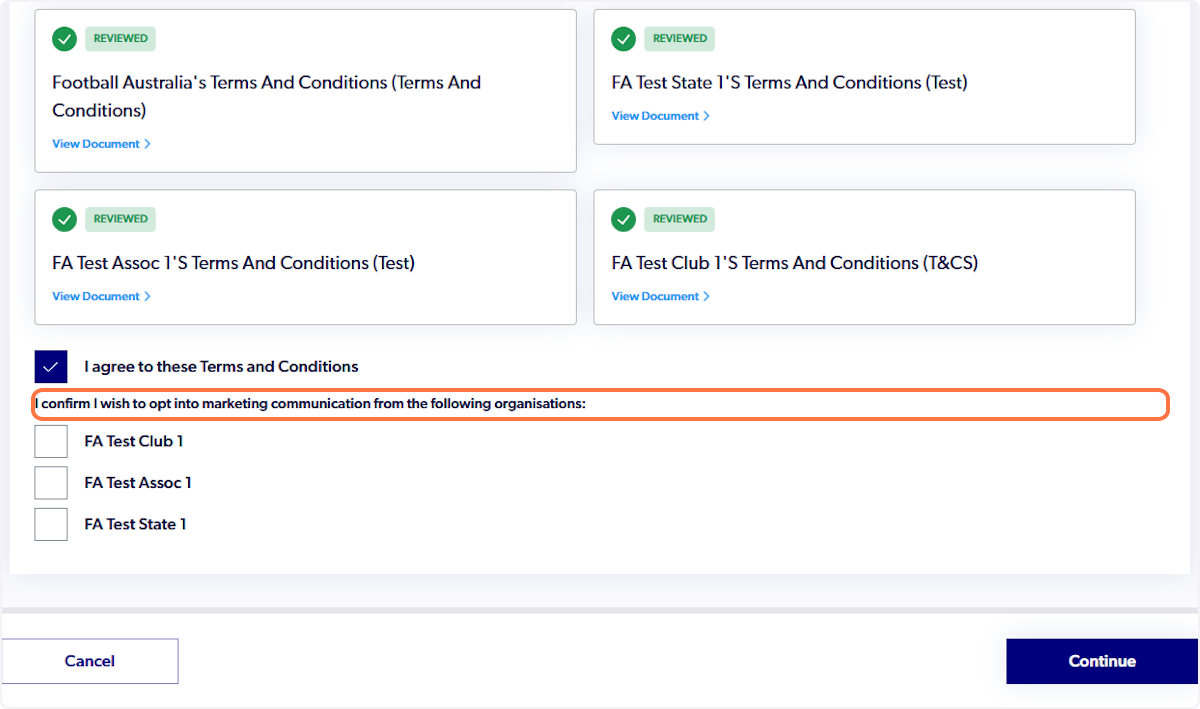
19. Click on 'Continue'
20. Click on 'Start'
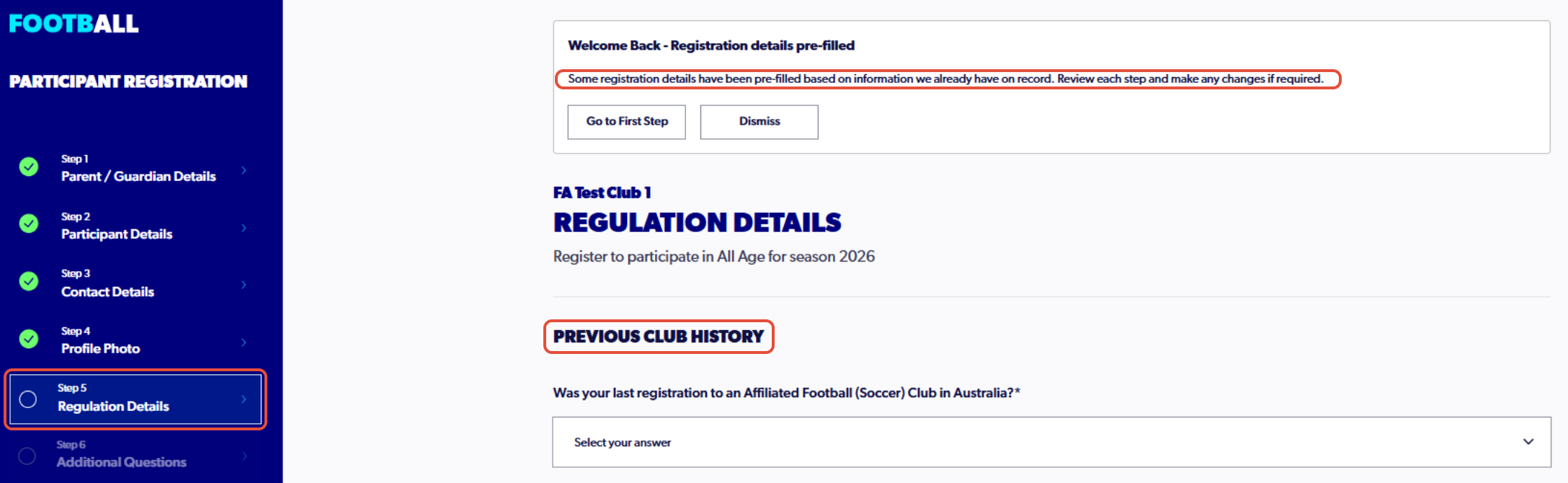
21. Continue with step 5, detailing previous playing history (As a returning participant steps 1 to 4 will be prepopulated)
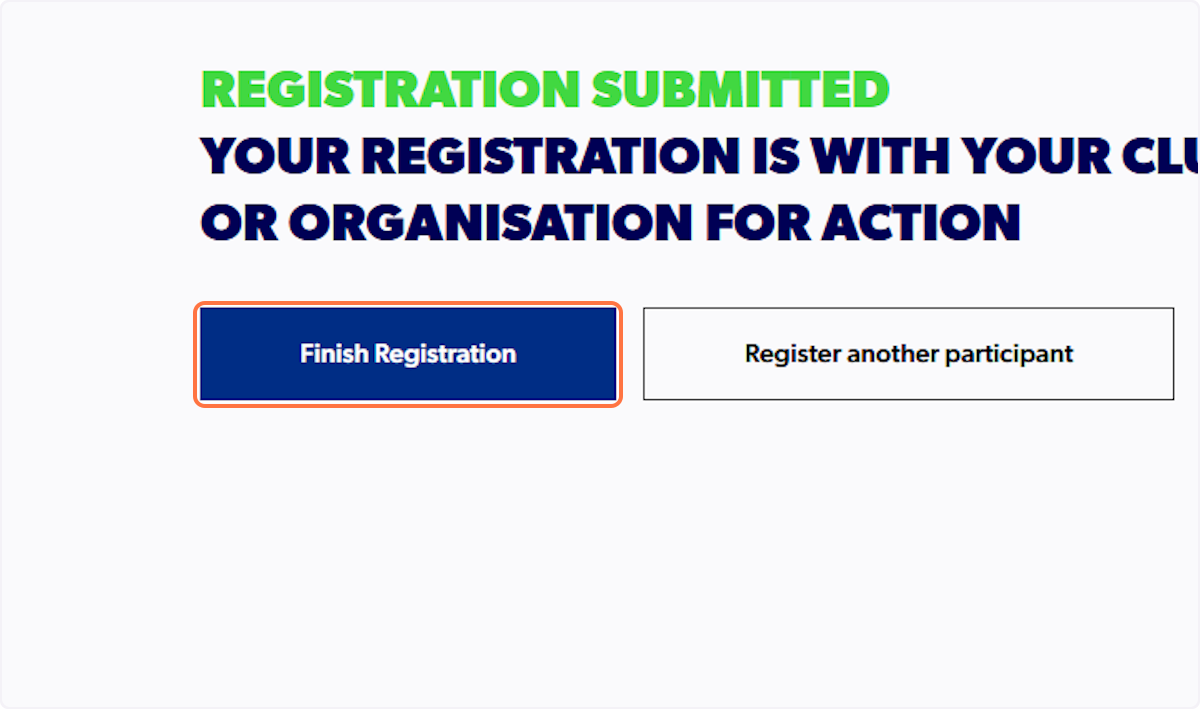
To confirm details or make any changes, the option to go back to previous steps is available
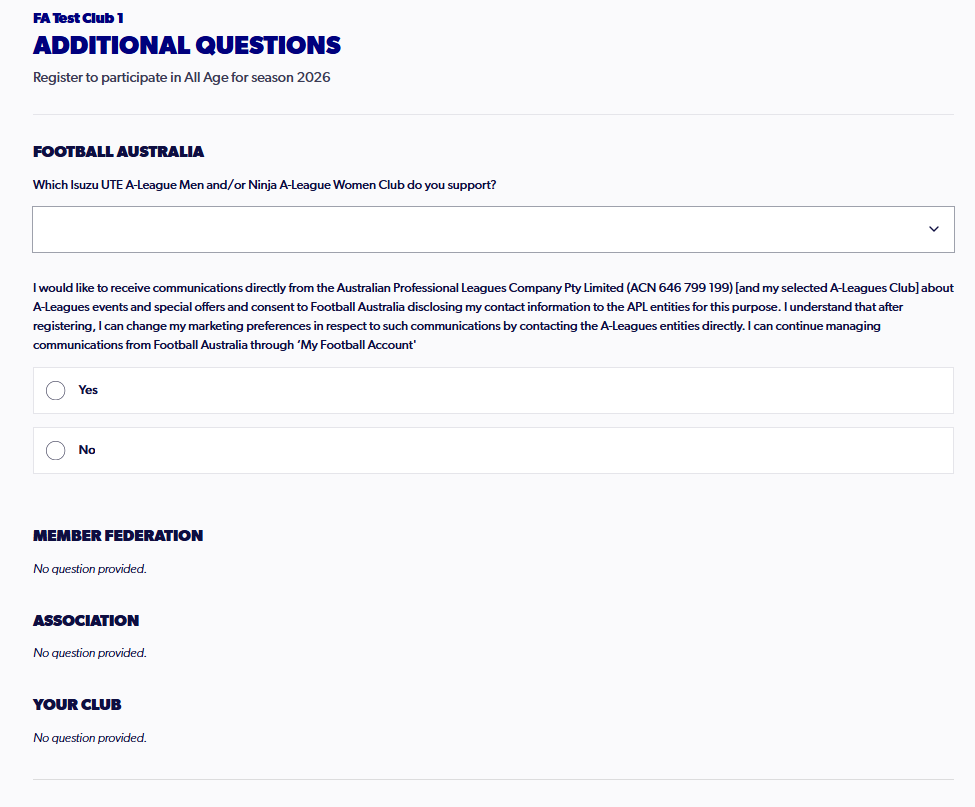
22. Progress through to step 6, answering the necessary additional questions
23. In step 7, review all details of the registration, ensuring that all details are correct
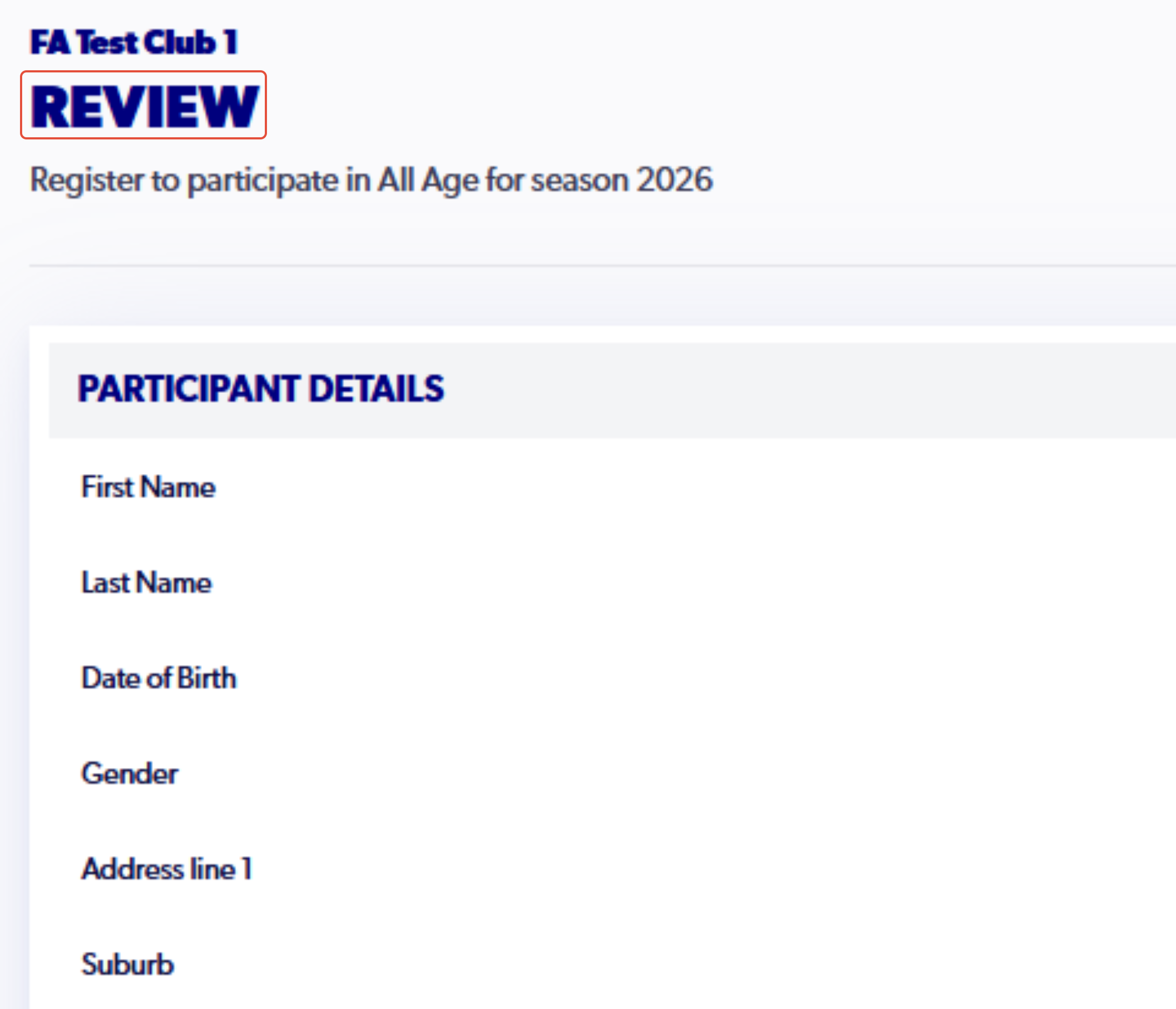
24. Once the details are confirmed to be correct, click 'Confirm and Pay Registration'
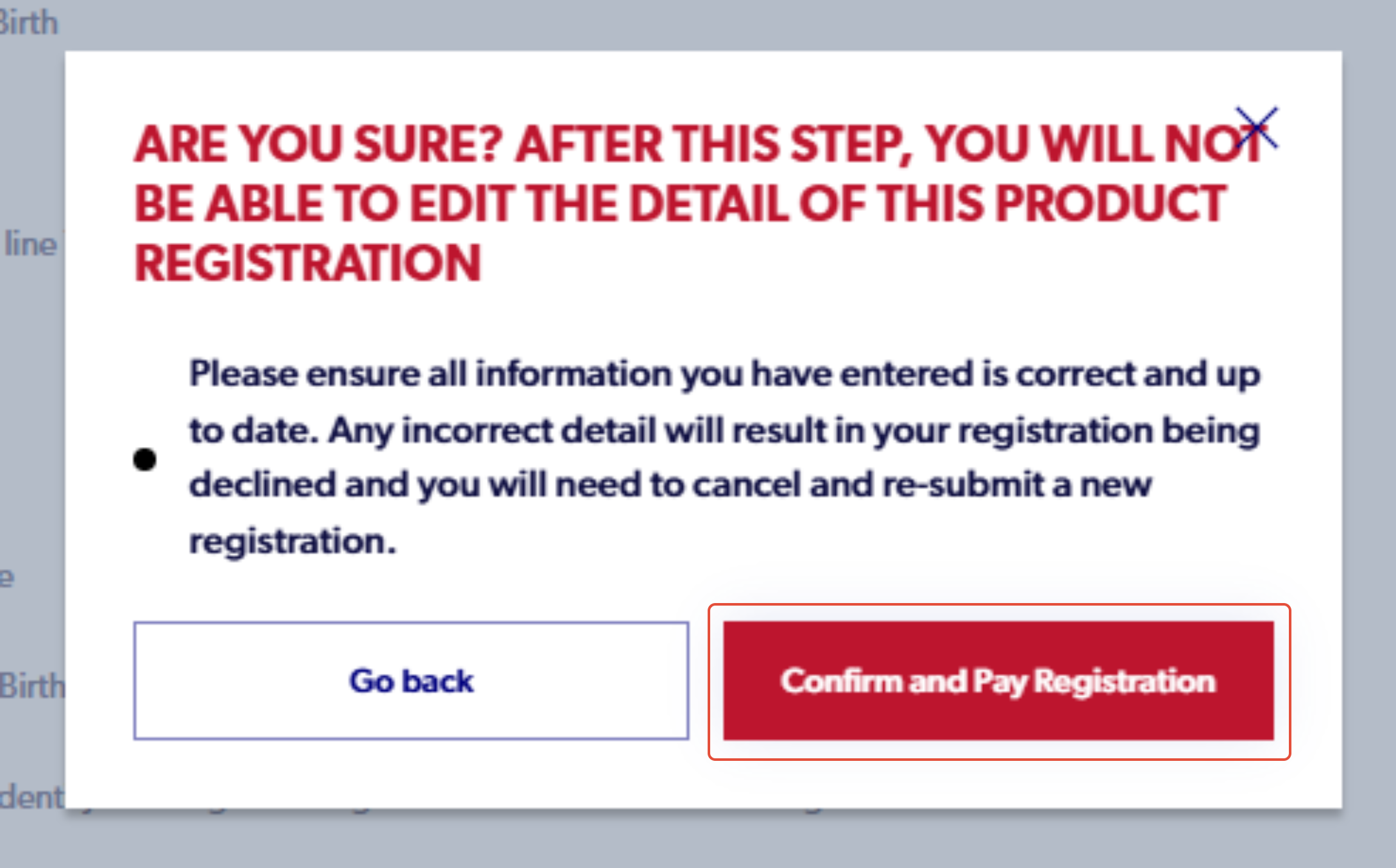
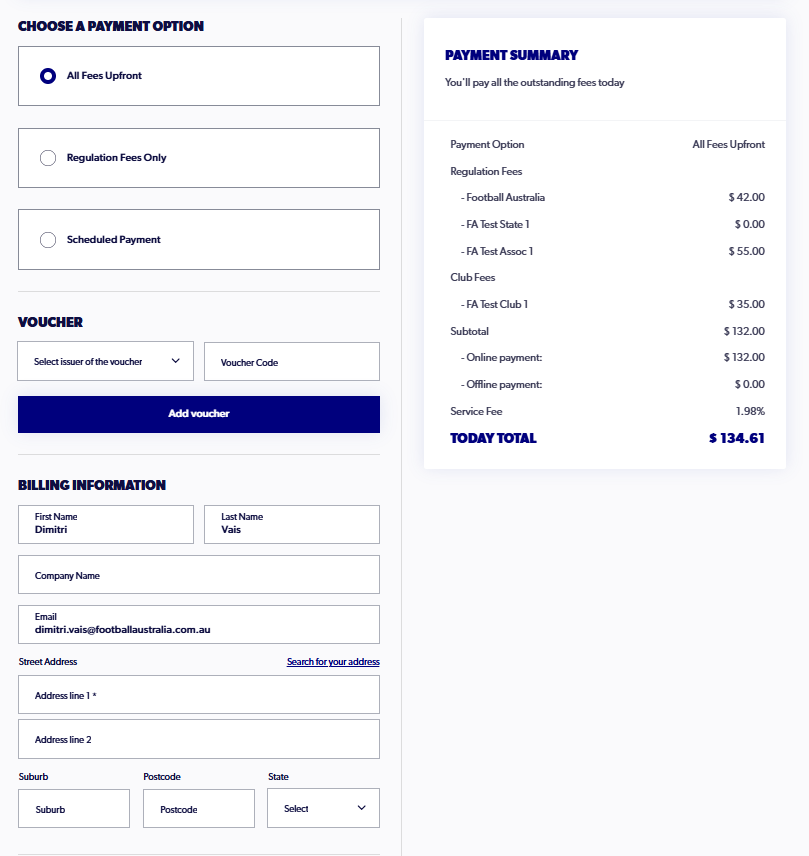
25. Fill in the correct billing information and card details, as well as review the payment summary
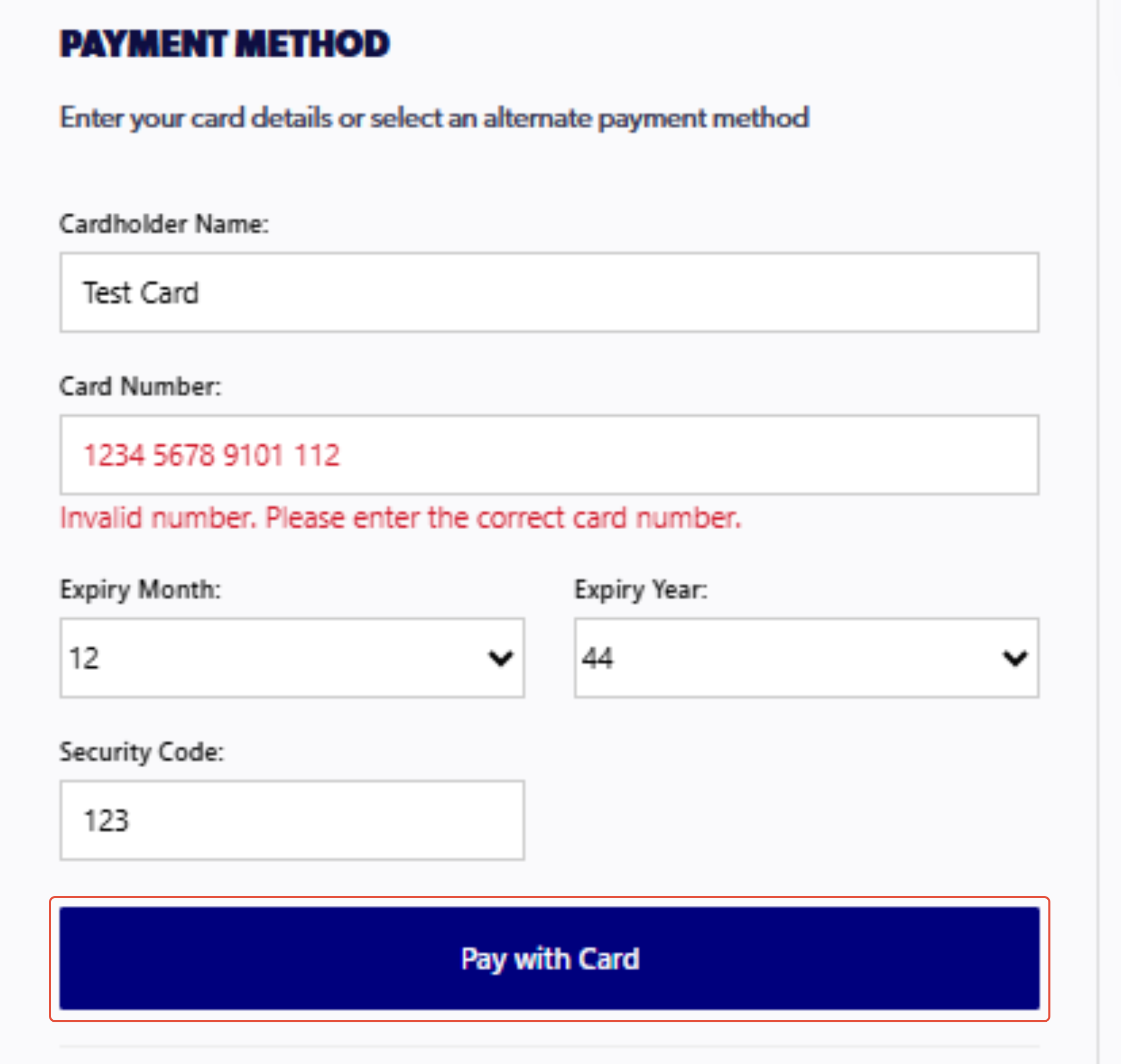
26. At the final step, click 'Pay with card'
27. Click on 'Finish Registration'