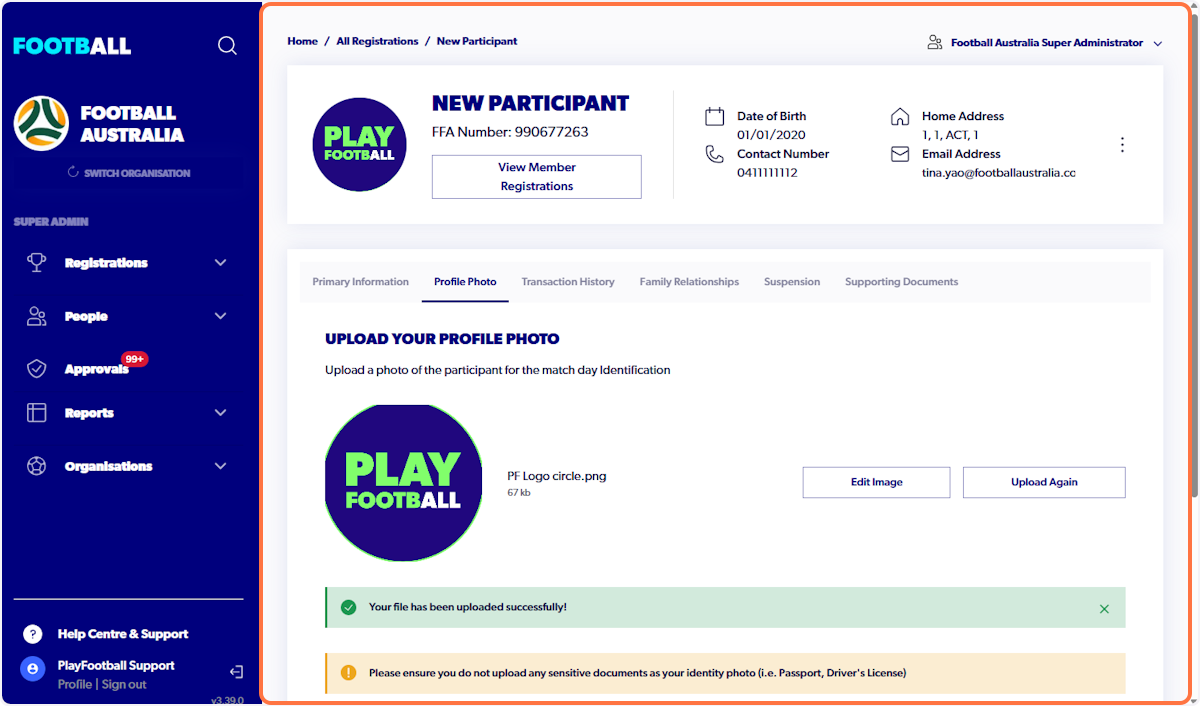
Profile Photos are no longer linked to each individual registration they are now linked to the profile. Once a photo is uploaded the participant will not have to reupload when registering again.
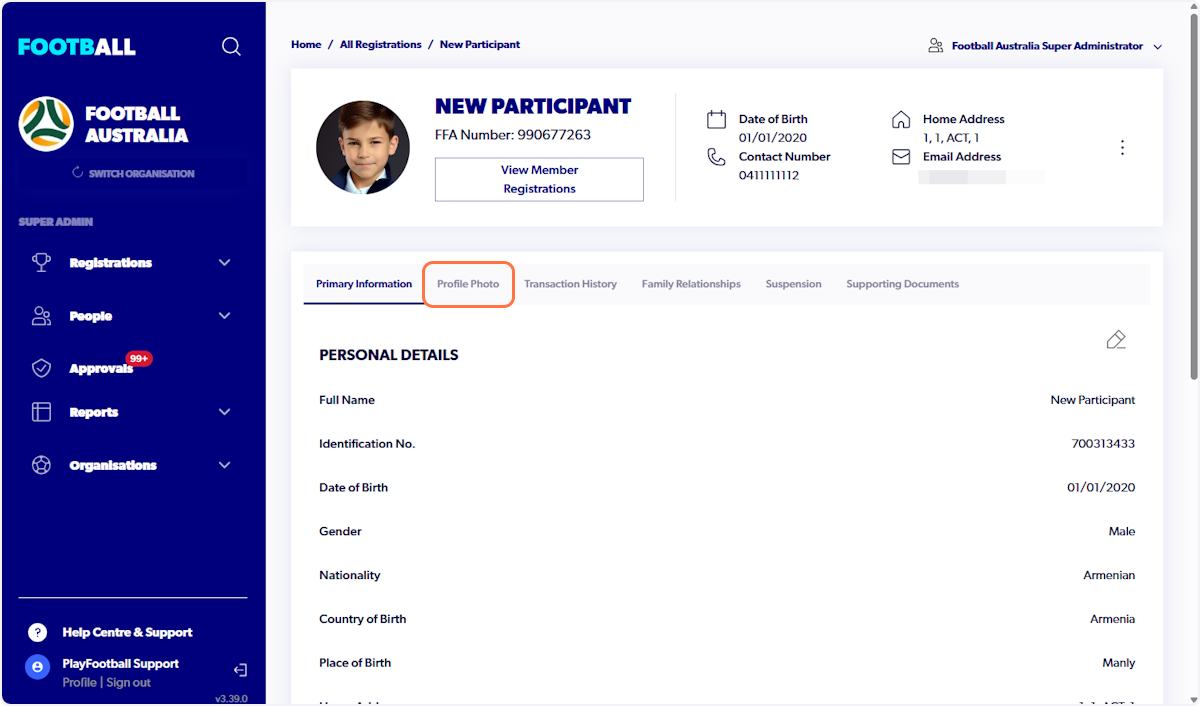
1. Click on Profile Photo
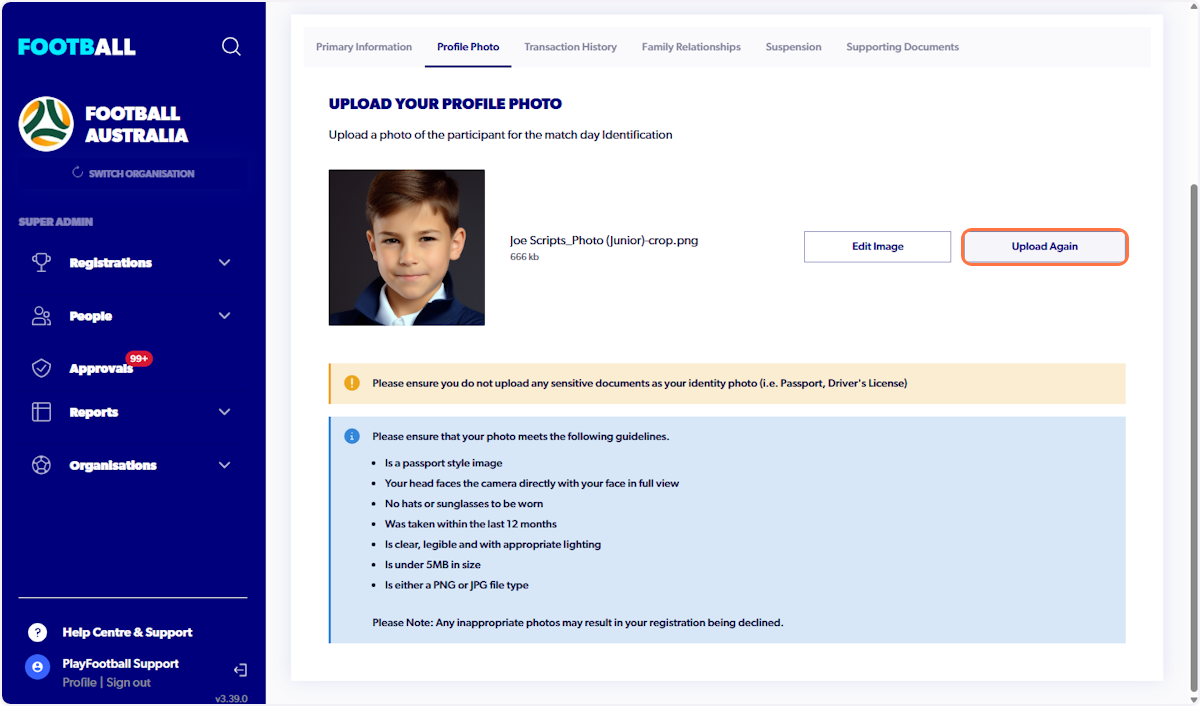
2. Click on Upload Again to change photo
Alternatively select edit image if you need to re-crop existing photo
3. Select new Profile Photo
Please ensure you do not upload a sensitive document
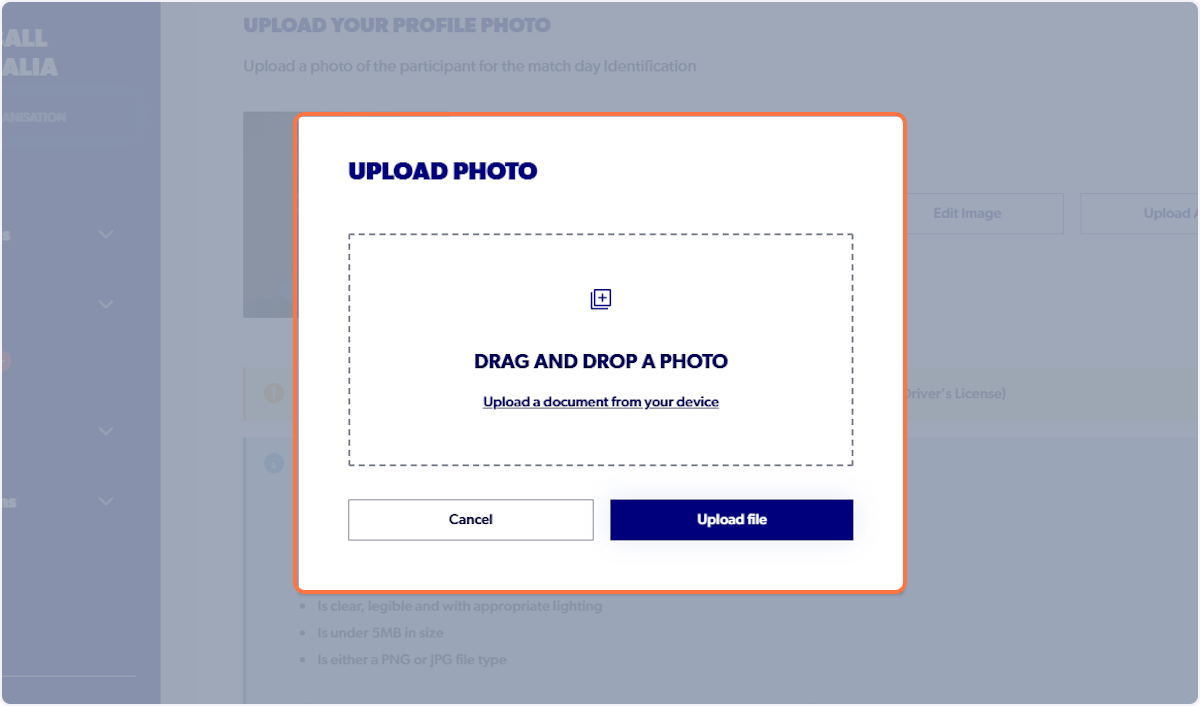
4. Click on Upload file
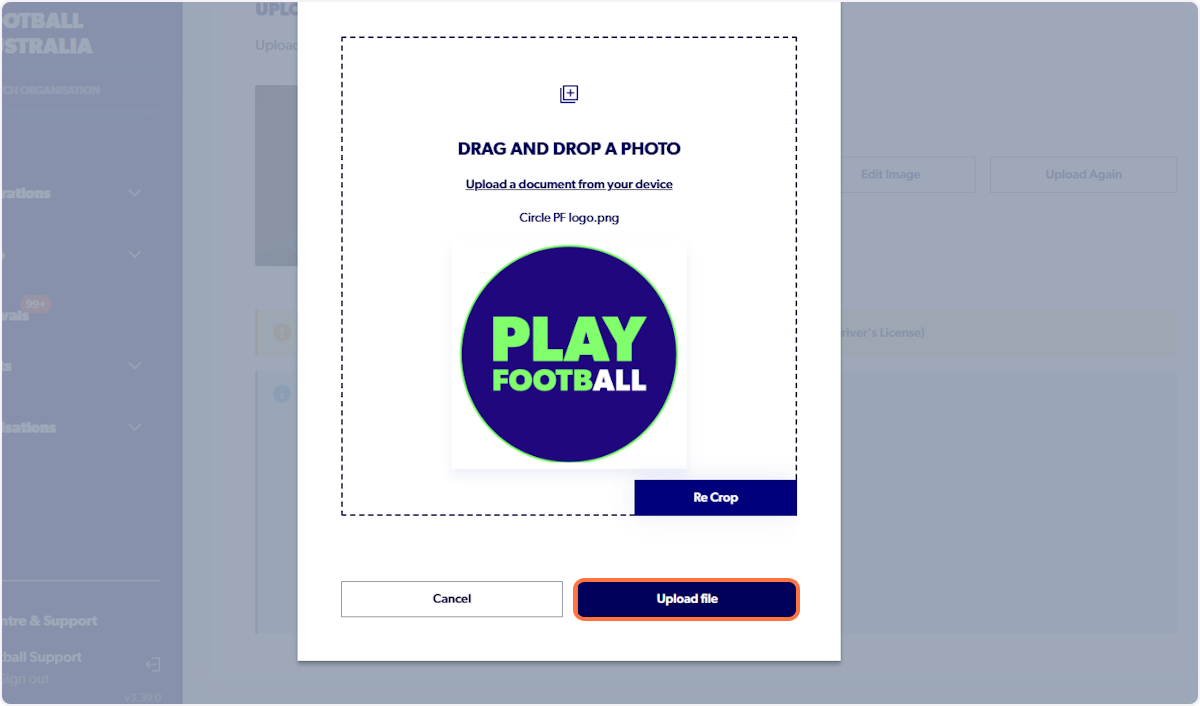
5. Profile photo will update automatically